Free trial
New users get 5 free credits on signup, enough to try a handful of reply generations before choosing a paid pack.
Learn moreYour AI dating coach for smarter, wittier chats.
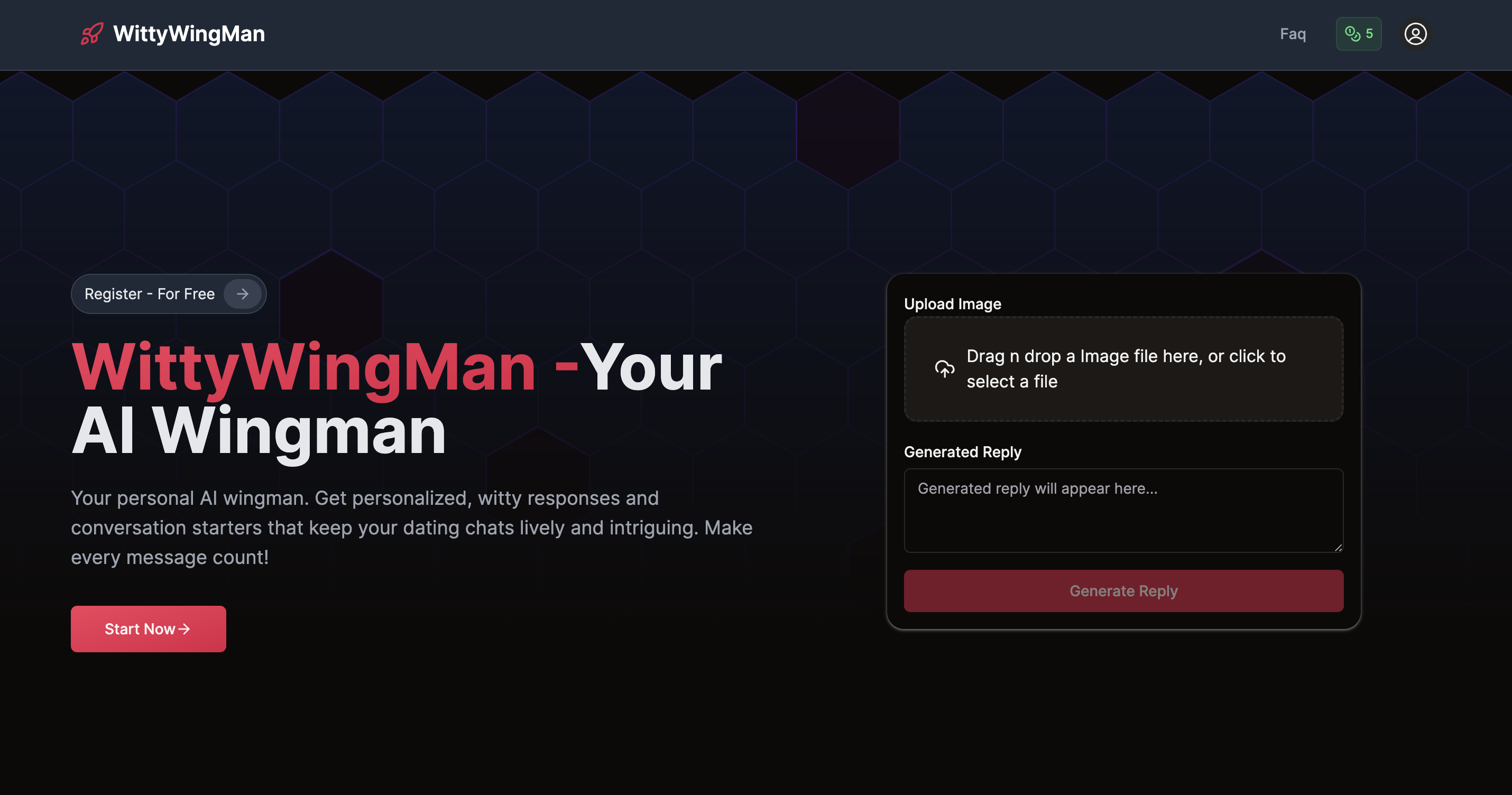
WittyWingMan turns dating chat screenshots into suggested replies, openers, and pick-up lines in a tone you pick. It is built for people who want faster, wittier messages without writing from scratch, and it uses a credit model where one credit equals one generation.
WittyWingMan is an AI dating coach that helps you craft better messages in online dating conversations. Instead of writing from scratch, you upload a screenshot of your chat, and the tool generates a suggested reply in a tone you choose. The pitch is speed and relevance: you get something to send in seconds, with the context of the existing exchange already baked in. The company says it has generated over 3,000 replies for more than 1,000 registered users, which gives a sense of scale without overstating maturity. The workflow is deliberately simple. You drag and drop or select a chat screenshot, pick a tone (the site shows "Witty" as an example), and hit a generate button to produce a reply. You can then copy the result and paste it into your dating app. Beyond replies, the product bundles conversation starters, help with eliminating small talk, and guidance for in-person intros, ask-outs, and polite breakups. The feature list also mentions real-time chat analysis, multilingual replies, and a privacy focus, though the site is light on technical detail about how those work in practice. It is aimed at people who freeze up on dating apps or want a second opinion on a message before sending it. That includes users who find small talk draining, people dating across languages, and anyone who wants a quick set of options rather than a blank text box. The credit model suits occasional use: you buy a pack, spend one credit per reply, intro, or pick-up line, and top up when you run out. Because it works from screenshots rather than an API connection to your dating app, there is no account linking and no automatic sending; the human stays in the loop for every message. Where it fits: it is a narrow utility rather than a full dating assistant. It does not manage matches or profiles, and it depends on you feeding it clean screenshots. Compared with generic chatbots, its advantage is the screenshot-first flow and dating-specific tone presets, but the output still needs your judgment before it goes out.
New users get 5 free credits on signup, enough to try a handful of reply generations before choosing a paid pack.
Learn moreCredit-based pricing with three packs: Basic at $5 for 10 credits, Standard at $9 for 40 credits, and Premium at $14 for 100 credits. One credit covers one reply, intro, or pick-up line generation, and generating again from the same image costs another credit. All plans include AI conversation assistance; higher tiers add more tones and advanced reply modes.
Learn moreThe Premium plan includes priority support. The homepage lists an FAQ section, but several answers appear as headings without visible content.
Core features include AI conversation starters, personalized reply suggestions, real-time chat analysis, tone selection, multiple reply modes, and multilingual output. The site also lists in-person intro guidance, ask-out help, and polite breakup advice as part of the toolkit. Input is via chat screenshot upload.
 AI Angels400+ customizable AI girlfriends for NSFW chat, voice calls, and roleplay
 Candy AIExperience the future of companionship with AI friends who chat, role-play, and connect with you on a human level.
 ourdream.aiA vast AI roleplay platform with millions of characters for chat, images, video and voiceAI Angels400+ customizable AI girlfriends for NSFW chat, voice calls, and roleplayCandy AIExperience the future of companionship with AI friends who chat, role-play, and connect with you on a human level.ourdream.aiA vast AI roleplay platform with millions of characters for chat, images, video and voice


