Free trial
The homepage invites visitors to try the slide maker for free and carries a free trial reference, but the length of the trial and what it includes are not specified on the page.
Learn moreTurn a prompt or a document into a finished slide deck

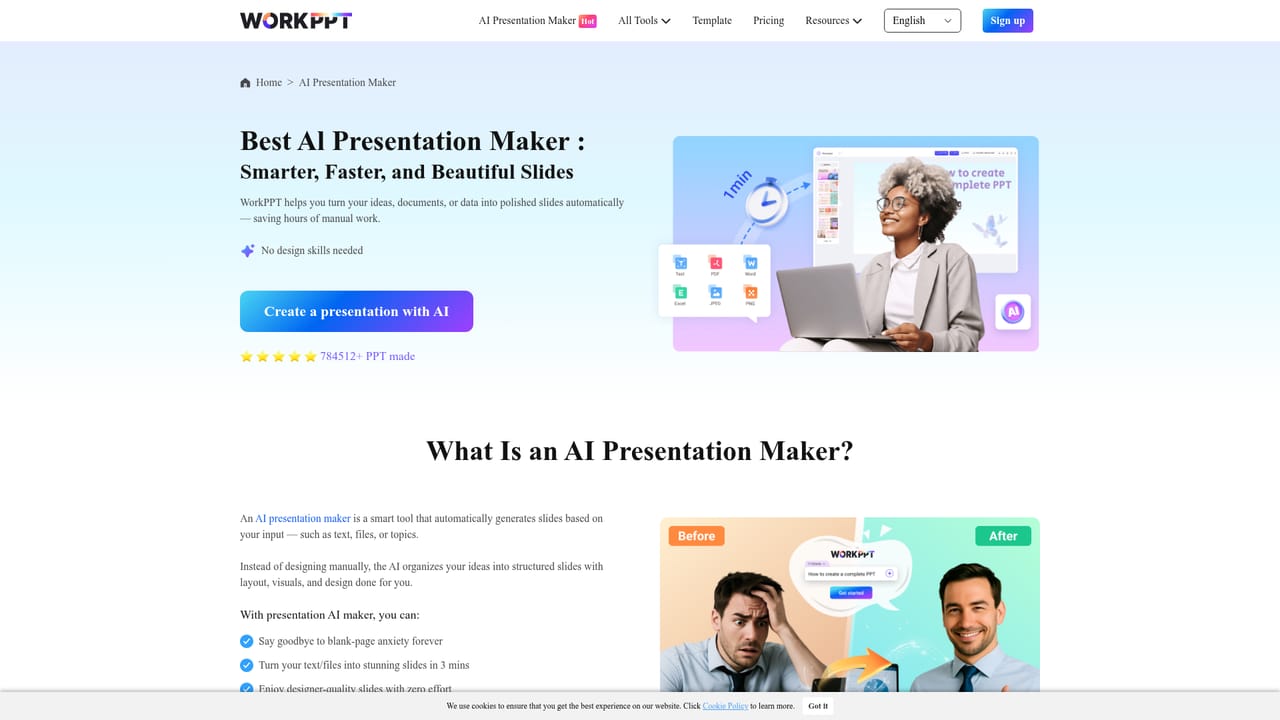
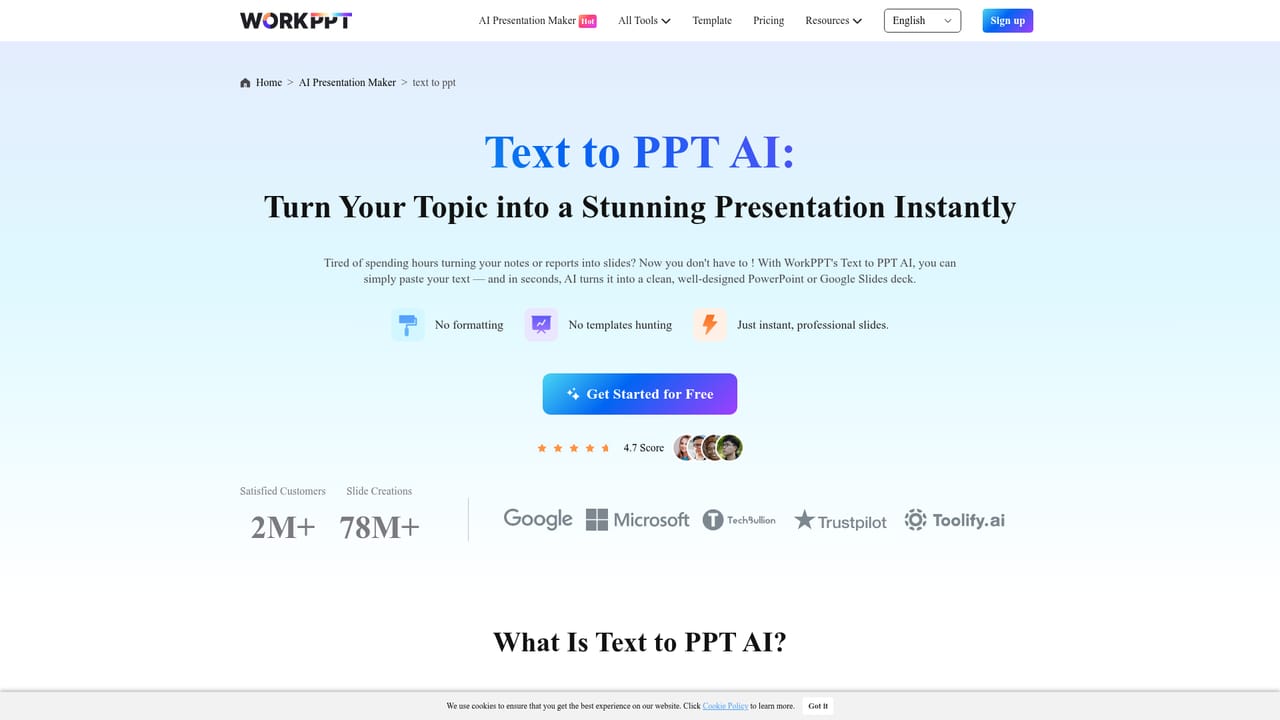
workppt is an AI summarizer tool that turns a prompt or a document into a finished slide deck. WorkPPT is a web based AI suite that generates PowerPoint decks from text prompts or uploaded Word, Excel, PDF and image files, backed by 5000+ templates plus bundled PDF editing, summarizer, mind map and chat tools.
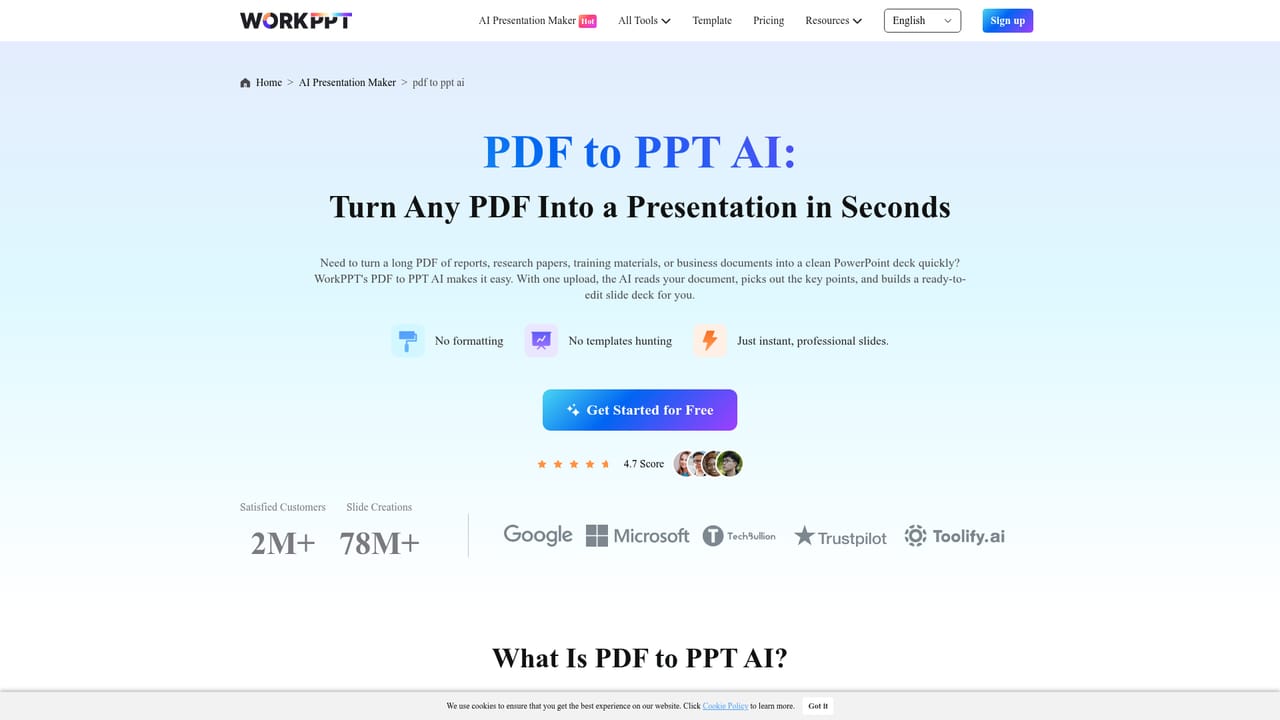
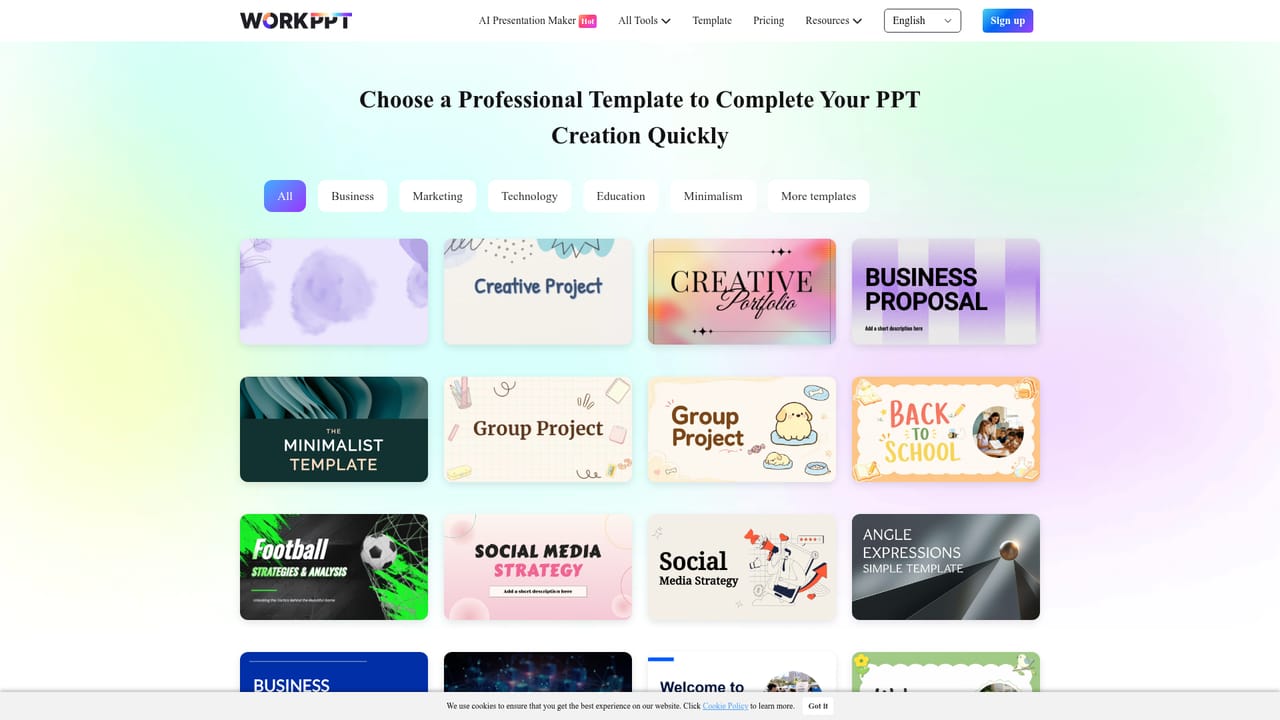
WorkPPT is a browser based productivity suite built around one headline job: producing PowerPoint style decks from a short text prompt or an uploaded file. The slide maker sits at the centre of the product, and the site positions it as the flagship tool. Users type a topic and the system drafts an outline, expands it into sections, and applies layout choices from a library of more than 5000 templates. The same engine accepts Word, Excel, PDF and image files, extracting the substance of a report or spreadsheet and rebuilding it as slides, which makes it useful for meeting decks, training material and recurring business reports. The presentation tool is only one piece of the offering. WorkPPT bundles a PDF workspace (merge, split, image to PDF, PDF to image, stamps and watermarks), a summarizer that condenses long documents into takeaways, a general chat assistant, and a mind map generator that turns a topic into a structured diagram. Because these utilities share one account and one interface, the practical workflow is coherent: summarize a long report, pull key points into a mind map, then generate the deck from the same material without moving between subscriptions. It is aimed at people who build slides regularly but do not want to design them: consultants, sales teams, teachers, trainers and operations staff preparing reports. The site reports more than two million customers across 190 countries, and the layout model is clearly tuned for speed rather than pixel level control. Users who need bespoke visual systems, animation, or fine typographic handoff will likely still finish work in PowerPoint or Google Slides after export. Alternatives in this space split into pure AI slide generators and general document suites. WorkPPT's differentiator is the PDF and summarizer bundle around the deck builder, which suits document heavy roles. Those who only occasionally need slides may find a standalone generator or the built in AI features of Google Slides sufficient.
The homepage invites visitors to try the slide maker for free and carries a free trial reference, but the length of the trial and what it includes are not specified on the page.
Learn moreThe site lists a contact route for questions about guides and licensing and hosts a guide page plus a blog with tutorials, but no dedicated help centre or live support channel is described.
Learn moreCore features: AI slide generation from a prompt, file to PPT conversion for Word, Excel, PDF and images, a library of 5000+ templates, and auto-layout with smart template matching. The suite also includes an AI summarizer, AI chat, an AI mind map generator, and PDF utilities for merging, splitting, converting, stamping and watermarking.
Learn more AI Angels400+ customizable AI girlfriends for NSFW chat, voice calls, and roleplay
 Candy AIExperience the future of companionship with AI friends who chat, role-play, and connect with you on a human level.
 ourdream.aiA vast AI roleplay platform with millions of characters for chat, images, video and voiceAI Angels400+ customizable AI girlfriends for NSFW chat, voice calls, and roleplayCandy AIExperience the future of companionship with AI friends who chat, role-play, and connect with you on a human level.ourdream.aiA vast AI roleplay platform with millions of characters for chat, images, video and voice





