Free trial
Free access is advertised with no credit card required at signup. A further offer on the page mentions 10,000 words per month for free after entering a name and email.
Learn moreBrief it in a sentence, get a shootable video script back in minutes.

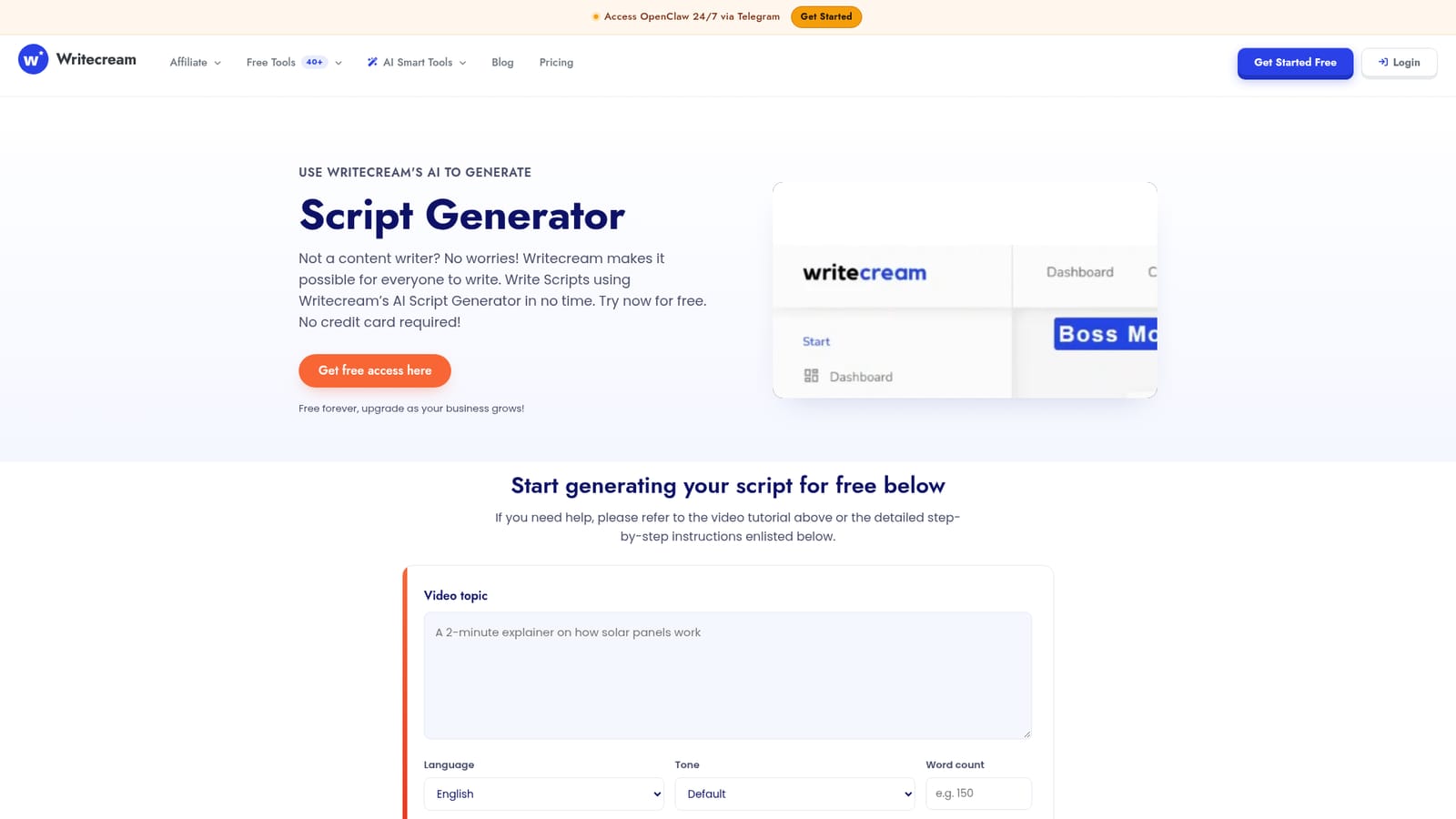
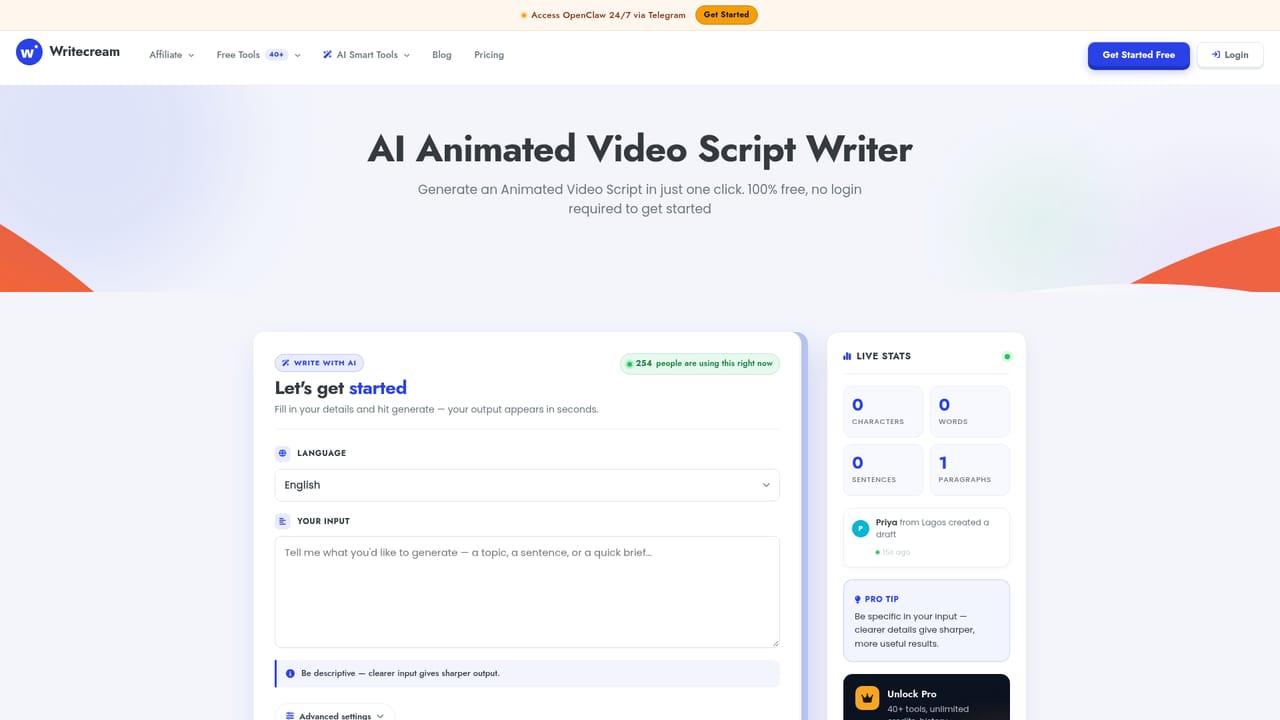
Writecream is a content writing tool. A free to try script writer inside the Writecream dashboard: enter a topic, pick language, tone and word count, and get a draft video script, with a rerun button for a fresh take on the same brief.
Writecream's AI Script Generator is a browser based writing tool aimed at people who need a video script but do not consider themselves writers. The generator page asks for a video topic, a language, a tone and a word count, then produces a draft script on demand. The languages offered in the dropdown include English, Spanish, French, German, Portuguese, Italian, Dutch and Hindi, and the tone list runs from Professional and Casual through Friendly, Persuasive and Formal to a Default setting. Results appear in the same window, and a Generate again button reruns the same brief when the first draft misses the mark. The tool sits inside a broader Writecream account rather than standing alone. The documented path goes through Command Mode on the dashboard, where a plain language instruction is typed in, for example a request for an Instagram reels script on career growth motivation for young people. Writecream advises writing the topic in detail so the output covers the angles you intend for the footage, and changing the command wording to steer length and framing. The same Command Mode covers stories, product descriptions, ads and other text, which makes the script generator one setting inside a general purpose writer rather than a specialist screenwriting suite. Use cases promoted on the page include video scripts, TikTok and short form social scripts, podcast material, animated video and audiobook or advertisement variants through the related tools. Writecream states that generated output is original, that a plagiarism checker is available in the dashboard, and that users hold the rights to what they generate. The audience is practical: solo creators, small marketing teams, social media managers and founders who would otherwise spend hours blue-skying a concept before recording. Against dedicated screenwriting software, Writecream wins on speed and price of entry but gives up structure, scene formatting and collaboration tools. It is a drafting shortcut for short form video, not a replacement for a production pipeline.

Free access is advertised with no credit card required at signup. A further offer on the page mentions 10,000 words per month for free after entering a name and email.
Learn moreFree forever entry with paid upgrades as usage grows, according to the page. No specific plan prices, word limits or tier names are published on this page, so costs beyond the free level cannot be confirmed from the source.
Learn moreSupport is available through the chat button on the site or by email at support@writecream.com. Video walkthroughs for features and common issues are hosted on the Writecream YouTube channel.
Topic, language, tone and word count inputs with a Generate again rerun, reached through Command Mode on the dashboard. The same mode handles stories, product descriptions and ads. Related generators cover advertisement, advertising, animated video, audiobook, chatbot and stage play scripts.
 AI Angels400+ customizable AI girlfriends for NSFW chat, voice calls, and roleplay
 Candy AIExperience the future of companionship with AI friends who chat, role-play, and connect with you on a human level.
 ourdream.aiA vast AI roleplay platform with millions of characters for chat, images, video and voiceAI Angels400+ customizable AI girlfriends for NSFW chat, voice calls, and roleplayCandy AIExperience the future of companionship with AI friends who chat, role-play, and connect with you on a human level.ourdream.aiA vast AI roleplay platform with millions of characters for chat, images, video and voice