Free trial
No credit card needed to begin. The free tier includes three transcripts per day with ten AI credits for summaries, though transcript history resets weekly.
Learn moreYouTube transcripts plus an AI studio that repurposes them.

YTScribe transcribes YouTube videos and repurposes the text into threads, blog drafts, cheatsheets, summaries and clip scripts, with translation across 50+ languages and TXT, JSON or SRT exports. Free tier gives three transcripts a day with no signup; Unlimited removes the caps.
YTScribe is a web tool that pulls a transcript from a YouTube video and then turns that text into repurposed content. You paste a video link, the service returns the transcript, and the built in AI Studio generates derivative assets from it: visual one page cheatsheets, Twitter threads, blog posts, viral clip scripts, and condensed summaries of the key takeaways. A translation layer covers more than 50 languages, so the same source video can feed an English thread, a Spanish summary, and a localized blog draft without a separate translation step. The practical workflow is aimed at people who already publish video and want more mileage out of each upload. A podcaster can drop a long interview in and walk away with a thread breakdown, an article draft, and a shareable graphic. A marketer can localize a product walkthrough for several markets. A team can skim a summary instead of watching a 90 minute recording. Exports arrive as TXT, JSON, or SRT, which means the raw transcript also drops into subtitle editors and caption pipelines, not just the AI outputs. Compared with dedicated transcription services, YTScribe is narrower (it takes YouTube links, not uploaded audio files) but goes further downstream with the content generation layer. Compared with general purpose AI writers, it starts from a real transcript rather than a blank prompt, which keeps the outputs tethered to what was actually said on the video. Access is simple: no credit card and no registration required to start, with three transcripts per day on the free tier, ten daily AI credits for summaries, and transcript history cleared weekly. The Unlimited plan removes the transcript cap, unlocks the full studio, keeps history permanently, and jumps the processing queue. Creators who transcribe occasionally can stay on free indefinitely; anyone running a content operation will hit the daily limits quickly.
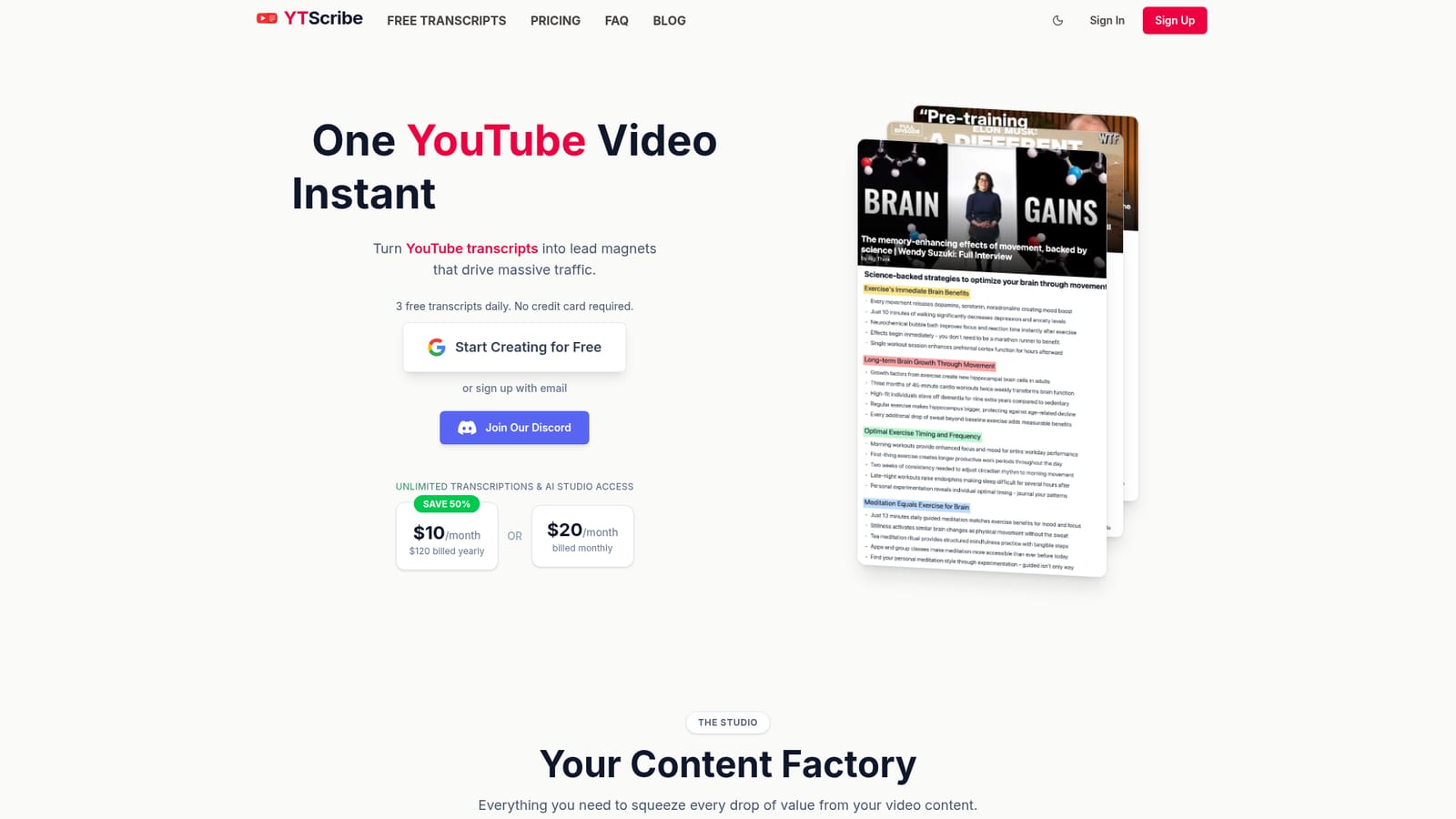
No credit card needed to begin. The free tier includes three transcripts per day with ten AI credits for summaries, though transcript history resets weekly.
Learn moreFree tier: 3 transcripts daily, 10 AI credits per day, history cleared weekly, standard queue. Unlimited: $20 per month billed monthly, or $10 per month when billed yearly at $120 (50% saving), with unlimited transcripts, full AI Studio access, permanent history and highest queue priority.
Learn moreSupport runs through the FAQ covering transcripts, export formats, translation, AI Studio, plans, password resets and cancellation, plus a public Discord community for help.
Transcribes YouTube videos, translates into 50+ languages, and exports in TXT, JSON or SRT. The AI Studio turns a transcript into visual cheatsheets, Twitter threads, SEO oriented blog drafts, viral clip scripts and key takeaway summaries. Paid plans add unlimited transcripts, unlimited AI generation, permanent history and front of queue processing.
 AI Angels400+ customizable AI girlfriends for NSFW chat, voice calls, and roleplay
 Candy AIExperience the future of companionship with AI friends who chat, role-play, and connect with you on a human level.
 ourdream.aiA vast AI roleplay platform with millions of characters for chat, images, video and voiceAI Angels400+ customizable AI girlfriends for NSFW chat, voice calls, and roleplayCandy AIExperience the future of companionship with AI friends who chat, role-play, and connect with you on a human level.ourdream.aiA vast AI roleplay platform with millions of characters for chat, images, video and voice








