Free trial
The homepage offers a "Get Started for free" sign up route, which suggests a free entry point before paid plans. The scope of that free access is not stated.
Learn moreCampaign-ready blog content and social posts from a single brief

8arms.ai is an autoblogger tool. An AI marketing content generator that turns a campaign brief into scheduled blog posts, social short form versions and a content calendar you can review and approve before publishing.
8arms.ai is a marketing content generator built around a simple premise: instead of drafting blog posts and social campaigns from a blank page, you describe the campaign and the tool produces scheduled content for you. The interface is fronted by a mascot named Graham the Octopus, whose eight arms are a visual shorthand for the parallel work of writing long form posts and the short form social versions that follow them. The workflow is a five stage loop. You supply details about the campaign (industry, goals, themes, preferred tone of voice), the system returns a set of suggestions for scheduled blog posts, and you review and approve or edit what it produces. From the approved material it generates short form versions aimed at each social platform, and finally assembles everything into a campaign schedule you can inspect before anything goes live. Output is deliberately portable. Blog posts are produced in Markdown and HTML so they can be pasted into a CMS or used as-is, and the tool also exports to sheet format for sharing inside a team. An SEO keyword option lets you specify terms and target densities so posts are written to those constraints rather than edited afterwards to fit them. Contentful export is listed as a coming integration, along with post scheduling to Twitter, LinkedIn and Facebook, so the publishing leg is not yet hands off. The target user is a small marketing team or solo operator who needs a steady editorial cadence without a writing retainer. Compared with general chat assistants, 8arms.ai trades open ended prompting for a structured campaign brief, which reduces setup effort but also constrains how far you can steer a single piece. Because scheduling and CMS export are marked coming soon, treat it as a drafting and planning engine today, not a full publishing pipeline.
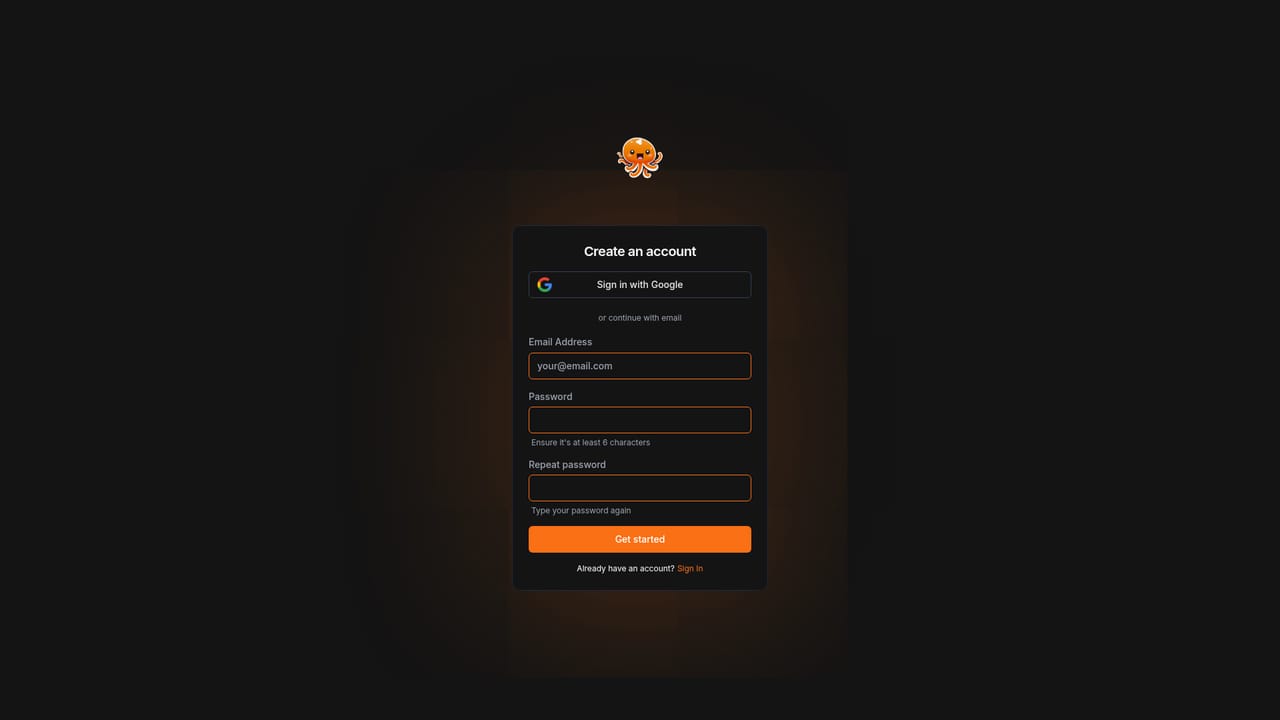
The homepage offers a "Get Started for free" sign up route, which suggests a free entry point before paid plans. The scope of that free access is not stated.
Learn morePlans start at $9.99 per month according to the homepage. The full tier structure, usage limits and what each plan includes are not described in the homepage copy, so the pricing page is the place to confirm the details.
Learn moreOne click export to Contentful is listed as coming soon, and a sheet export is available for sharing within a team. Scheduled posting to Twitter, LinkedIn and Facebook is also marked coming soon.
Campaign brief input covering industry, goals and themes, plus a settable tone of voice. Generates scheduled blog posts, then short form social versions for multiple platforms and a final campaign schedule view. Posts export as Markdown, HTML or spreadsheet, with an SEO keyword option that targets specified densities. Contentful export, social scheduling and hero image generation are listed as coming soon.
 AI Angels400+ customizable AI girlfriends for NSFW chat, voice calls, and roleplay
 Candy AIExperience the future of companionship with AI friends who chat, role-play, and connect with you on a human level.
 ourdream.aiA vast AI roleplay platform with millions of characters for chat, images, video and voiceAI Angels400+ customizable AI girlfriends for NSFW chat, voice calls, and roleplayCandy AIExperience the future of companionship with AI friends who chat, role-play, and connect with you on a human level.ourdream.aiA vast AI roleplay platform with millions of characters for chat, images, video and voice


