Free trial
The homepage offers a free way to start creating, which routes new users into the product to test the editor, resizer and AI tools before committing.
Learn moreDesign, animate and scale ad creative with AI in one editor
Own Ad Studio by The Brief? Verify ownership to get a dofollow link
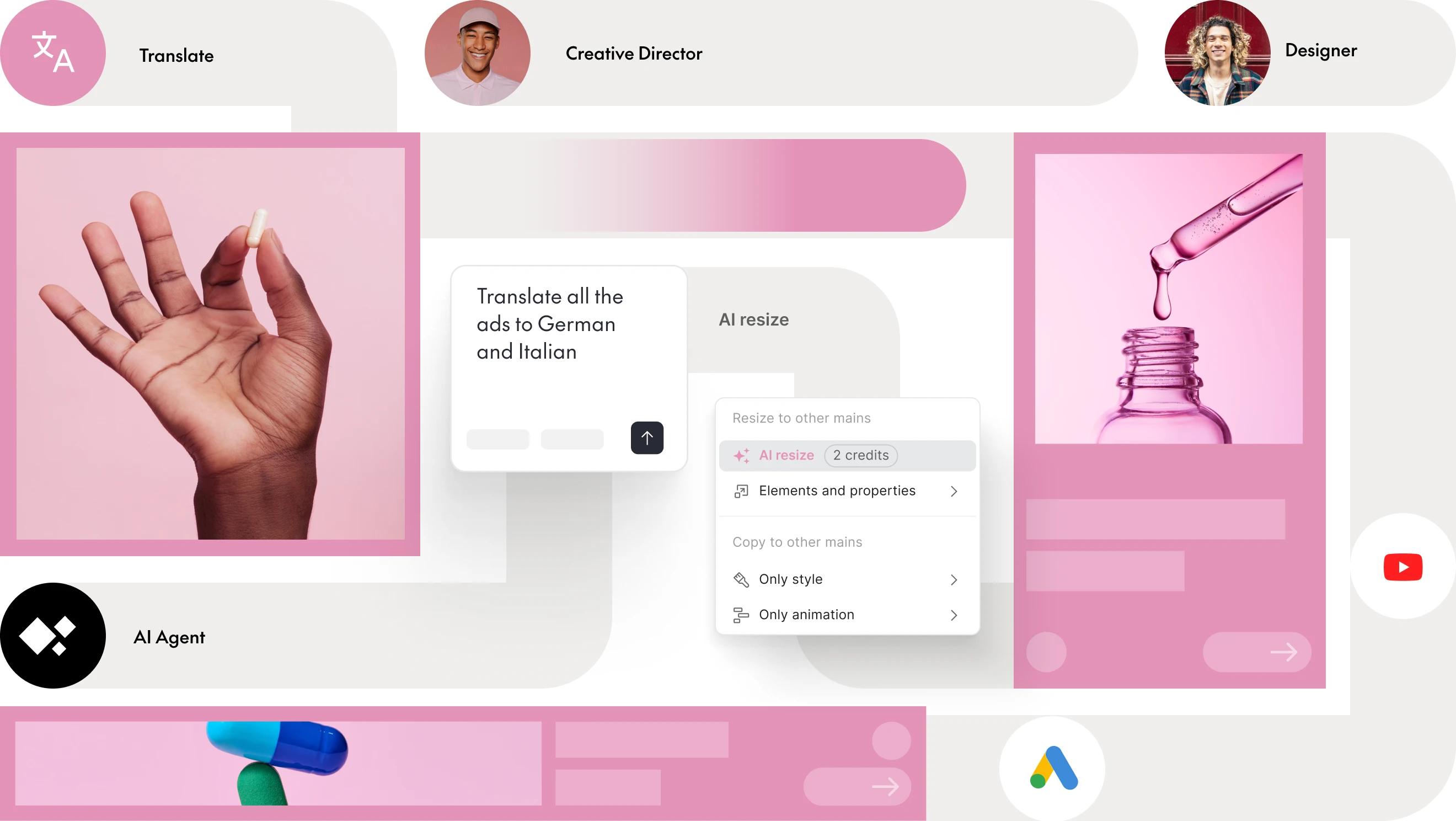
Ad Studio by The Brief is a banner image generator tool that designs animate and scale ad creative with AI in one editor.
Ad Studio from The Brief (the company formerly known as Creatopy) is a browser based production environment for advertising creative. It pairs a professional design editor with AI image, video and copy generation, a timeline based animation tool, a banner resizer that turns one master layout into 50 or more formats, and dynamic data feeds that spin a single template into thousands of personalized variations. The pitch is aimed at teams that produce large volumes of display and social ad work and cannot afford to rebuild each size by hand. The workflow is designer centric rather than fully automated. You start from a design, either imported from Creatopy or built fresh, then branch it into the sizes you need, keyframe motion in the animation editor, and swap static assets for AI generated imagery or video where stock would look generic. Data feeds attach spreadsheet style records to a template so product names, prices and images update per variation. Finished assets move through export workflows or are served directly as ads, and HTML5 output is supported for interactive display units. The tool is built for creative and marketing teams at brands and agencies, especially studios juggling localization, product catalogs or always on performance testing. The site cites adoption by 5,000 plus brands and agencies across 133 countries and more than 2.5 million exported ads, which frames it as a production workhorse rather than an experiment. Against simpler AI banner generators it offers far more control over layout and motion; against traditional design suites it adds resizing, feed driven personalization and AI asset generation in the same place. Newcomers can start creating for free, and enterprise conversations run through a dedicated contact route. Teams that want only a single generated image or a quick copy variant may find the editor heavier than needed, but for recurring ad production at scale the combination of precise editing, animation and data driven variation is the core reason to choose it.
The homepage offers a free way to start creating, which routes new users into the product to test the editor, resizer and AI tools before committing.
Learn moreEnterprise enquiries go through a dedicated get in touch route; the homepage does not describe self serve support channels or SLAs.
Learn moreCore capabilities listed on the page: a professional design editor, resizing to 50 or more formats, a timeline animation editor, HTML5 ad creation, AI generation of images, video and copy, dynamic data feeds for thousands of personalized variations, direct ad serving and export workflows.
Learn more AI Angels400+ customizable AI girlfriends for NSFW chat, voice calls, and roleplay
 Candy AIExperience the future of companionship with AI friends who chat, role-play, and connect with you on a human level.
 ourdream.aiA vast AI roleplay platform with millions of characters for chat, images, video and voiceAI Angels400+ customizable AI girlfriends for NSFW chat, voice calls, and roleplayCandy AIExperience the future of companionship with AI friends who chat, role-play, and connect with you on a human level.ourdream.aiA vast AI roleplay platform with millions of characters for chat, images, video and voice