Free trial
A free plan grants 50 complimentary credits at sign-up, enough for roughly 10 product sets, with bulk tools capped at 5 images.
Learn moreOne product photo becomes a full marketplace listing set

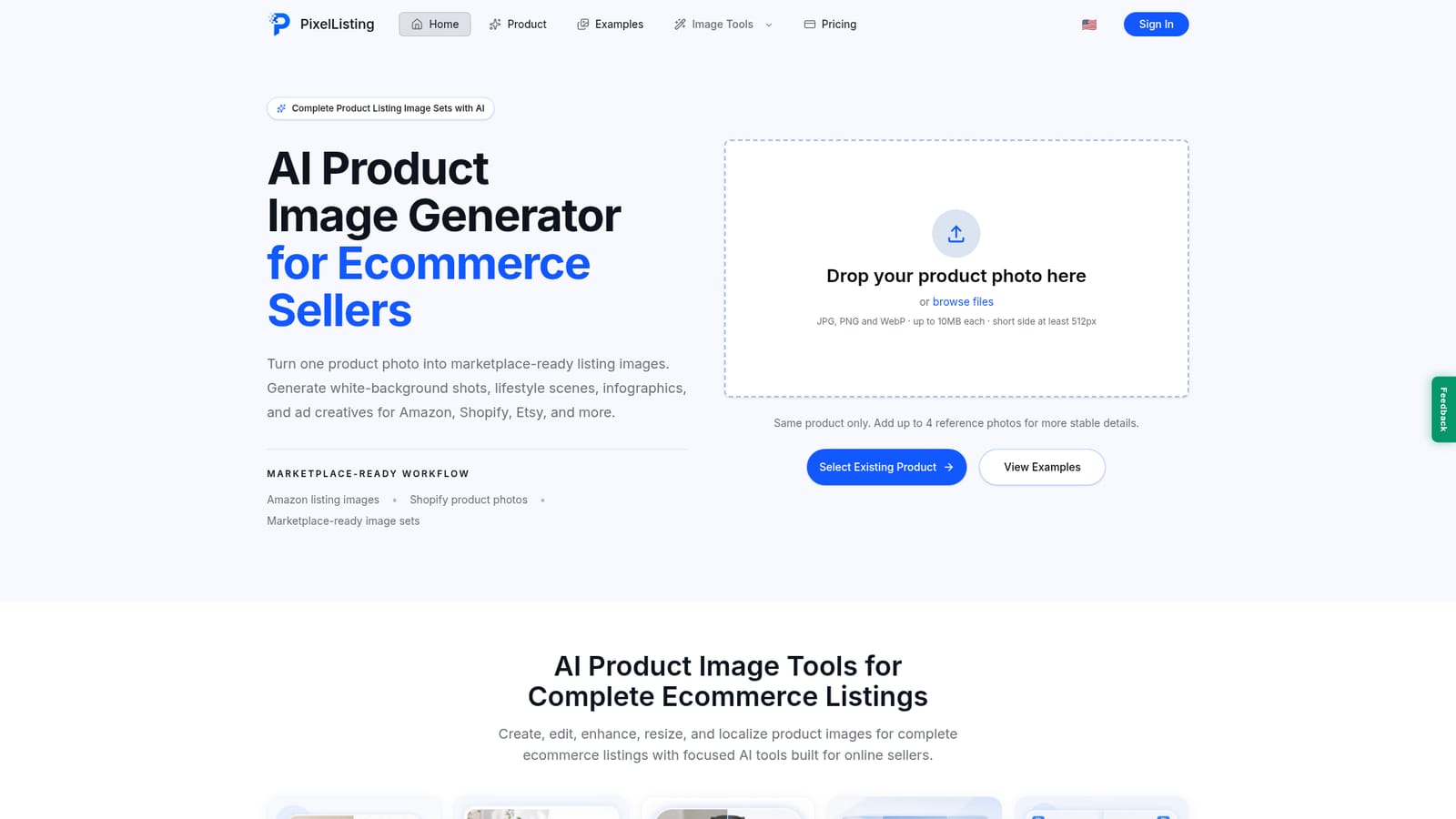
PixelListing turns a single product photo into a complete ecommerce listing image set: white-background main images, lifestyle scenes, detail shots, infographics, and ad creatives sized for Amazon, Shopify, Etsy, TikTok Shop, and more than ten other channels. It adds bulk background removal, image extension, in-image translation, and style transfer tools on the side.
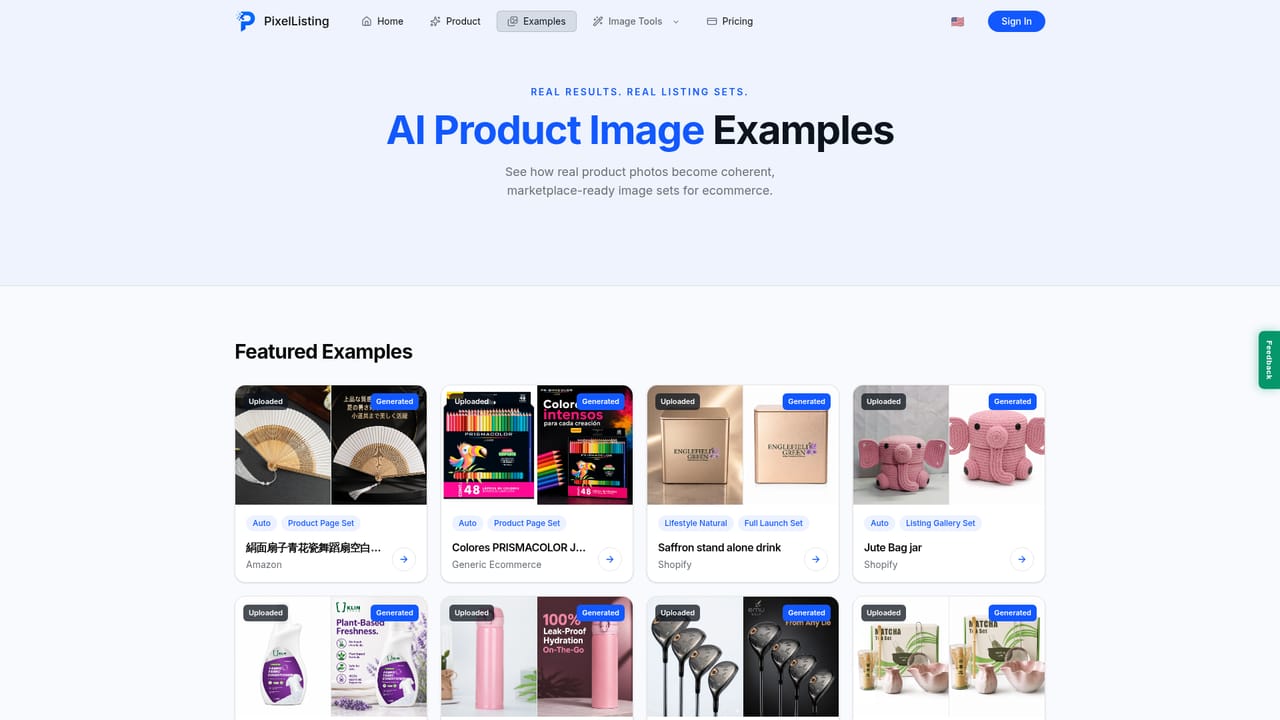
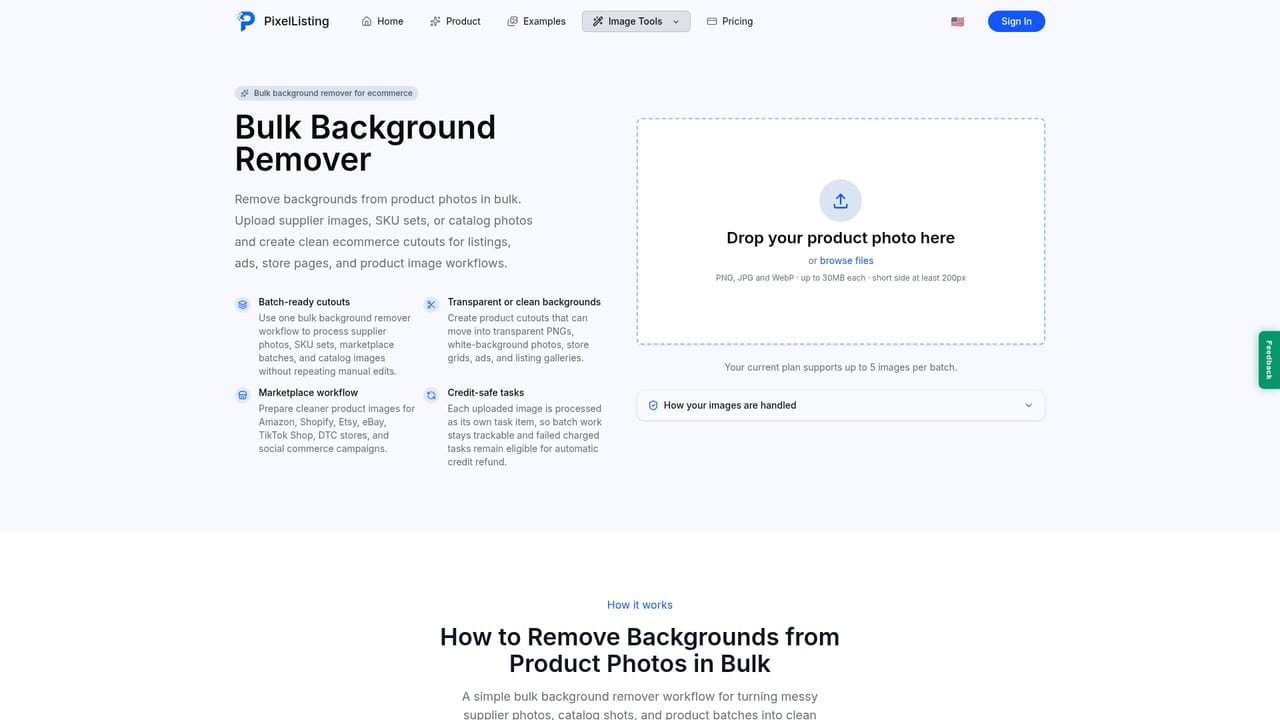
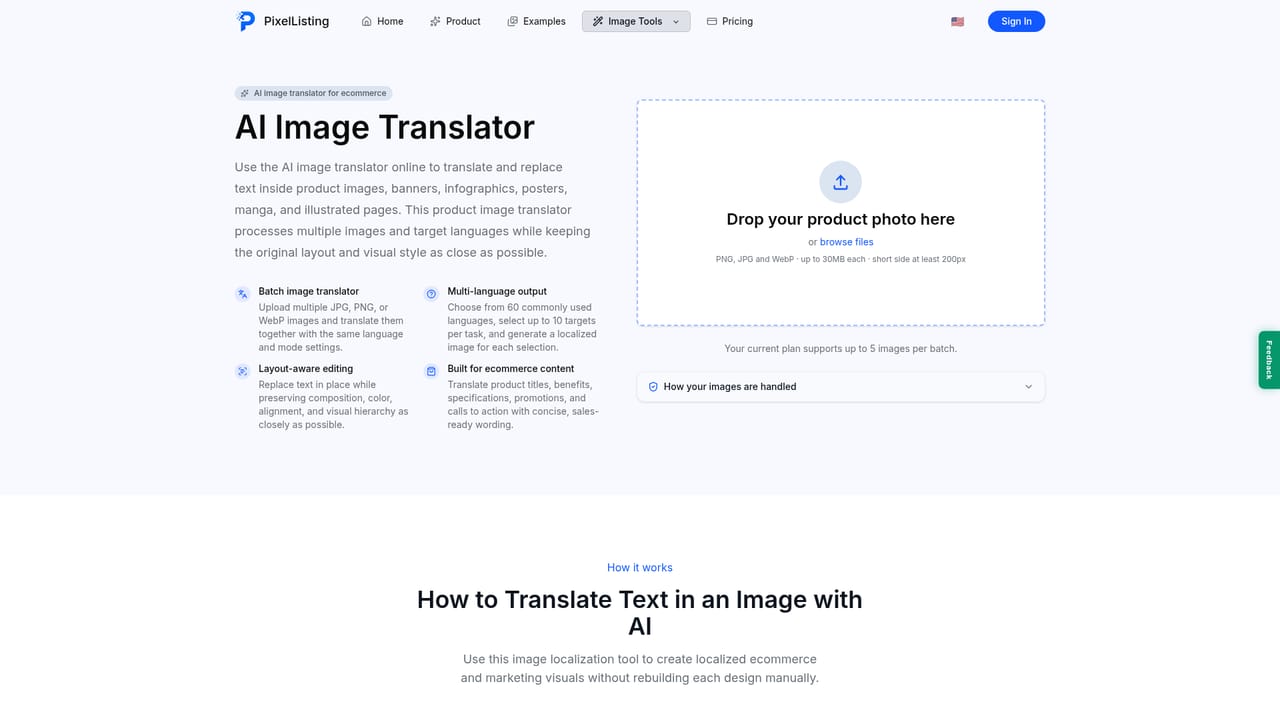
PixelListing is an AI product image generator built around a single input: one product photo. Instead of producing one isolated render, it expands that photo into a planned set of listing visuals, including white-background main images, lifestyle scenes, detail close-ups, material texture shots, scale references, infographics, and square or vertical ad creatives. Up to four reference photos of the same product can be uploaded at once so shape, color, texture, and packaging stay stable across every generated frame. Sellers pick a target marketplace, market, language, visual style, and set size, and the tool returns a gallery rather than a blank prompt to fill in. The workflow is aimed at ecommerce operators who need volume without booking studio time. Supported destinations cover more than ten channels, with Amazon, Shopify, Etsy, TikTok Shop, Walmart, Instagram Shop, WooCommerce, Pinterest, Ozon, Otto, Wish, and Shopee named on the site. Preset set sizes range from a 5 image Etsy handmade gift gallery through 6 image TikTok and Instagram social sets up to 10 image Amazon and Shopify launch sets, each with a stated credit cost visible before generation. A credit-aware interface shows the spend up front and refunds failed tasks, so cost tracking stays predictable during batch work. The surrounding tools handle the maintenance chores that follow generation. There are focused utilities for bulk background removal, clean white-background photo creation, image quality enhancement, AI image extension into new aspect ratios, in-image text translation for localized listings, and style transfer that recreates a proven visual style using your own product. Category examples on the site span beauty, fashion, electronics, home decor, jewelry, and food or supplements, which suggests the intended buyer is a catalog seller managing multiple SKUs rather than a one-off hobbyist. Against dedicated AI photo studios, PixelListing competes on marketplace framing and the breadth of formats it returns from a single source image. The tradeoff is that results remain AI generated, so products with intricate branding or strict catalog compliance still need a human review pass before publishing.
A free plan grants 50 complimentary credits at sign-up, enough for roughly 10 product sets, with bulk tools capped at 5 images.
Learn moreFree tier with 50 credits on sign-up (about 10 product sets, bulk limited to 5 images). Paid plans bill yearly: Listing Starter at $102/yr (2,520 credits), Daily Lister at $240/yr (9,600 credits), and Power Seller at $360/yr (18,000 credits) with VIP priority rendering. Monthly rates and a one-time credit purchase option are also listed on the pricing page.
Learn moreNo API or third-party app integrations are described. Outputs are prepared for channels including Amazon, Shopify, Etsy, TikTok Shop, Walmart, Instagram, WooCommerce, Pinterest, Ozon, Otto, Wish, and Shopee.
One photo becomes white-background main images, lifestyle scenes, detail close-ups, material texture shots, scale references, benefit infographics, spec and comparison modules, and square or vertical ad creatives. Set sizes run from 5 to 10 images per channel. Side tools cover bulk background removal, white-background conversion, quality enhancement, ratio extension, in-image text translation, and style transfer.
Learn more AI Angels400+ customizable AI girlfriends for NSFW chat, voice calls, and roleplay
 Candy AIExperience the future of companionship with AI friends who chat, role-play, and connect with you on a human level.
 ourdream.aiA vast AI roleplay platform with millions of characters for chat, images, video and voiceAI Angels400+ customizable AI girlfriends for NSFW chat, voice calls, and roleplayCandy AIExperience the future of companionship with AI friends who chat, role-play, and connect with you on a human level.ourdream.aiA vast AI roleplay platform with millions of characters for chat, images, video and voice


