Free trial
Signing up requires no credit card and includes $20 in free usage credits, described as enough to run several agent sessions against your own codebase.
Learn moreAutonomous cloud coding agents that ship merge-ready PRs

Agen is an AI project builder tool. Agen runs autonomous coding agents in the cloud: assign a task in plain English, and agents clone your repo, write code, fix failing CI pipelines, and produce a merge-ready PR with a live app preview.
Agen is a cloud platform for running autonomous AI coding agents. Instead of working inside an IDE with an assistant suggesting lines, you describe a task in plain English and an agent takes over: it clones your repository, explores the codebase, writes the change, runs the services, and prepares a pull request that a human reviews before anything lands. The product is positioned squarely against IDE-first copilots and single-repo agents, and the homepage argues that distinction through mechanics rather than model claims. The workflow has three visible phases. First, task assignment: a plain English brief from anyone on the team, including product managers, designers and founders who do not write code. Second, autonomous execution: agents run inside isolated cloud sandboxes, work on separate branches so the mainline stays protected, support sessions that span frontend, backend and infrastructure repositories at once, and read CI logs to repair failing pipelines on their own. Third, review: every session produces a live preview of the running app in the browser plus a diff, and a single click merges the PR once a technical teammate approves. Beyond the core loop, Agen adds scheduling for recurring maintenance work with budget limits, alerts that notify you when an agent finds something worth attention, and parallel agents that the vendor describes as up to unlimited, aimed at clearing a backlog rather than pacing work. Everything runs in the browser, so there is no local environment, CLI, Docker or editor plugin to install. The company states it is pursuing SOC 2 certification. Agen fits teams that already have a repository, a CI pipeline and a review habit, and that want throughput without hiring. Compared with Devin, the homepage emphasizes multi-repo sessions, a higher parallel ceiling and flat pricing rather than metered billing; compared with Copilot and Claude Code, it emphasizes cloud execution over editor or terminal confinement. Budget and credit terms beyond the stated entry pricing should be confirmed with sales before committing a team.
Signing up requires no credit card and includes $20 in free usage credits, described as enough to run several agent sessions against your own codebase.
Learn moreThe homepage states a flat $59/mo plan in its Devin comparison and mentions scheduled agents with budget limits and up to unlimited parallel agents. No full tier table or seat terms appear on the page. A $20 credit is included at signup with no credit card required.
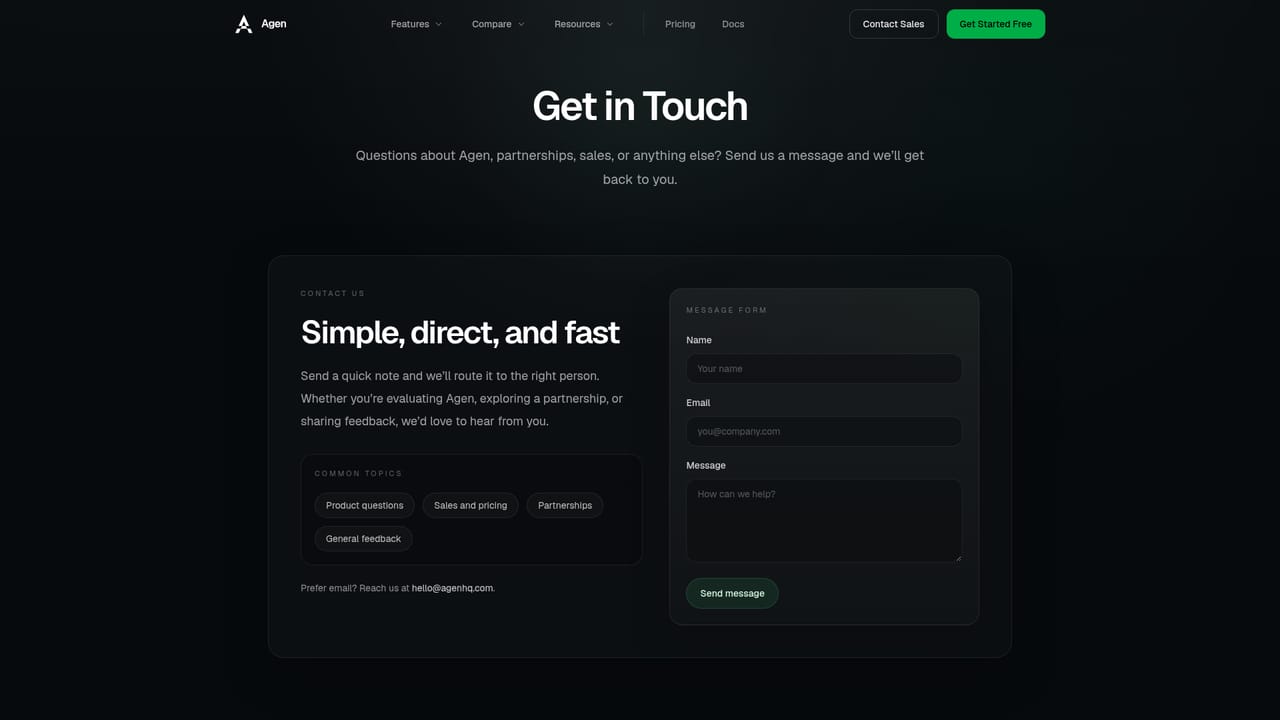
Learn moreContact sales through the site's contact page. The homepage lists no help centre, documentation portal or support tier details.
Learn moreGit repositories are connected as the source of work; the homepage references Git and CI pipelines but names no specific hosting provider or third-party integration.
Autonomous agents that clone repos, write code and repair failing CI pipelines; live app previews before merge; multi-repo sessions; scheduled agents with budget limits; alerts; branch-safe execution in isolated cloud sandboxes; parallel agents; plain English task assignment for non-technical teammates; merge-ready PRs with one-click merge.
 AI Angels400+ customizable AI girlfriends for NSFW chat, voice calls, and roleplay
 Candy AIExperience the future of companionship with AI friends who chat, role-play, and connect with you on a human level.
 ourdream.aiA vast AI roleplay platform with millions of characters for chat, images, video and voiceAI Angels400+ customizable AI girlfriends for NSFW chat, voice calls, and roleplayCandy AIExperience the future of companionship with AI friends who chat, role-play, and connect with you on a human level.ourdream.aiA vast AI roleplay platform with millions of characters for chat, images, video and voice


