Support
No help centre or documentation is published. The only contact route shown on the site is the founder's LinkedIn profile, linked from the homepage and login page.
Learn moreAn AI helper that guides founders toward product market fit.

Pivotly is an AI project builder tool. An AI helper for early stage founders that guides users through step-by-step actions toward product market fit. The public site advertises a personalized walkthrough, though pricing, methodology and integrations are not disclosed on the homepage, so the details only become clear after signing up.
Pivotly is an AI-guided workspace built around a single, narrow promise: helping founders work through the steps of finding product market fit. Rather than acting as a general chatbot, it presents itself as a personalized helper that walks a user through a sequence of concrete actions instead of leaving them to invent the process from scratch. The landing page frames product market fit as a journey to be completed step by step, with the assistant acting as the guide along the way. The tool is aimed at early stage founders and small product teams who know the goal but struggle with sequencing. The implied workflow is a guided, personalized path: a user signs up, works through the actions the helper lays out, and progresses toward a clearer read on whether the product resonates with a market. Because the homepage describes the product as personalized, the path is likely shaped around the specific venture rather than delivered as a static checklist. That makes it closer to a structured advisor than to a document generator or a data dashboard. In practice, the value depends on how well the assistant tailors those steps and how much of a founder's own context it captures. The public page is thin on specifics: it does not describe the underlying models, the research methods, the data sources, or the frameworks behind the guidance. There is also no published pricing, and the only visible calls are to log in or sign up, so evaluation of the substance has to happen inside the product after creating an account. Among alternatives, Pivotly sits next to general purpose AI assistants that founders prompt ad hoc, and next to heavier product analytics suites that measure fit after the fact. Its differentiator is the guided, step-based structure aimed at the search phase. The tradeoff is transparency: without published methodology, users should treat the guidance as a starting framework and validate conclusions with their own customer conversations and data.
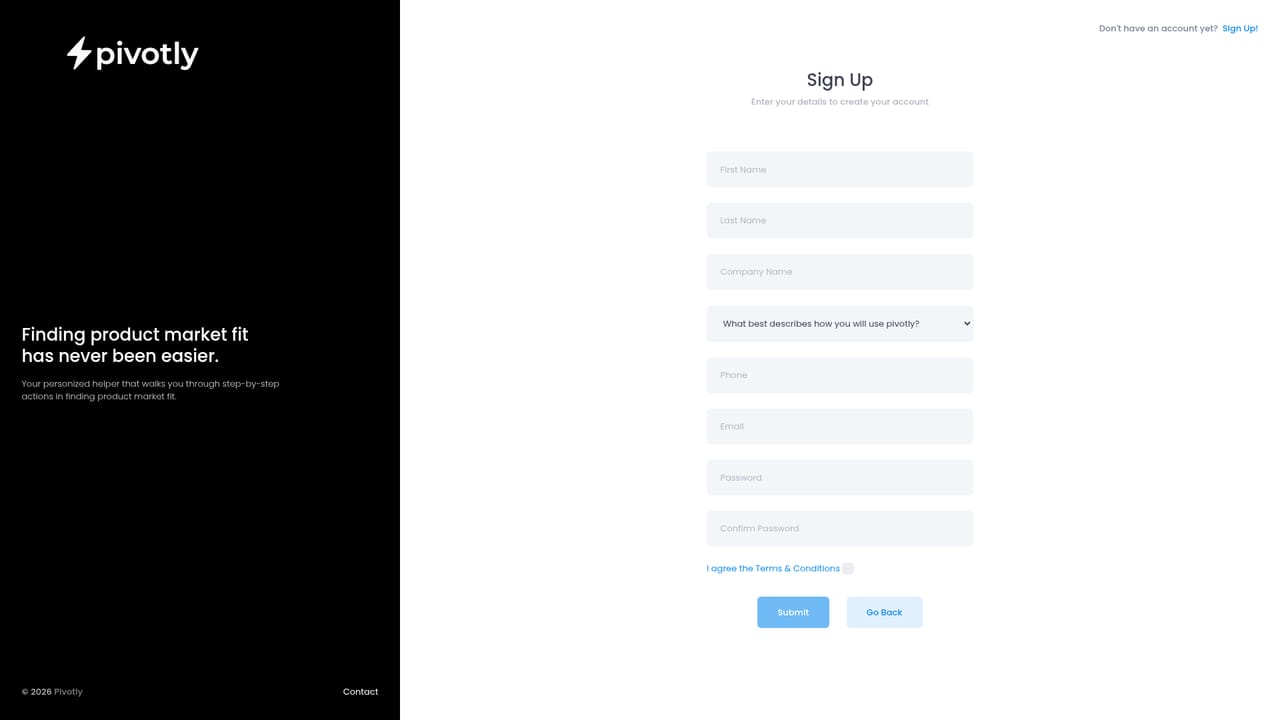
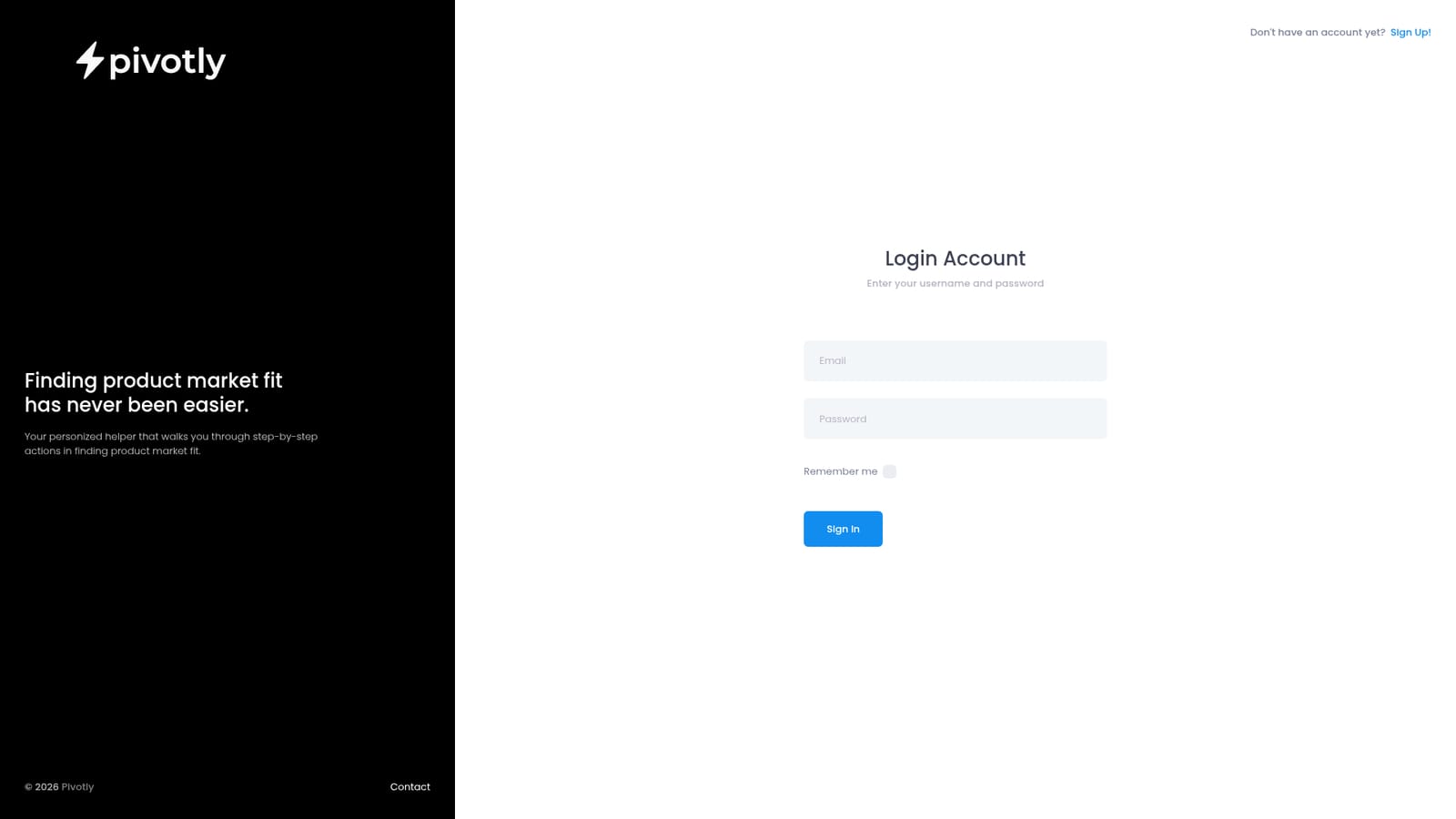
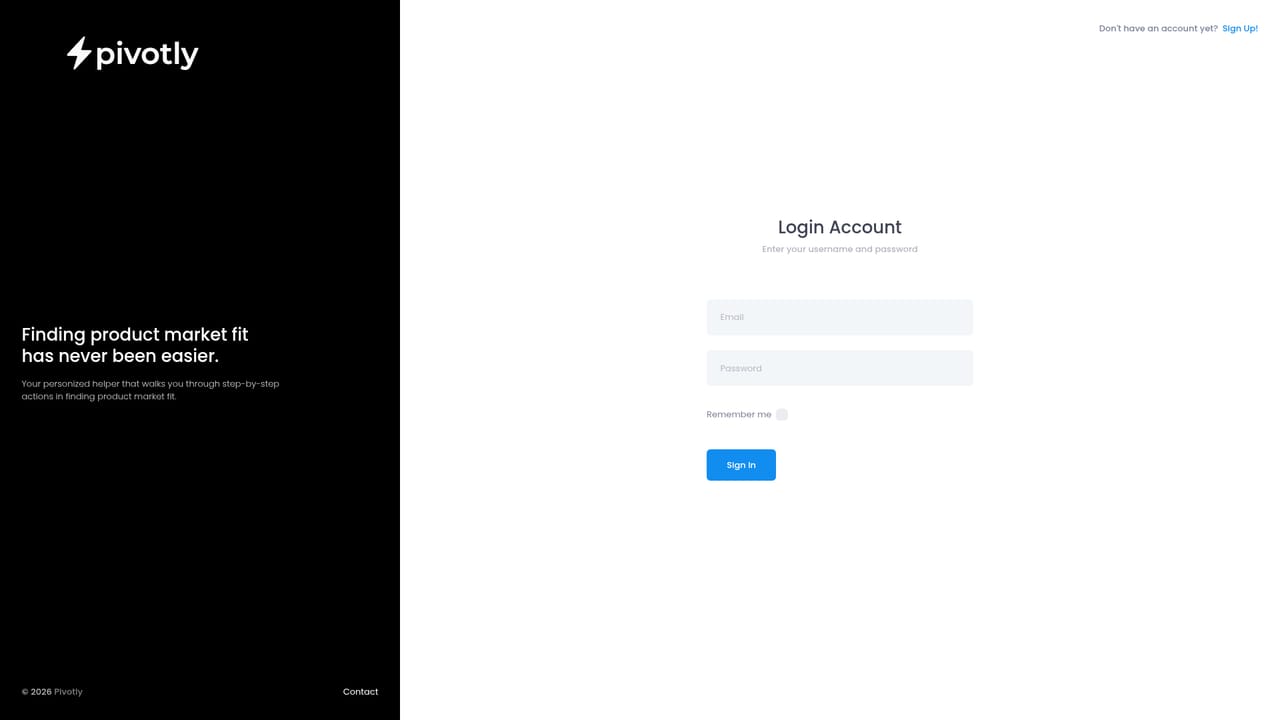
No help centre or documentation is published. The only contact route shown on the site is the founder's LinkedIn profile, linked from the homepage and login page.
Learn moreThe public site describes Pivotly as a personalized AI helper that walks users through step-by-step actions for finding product market fit. Account registration and login are the only documented functions; no other capabilities, methodologies or output formats are listed on the homepage.
 AI Angels400+ customizable AI girlfriends for NSFW chat, voice calls, and roleplay
 Candy AIExperience the future of companionship with AI friends who chat, role-play, and connect with you on a human level.
 ourdream.aiA vast AI roleplay platform with millions of characters for chat, images, video and voiceAI Angels400+ customizable AI girlfriends for NSFW chat, voice calls, and roleplayCandy AIExperience the future of companionship with AI friends who chat, role-play, and connect with you on a human level.ourdream.aiA vast AI roleplay platform with millions of characters for chat, images, video and voice


