Integrations
An MCP server connects the tool to Cursor, Claude Desktop, VS Code and other MCP clients. D2 output is described as integrating with Confluence and Obsidian, and GitHub repositories can be analyzed as diagram input.
Describe your system in plain English, get a professional diagram back.
Own AI Diagram Maker? Verify ownership to get a dofollow link
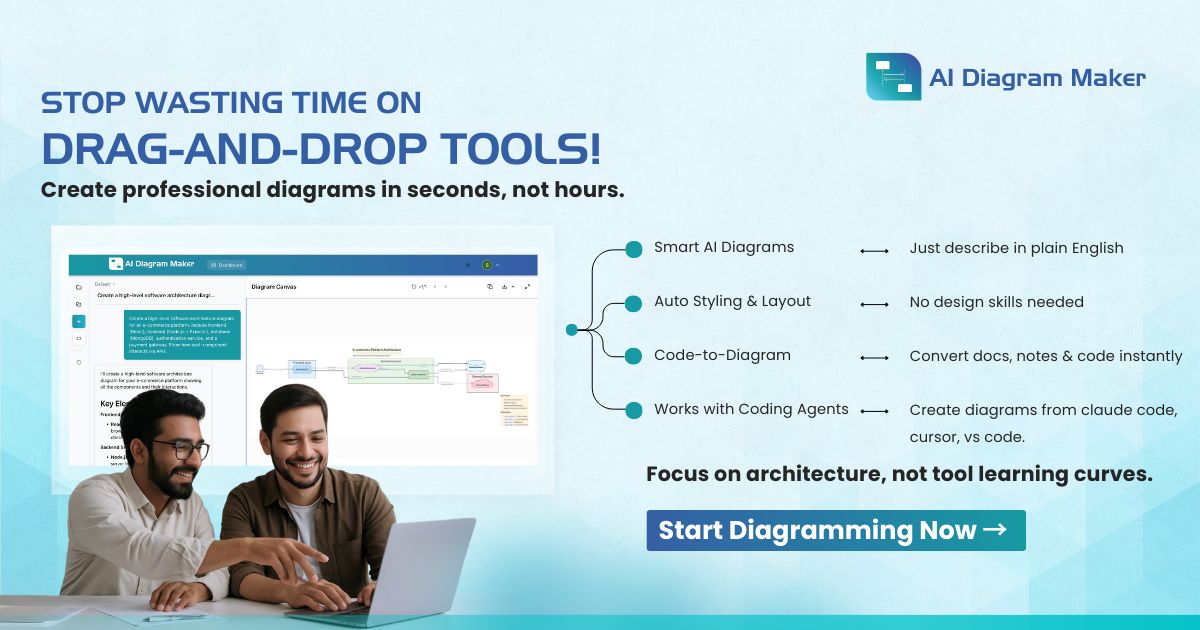
AI Diagram Maker is an architecture diagram tool. A conversational diagramming tool that converts plain English, uploaded documents and GitHub repositories into D2-based software architecture, sequence, ER and flow diagrams, with chat-based editing, code view, PNG and SVG export, and an MCP server for IDEs.
AI Diagram Maker turns written descriptions into structured software diagrams. You type a scenario such as a login flow, a data model or a service topology, and the tool returns a rendered diagram with components, connectors and layout already in place. The homepage pitches the whole product against the drag and drop workflow of conventional diagram editors: no blank canvas, no shape palette, no manual alignment. It positions itself squarely at developers and technical teams who need architecture, sequence, entity relationship, network and flowchart visuals without spending half an hour on each one. Under the hood, the output is D2 diagram code. That choice explains most of the product's behavior. The AI writes the code, D2's layout engines handle positioning and styling, and you get two ways to revise: chat with the assistant in natural language, or open a code view and edit the D2 directly. Conversations keep context, so a request like converting a flow diagram into a sequence diagram is treated as a modification of the existing work rather than a fresh start. Inputs are not limited to typed text; the tool accepts uploaded images, documents and notes, and it can analyze public or private GitHub repositories to produce an architecture view of a codebase. Exports cover PNG, SVG and diagram code, which suits documentation, presentation decks and repository files. An MCP server extends generation into Cursor, Claude Desktop, VS Code and other MCP clients, so a diagram can be produced without leaving the editor. Compared with incumbent tools like Lucidchart or draw.io, the trade is clear: you surrender pixel level control and gain speed, plus a code artifact you can version. Teams that need hand-placed, presentation-polished layouts may still prefer a canvas editor.
An MCP server connects the tool to Cursor, Claude Desktop, VS Code and other MCP clients. D2 output is described as integrating with Confluence and Obsidian, and GitHub repositories can be analyzed as diagram input.
Core features include text-to-diagram generation, conversational editing, creation from uploaded images, documents and notes, code-to-diagram analysis of public and private GitHub repositories, automatic layout and styling, PNG, SVG and diagram code export, a code view for direct D2 edits, revision history on Plus and Max plans, and an MCP server for IDEs.
 AI Angels400+ customizable AI girlfriends for NSFW chat, voice calls, and roleplay
 Candy AIExperience the future of companionship with AI friends who chat, role-play, and connect with you on a human level.
 ourdream.aiA vast AI roleplay platform with millions of characters for chat, images, video and voiceAI Angels400+ customizable AI girlfriends for NSFW chat, voice calls, and roleplayCandy AIExperience the future of companionship with AI friends who chat, role-play, and connect with you on a human level.ourdream.aiA vast AI roleplay platform with millions of characters for chat, images, video and voice