Free trial
No trial is needed because the core detector is free to use, including a try-without-signing-in option for single checks.
Learn moreUpload a photo, learn if a machine made it in under 10 seconds
Own AI Image Detector? Verify ownership to get a dofollow link
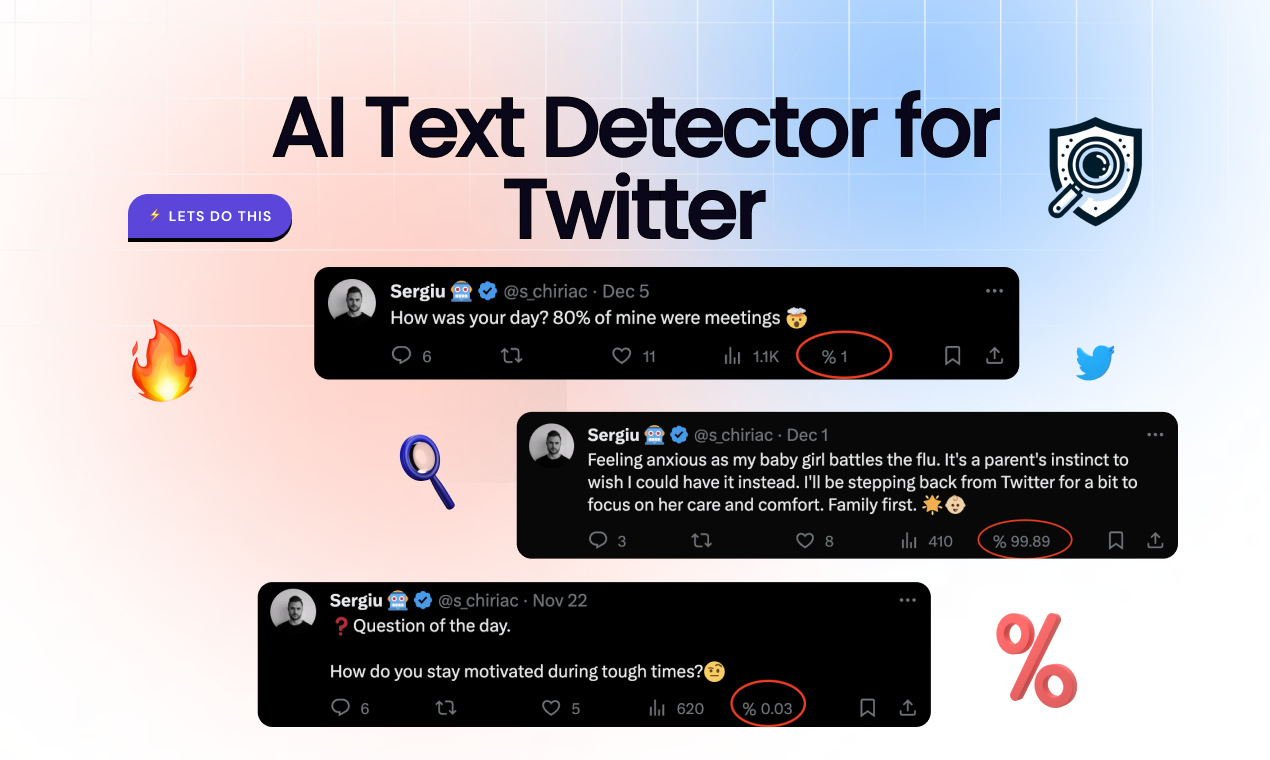
AI Image Detector is an AI checker tool. A free, no signup web tool that gives a probability score and written reasoning on whether an uploaded image was made by AI. Accepts JPEG, PNG, WebP and HEIC, returns results in under 10 seconds, and frames itself around journalism, education, copyright and fraud checking.
AI Image Detector is a browser based authenticity checker that estimates whether a picture came from a camera or from a generative model. A visitor drags a JPEG, PNG, WebP or HEIC file into the upload area (files up to 50MB are accepted and auto compressed) and receives a probability score plus written reasoning in under 10 seconds. Accounts are optional for a single check; signing up unlocks analysis history and unlimited runs. The output is not a binary label. Every result places the image on a three band scale: 70 to 100 percent points to strong machine generation signals such as inconsistent lighting and characteristic artifacts, 30 to 70 percent describes mixed or ambiguous evidence that often maps to AI editing or heavy post processing, and 0 to 30 percent suggests authentic photography or human artwork. The site states the underlying models were trained on thousands of both synthetic and real images and names OpenAI, Gemini, Midjourney, Adobe Firefly, Shutterstock, Meta, Flux, Copilot and Grok among the generators it aims to catch. It also publishes its own example scores, including a 98 percent AI file, a 3 percent human photograph and a 67 percent mixed edit, so users can calibrate expectations before trusting a verdict. The practical audience is anyone who has to decide whether an image is trustworthy. The vendor organizes its use cases around journalists checking photos before publication, educators reviewing student submissions, artists policing copyright, and business or legal teams verifying documents and claims. Separate walkthrough pages cover fake news, art theft, ID fraud, travel agency photos, dating and social profiles, and marketplace listings, which shows the product is positioned as a general verification utility rather than a creative tool. Against broader media forensics suites, the scope here is deliberately narrow: images only, no video or audio, and no deep metadata or provenance reporting is mentioned on the homepage. The trade off is speed and zero friction, since no install, payment or even account stands between a user and a first verdict. Privacy is treated as a selling point: uploads are described as never stored on the servers and analysis happens in real time.
No trial is needed because the core detector is free to use, including a try-without-signing-in option for single checks.
Learn moreThe site states that core detection is completely free, with no hidden costs, no credit card and instant access. Signing up is free and is only needed for unlimited detection, saved history and faster results. No paid tier or per-check pricing is described on the homepage.
Learn moreProbability scoring on a documented three band scale with written reasoning for each verdict, results in a few seconds, support for JPEG, PNG, WebP and HEIC up to 50MB with auto compression, detection aimed at OpenAI, Gemini, Midjourney, Adobe Firefly, Shutterstock, Meta, Flux, Copilot and Grok output, optional accounts for saved history, and a privacy model where uploads are not stored.
 AI Angels400+ customizable AI girlfriends for NSFW chat, voice calls, and roleplay
 Candy AIExperience the future of companionship with AI friends who chat, role-play, and connect with you on a human level.
 ourdream.aiA vast AI roleplay platform with millions of characters for chat, images, video and voiceAI Angels400+ customizable AI girlfriends for NSFW chat, voice calls, and roleplayCandy AIExperience the future of companionship with AI friends who chat, role-play, and connect with you on a human level.ourdream.aiA vast AI roleplay platform with millions of characters for chat, images, video and voice