Free trial
Each Google account gets one free preview: a 4 second, 480p, watermarked clip viewable only on the site, subject to availability.
Learn moreTwo selfies become a lip-synced AI rap duo video in about three minutes.

AI Rap Video is a face list video generator tool. A browser-based generator that turns two selfies into a lip-synced AI rap duo video, complete with an original verse, beat and choice of six stages, ready in about three minutes.
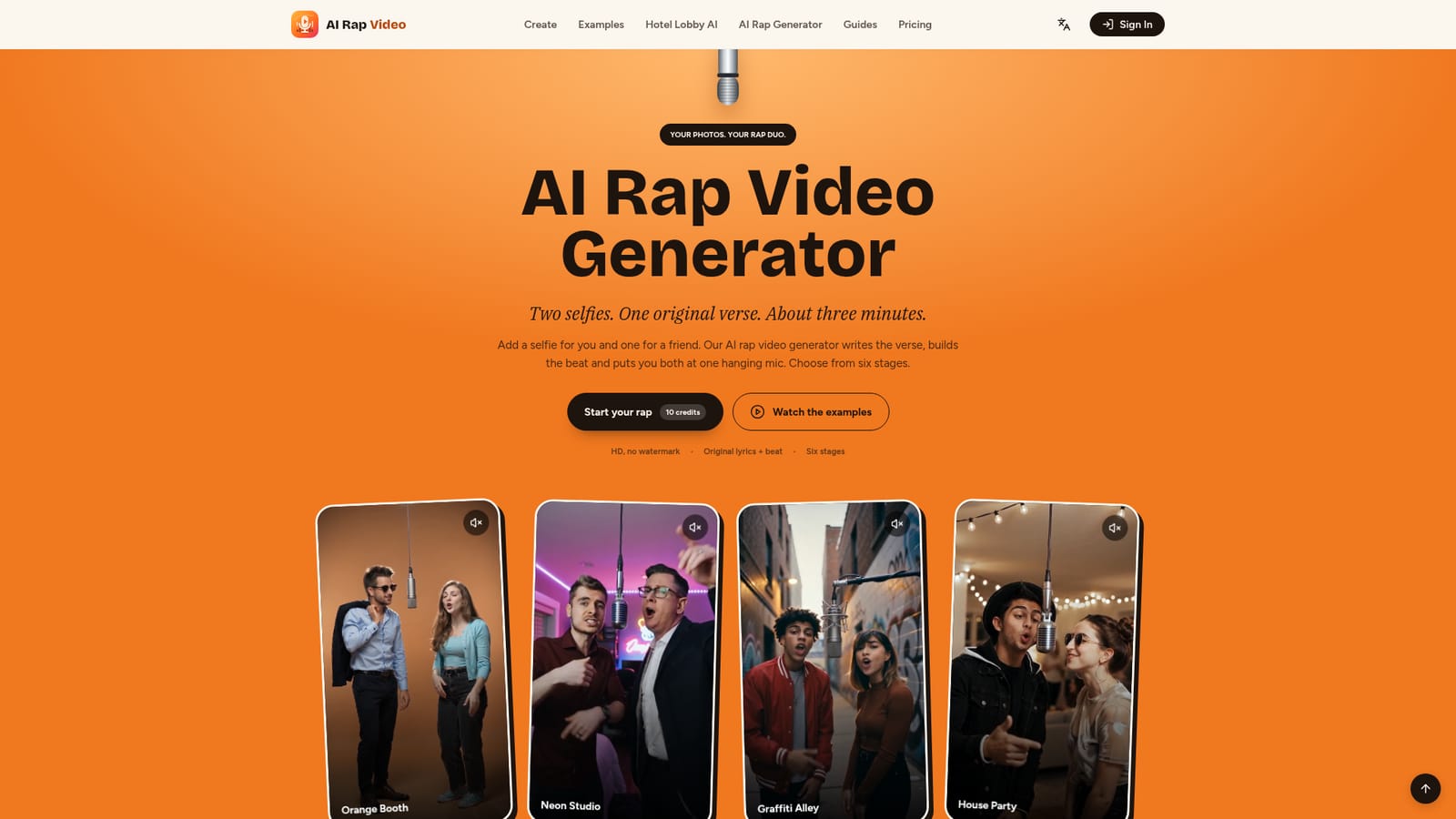
AI Rap Video turns two uploaded selfies into a short rap duo clip. The service writes an original English verse, generates a beat, and renders both faces lip-synced inside one of six virtual stages, from an orange recording booth to a neon studio or a graffiti alley. The output arrives as a vertical 720p MP4 without a watermark, typically within two to four minutes of submitting a job. The tool targets people who want a quick, personalized novelty video rather than a professional music production: friends marking an inside joke, couples recreating a duet, families celebrating a birthday, or creators chasing the viral hotel lobby style rap trend. Workflow is simple and browser based: upload one photo per performer (or a single joint photo), pick a stage, optionally type a topic for the AI to rap about, choose a soundtrack mode (AI written verse, the template's original track, or an uploaded song), and submit. No lyric writing, audio editing or video editing skill is required, though users can supply their own MP3 or WAV file or a reference motion clip for more control. Output quality depends heavily on input photos; the site recommends clear, well lit, front facing shots and warns that sunglasses, hidden faces or heavy filters can distort results. AI written vocals are generated in English only, even when the topic prompt is written in another language. Compared to general purpose AI video generators, this product is narrower in scope: it only produces the rap duo format rather than open ended video generation, which makes it fast to use but limits creative flexibility. Pricing runs on one time credit packs rather than a subscription, with per video cost varying by resolution, length and model tier, and failed renders are refunded in credits.
Each Google account gets one free preview: a 4 second, 480p, watermarked clip viewable only on the site, subject to availability.
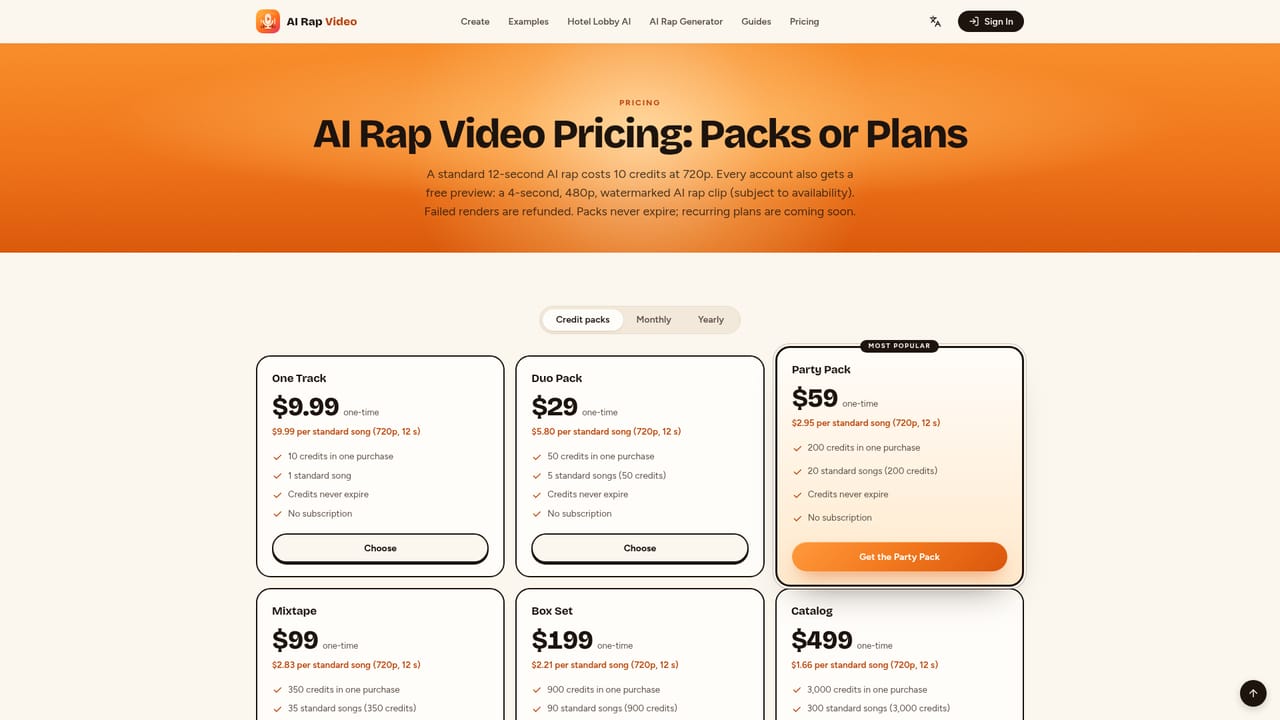
Learn moreOne-time credit packs range from $9.99 for 10 credits to $499 for 3,000 credits. A standard 720p, 12 second song costs 10 credits; higher resolutions or longer clips cost more. No subscription is required and pack credits do not expire.
Learn moreThe site includes an FAQ covering lyrics, pricing and render times plus a contact option; no live chat, phone line or dedicated help center is mentioned.
Writes an original English rap verse and beat from an optional topic prompt, lip-syncs two uploaded photos (or one joint photo) at a shared microphone, offers six stage backdrops, supports uploading a custom song or motion clip, and renders a watermark-free HD vertical MP4 in about three minutes.
Twitter / X
 AI Angels400+ customizable AI girlfriends for NSFW chat, voice calls, and roleplay
 Candy AIExperience the future of companionship with AI friends who chat, role-play, and connect with you on a human level.
 ourdream.aiA vast AI roleplay platform with millions of characters for chat, images, video and voiceAI Angels400+ customizable AI girlfriends for NSFW chat, voice calls, and roleplayCandy AIExperience the future of companionship with AI friends who chat, role-play, and connect with you on a human level.ourdream.aiA vast AI roleplay platform with millions of characters for chat, images, video and voice


