Support
Support runs through a contact email listed on the site, alongside an FAQ section on the homepage covering automations, video generation, personalization and voice options.
AI faceless videos for TikTok and YouTube, made without a camera.
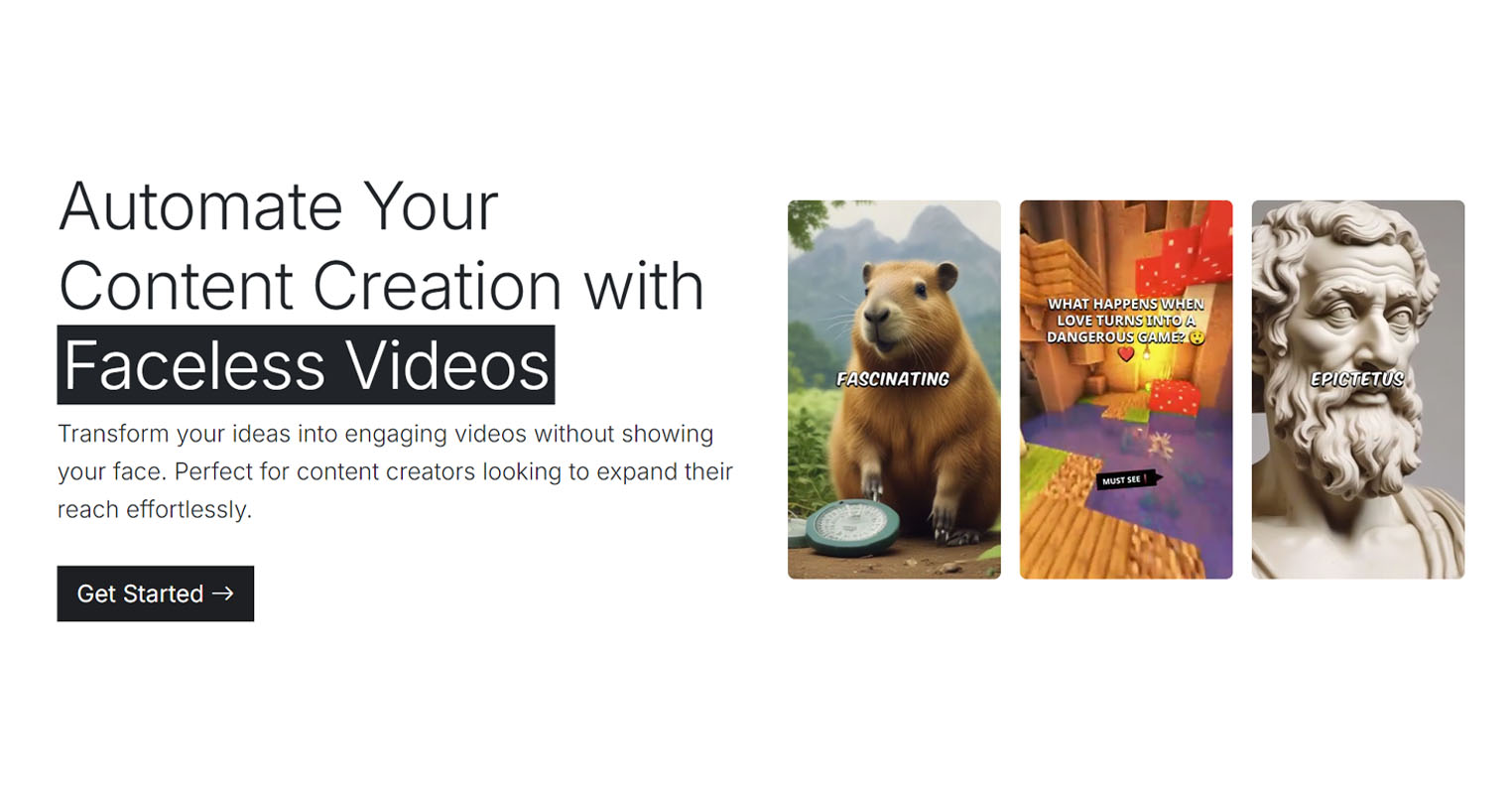
Nullface generates faceless short form videos from a text idea, using AI voices, visuals and captions, with templates for niches such as Reddit stories, philosophy and anime. It supports more than 57 languages and can post directly to YouTube and TikTok.
Nullface is a web based generator for faceless short form video. Instead of filming, a creator writes an idea and the platform assembles a finished clip from AI narration, visuals and on screen text. The product is built around the format that dominates TikTok and YouTube Shorts: a strong opening hook, a steady stream of captioned imagery, and a voiceover that carries the story. Nullface handles each of those layers so the person behind the channel never appears on camera. The video templates show the intended niches. Fun Fact, Philosophy, Reddit Story and Anime presets cover the storytelling channels that rely on narration over stock or generated visuals. A separate workflow pairs an AI avatar hook with a product video, which suits sellers who want an attention grabbing opening before the pitch. Stock Video is also offered for creators who prefer footage over generated images. Narration can be voiced by different AI voices, and the platform lists support for more than 57 languages, so a channel can be localized without re-recording anything. The practical pitch is automation. Nullface advertises automations that keep producing and publishing content, plus direct posting to YouTube and TikTok rather than an export and upload routine. Creators who want a hands off pipeline for a themed channel are the core audience. Beginners are served by the preset categories and the claim that no technical skills are required, while higher volume operators get the scheduling layer. Competition in this niche is crowded, and Nullface itself publishes comparison pages against Autoshorts, Copycopter, Crayo, Faceless.video, AiReelGenerator and ReelFarm. Its differentiators are the breadth of language coverage, the avatar hook format and built in distribution. A buyer choosing between these tools should compare output quality and automation limits rather than feature lists, since most of them promise the same pipeline.
Support runs through a contact email listed on the site, alongside an FAQ section on the homepage covering automations, video generation, personalization and voice options.
Direct publishing to YouTube and TikTok is advertised. Beyond that, no other integrations are named on the homepage.
Preset video categories cover Fun Fact, Philosophy, Reddit Story, Anime, Meme Hook, Stock Video and an AI avatar hook paired with product video. Users pick from multiple AI voices, work in more than 57 languages, and publish directly to YouTube and TikTok. Automations are offered for ongoing content production, and the FAQ addresses customization, voice selection and syncing text with images.
 AI Angels400+ customizable AI girlfriends for NSFW chat, voice calls, and roleplay
 Candy AIExperience the future of companionship with AI friends who chat, role-play, and connect with you on a human level.
 ourdream.aiA vast AI roleplay platform with millions of characters for chat, images, video and voiceAI Angels400+ customizable AI girlfriends for NSFW chat, voice calls, and roleplayCandy AIExperience the future of companionship with AI friends who chat, role-play, and connect with you on a human level.ourdream.aiA vast AI roleplay platform with millions of characters for chat, images, video and voice