Free trial
Generation and previews are free, with no payment needed to try the generator. Commercial use and license certificates require a paid plan.
Learn moreText or lyrics in, complete song out, vocals and instruments included
Own AI Song Creator.app? Verify ownership to get a dofollow link

AI Song Creator.app is an audio editing tool. A browser-based AI music generator that builds complete songs up to eight minutes from a text prompt or your own lyrics, with genre-specific generators and a toolkit for stem splitting, vocal removal, key and BPM detection and MIDI work.
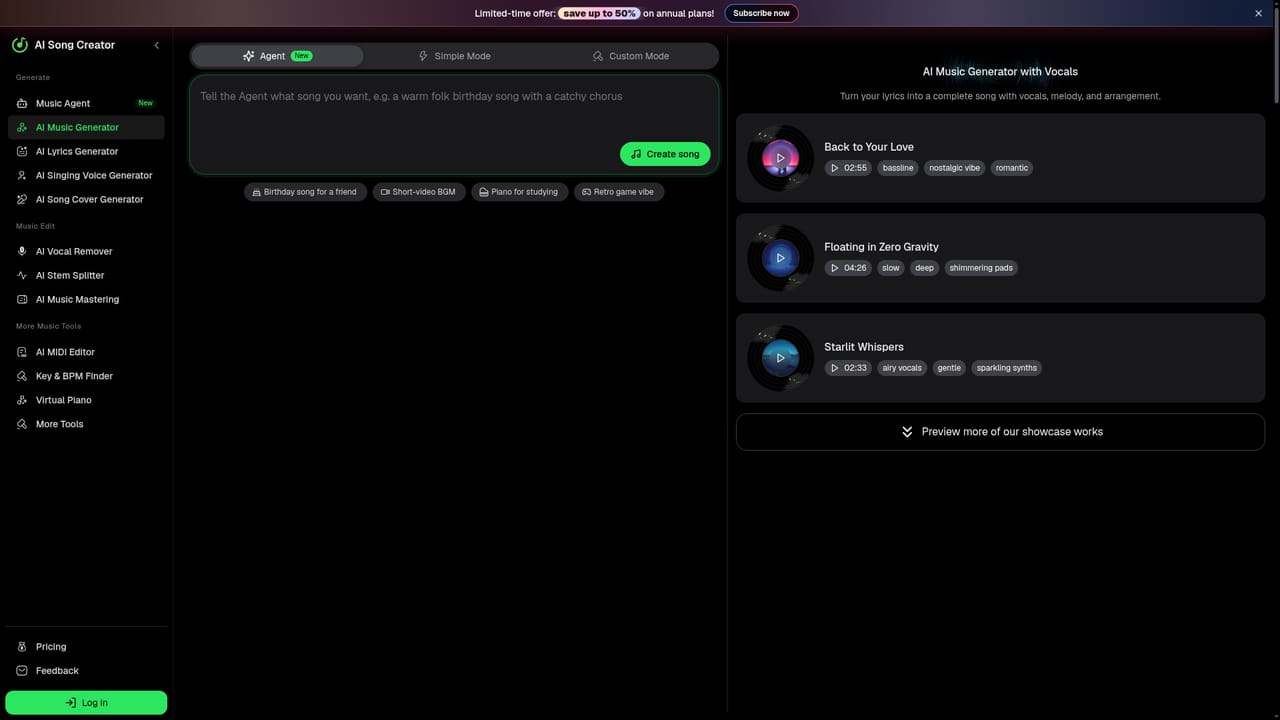
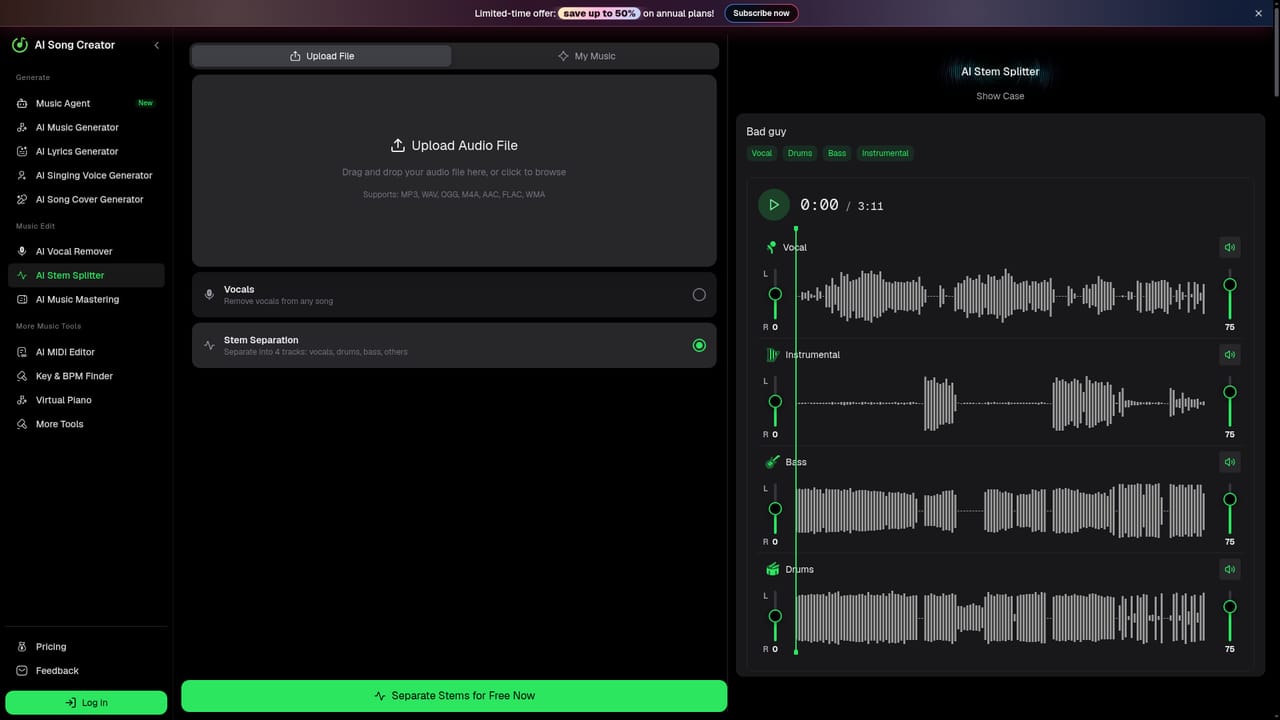
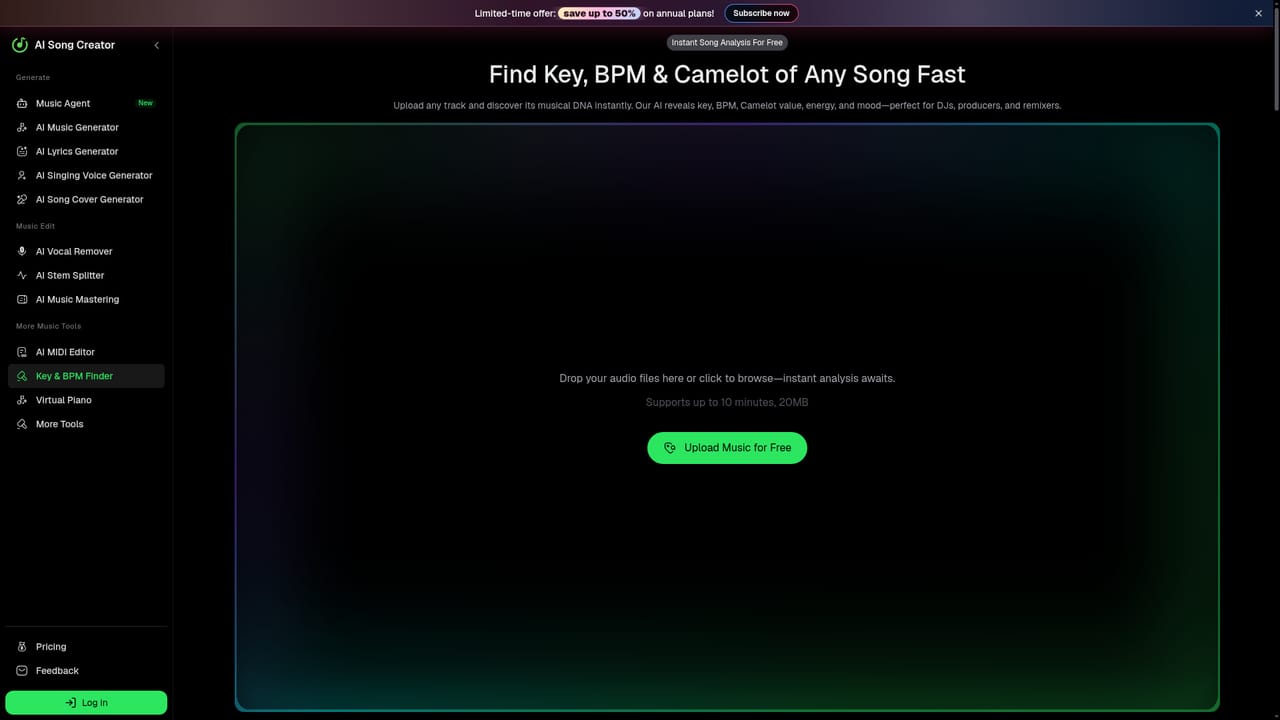
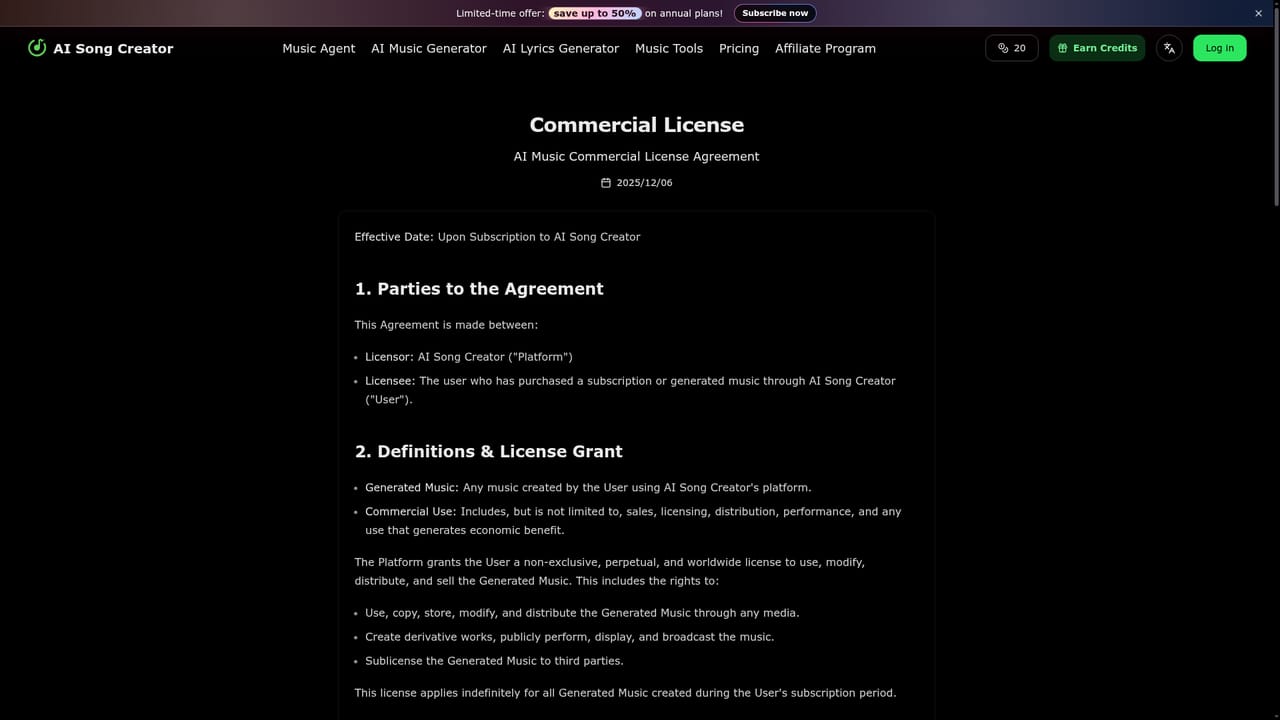
AI Song Creator is a browser-based music generator that turns a written prompt or your own lyrics into a finished song, complete with melody, rhythm, arrangement, vocals or instrumentation. Tracks can run up to eight minutes, which is longer than most casual prompt-to-song tools deliver, and the output is a full production rather than a loop or a beat sketch. The site groups its generators by genre (pop, rap, hip hop, rock, EDM, R&B, country, punk, house, phonk, lo-fi, techno, jazz, folk and even FNF-style tracks), so the starting point can be a style page rather than a blank prompt box. It also ships utility tools around the core generator: a vocal remover, a stem splitter, a key and BPM finder, audio to MIDI conversion and a MIDI editor. In practice, a session starts with a short brief. You describe the mood, tempo or instrumentation in text, or paste lyrics and let the system build a backing around them. The generator returns a full-length preview, which you audition before committing to a download. Genre pages act as a shortcut when you already know the sound you want. The companion tools matter after generation: stems let you pull apart a track for editing, and the key, BPM and MIDI utilities help if you plan to bring the result into a DAW. The audience is broad. Short-video creators needing background music, hobbyists writing birthday songs or game soundtracks, and independent musicians prototyping ideas all fit the workflow. Its closest alternatives are other prompt-to-song services with lyric support; the differentiators here are the eight-minute ceiling and the bundled post-production utilities rather than the generator alone. Rights depend on your plan. Free generation is available for previewing, but commercial usage rights attach to paid plans, and annual subscribers can download license certificates. If you intend to publish or monetize a track, check the license terms before generating at scale.
Generation and previews are free, with no payment needed to try the generator. Commercial use and license certificates require a paid plan.
Learn moreFree tier for generating and previewing tracks. Paid plans unlock commercial usage rights, and annual subscribers can download license certificates. The site advertises a limited-time saving of up to 50 percent on annual plans, though exact plan prices are not listed on the homepage.
Learn moreText and lyrics to complete songs, up to eight minutes long, with vocals or instrumentals. Fifteen-plus genre-specific generators (pop, rap, hip hop, rock, EDM, R&B, country, punk, house, phonk, lo-fi, techno, jazz, folk, FNF). Companion tools cover vocal removal, stem splitting, key and BPM detection, audio to MIDI conversion and MIDI editing.
Learn more AI Angels400+ customizable AI girlfriends for NSFW chat, voice calls, and roleplay
 Candy AIExperience the future of companionship with AI friends who chat, role-play, and connect with you on a human level.
 ourdream.aiA vast AI roleplay platform with millions of characters for chat, images, video and voiceAI Angels400+ customizable AI girlfriends for NSFW chat, voice calls, and roleplayCandy AIExperience the future of companionship with AI friends who chat, role-play, and connect with you on a human level.ourdream.aiA vast AI roleplay platform with millions of characters for chat, images, video and voice




