What music creator tools do
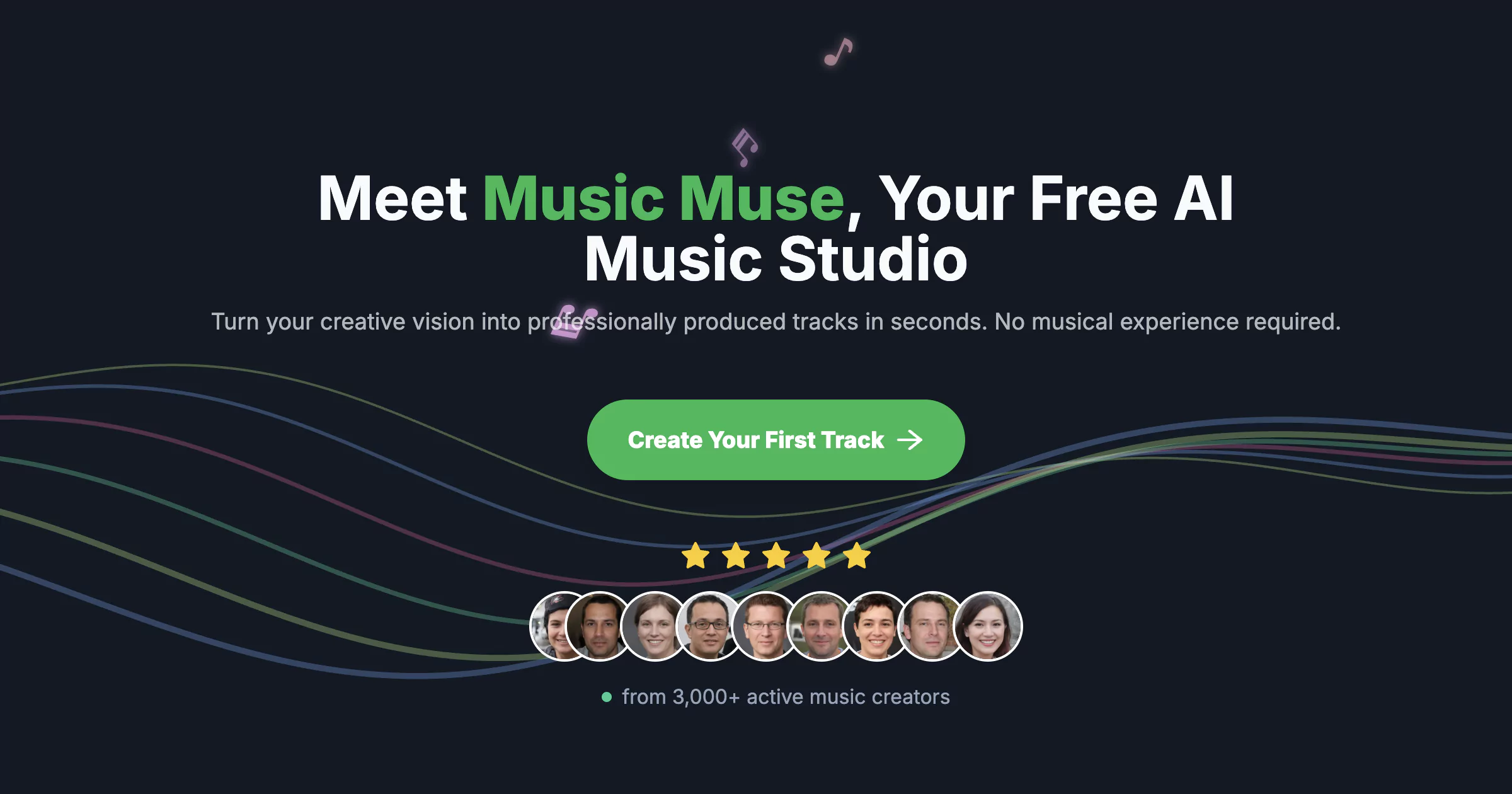
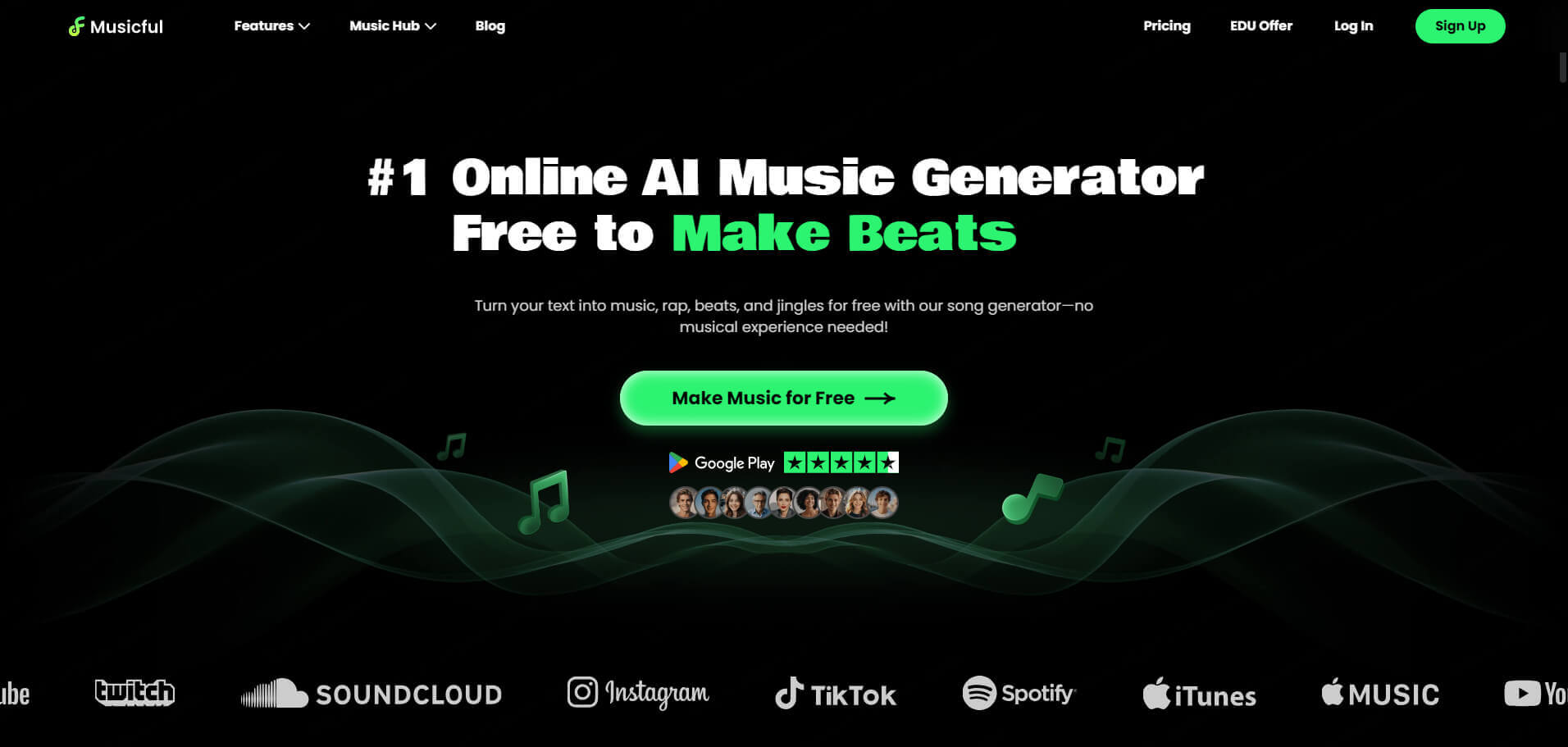
A music creator takes a written idea and returns a finished track. The input is usually a prompt describing genre, mood and tempo, or a set of lyrics you already have, and the output is a sung song or an instrumental. This is the text to song workflow, and every tool on this page runs it in the browser.
The audience is wide: songwriters who want to hear a lyric sheet performed, creators who need background music for videos, podcasts and games, and people who want a personalized song as a gift. These tools replace commissioning a session vocalist, hunting through stock music libraries, or learning a digital audio workstation just to get a rough demo.
How to choose a music creator
Start with the input you have. If you already wrote words, pick a tool that accepts your own lyrics instead of inventing them. If you only have an idea, a prompt-to-song generator with a lyrics mode covers the song lyrics generator use case in the same step.
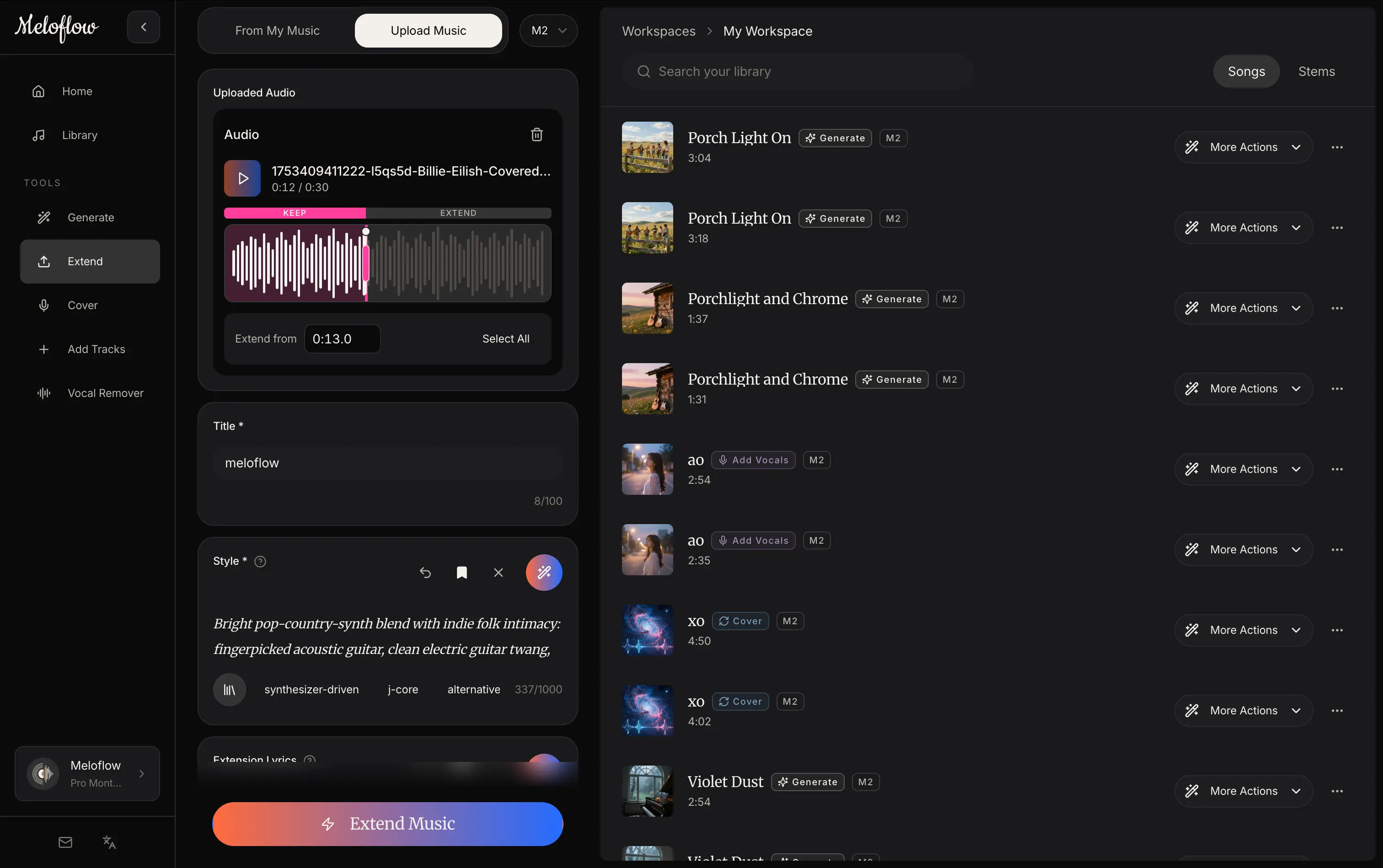
Then check what happens after the first render. Some tools stop at a finished song, while others add extending, covers, stem splitting, remixing, mastering or MIDI export. Those extras matter if the track is a starting point for further production.
Pricing and access are the next filter. Many listings here are free or freemium, which is the quickest route for anyone searching for a free music creator with no sign up. The listings do not record whether an account is required, so open the generator page and test it before building a workflow around it. Finally, think about the end use: a video soundtrack, a gift and an editable score each point to a different tool.
Notable music creators
MiniMax Music 3.0 turns a written prompt or your own lyrics into a finished vocal or instrumental track, with a free trial alongside paid use.
Mureka generates full songs, vocals, lyrics and stems, and is offered on a freemium and subscription basis.
YuE2 Music Studio lets you inspect and edit the score before the AI renders 48kHz audio, which suits people who want control before rendering.
MusicWave is a text-to-song generator that also includes stem splitting, remixing and MIDI tools.
PersonalizedSong turns your story into a custom song gift and offers a free preview first.
Image to Music AI turns a single photo into one original music track, an unusual route when a picture is the starting point instead of text.
Common questions
Is there a free music creator with no sign up?
Several tools here have free or freemium plans, and some offer a free trial. The listings do not state whether an account is needed, so check each generator page before relying on it. Free tiers may limit what you can generate or export.
What is text to song?
Text to song means writing a description or pasting lyrics and receiving a complete track in return. The result can include sung vocals, or it can be instrumental only. Most tools here return a song within a short wait, directly in the browser.
Can these tools work as a song lyrics generator?
Some can. Mureka lists lyrics among its outputs, and others offer a lyrics mode next to the song itself. If you only want words without any audio, a lyrics-focused tool is a closer fit than a full music creator.
When to look elsewhere
If the job is narrower than making a whole song, a specialist category fits better. Lyrics Extractor suits pulling words out of existing audio, Song Lyrics Changer rewrites the words of a song, and MIDI Generator is the better route when the goal is editable note data. For layering voices on a track you already have, see Vocal Harmony Creator.