Free trial
An account can be created and the product tried, but the homepage frames full message access and voice mode as subscription features. The exact free allowance is not stated on the homepage.
Learn moreTalk through stress, relationships and big feelings by text or voice, any hour

AI Therapist is an advice giver tool. A browser based AI therapist for working through stress, relationships, anxiety, grief and everyday decisions by text or voice. It remembers saved context so support becomes more personal over time, and it focuses on practical next steps like grounding exercises and conversation rehearsal rather than open-ended chat.
TherapyWithAI is a browser based conversational tool that positions itself as an AI therapist you can reach at any hour. The premise is simple: instead of waiting for a weekly appointment, you open the site, pick text or voice, and start describing whatever is weighing on you. The conversation is framed around stress, relationships, loneliness, anxiety, grief, burnout, family friction and hard decisions, and the assistant is built to respond calmly and without judgment so people feel able to say the unpolished version first. In practice the chat follows a rough structure. You name what is happening, and the AI helps pull apart facts, feelings, assumptions and needs. From there it suggests a smaller next move: a grounding exercise for an intense reaction, a sentence you could actually say out loud, a journaling question, or a plan for the next few minutes. It also supports rehearsal, so you can practice a difficult conversation before having it. Voice mode exists for people who find typing out emotional material unnatural, and the site is explicit that support continues between formal therapy sessions rather than replacing them. The personalization layer is the main differentiator. Context you choose to save is retained, so recurring themes, goals, preferences and communication style carry forward and later conversations feel less like starting over. The homepage does not detail model choice, session length or data handling specifics, so anyone with privacy concerns should verify those directly. Relative to general purpose chatbots, TherapyWithAI narrows the scope to emotional support and structures the exchange around reflection plus practical steps, which suits people who want a guided container rather than an open prompt box. It sits alongside human therapy, journaling apps and crisis lines, and the site itself points people in immediate danger to local emergency services or 988 in the United States.
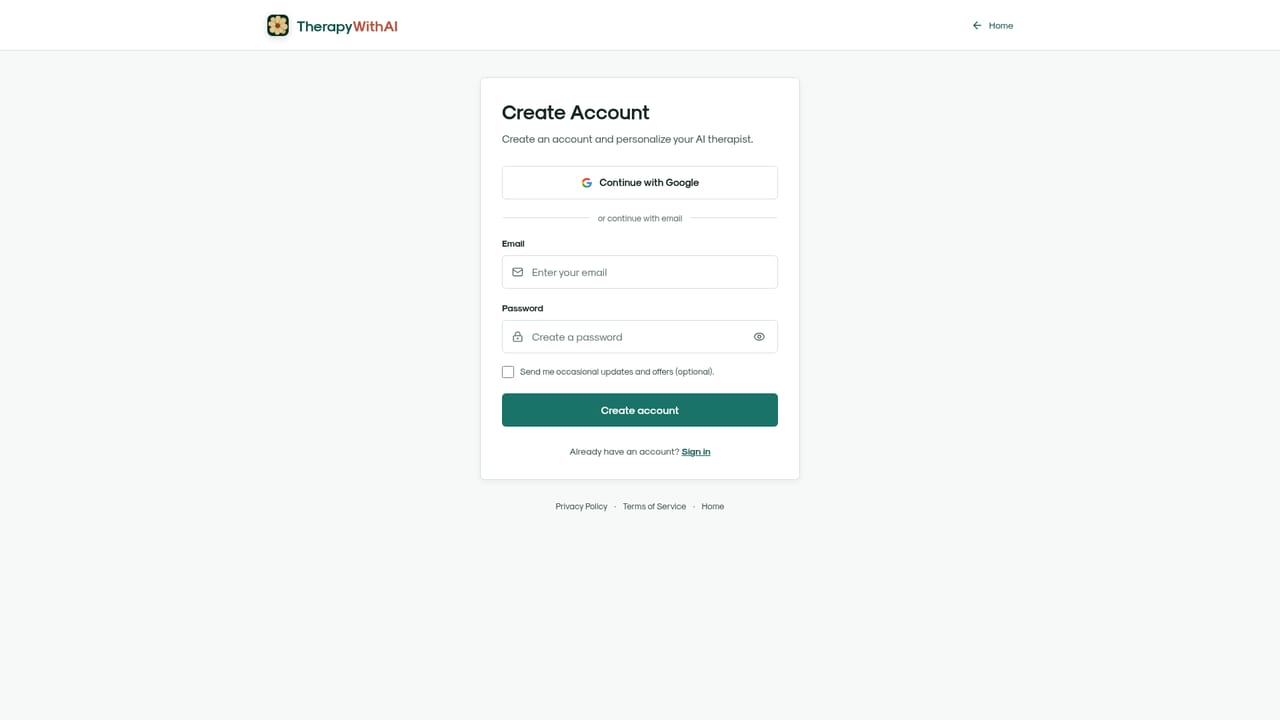
An account can be created and the product tried, but the homepage frames full message access and voice mode as subscription features. The exact free allowance is not stated on the homepage.
Learn moreThe homepage does not list prices. It states that you can create an account and try the tool, and that unlimited messages plus voice mode require a subscription taken out from the Plans & Pricing page. Cancellation is self-managed in account settings.
Learn moreSupport is reached by contacting the team with the email address tied to your account, which is also the channel for subscription help. No help centre or documentation is linked from the homepage.
Text and voice conversations with an AI therapist, calm and non-judgmental responses, help separating facts from feelings and assumptions, grounding exercises for intense moments, conversation rehearsal, journaling prompts, and memory of saved context so support becomes more personalized over time.
 AI Angels400+ customizable AI girlfriends for NSFW chat, voice calls, and roleplay
 Candy AIExperience the future of companionship with AI friends who chat, role-play, and connect with you on a human level.
 ourdream.aiA vast AI roleplay platform with millions of characters for chat, images, video and voiceAI Angels400+ customizable AI girlfriends for NSFW chat, voice calls, and roleplayCandy AIExperience the future of companionship with AI friends who chat, role-play, and connect with you on a human level.ourdream.aiA vast AI roleplay platform with millions of characters for chat, images, video and voice


