Free trial
Free usage is included so new users can try the AI song generator, the lyrics workflow and core music tools before subscribing. Vocal remover and stem splitter are excluded from free use.
Learn moreTurn a prompt or lyric draft into a finished song with vocals and stems

AI to Song is an audio editing tool that turns a prompt or lyric draft into a finished song with vocals and stems. AItoSong turns prompts, lyric drafts and scene descriptions into full songs or instrumental tracks in the browser.
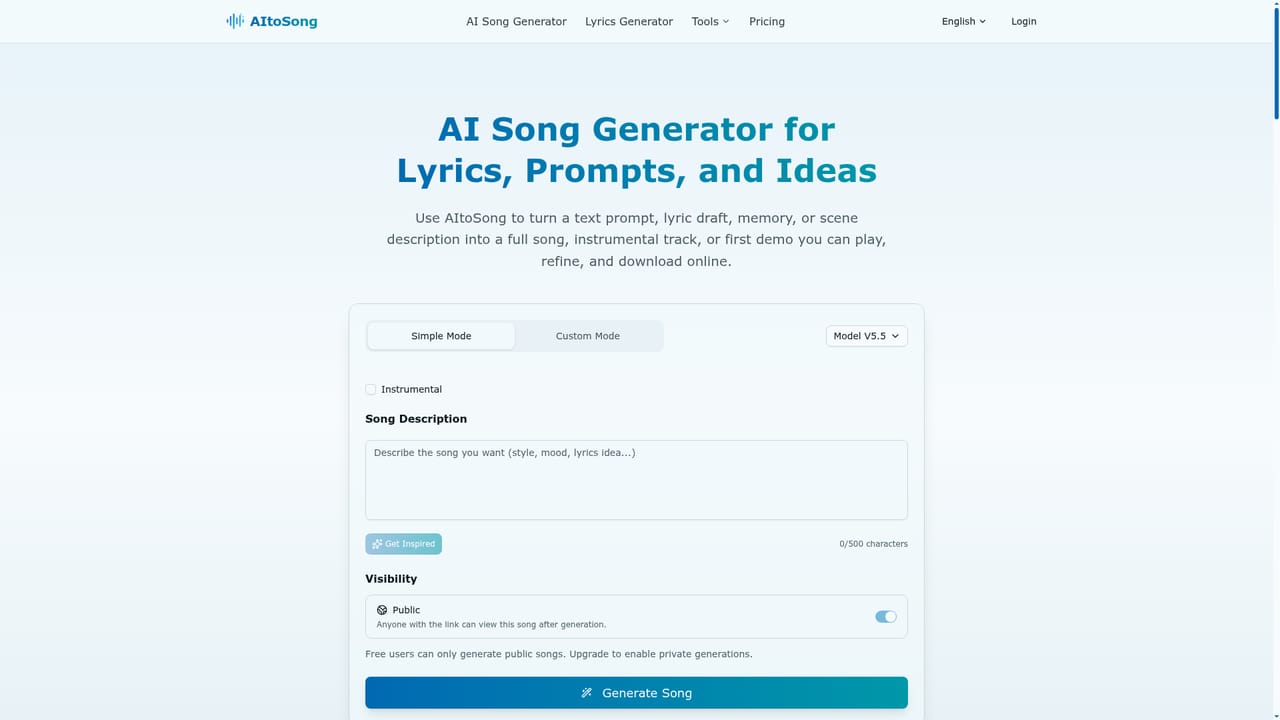
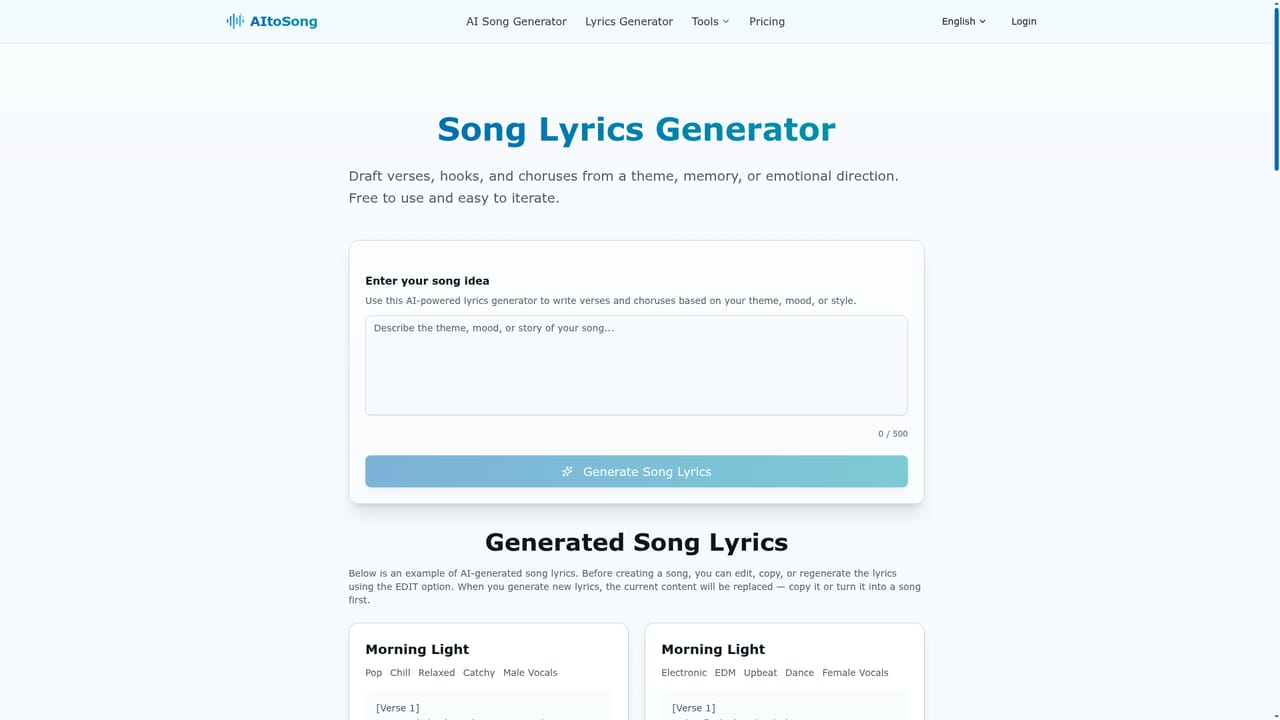
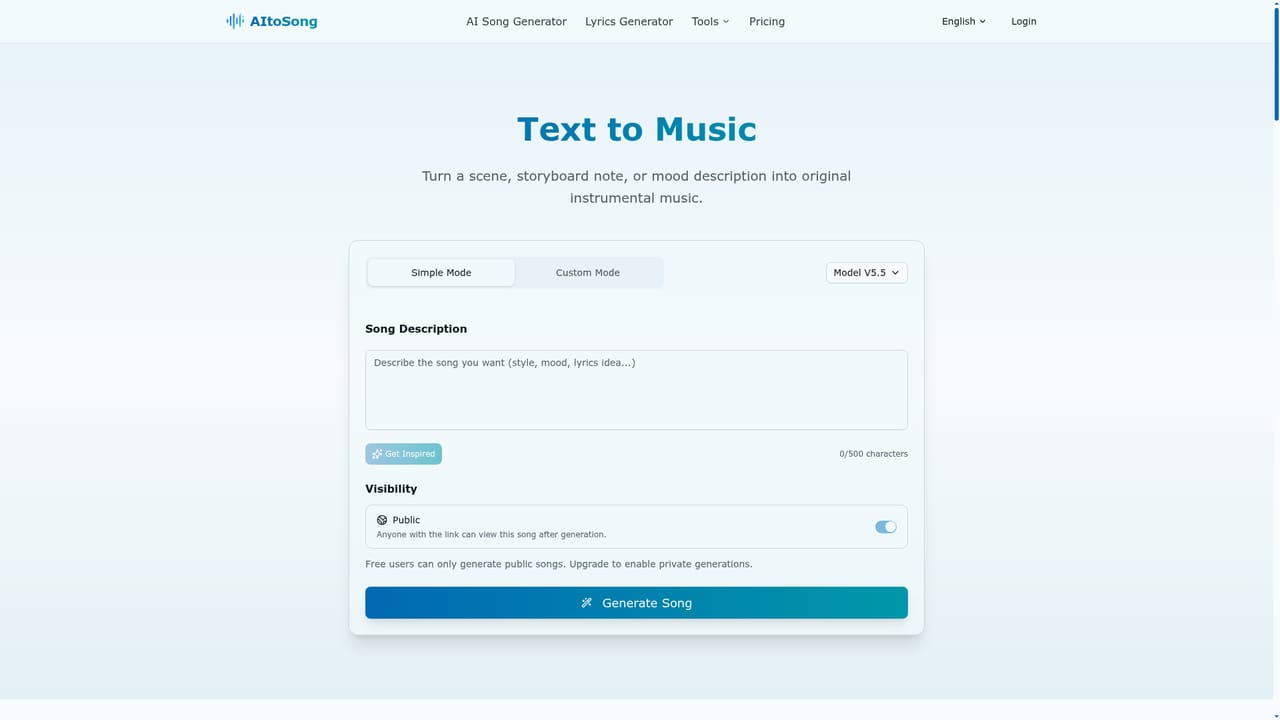
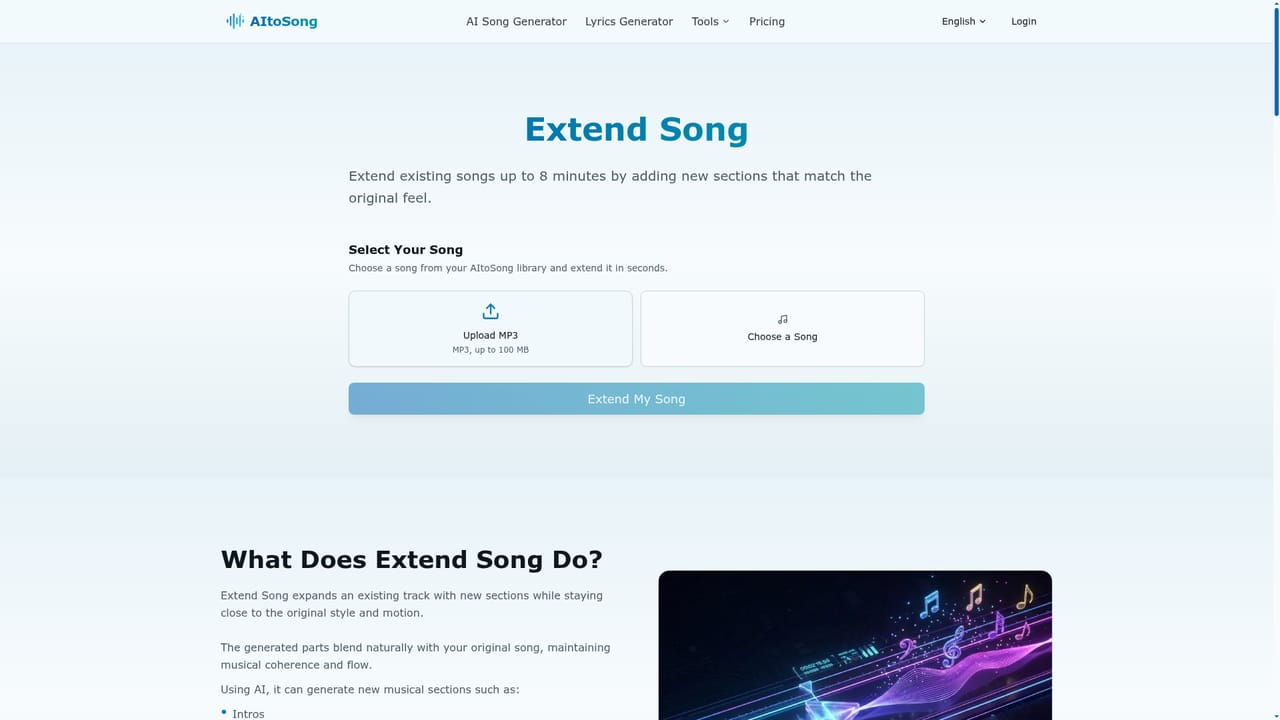
AItoSong is a browser based music generator that converts short text inputs into playable songs. Instead of starting from a blank project in a digital audio workstation, a user supplies a prompt, a lyric draft, a mood note or a description of a scene, and the platform returns a first version with melody, song sections, vocal phrasing and production already in place. Demo tracks on the site span pop, orchestral, indie rock, lo-fi, future bass, ambient and electronic styles, which gives a fair picture of the range the generator aims to cover. The product is split into three related workflows rather than one catch all box. AI Song Generator handles complete tracks with vocals and structure. Text to Music produces instrumentals for videos, stories, backgrounds and demos. AI Lyrics Generator is for drafting verses, hooks and choruses before committing to a full arrangement. After generation, the extend tool lets a promising track run longer, and the Vocal Remover and Stem Splitter unpack audio into vocals, instrumental, or six parts (vocals, drums, bass, other, guitar and piano). In practice the loop is fast: describe the idea, listen, judge, then refine the version worth keeping. That makes it useful for songwriters testing hooks, YouTube and podcast creators who need background music, video editors scoring a scene, teachers building practice tracks, and indie game or film teams working on a tight budget. No DAW skills or theory knowledge are assumed, which is both the appeal and the ceiling. Alternatives in this space tend to lean either toward full vocal songs or toward instrumental scoring. AItoSong tries to cover both plus lyric drafting and stem work, so it suits people who want one workspace rather than three subscriptions. Buyers should weigh that convenience against the limits below: stem separation and vocal removal sit behind a paid plan, and the quality of a first generation still depends heavily on how well the prompt or lyrics are written.
Free usage is included so new users can try the AI song generator, the lyrics workflow and core music tools before subscribing. Vocal remover and stem splitter are excluded from free use.
Learn moreThe homepage does not publish tier names or prices. It states that AItoSong includes free usage for testing the song generator, lyrics workflow and core tools, and that vocal removal and stem splitting require a paid plan. Specific plan costs and generation limits are not listed.
Learn moreFull songs with vocals from prompts or lyric drafts, instrumental generation from scene and mood descriptions, and an AI lyrics generator for verses, hooks and choruses. Post generation tools cover song extension, a two track vocal remover (vocals and instrumental) and a six track stem splitter (vocals, drums, bass, other, guitar, piano).
Learn more AI Angels400+ customizable AI girlfriends for NSFW chat, voice calls, and roleplay
 Candy AIExperience the future of companionship with AI friends who chat, role-play, and connect with you on a human level.
 ourdream.aiA vast AI roleplay platform with millions of characters for chat, images, video and voiceAI Angels400+ customizable AI girlfriends for NSFW chat, voice calls, and roleplayCandy AIExperience the future of companionship with AI friends who chat, role-play, and connect with you on a human level.ourdream.aiA vast AI roleplay platform with millions of characters for chat, images, video and voice




