Free trial
No separate trial is needed: the core summarizer is presented as free to use without an account, so a visitor can test it on a real video before deciding anything.
Learn moreTurn long videos into structured summaries, transcripts and mind maps.
Own AI Video Summarizer.io? Verify ownership to get a dofollow link

AI Video Summarizer.io is an AI summarizer tool that turns long videos into structured summaries, transcripts and mind maps. A free, no sign-up web tool that transcribes videos and condenses them into templated summaries, subtitles, chapters and mind maps.
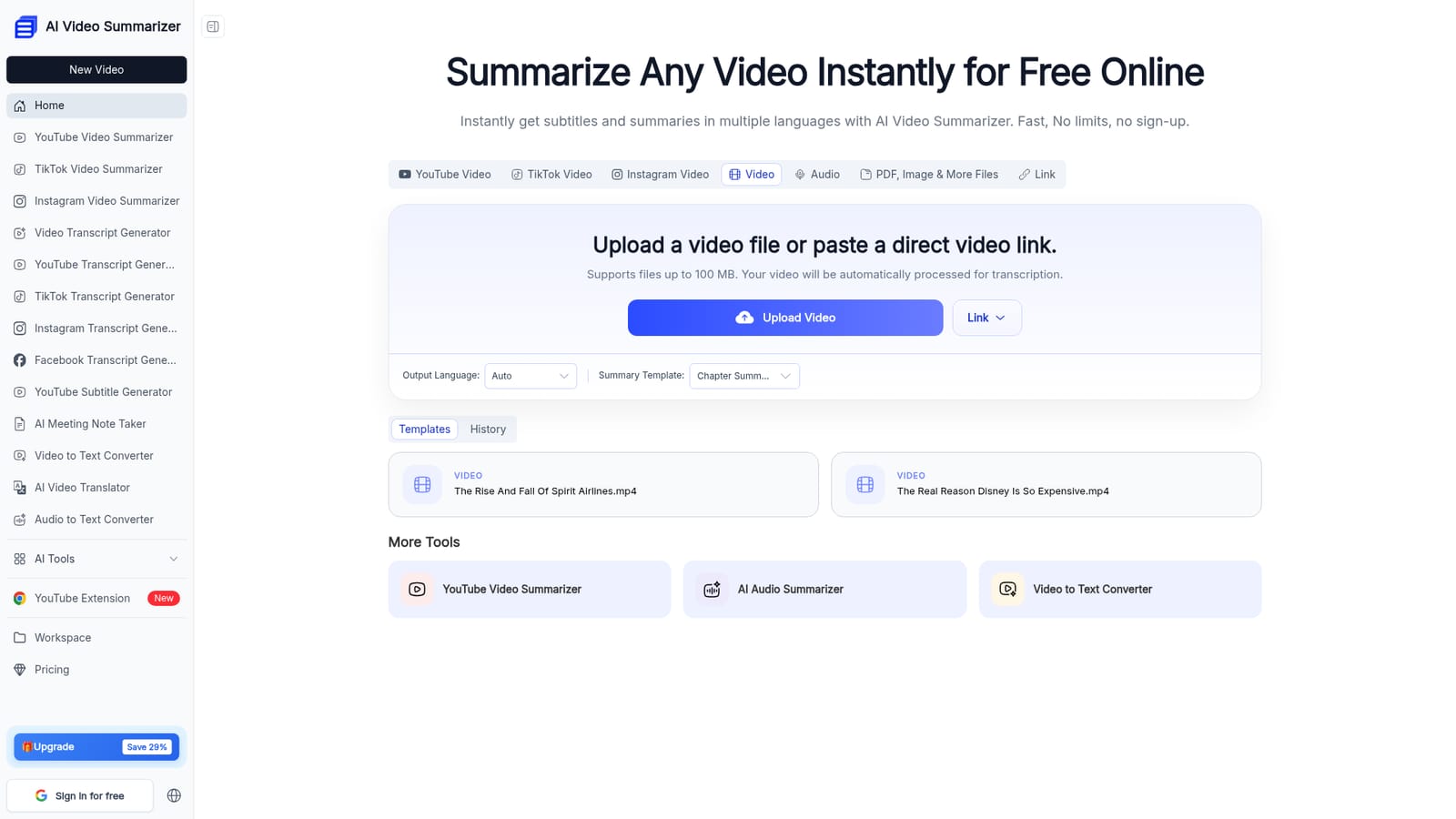
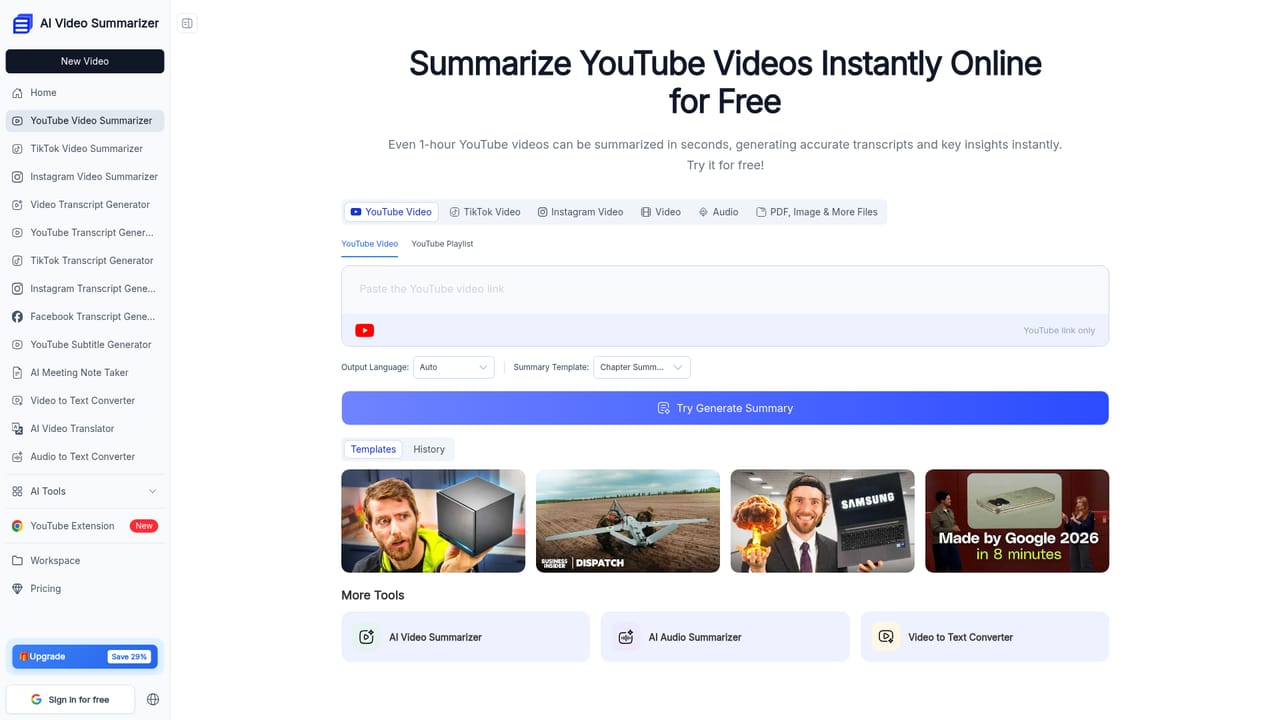
AI Video Summarizer is a browser based tool that takes a video file or a pasted link and returns a written summary, a full transcript, subtitles and chapter markers. It accepts common formats such as MP4 and MOV along with YouTube links, and transcribes the audio first before condensing the transcript into notes. The output can be shaped by a summary template, so a finance clip can be run through a financial analysis layout while a recorded lecture uses a course summary layout. The site advertises 9 templates in total. In practice the workflow is short. A file is uploaded or a link pasted, an output language and template are chosen, and the result appears within seconds according to the site, including for recordings that run one to two hours. Summaries are presented across multiple dimensions (overview, core concepts, case studies, summary tables) rather than a single paragraph, and any summary can be converted into a hierarchical mind map. Transcripts, subtitles and chapters are produced alongside the summary, so the same pass can serve captioning, repurposing and study notes. The tool is aimed at students working through lecture recordings, course creators who want searchable outlines for their students, journalists processing interview footage, and teams sitting on Zoom recordings. It also handles audio and documents through separate pages on the same site (audio summarizer, PDF summarizer, image summarizer, video translator, YouTube to MP3), so it competes less with single purpose transcription services and more with note taking suites. Where it stands apart is the combination of speed, unlimited free use without an account, and output beyond plain text. Where it is weaker is depth of integration: there is no mention of connecting to a meeting calendar or a cloud drive, so every job starts with a manual upload or a link.
No separate trial is needed: the core summarizer is presented as free to use without an account, so a visitor can test it on a real video before deciding anything.
Learn moreThe site describes the tool as 100% free with no login and no usage limits, and a pricing page is linked in the navigation. That pricing page sits behind the same navigation as a paid upgrade prompt offering 29 percent off, so the exact paid tier limits are not stated on the homepage.
Learn moreQuestions and feedback are directed to email, which is the only contact route described on the homepage. There is no stated help centre, chat or community forum.
Transcription and summarization in one pass, nine content specific templates, summaries across 10 or more dimensions, mind map export, full transcripts, subtitles, chapters, multi speaker recognition, output in over 100 languages, and a 1GB file ceiling. Companion tools cover YouTube, TikTok and Instagram link summaries, audio and PDF summarizers, video translation and YouTube to MP3.
 AI Angels400+ customizable AI girlfriends for NSFW chat, voice calls, and roleplay
 Candy AIExperience the future of companionship with AI friends who chat, role-play, and connect with you on a human level.
 ourdream.aiA vast AI roleplay platform with millions of characters for chat, images, video and voiceAI Angels400+ customizable AI girlfriends for NSFW chat, voice calls, and roleplayCandy AIExperience the future of companionship with AI friends who chat, role-play, and connect with you on a human level.ourdream.aiA vast AI roleplay platform with millions of characters for chat, images, video and voice