Free trial
No trial is needed because the core generator is free: the page states you can type text, generate and download audio without an account or payment information. The Speech Free model is described as offering daily free use.
Learn moreFree text to speech with 900+ voices across 140+ languages
Own AI Voice Generator by AIVocal? Verify ownership to get a dofollow link
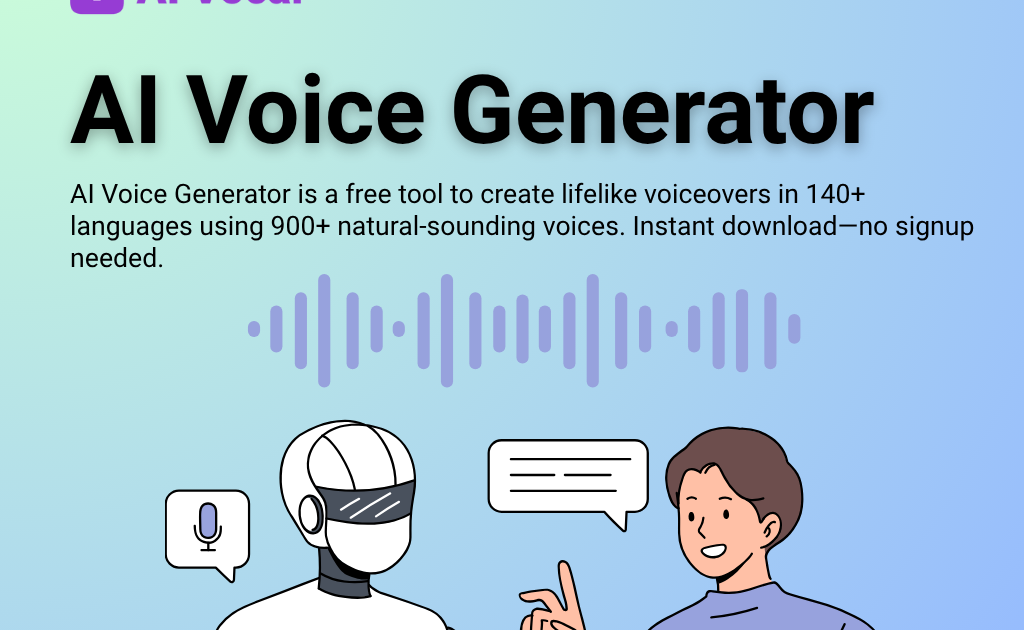
AI Voice Generator by AIVocal is an AI narration tool. AIVocal's free text to speech tool turns typed or uploaded text into downloadable MP3 voiceovers using 900+ voices in 140+ languages, with no account required. Three voice models range from a daily free tier to more expressive narration models.
AIVocal's AI Voice Generator is a browser based text to speech tool that converts written scripts, pasted articles or uploaded files into spoken audio. The headline numbers are 900+ voices and support for 140+ languages and accents, which puts it in the same bracket as larger commercial TTS suites but without the account wall. The page states that no signup and no payment details are required: text goes in, a voice is picked, audio comes out as a downloadable MP3 with no watermark or forced branding. The workflow is deliberately shallow. You either type or paste text into the editor or switch to the File to Speech tab and upload a document, then choose a voice model, language, gender and style before generating. A character counter sits above the editor (200,000 characters shown), and the FAQ notes a soft per-session limit, so long manuscripts are best split into sections. Three voice models are listed: Speech Free as the daily free model, Speech Standard 2.0 for more emotional, narration grade output, and Speech Natural 2.0 aimed at multilingual work and value. It suits the people who need voiceover fast rather than perfect: video editors roughing out a cut, course instructors recording modules, marketers producing social ad audio, podcast teams testing scripts before a real record, and anyone who simply wants an article read aloud for hands-free listening. The surrounding AIVocal line adds voice cloning, a voice designer, podcast and audiobook generators, music generation, speech to text and a vocal remover, so this page can act as an entry point into a broader audio workflow. Against dedicated voiceover platforms, the appeal is friction: no login, a free tier and immediate download. The trade-off is that the free model is the weakest of the three and there is no documented API or third-party integration, so teams that need automated pipelines will likely look elsewhere.
No trial is needed because the core generator is free: the page states you can type text, generate and download audio without an account or payment information. The Speech Free model is described as offering daily free use.
Learn moreThe generator page states the tool is free to use with no signup and no payment details, and downloads carry no watermark. Three voice models are listed (Speech Free with daily free use, Speech Standard 2.0 and Speech Natural 2.0), and an Upgrade button in the interface points to paid tiers. Exact plan prices are not shown on the homepage.
Learn moreA contact page is available on the site for questions. The generator page itself answers common questions through an FAQ covering cost, accounts, voice range, downloads and usage rights.
Learn moreText to speech and file to speech conversion, with 900+ voices across 140+ languages and accents. Three voice models (Speech Free, Speech Standard 2.0, Speech Natural 2.0) vary quality and emotional range. Selectable gender and style, a 200,000 character editor counter, MP3 download without watermark, commercial use option, and a classic interface toggle.
Learn more AI Angels400+ customizable AI girlfriends for NSFW chat, voice calls, and roleplay
 Candy AIExperience the future of companionship with AI friends who chat, role-play, and connect with you on a human level.
 ourdream.aiA vast AI roleplay platform with millions of characters for chat, images, video and voiceAI Angels400+ customizable AI girlfriends for NSFW chat, voice calls, and roleplayCandy AIExperience the future of companionship with AI friends who chat, role-play, and connect with you on a human level.ourdream.aiA vast AI roleplay platform with millions of characters for chat, images, video and voice