What these tools do
A baby voice generator is any tool that produces a small child voice, either by shifting an existing recording or live microphone in real time, or by generating a talking baby video from a still photo and a short script. The real time changers replace hardware pitch shifters and hours of manual audio editing: you speak, the software lifts the pitch and adds a childlike character, and the result goes straight into a call, a stream or a recording. The generative options replace a video editor plus a voice actor, since text to speech supplies the audio and a lip sync step matches the mouth to it. The audience is broad: streamers and chat regulars who want the effect live, short form video makers chasing a trend, and people producing a harmless personalised clip for family.
How to choose one
The first split is live versus produced. If the baby voice needs to happen inside a call or a game, pick a real time changer and check that it works with your operating system and your chat app, since not every tool routes audio the same way. If the output is a video for social media, a browser tool or a lip sync generator saves the most time.
Then look at the source of the voice. Some tools shift your own microphone, which keeps your timing and delivery but also keeps your accent. Others synthesize speech from text, which gives a consistent child tone and multi language output but loses the spontaneity of live speech. Pricing model matters too: the free options here either watermark, cap length or limit voices, while subscription tiers lift those limits. Finally check the platform. Several of these run only in a browser, one is desktop only, and that alone can decide the shortlist.
Notable tools
Voicemod is a real time voice changer for Windows and Mac with a free tier, aimed at people who want the baby effect live in calls and games alongside sound effects.
Voice Changer.video runs in the browser with a large library of AI voices and no sign up, which makes it the quickest route for a one off recording.
SpeechEasy focuses on generative voice audio and keeps the workflow simple, so it suits users who would rather type than perform.
Revoicer offers emotion based text to speech across 40 plus languages, useful when the baby voice has to sit in a longer narrated piece.
Voice.ai is a real time changer built around realistic voice conversion, a fit for streamers who want the effect to hold up under a live microphone.
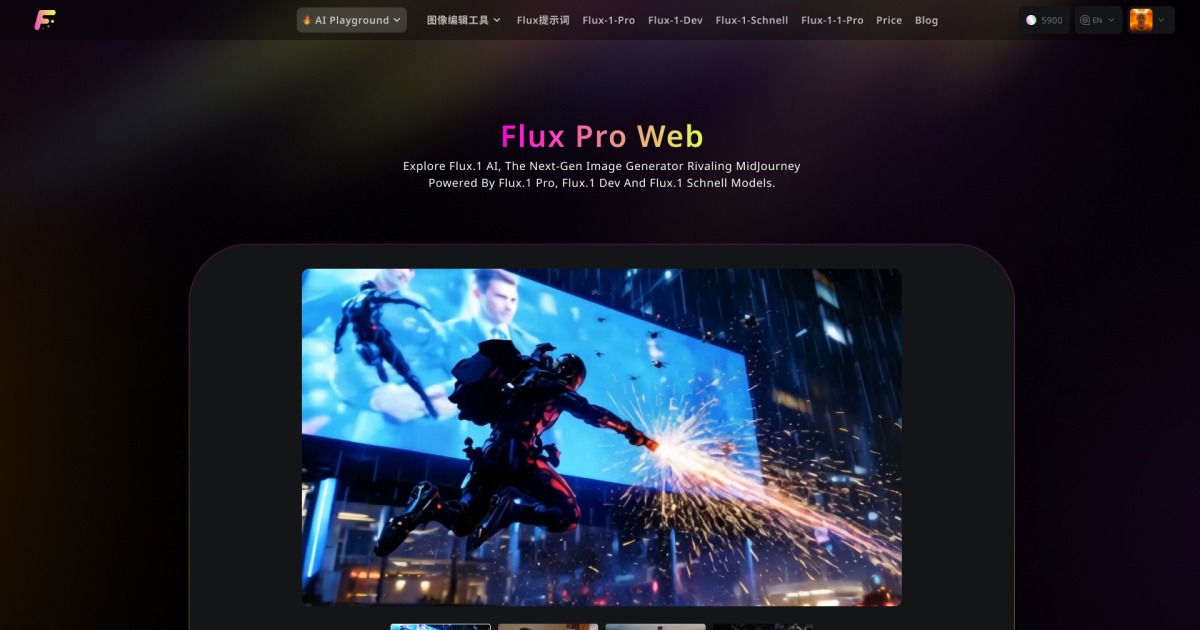
FluxProWeb takes a baby photo and a short script and returns a lip synced talking baby video, aimed at short clips rather than live audio.
Common questions
Is a baby voice generator free?
Some of these tools are free, including Voicemod on its free tier and the browser based Voice Changer.video. Free plans typically limit voice choice, session length or output quality. Expect a subscription when you need the effect without limits or want a finished video rather than raw audio.
Can I use it live in a call or stream?
The real time changers, Voicemod and Voice.ai, are built for exactly that and run on desktop. Browser tools are better suited to recording a clip and downloading it. Check that your chat or streaming app accepts the tool as a microphone input before you commit.
What is a talking baby video?
It is a short clip where a baby photo is animated so the mouth moves in time with a supplied script. FluxProWeb handles that end to end. The other tools on this page produce audio only, so a video needs a separate editing step.
When to look elsewhere
If you want a child voice for a longer character performance rather than a quick effect, the Kid Voice Changer category is the closer match. For clean spoken narration with no pitch shift at all, see Natural Text to Speech.