AID-Photo

Biometric photo prep for passports, visas and ID cards

Beginner
Screenshot of AID-Photo, Biometric photo prep for passports, visas and ID cards

What is AID-Photo?

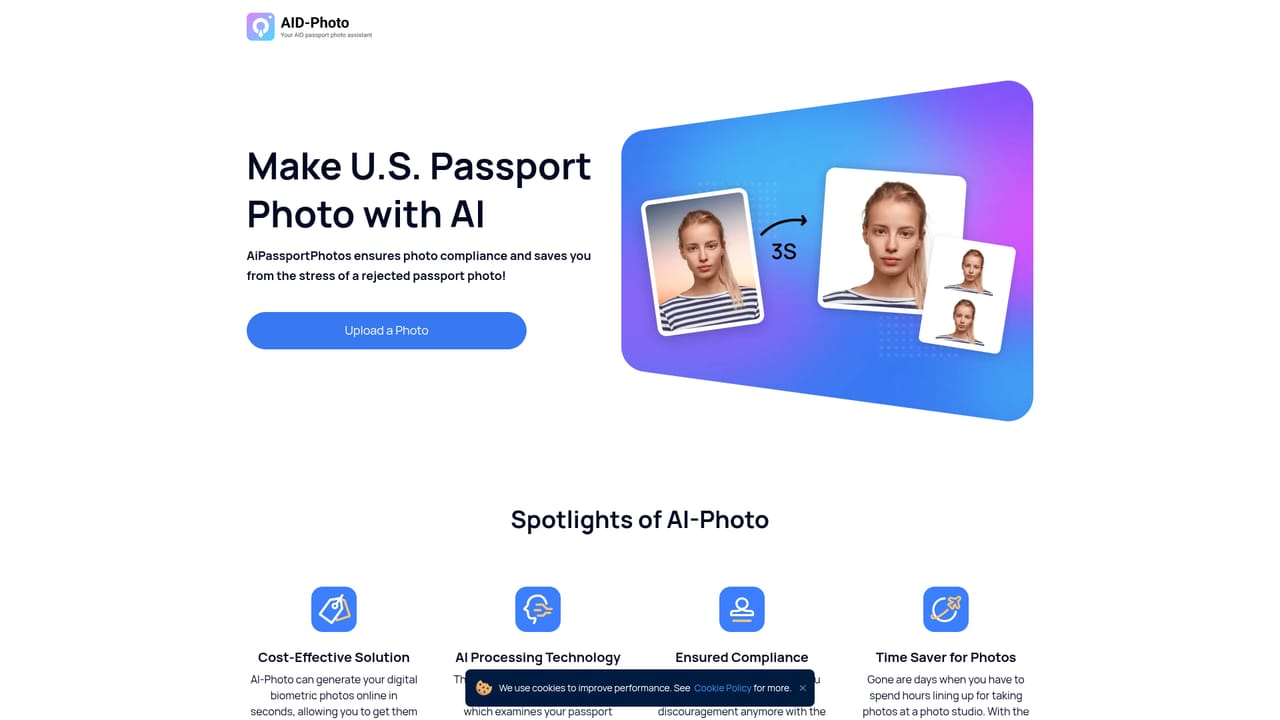
AID-Photo is an AI ID editor tool. AID-Photo prepares passport, visa and ID photos in the browser. Users select a document such as a U.S. passport or Canadian visa photo, upload a snapshot, and the service resizes it to the published format.

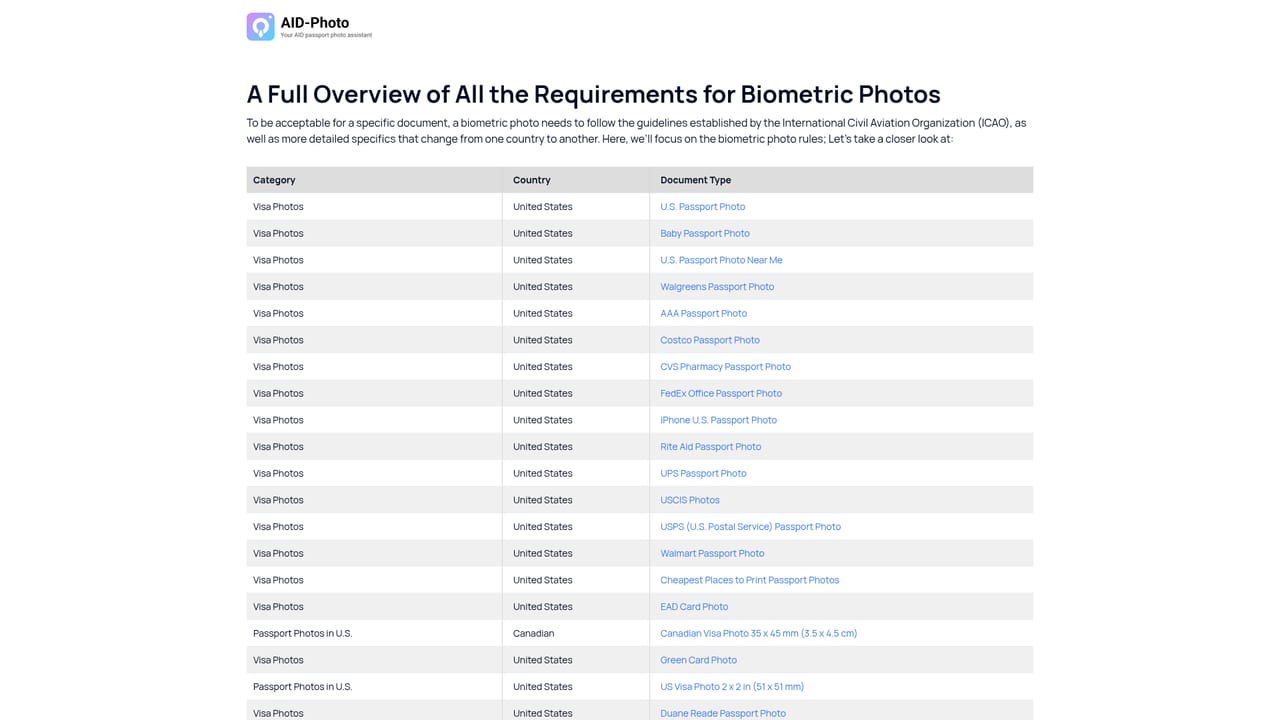
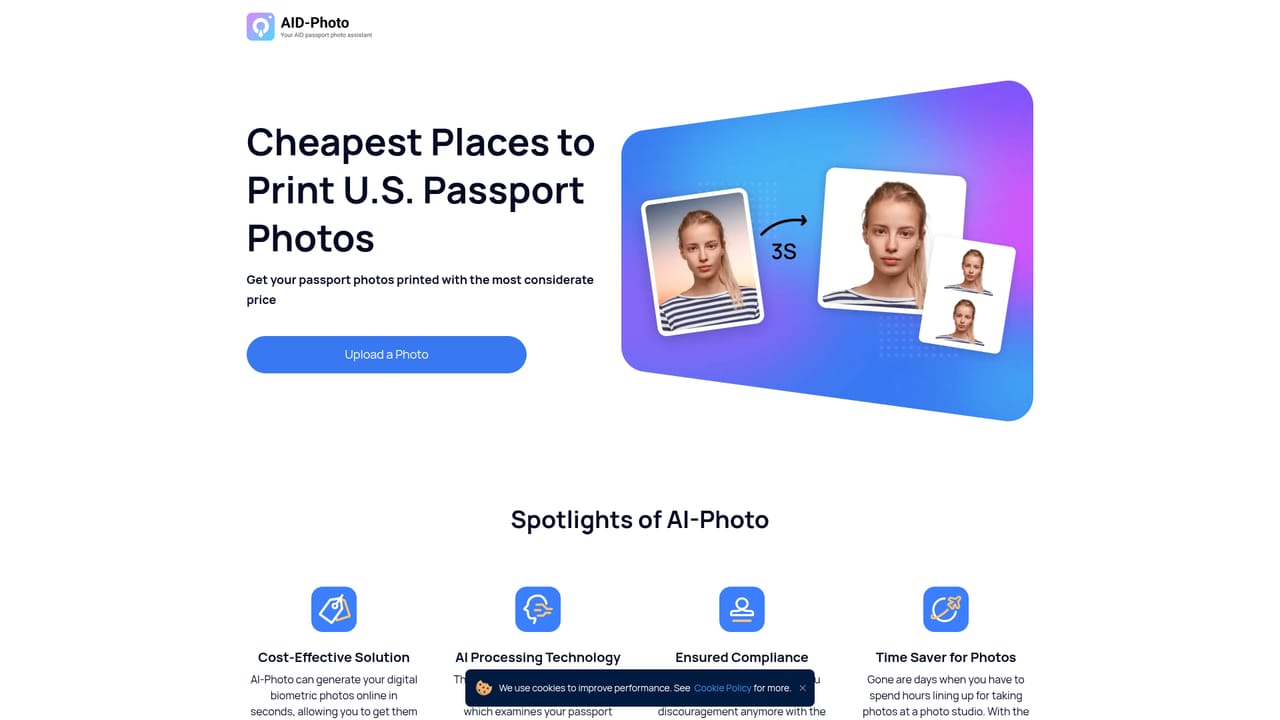
AID-Photo is a browser based service from AiPassportPhotos that turns an ordinary snapshot into a compliant identification photo. The user picks the document they are applying for, uploads an image, and the automated pipeline resizes and prepares it against the published requirements for that document. The catalog is heavily weighted toward the United States: U.S. passport photos, baby passport photos, USCIS photos, green card photos and EAD card photos. International coverage includes a Canadian visa photo at 35 x 45 mm. A longer document list sits behind a show more link. The product is aimed at people who need a formal photo quickly and would rather not queue at a pharmacy or post office counter. It also suits parents handling paperwork for several family members at once, since the same session covers both print ready and digital outputs. Part of the site is editorial rather than tooling: pages compare photo services at Walgreens, CVS, Costco, Walmart, UPS, FedEx Office, Rite Aid, AAA and USPS, and one guide covers the cheapest places to print passport photos. Those pages help users decide where to take a digital file once it has been prepared. In practice the flow is short. Visitors choose a document, upload a photo, and let the system adjust size and framing to the standard. The homepage presents this four stage process with sample images but does not describe the underlying model or the acceptance checks in detail. Pricing, subscription terms and any money back policy are not stated on the homepage, so cost has to be confirmed at checkout before committing. The tool sits alongside photo booths, drugstore counters and government portal uploads. Its advantage is convenience and per document guidance rather than deep editing control, and users who want manual cropping or retouching will find the automated approach limiting.

How do you use AID-Photo?

  1. 1Pick the document you are applying for
    Open the document selector and choose from popular options such as U.S. passport, green card or Canadian visa, or browse the full list for other formats.
    AID-Photo — Pick the document you are applying for
  2. 2Review the format for your chosen document
    Each document page shows the expected result with sample images and stated dimensions where the service provides them, so you can prepare a suitable source photo.
    AID-Photo — Review the format for your chosen document
  3. 3Upload your snapshot
    Supply an existing photo from your device or phone. A plain background and even lighting produce the best starting point for the automated sizing.
  4. 4Let the service resize and prepare the image
    The tool adjusts the photo to the requirements of the selected document. Review the result on screen before deciding whether to proceed.
  5. 5Download the digital file and arrange printing
    Save the prepared image for online submission, and consult the printing comparison pages if you need a paper copy from a local store.
    AID-Photo — Download the digital file and arrange printing

Pros and cons

Pros

  • Covers a focused set of U.S. documents plus a Canadian visa formatAI
  • Combines a photo preparation tool with practical printing comparisonsAI
  • Works entirely in the browser with no software installationAI
  • Handles both print and digital photo needs in one sessionAI
  • Document pages show sample images so users know what to expectAI

Cons

  • Homepage does not explain how compliance checks work or how accurate they areAI
  • No pricing information is visible until later in the flowAI
  • Most document coverage is U.S. centric, with limited international formats shownAI
  • Only four workflow steps are illustrated, so retouching and retake options stay undocumentedAI
  • No details on refunds or rejection guarantees if a photo is refusedAI

How much does AID-Photo cost?

Features

Document driven photo preparation for passports, visas and ID cards, with an emphasis on U.S. formats including passport, baby passport, USCIS, green card and EAD card photos, plus a Canadian visa photo at 35 x 45 mm. A larger document list is available, and supporting pages compare photo services at major U.S. retailers and post offices.

Frequently asked questions about AID-Photo

  • How do you use AID-Photo?
    The walkthrough on this page covers 5 steps: 1. Pick the document you are applying for 2. Review the format for your chosen document 3. Upload your snapshot 4. Let the service resize and prepare the image 5. Download the digital file and arrange printing.
  • What platforms does AID-Photo support?
    AID-Photo is available on Web App.
  • What are the limitations of AID-Photo?
    Homepage does not explain how compliance checks work or how accurate they are. No pricing information is visible until later in the flow. Most document coverage is U.S. centric, with limited international formats shown.

Status

StatusActive
Views0
Outbound clicks0
Added10/21/2026

Platforms

Web App

Pricing

Freemium