AIgentor

Browse 231 characters or build your own chat persona.

Beginner
Screenshot of AIgentor, Browse 231 characters or build your own chat persona

What is AIgentor?

AIgentor is an advice giver tool. A character chat directory with 231 personas spanning anime, romance, adventure and practical advisors, plus a builder for creating new characters anonymously.

AIgentor is a character chat hub where visitors open a conversation with a ready-made persona instead of writing prompts from scratch. The library currently lists 231 characters, sorted by mood and use case: anime rivals, soft romance partners, cozy friends, fantasy guides, and practical helpers such as a finance planning bot. Every character carries an avatar, a category label, and a written backstory that shapes how the conversation unfolds, so picking a chat is closer to picking a story premise than to configuring a model. The tone ranges from playful to practical. Some characters are built around replayable scenarios, including a rooftop truth dare that loops until a confession lands or a detective office where the evidence board keeps rearranging itself. Others lean into everyday advice, with a finance planner that walks through budgeting, debt payoff, and insurance questions in checklist form while staying explicitly educational. Because anyone can publish a character, the catalog mixes polished scenario writing with rougher experiments, and adult or romance-leaning personas sit alongside advisory and adventure ones. In practice the tool works like most chat platforms: browse or search the catalog, open a character, and start typing. A dedicated create page lets a visitor build a persona anonymously, which matters for people who want to test a scenario without attaching an identity to it. Accounts exist for keeping track of activity, and search supports mood or use case terms rather than only character names. AIgentor fits between general purpose chat assistants, which are flexible but have no cast of characters, and dedicated roleplay apps, which tend to be narrower in tone. Its strongest angle is breadth of premise with low setup cost. Users who want a consistent companion or a single sharp character may find the catalog noisy, and anyone expecting pricing details, integrations, or a formal API will not find that documented on the homepage.

How do you use AIgentor?

  1. 1Browse the character catalog
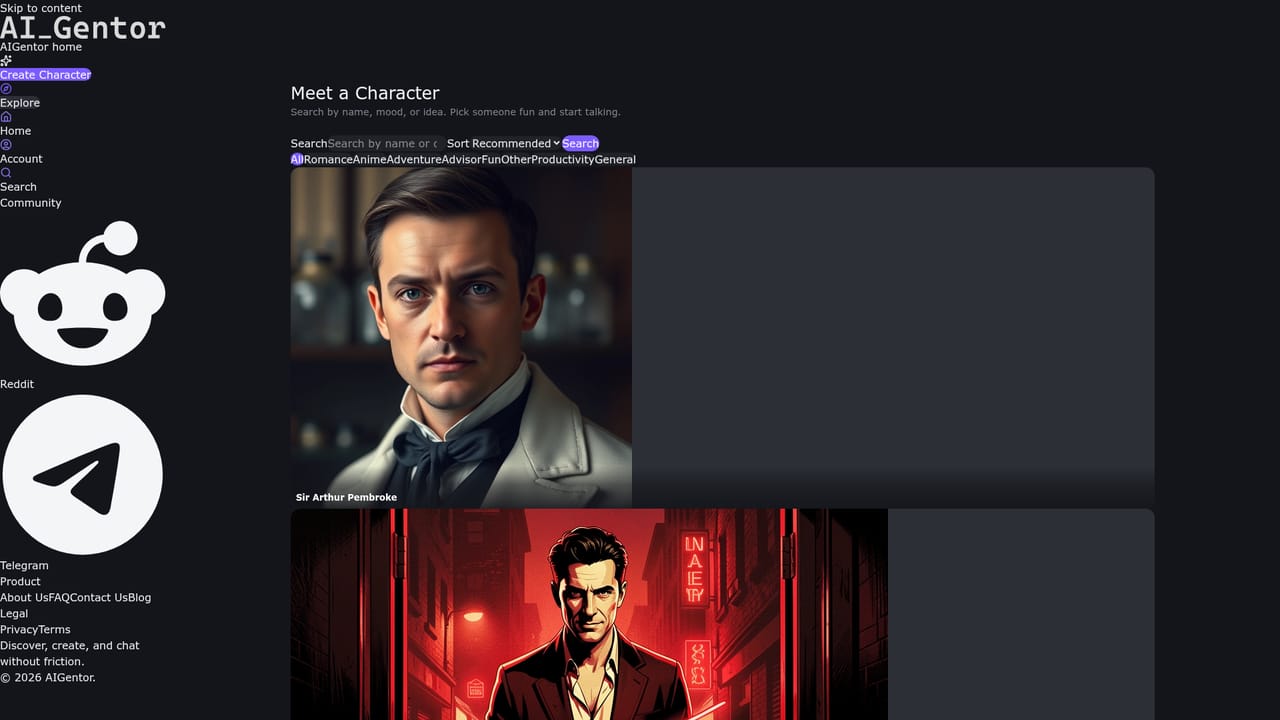
    Open the explore page to see the full list of 231 characters with avatars, category tags, and short descriptions, then scan sections such as New and Rising or Trending.
    AIgentor — Browse the character catalog
  2. 2Search by mood or use case
    Use the search field on the catalog page to filter by terms like anime, comfort, fantasy, romance, or advisor rather than hunting by character name.
  3. 3Open a character and start chatting
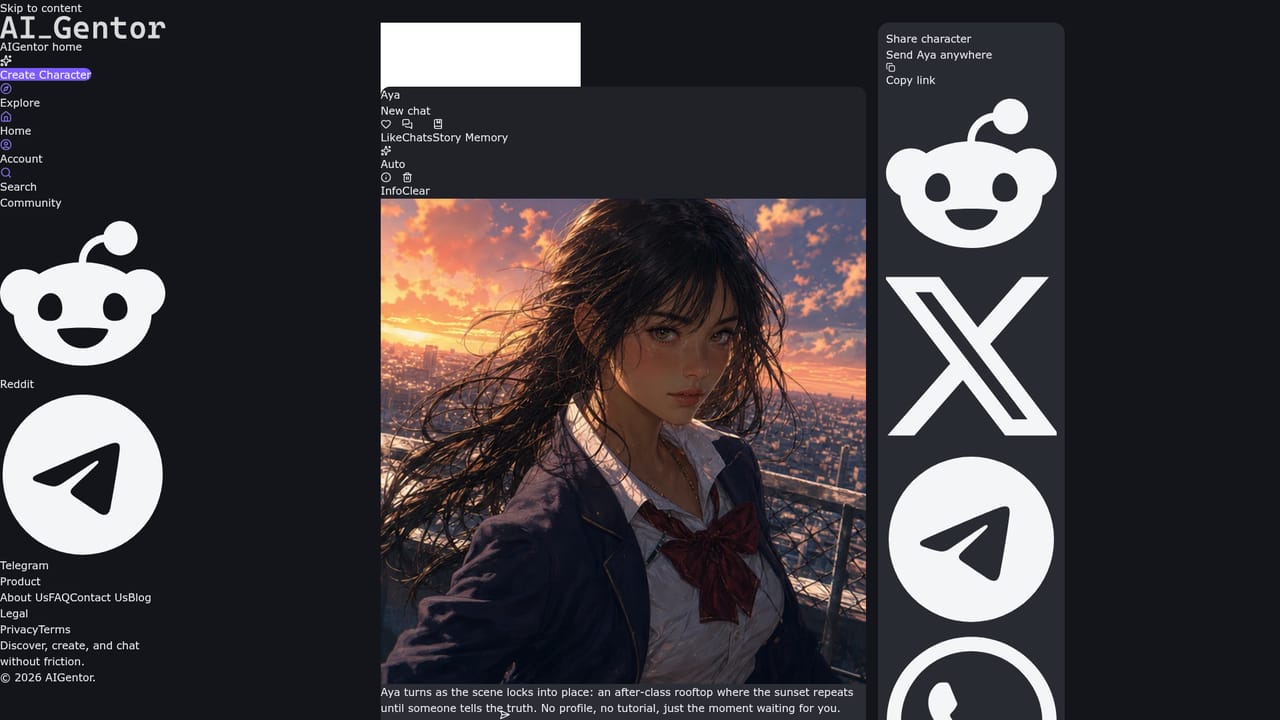
    Pick a character from the list to load its profile and backstory, then send an opening message to begin the scenario that character was written for.
    AIgentor — Open a character and start chatting
  4. 4Create a new character anonymously
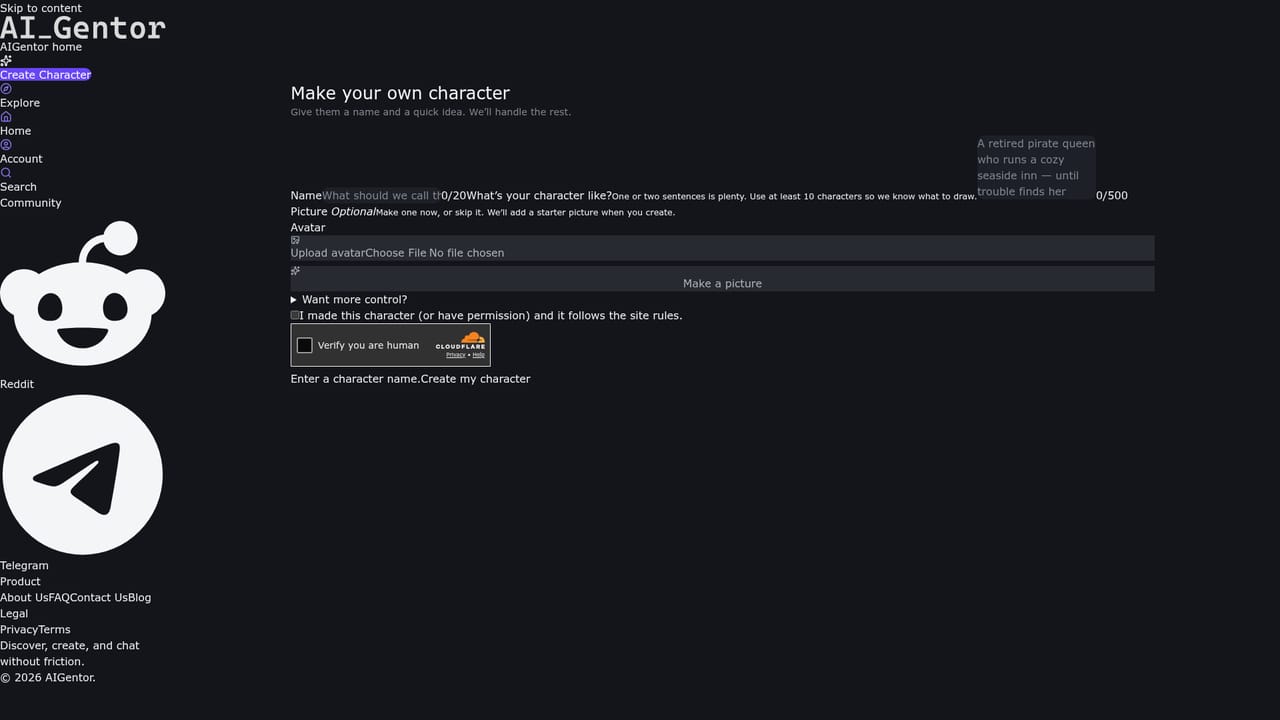
    Go to the create page to define a persona, its premise, and its visual, without needing to publish personal details first.
    AIgentor — Create a new character anonymously
  5. 5Check your account
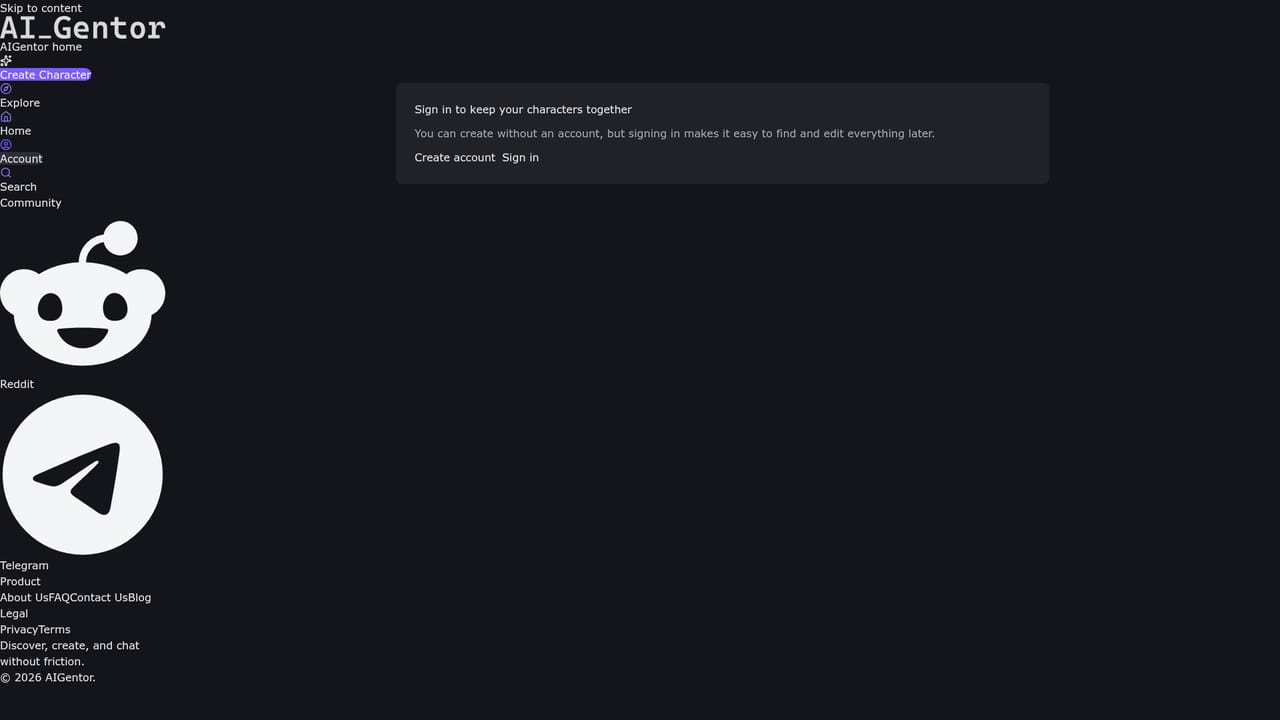
    Visit the account page to review the characters and conversations tied to your profile and to keep track of what you have created.
    AIgentor — Check your account

Pros and cons

Pros

  • 231 characters are listed up front, so a chat can start without any prompt writing.AI
  • Categories and search by mood or use case make browsing fast.AI
  • Characters come with written backstories that give conversations a clear premise.AI
  • The catalog mixes entertainment personas with practical ones such as a finance planner.AI
  • Anonymous character creation lowers the barrier for people testing an idea.AI

Cons

  • The homepage does not state pricing, limits, or what an account unlocks.AI
  • Catalog quality is uneven, with many short or rough character descriptions.AI
  • No integrations, API, or export options are documented on the homepage.AI
  • Language is mixed across listings, so search results can be unpredictable.AI
  • Practical advisors stay educational and will not give personalized financial advice.AI

How much does AIgentor cost?

Features

A browsable library of 231 characters with avatars, category tags, and written backstories. Search and mood based categories (anime, romance, fun, adventure, advisor, general) help narrow the catalog. Scenario driven characters build choices, clues, or emotional beats into replies. A create page supports anonymous character building, and accounts track user activity.

Learn more

Frequently asked questions about AIgentor

  • How do you use AIgentor?
    The walkthrough on this page covers 5 steps: 1. Browse the character catalog 2. Search by mood or use case 3. Open a character and start chatting 4. Create a new character anonymously 5. Check your account.
  • What platforms does AIgentor support?
    AIgentor is available on Web App.
  • What are the limitations of AIgentor?
    The homepage does not state pricing, limits, or what an account unlocks. Catalog quality is uneven, with many short or rough character descriptions. No integrations, API, or export options are documented on the homepage.

Status

StatusActive
Views0
Outbound clicks0
Added10/21/2026

Platforms

Web App

Pricing

Free