Pricing
Build and iteration requests to Omni are stated as no additional cost. Asking analysis questions about your data costs 10 credits per response, with fuller AI pricing details referenced by Airtable but not listed on this page.
Learn moreConversational AI app builder inside Airtable
Own Airtable Omni? Verify ownership to get a dofollow link

Airtable Omni is an AI project builder tool. Airtable's conversational builder that creates tables, interfaces and automations from plain language prompts, with attached context and full visual editing after generation. Part of a broader AI layer that includes Field Agents and prebuilt AI Plays.
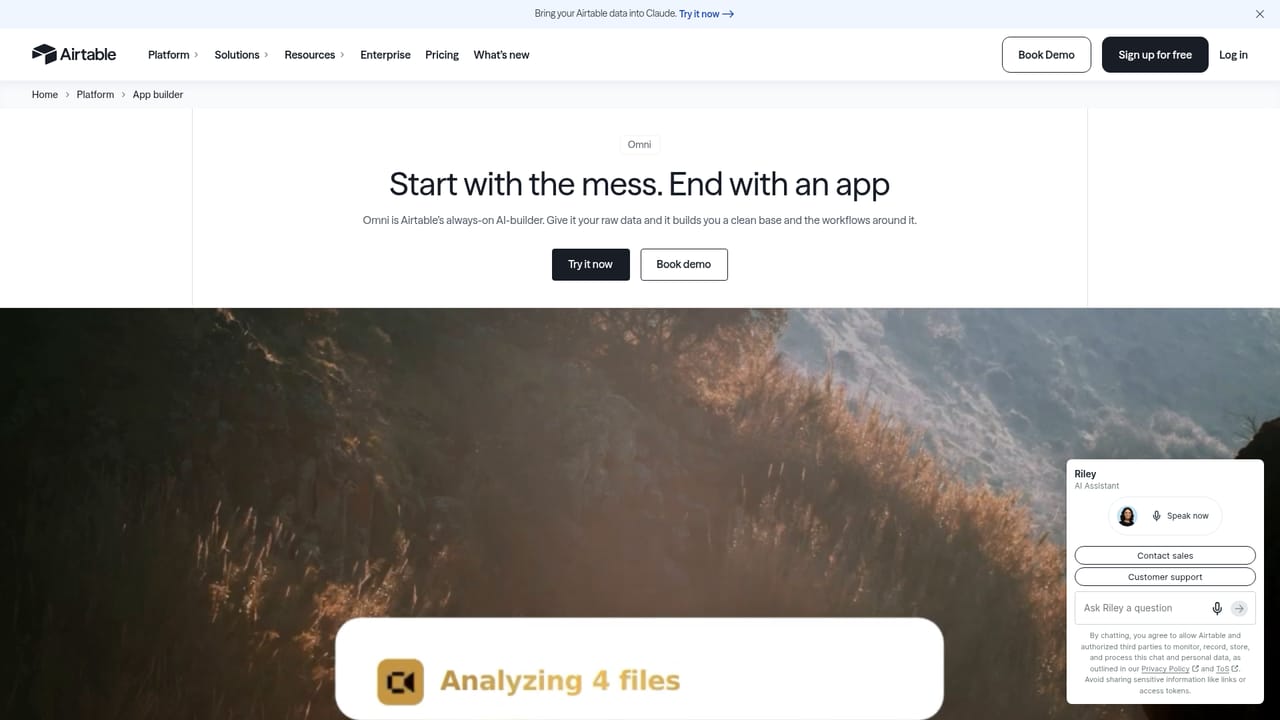
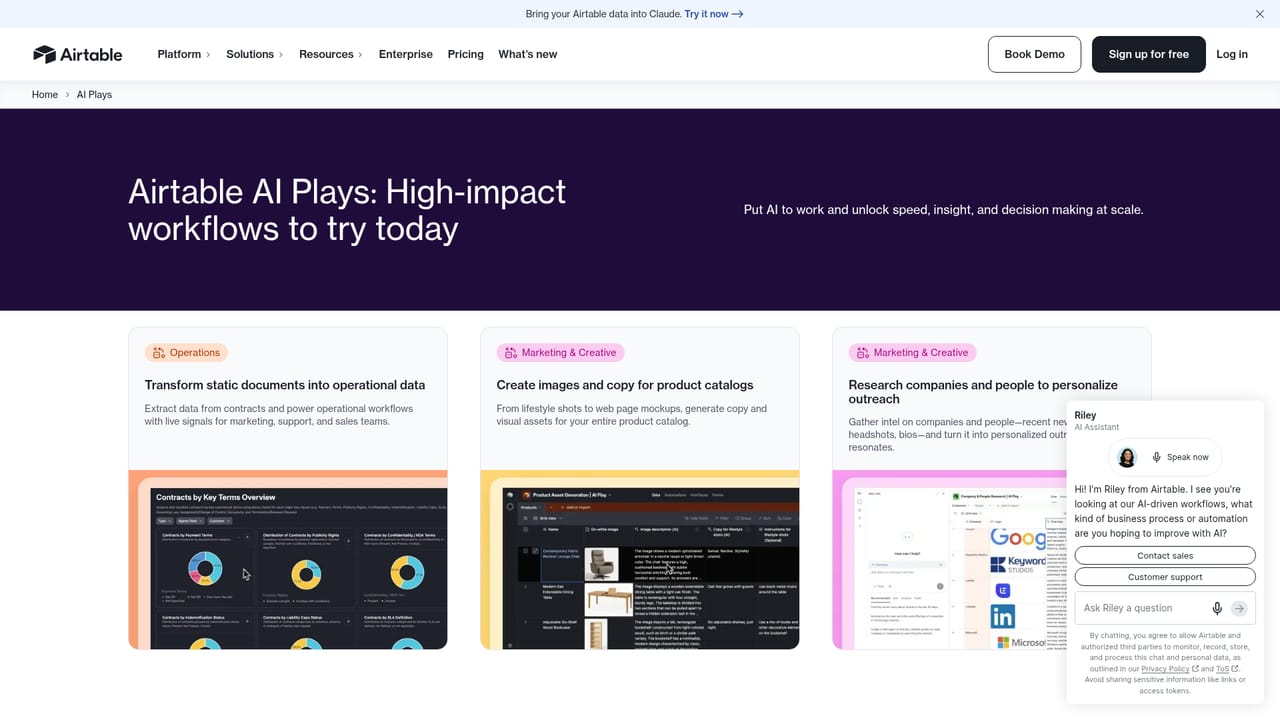
Omni is Airtable's conversational AI builder, an assistant that turns a plain language description into a working application. It generates tables, interfaces and automations from a single prompt, sitting alongside the data a team already keeps in Airtable. Instead of moving between a chat tool and a spreadsheet, a user describes the outcome they want and Omni assembles the structure, then leaves every element open to visual editing afterwards. The build process is deliberately iterative. Omni accepts context in the form of attachments, so a brief, a set of meeting notes or a reference document can shape what gets produced. After the first pass, a user can refine tables, adjust interface layouts and rework automation logic with drag and drop controls rather than starting over. Asking Omni to build and iterate carries no added cost, and the tool is pitched at both experienced builders and people with no technical background. Airtable positions Omni as one part of a wider AI layer. Field Agents handle research, analysis and content tasks across a business process, with examples covering lead enrichment, campaign copy and feedback triage. A library of AI Plays provides ready scenarios such as campaign concept generation, attendee research, PDF line item extraction and customer feedback analysis. On the governance side, enterprise administrators choose which models are enabled, including options from Open AI, Anthropic and Meta, and switch AI on at workspace level. The stated policy is that model providers do not retain customer data or train on it, with Amazon Bedrock offered as an option. For teams already working inside Airtable, Omni removes much of the setup friction in building internal trackers, dashboards and marketing workflows. It is less useful as a standalone creativity tool: outputs are structured business apps, not images or media. Buyers should also note that data analysis questions are metered, so heavy analytical use carries a usage cost on top of the build itself.
Build and iteration requests to Omni are stated as no additional cost. Asking analysis questions about your data costs 10 credits per response, with fuller AI pricing details referenced by Airtable but not listed on this page.
Learn moreEnterprise customers can enable models from Open AI, Anthropic, Meta and others, with Amazon Bedrock available as an option so providers need not touch customer data.
Conversational app generation covering tables, interfaces and automations, plus attached context documents, full visual editing, Field Agents for research and content tasks, a library of AI Plays, and admin controls over which AI models are enabled at workspace level.
Learn more AI Angels400+ customizable AI girlfriends for NSFW chat, voice calls, and roleplay
 Candy AIExperience the future of companionship with AI friends who chat, role-play, and connect with you on a human level.
 ourdream.aiA vast AI roleplay platform with millions of characters for chat, images, video and voiceAI Angels400+ customizable AI girlfriends for NSFW chat, voice calls, and roleplayCandy AIExperience the future of companionship with AI friends who chat, role-play, and connect with you on a human level.ourdream.aiA vast AI roleplay platform with millions of characters for chat, images, video and voice


