Support
No help desk or contact channel is listed. The devlog is the public record of releases, patches and known issues, and the homepage states that reported bugs are triaged and fixed quickly, with no formal support route described.
Learn moreStable Diffusion art and local chatbots, running on your own GPU
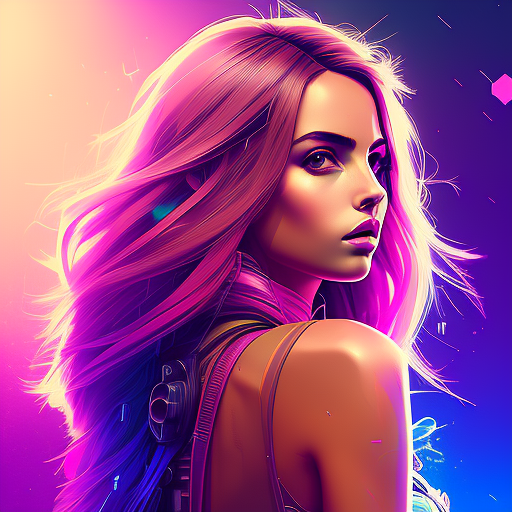
AIRunner is an AI chat bot tool. AI Runner is a downloadable desktop app that runs Stable Diffusion image generation and a Mistral-7b chatbot on your own NVIDIA GPU, with drawing tools, outpainting, filters and prompt storage. Users bring their own models; the interface is aimed at non-technical artists but the hardware requirements are real.
AI Runner is a desktop application from Capsize Games that puts Stable Diffusion image generation and a conversational chatbot on local hardware. Rather than renting cloud GPU time or uploading prompts to a hosted service, the program runs diffusion models (Stable Diffusion 1.5, SDXL 1.0 and SDXL Turbo) and a Mistral-7b chatbot directly on the user's machine. It is a downloadable tool rather than a website, and the source notes that no technical knowledge is needed to get started, though users have to supply their own model weights. The image side is built around a canvas with collapsible panels. Prompts can be weighted, LoRAs, embeddings and textual inversion are supported, and both safetensors and ckpt files load. Drawing tools feed sketches into image-to-image conversion, outpainting extends an image to larger sizes, and filters such as the pixel art and film presets change the final look. Sessions remember settings and prompts between launches, and a prompt browser stores favourites for reuse. Metadata export and automatic image export are configurable, and an NSFW filter toggle can be switched off. The chatbot is the second pillar. Mistral-7b powers conversations with custom system instructions, bot names, personalities and moods that shift with context. Conversations can be saved and revisited, and the bot can trigger image generation or leave prompt control entirely to the user. Voice interaction is described as real-time text-to-speech and speech-to-text, with the homepage warning that this particular feature is prone to error. The realistic audience is hobbyists and artists with an NVIDIA card who already own or plan to download Stable Diffusion checkpoints and want an offline workspace instead of a browser tab. That framing matters, because AI Runner competes with polished cloud generators but wins on privacy and no per image billing, at the cost of hardware setup and a Linux first system profile. It suits people who enjoy tuning memory options like attention slicing and CPU offload more than they mind missing hosted conveniences.
No help desk or contact channel is listed. The devlog is the public record of releases, patches and known issues, and the homepage states that reported bugs are triaged and fixed quickly, with no formal support route described.
Learn moreImage generation with Stable Diffusion 1.5, SDXL 1.0 and SDXL Turbo, flexible weighted prompts, LoRA and textual inversion support, safetensors and ckpt loading, outpainting, drawing tools, image filters, metadata and automatic export, prompt browser and stored sessions, plus a Mistral-7b chatbot with custom personalities, moods and saved conversations. GPU acceleration is included, with memory options such as attention slicing, sequential CPU offload and VAE slicing.
 AI Angels400+ customizable AI girlfriends for NSFW chat, voice calls, and roleplay
 Candy AIExperience the future of companionship with AI friends who chat, role-play, and connect with you on a human level.
 ourdream.aiA vast AI roleplay platform with millions of characters for chat, images, video and voiceAI Angels400+ customizable AI girlfriends for NSFW chat, voice calls, and roleplayCandy AIExperience the future of companionship with AI friends who chat, role-play, and connect with you on a human level.ourdream.aiA vast AI roleplay platform with millions of characters for chat, images, video and voice










