What image gen tools do
Image gen tools take a written description and return a finished picture. Most run in the browser, need no install, and handle a range of jobs: illustrations, concept art, social posts, product mockups, avatars and backgrounds. Many also accept an existing image and change it, whether that means restyling a photo, remixing it or editing one part of it with a follow-up instruction.
The people who reach for them are marketers who need a visual by the afternoon, small business owners without a design budget, writers and game makers who want concept art, and hobbyists exploring a new medium. They replace some of the work done by stock photo libraries, commissioned one-off illustrations and manual retouching, though they do not replace a designer when a brand needs strict consistency.
How to choose an image gen tool
Start with the model. Some tools are built around one model (Seedream, for example, is a single ByteDance model), while others put several behind one prompt box. A multi-model tool is useful when the same idea looks better in a different engine, and a single-model tool is simpler when one look is enough.
Next, check how access is priced. Several tools generate with no sign-in or with free daily credits, which suits occasional use. Others are credit-based or subscription-only, so look at what a generation costs before committing. A few show credit prices up front, which makes comparison easier.
Then consider editing. If the first result is rarely the final one, chat-style editing or a built-in editor saves a trip to another app. Finally, match the output to the job: sharp text inside the image, photorealism, accurate color, a particular size or 4K export each narrow the field quickly.
Notable image gen tools
Seedream is a unified image generation and editing model from ByteDance that outputs up to 4K, and it is paid.
GPT-IMG sends one prompt to many image models and shows credit prices first, so the cost of a run is clear before it starts.
Getimg.ai covers creating and editing images in one place, with a mix of free, trial and paid options.
PictoFlux AI is a free, no-signup text-to-image generator that also handles editing, which makes it a low-friction place to test a prompt.
GPTImage.app combines several models with chat-style editing and a free tier.
GPT Image 2 3rd party is aimed at sharp text, photorealism and accurate color, the areas where generated images most often disappoint.
Common questions
Is there a free image gen tool?
Yes. AI Art Generator is listed as free, and PictoFlux AI, lunalisa and Vdoo AI offer free generation or free daily credits, with paid tiers for heavier use. Free access usually carries limits on volume or features.
Can these tools edit existing images?
Many can. AI Image Editor, Getimg.ai and GPTImage.app combine generation with editing, and some tools also remix photos. Check the tool's description for editing before assuming it is included.
Do I need an account?
Not always. Some generators let visitors create images without signing in, while credit-based and subscription tools generally ask for an account so usage can be tracked.
When to look elsewhere
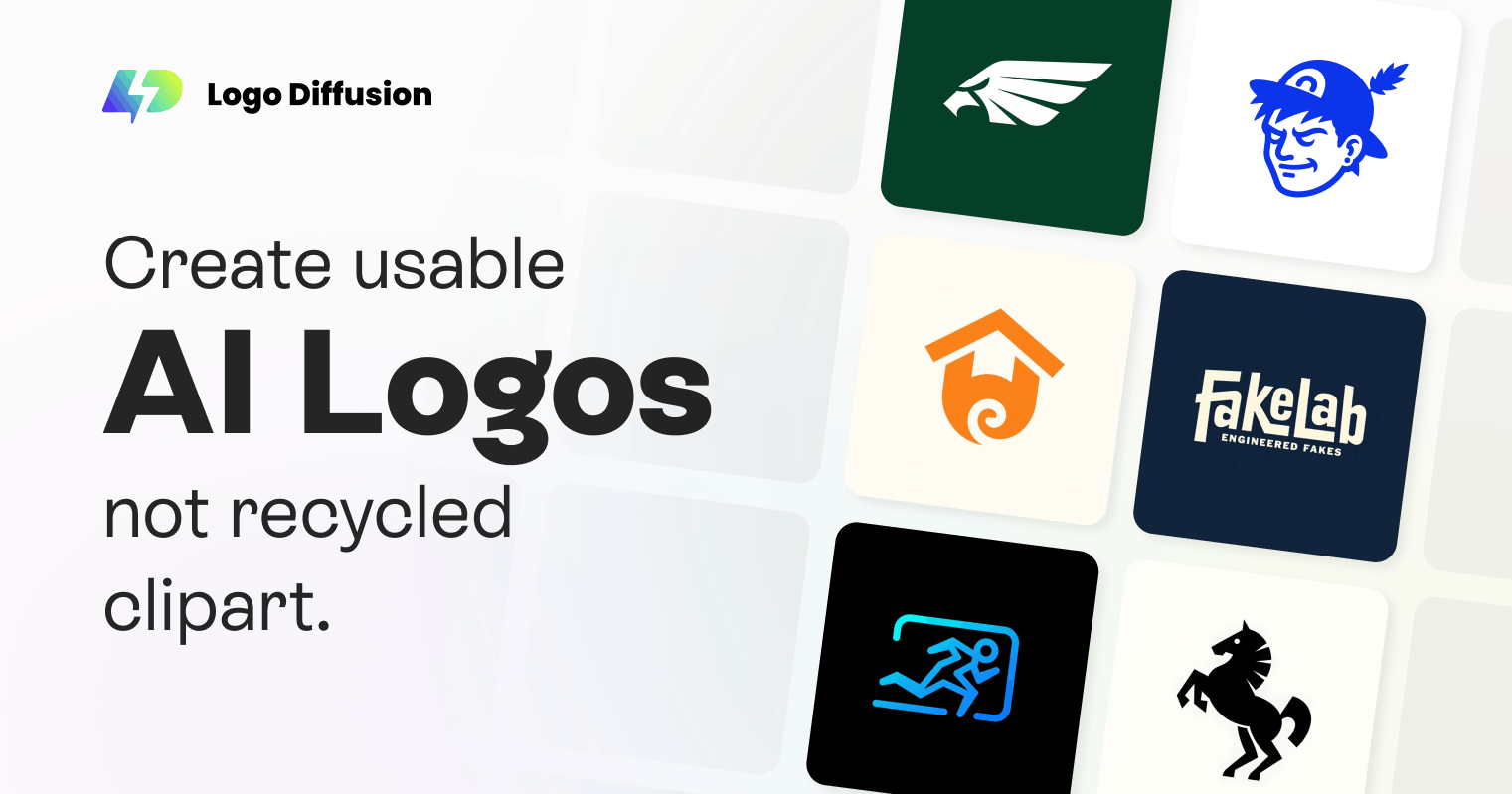
Image gen is the general-purpose option. A narrower job is often better served by a specialist: Logo Generator for brand marks, Pixel Art Generator or Sprite Sheet Generator for game assets, and Anime Generator for a specific illustration style. Drawing to Image suits anyone starting from a sketch rather than a text prompt.