Free trial
The site invites visitors to start for free alongside a demo request, but it does not publish trial length or what a free account includes.
Learn moreAI prototyping that starts from your real product, not a blank canvas

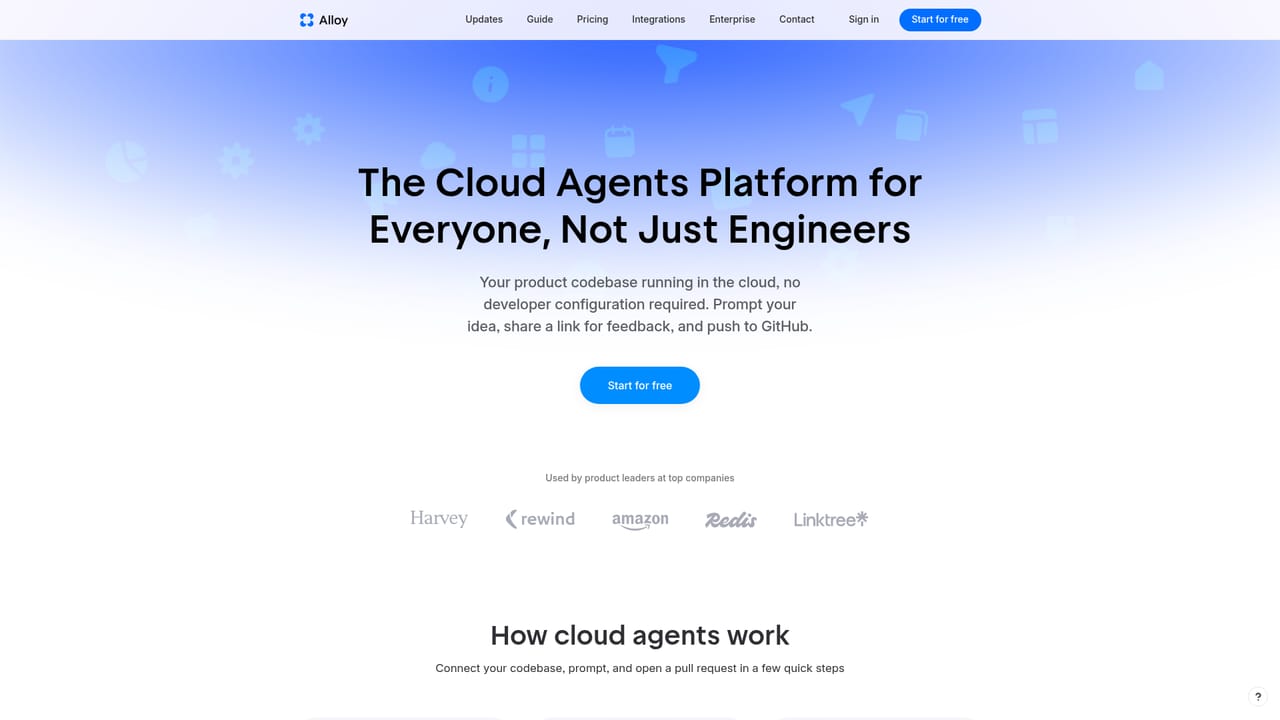
Alloy turns an existing product into a prototyping surface: connect your codebase or capture pages with a browser extension, prompt changes in chat, preview them live, share cloud sessions with the team, then push approved work as a GitHub Pull Request.
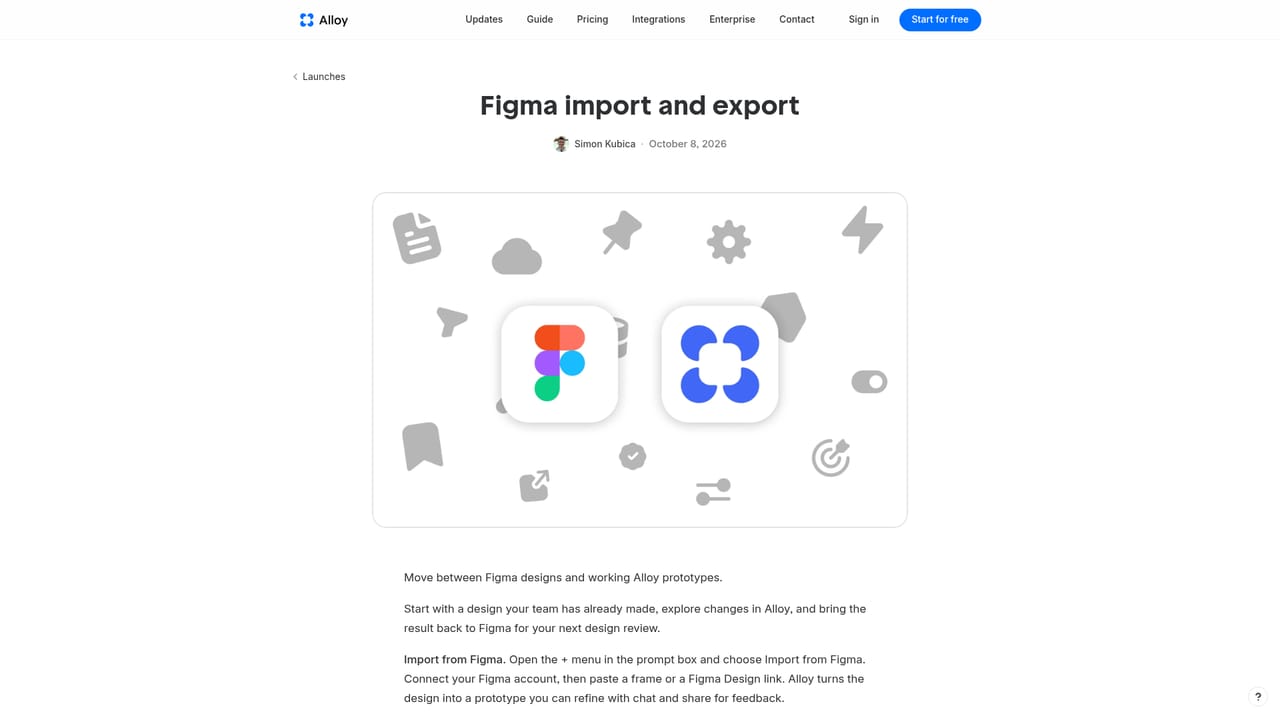
Alloy is an AI prototyping tool built for product managers who want to test ideas against their actual product rather than a mockup. Instead of starting from a blank canvas, a team connects Alloy to its codebase or captures live pages through a browser extension, then makes changes by prompting in chat. The agent works with the existing pages, components and design system, so a new concept comes out looking like something the in-house design team produced rather than a generic AI template. In practice the workflow is conversational. A session runs your app in a sandbox, and each prompt is previewed live in the browser with a changes log alongside it. Sessions live in the cloud, which means a product manager can start one from Slack without touching a local developer environment, run several in parallel, and hand a link to colleagues or customers for comment. Feedback arrives as comments on the shared prototype. When an idea survives review, the change can be raised as a Pull Request on GitHub and rolled out, so the output is production-oriented code rather than a throwaway artifact. Alloy aims at product leaders and PMs at companies that already have a shipped application and the design system to match. The browser extension needs no setup and suits quick visual prototyping, while connecting the full codebase takes admin permissions and roughly fifteen minutes but unlocks running the whole app and writing code against it. Design teams are covered through Figma import and export, and a library feature lets a team upload its design system so prototypes use real components and tokens. That puts Alloy in a different lane from general app builders, which typically ask for screenshots or text prompts and hand back off-brand screens, and from command line coding agents that assume a developer machine. The trade-off is that Alloy is purpose-built for prototyping inside an existing product, so it is not the tool for someone starting a product from nothing. Pricing is not detailed on the homepage beyond a free start and a mention of credits.
The site invites visitors to start for free alongside a demo request, but it does not publish trial length or what a free account includes.
Learn moreOver 20 integrations feed ideas and customer requests into Alloy, plus MCP connectors and any compatible remote MCP server. GitHub handles Pull Request output, and Figma supports import and export.
Learn moreCodebase connection or browser capture, live preview in a sandboxed browser, prompt-driven changes with a changes log, cloud sessions shareable by link, comments for feedback, GitHub Pull Request output, Figma import and export, design system libraries and reusable components, MCP connectors, and the option to power sessions with an existing Claude or ChatGPT subscription.
Learn more AI Angels400+ customizable AI girlfriends for NSFW chat, voice calls, and roleplay
 Candy AIExperience the future of companionship with AI friends who chat, role-play, and connect with you on a human level.
 ourdream.aiA vast AI roleplay platform with millions of characters for chat, images, video and voiceAI Angels400+ customizable AI girlfriends for NSFW chat, voice calls, and roleplayCandy AIExperience the future of companionship with AI friends who chat, role-play, and connect with you on a human level.ourdream.aiA vast AI roleplay platform with millions of characters for chat, images, video and voice


