Free trial
The FAQ asks whether Anakin is free and mentions needing more free credits to try it, which points to a free or freemium entry tier. No trial length or free allowance is specified on the homepage.
Learn moreAn all-in-one AI workspace for building apps, workflows and agents

Anakin is an AI project builder tool. A single AI workspace bundling major chat and image models with a no-code app builder, drag and drop workflows and batch processing over table data. Best for teams automating repetitive content and data tasks.
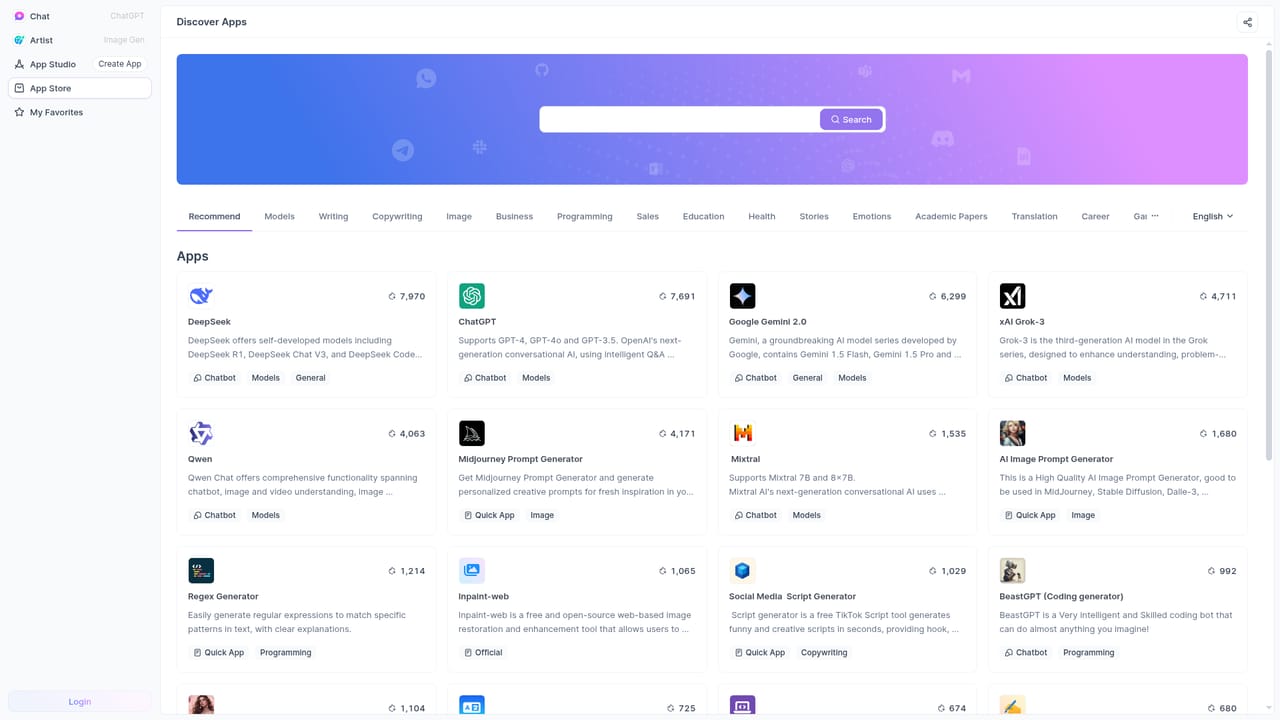
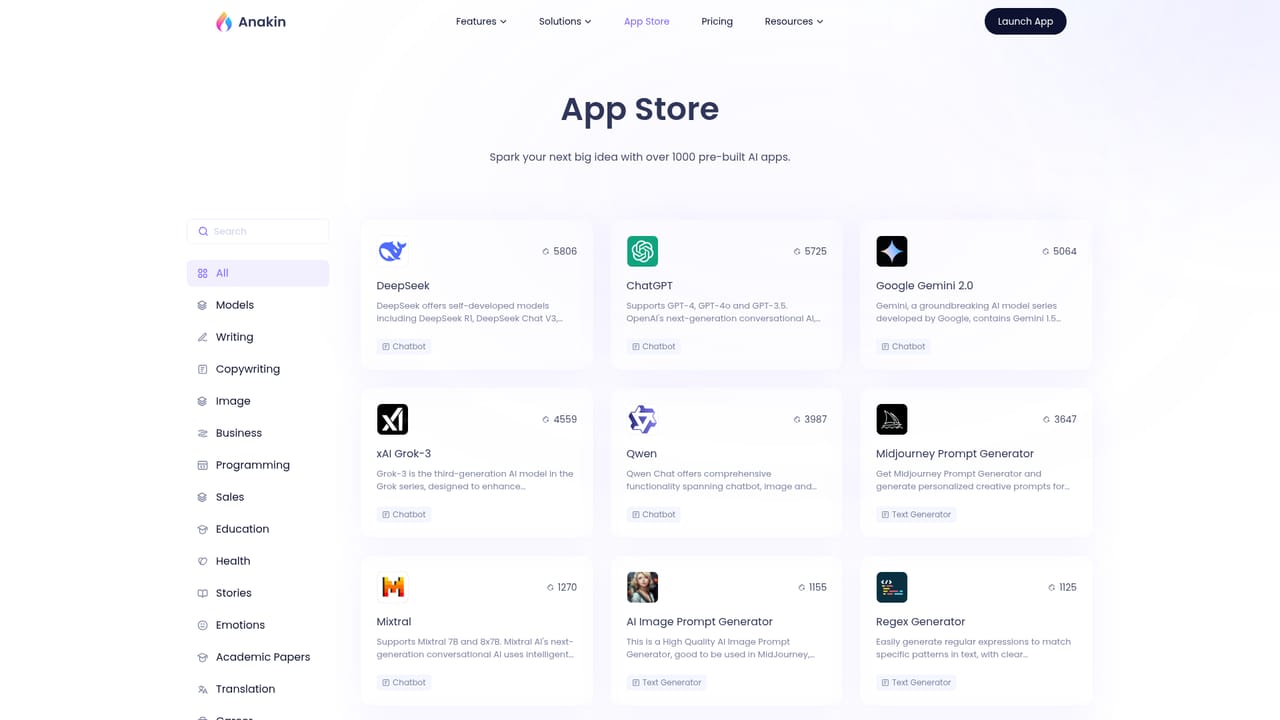
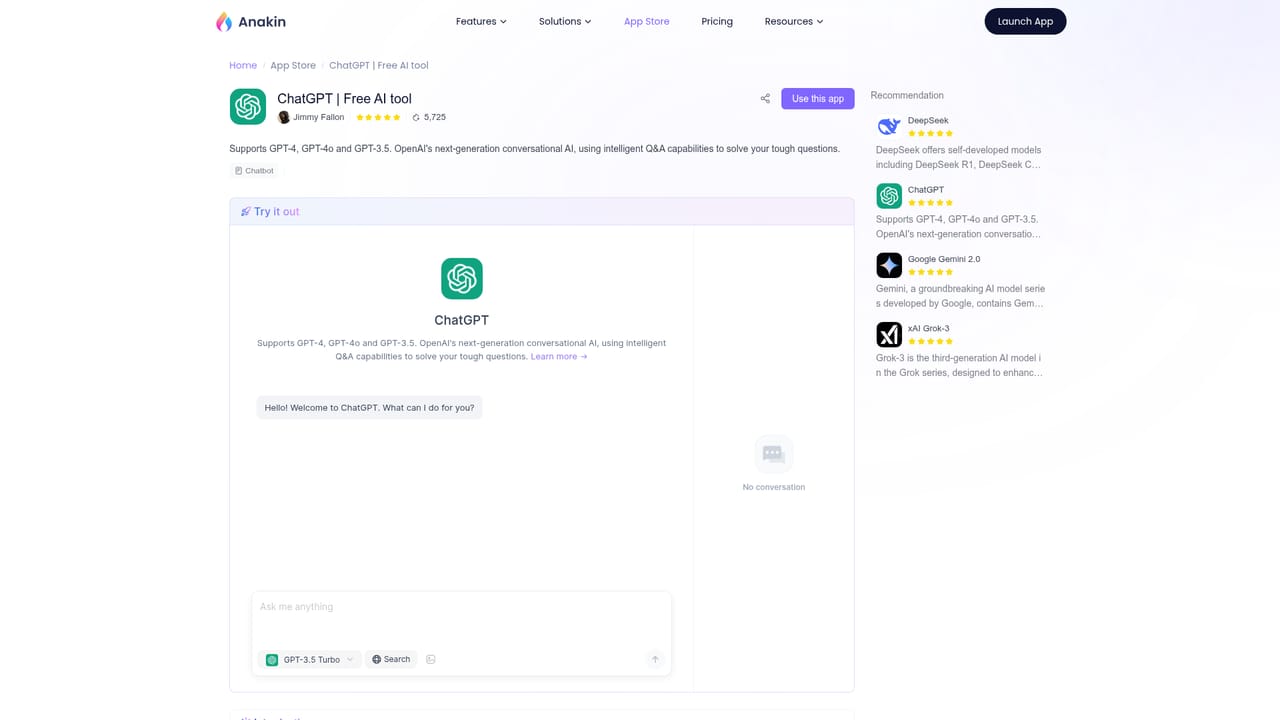
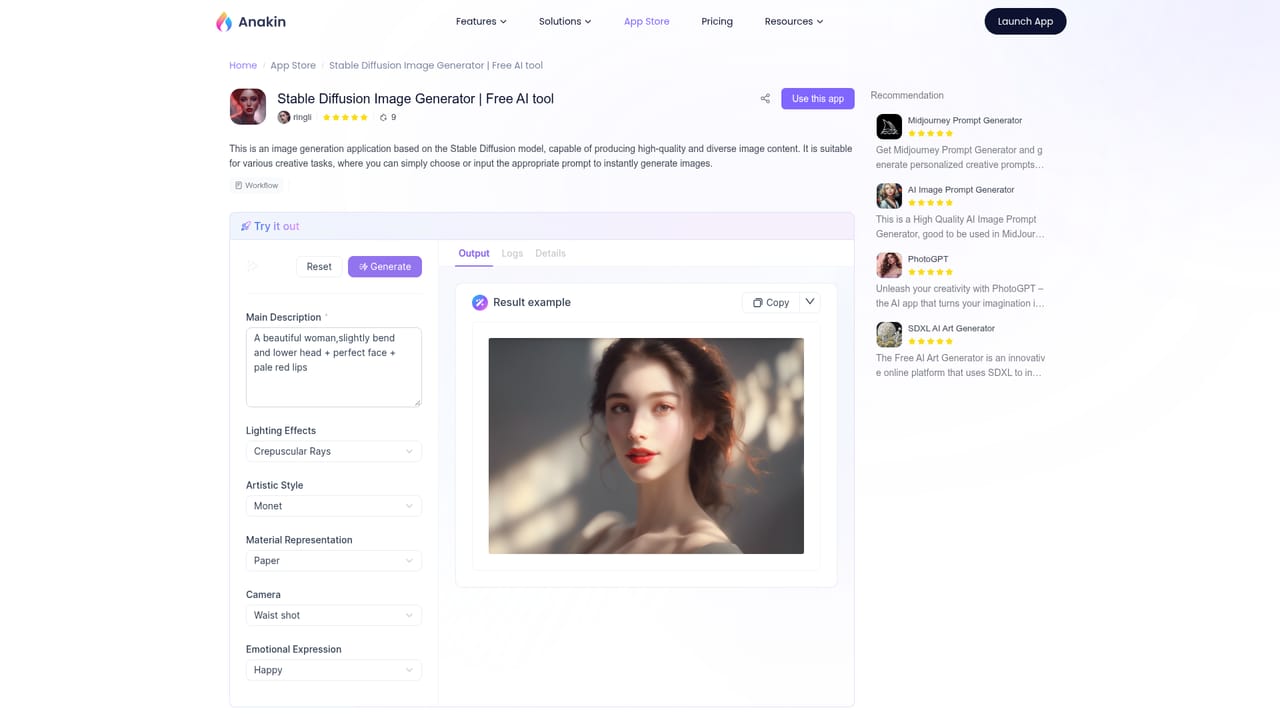
Anakin.ai is a browser-based AI workspace that gathers several major model families in one place and layers a no-code builder on top of them. Instead of subscribing to separate services, you work from a single account that exposes OpenAI, Claude, DeepSeek, Gemini, Mistral, Meta Llama, Stable Diffusion and DALL-E style image generation, plus a catalog of more than a thousand prebuilt apps covering chat, copywriting, image prompts, regex, translation, social scripts and coding helpers. Each app can be used as shipped or cloned and adjusted. The real differentiator is what sits beyond chat. A drag and drop workflow editor lets you chain prompt nodes, models and logic together, and the batch processing mode runs any app across a table of rows, so a single prompt can be applied to hundreds of records for classification, labeling, extraction or content production. An app builder turns a prompt and a form into a standalone tool with its own interface. Non-coders get prebuilt templates and a one minute setup path; advanced users can wire in external APIs and custom code, though that ceiling requires real technical comfort. Anakin fits teams and individuals who want a Swiss army knife rather than a best-in-breed single model. It suits marketers producing social scripts, ops staff running repetitive extraction jobs over spreadsheets, and small teams that want an internal AI tool without commissioning software. It competes less with a single chat assistant and more with workflow platforms, with the trade-off that breadth comes at the cost of polish in any one area. Notable gaps: the site lists chatbot training on your own data, Auto Agents and external integrations as coming soon, so those headline capabilities are not live yet. The homepage also states that apps do not run on mobile screens and directs visitors to a desktop browser, which limits it to a desk-bound tool for now.
The FAQ asks whether Anakin is free and mentions needing more free credits to try it, which points to a free or freemium entry tier. No trial length or free allowance is specified on the homepage.
Learn moreThe homepage FAQ references credits, upgrading, downgrading and cancelling a subscription, which implies a credit-based paid model. No plan names, prices or credit allowances are stated on the page, so exact costs need checking in the product.
Learn moreA FAQ covers free access, credits, subscription management and commercial use of output, and points readers to a contact channel for questions the FAQ does not answer. No documentation site or dedicated help centre is named.
The homepage devotes a section to connecting AI apps with existing tools and services, but that section is labelled coming soon and no named integrations are listed.
Access to OpenAI, Claude, DeepSeek, Gemini, Mistral, Meta Llama, Stable Diffusion and DALL-E style image models; over 1,000 prebuilt apps for content, Q&A, document search and automation; a no-code app builder for text, image and video generators; a drag and drop workflow editor with prompt nodes and chains; batch processing over table data; and Auto Agents, chatbot training and external integrations listed as coming soon.
Learn more AI Angels400+ customizable AI girlfriends for NSFW chat, voice calls, and roleplay
 Candy AIExperience the future of companionship with AI friends who chat, role-play, and connect with you on a human level.
 ourdream.aiA vast AI roleplay platform with millions of characters for chat, images, video and voiceAI Angels400+ customizable AI girlfriends for NSFW chat, voice calls, and roleplayCandy AIExperience the future of companionship with AI friends who chat, role-play, and connect with you on a human level.ourdream.aiA vast AI roleplay platform with millions of characters for chat, images, video and voice


