Free trial
No formal trial is described. Free daily check-in tickets let users sample the assistant without paying, and the mobile apps are free to download.
Learn moreA 24/7 AI tutor and counselor built around student life

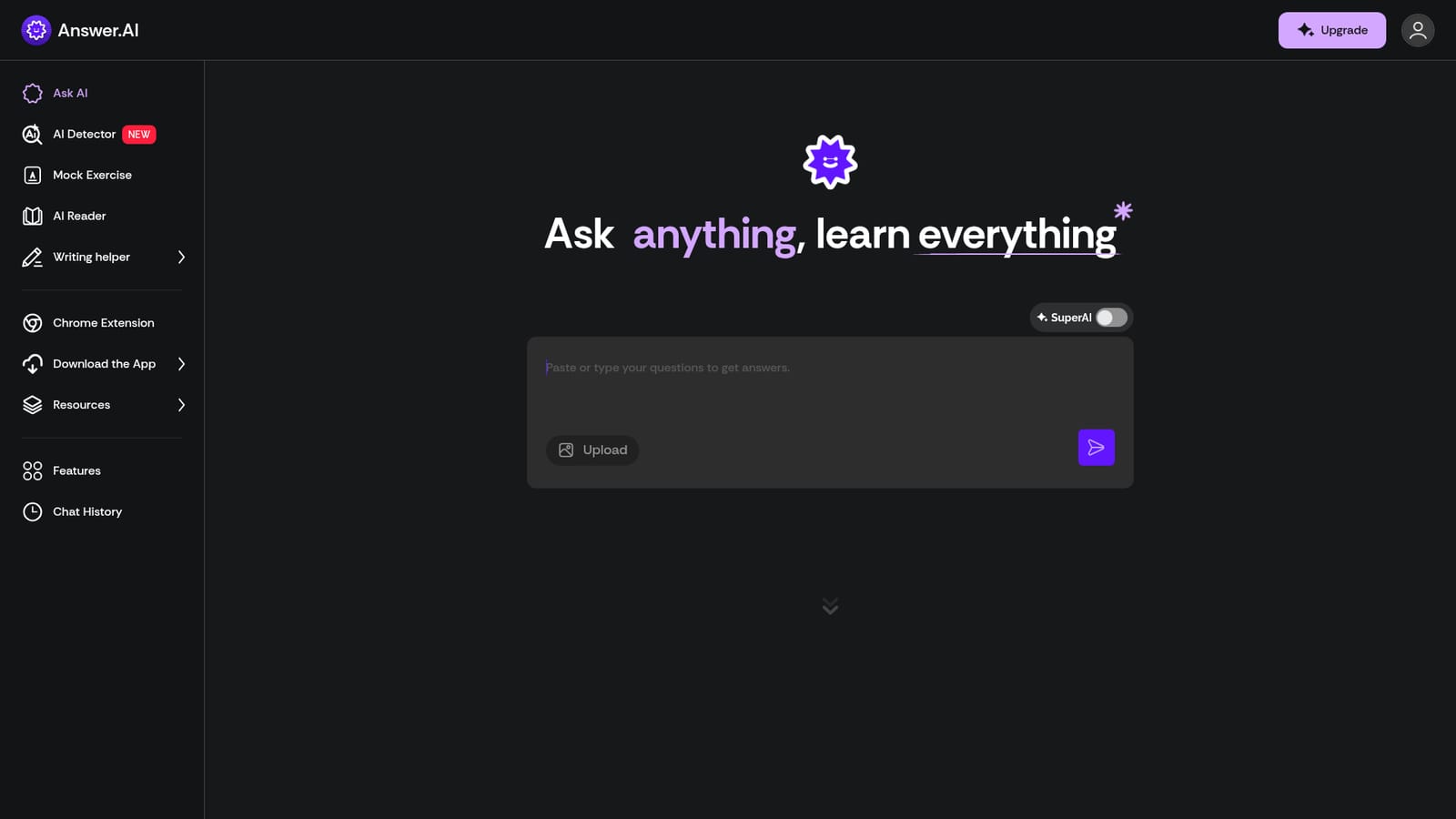
AnswerAI is an exam preparation tool. Answer.AI is a mobile app, web app and Chrome extension that gives students on-demand tutoring, homework explanations, flashcards, quizzes and college admissions advice. It bundles study tools, an AI detector and a writing helper, and is built around round-the-clock availability rather than scheduled sessions.
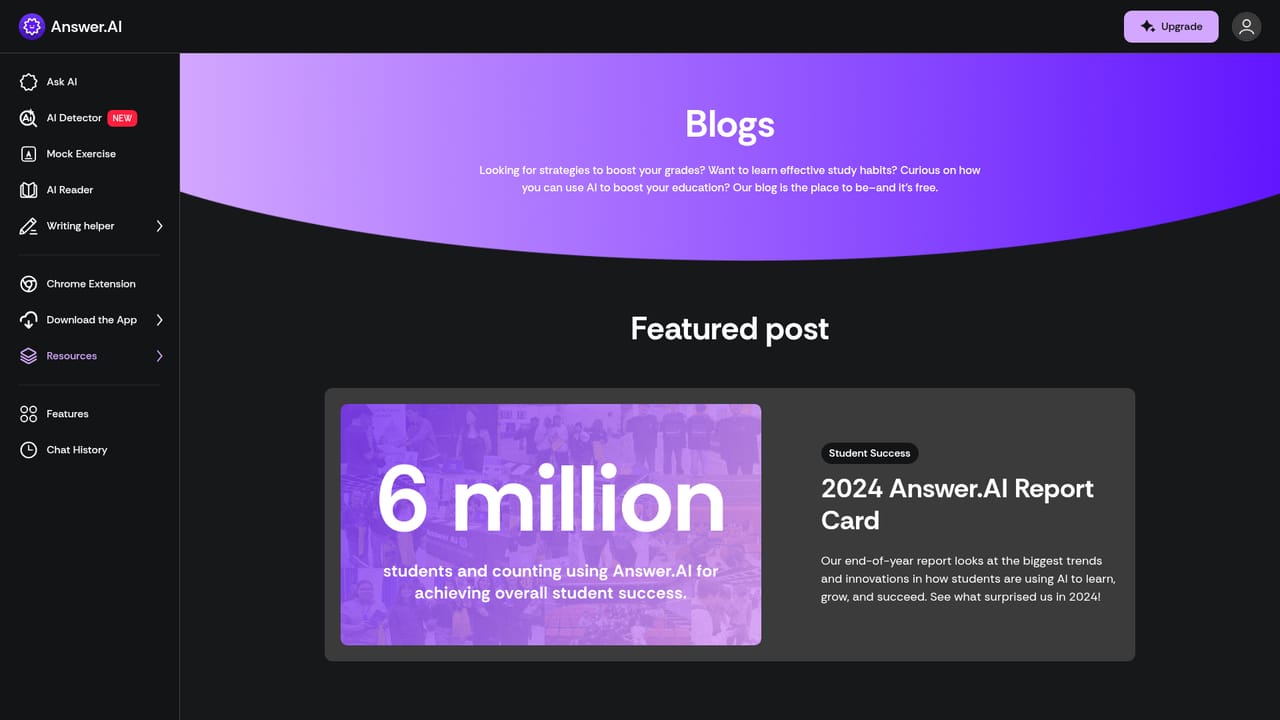
Answer.AI is a study companion aimed squarely at students, from AP coursework through college admissions and beyond. The product is delivered as a mobile app, a web app, and a Chrome extension, so a question typed at midnight on a phone reaches the same assistant as one typed in a browser tab during a study session. The pitch rests on availability: personalized tutoring and counseling on demand, rather than waiting for a teacher, a tutor or a parent to be free. The feature set splits into three areas. The core is an open-ended chat assistant that answers questions and walks through explanations, including worked solutions for word problems and equations. Around that sit learning tools: flashcards, customizable quizzes, progress tracking, and the option to study alongside friends. A newer AI Detector, an AI Reader, a Mock Exercise mode and a writing helper round out the toolkit, and the Chrome extension brings the assistant into the browser. A chat history keeps earlier sessions retrievable, which matters for students revisiting a topic before an exam. The scope extends past homework. Answer.AI positions itself for college admissions support as well, with guidance on the Common App essay and practical advice on choosing a college, and the company publishes blog content on AP study strategies, college fairs, campus visits and application systems. Support for managing social anxiety and collaborating with classmates is also mentioned, which puts the tool closer to a general student life assistant than a pure homework solver. Compared with general-purpose chatbots, Answer.AI trades breadth for a student-shaped experience: packaged study formats, a mobile-first interface, and an admissions-oriented content library. The company reports 6 million users. Families evaluating it should weigh the app against free alternatives, since sustained use appears to depend on an in-app currency model rather than a flat unlimited plan.
No formal trial is described. Free daily check-in tickets let users sample the assistant without paying, and the mobile apps are free to download.
Learn moreThe homepage does not publish a pricing table. It shows an in-app currency model: users spend lightning bolts or answer tickets, can buy a package (one review cites a $10 purchase), and can collect free tickets by checking in daily.
Learn moreCore chat tutor with upload support, worked explanations, flashcards, customizable quizzes, progress tracking, group study with friends, chat history, an AI Detector, AI Reader, Mock Exercise mode and a writing helper, plus admissions and study blog content.
 AI Angels400+ customizable AI girlfriends for NSFW chat, voice calls, and roleplay
 Candy AIExperience the future of companionship with AI friends who chat, role-play, and connect with you on a human level.
 ourdream.aiA vast AI roleplay platform with millions of characters for chat, images, video and voiceAI Angels400+ customizable AI girlfriends for NSFW chat, voice calls, and roleplayCandy AIExperience the future of companionship with AI friends who chat, role-play, and connect with you on a human level.ourdream.aiA vast AI roleplay platform with millions of characters for chat, images, video and voice