Free trial
A permanent free tier doubles as a trial: 900 seconds of generation per month, up to 5 clone models and 120 characters per request.
Learn moreClone a voice from 3 seconds of audio and turn text into speech.

AnyVoice is an AI narration tool that clones a voice from 3 seconds of audio and turn text into speech. Browser-based voice cloning and text-to-speech tool that builds a voice model from about 3 seconds of audio, with a preset voice library, MP3 and WAV downloads, and a free tier capped at 900 seconds per month.
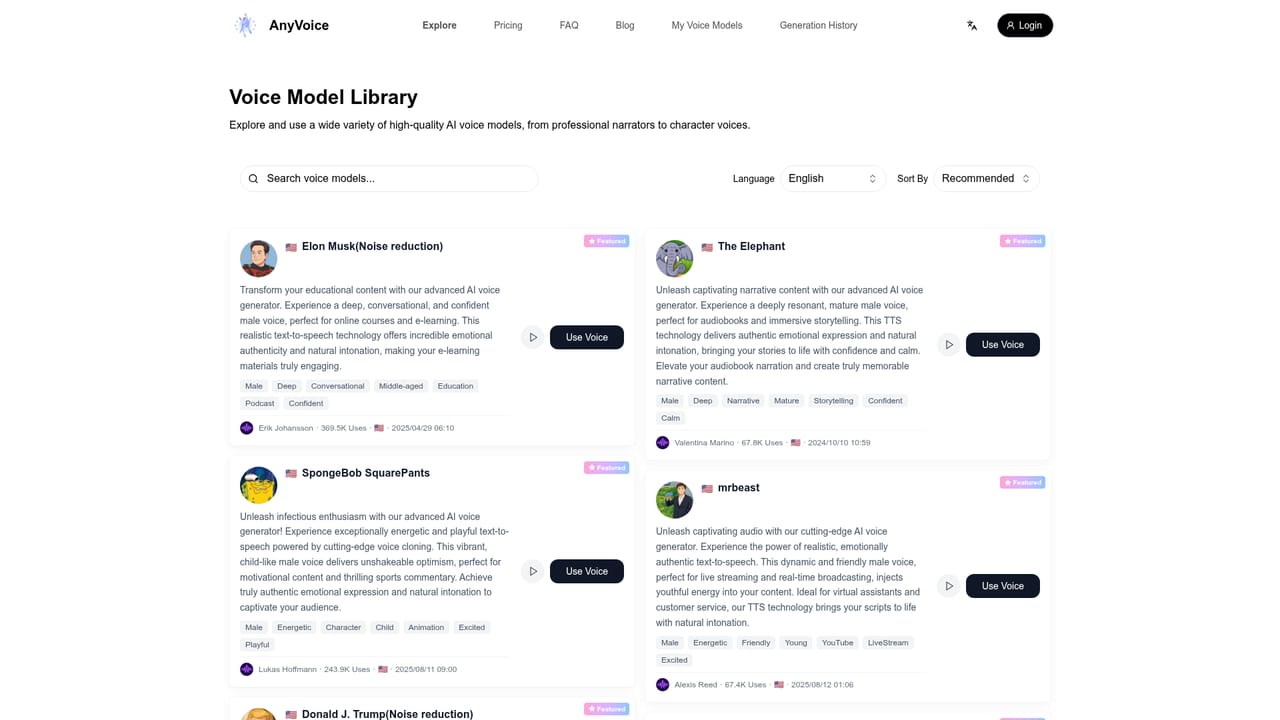
AnyVoice is a browser-based voice cloning and text-to-speech platform built around a single promise: a usable voice clone from roughly three seconds of audio. The workflow is simple. You paste a script, pick a voice from a library of community and preset models, or upload a short recording of your own, and the service returns a synthesized track you can download as MP3 or WAV. A character counter sits above the input box, and generation happens in the same window, so the loop from script to audio is short. The tool fits creators who need narration fast: YouTube voiceovers, short-form social clips, e-learning modules, podcast inserts, and demo audio for prototypes. The voice library leans heavily on recognizable and character-style presets, alongside generic options like friendly female or energetic male, which suits entertainment and parody work more than formal corporate narration. Cloning is aimed at users who want their own voice or a consented speaker's voice without a studio session. In practice, output quality depends on the sample. The site recommends a 3 to 10 second clip with one speaker, normal pacing and little background noise, and notes that a phone recording is acceptable. Supported cloning languages are English, Chinese (Mandarin), Japanese and Korean. Free accounts get 900 seconds of generation per month, up to five clone models and 120 characters per request; Pro removes the character ceiling, allows commercial use and prioritizes processing. Generation speeds differ between tiers, and the FAQ states that style and emotional controls are not yet available. The competitive picture is straightforward. AnyVoice undercuts larger voice platforms on entry price and removes the longer recording sessions those tools often require, but it lacks an API, offers no style controls, and covers fewer languages. For quick, low-cost narration and casual cloning it is a practical starting point; teams that need programmatic access or fine emotional direction will outgrow it.
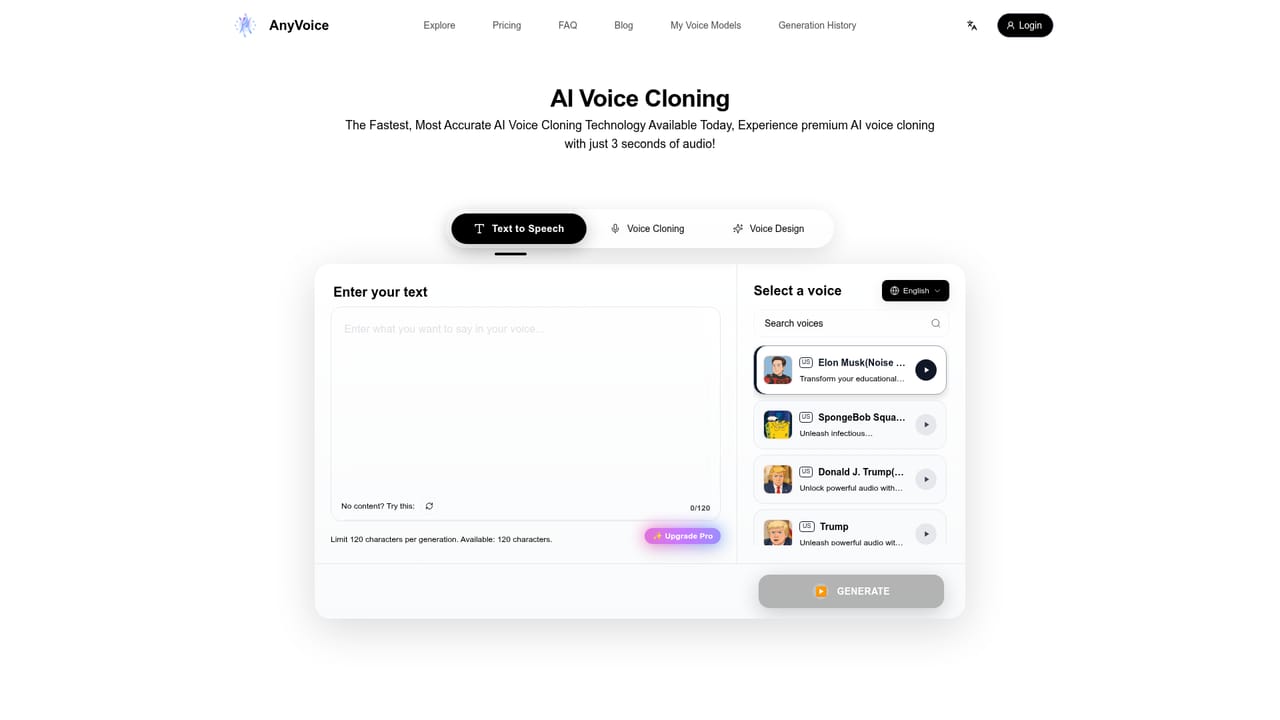
A permanent free tier doubles as a trial: 900 seconds of generation per month, up to 5 clone models and 120 characters per request.
Learn moreFree plan at $0 with 120 characters per generation, 900 seconds of audio per month, up to 5 voice clone models and 5 voice designs. Pro costs $14.99 per month (yearly billing carries a 33 percent discount) and adds up to 1000 characters per generation, unlimited generations, commercial use, priority processing and unlimited clone models.
Learn moreEmail support at support@anyvoice.net with a stated response target of one business day.
Learn more3 second voice cloning, preset voice library with thousands of community models, text to speech in English, Mandarin, Japanese and Korean, MP3 and WAV downloads, generation history, and up to 1000 characters per request on Pro.
Learn more AI Angels400+ customizable AI girlfriends for NSFW chat, voice calls, and roleplay
 Candy AIExperience the future of companionship with AI friends who chat, role-play, and connect with you on a human level.
 ourdream.aiA vast AI roleplay platform with millions of characters for chat, images, video and voiceAI Angels400+ customizable AI girlfriends for NSFW chat, voice calls, and roleplayCandy AIExperience the future of companionship with AI friends who chat, role-play, and connect with you on a human level.ourdream.aiA vast AI roleplay platform with millions of characters for chat, images, video and voice





