Free trial
The homepage offers a free start and a free trial with cancel anytime, and says a working preview can be generated at no cost.
Learn moreDescribe an app idea in plain English and get signed iOS and Android builds.

Appypie is an AI project builder tool. A prompt-driven app builder that generates signed iOS and Android builds with backend, payments, push and an admin panel included, then guides you through store submission. Best for non-developers who need a branded store app, not a web prototype, and who accept hosted infrastructure instead of code ownership.
Appy Pie is a prompt-to-app platform aimed at people who want a real mobile app in the Google Play and App Store listings rather than a web prototype. You write a sentence or two describing what the app does, who uses it and which features it needs, and the system generates screens, navigation, data models and the connections that make those screens work. A preview appears in under a minute, according to the company, and the output is a signed Android AAB and iOS IPA published under your own developer account. The practical loop is prompt, then visual editing, then publishing. Screens, colors, fonts, icons and content can be adjusted in a drag-and-drop editor, or you can ask the AI for changes in plain language and it updates the existing project instead of starting over. Prompts are understood in eight languages (English, Spanish, Arabic, Hindi, French, Portuguese, Italian and German), voice input is supported, and every iteration is checkpointed so you can roll back. The backend comes wired in: user accounts with email, phone, Google and Apple sign-in, push notifications, an admin panel, an analytics dashboard and payments through Stripe, PayPal, Apple Pay, Google Pay and a set of regional gateways. Appy Pie cites a U.S. patent on its conversational app builder and ISO/IEC 27001:2022 certification for its hosting. It suits small business owners, restaurant and salon operators, community organizers and founders who need a branded app on both stores without hiring developers. Starter templates cover restaurant ordering, booking, fitness, quizzes, social, ecommerce, events, news and membership apps. Relative to Lovable, Bolt.new, Base44 and Replit, the differentiator is the built-in store submission flow and managed backend; those tools lean toward web prototypes, internal tools or code-first workflows. The trade-off is that you do not get source code export, arbitrary server-side logic or 3D game engines, and Apple and Google still make the final review call.
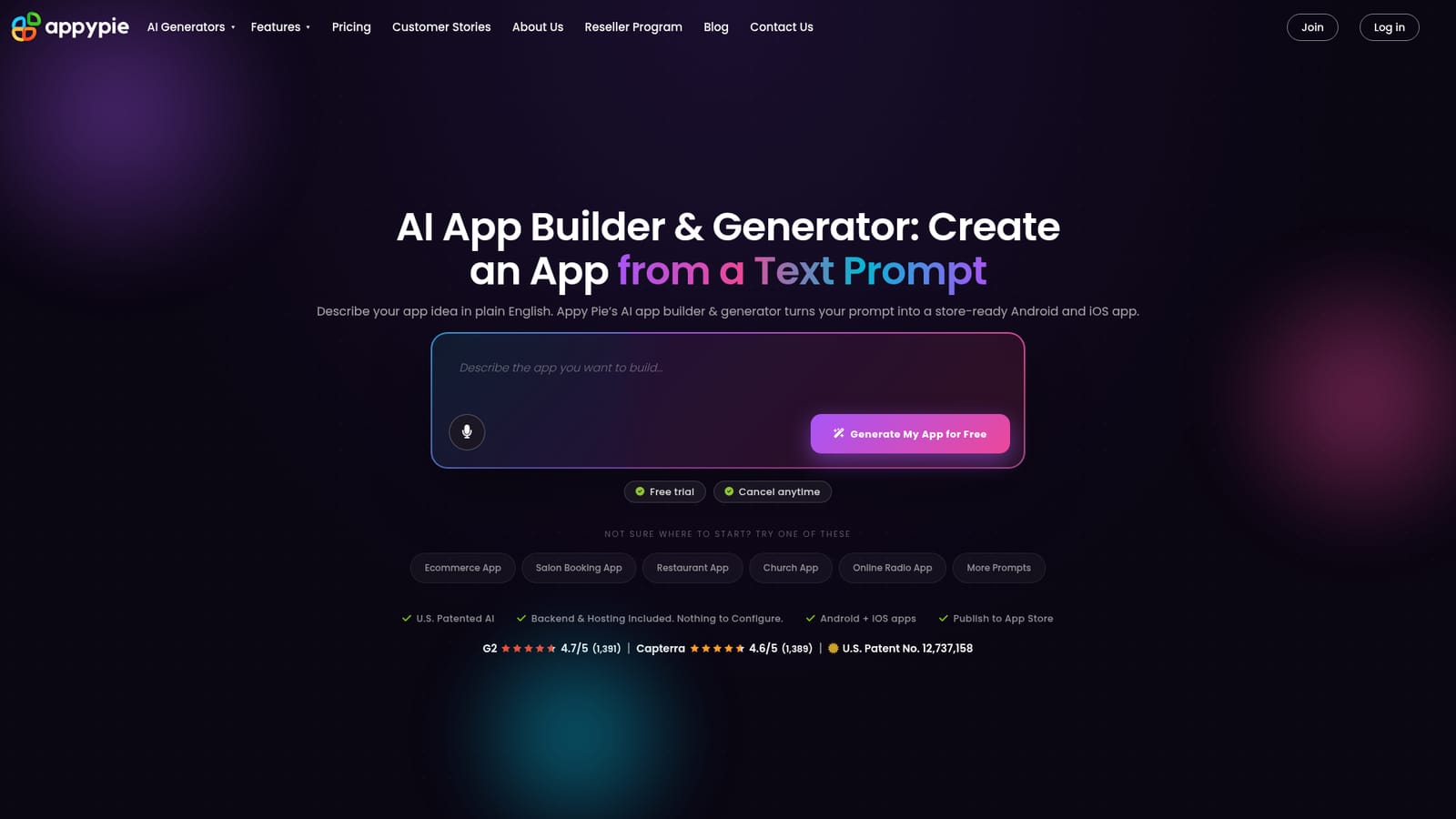
The homepage offers a free start and a free trial with cancel anytime, and says a working preview can be generated at no cost.
Learn morePaid plans start at $16 per month for Android and $60 per month for Android plus iPhone, per the site's comparison table (USD, monthly, entry paid plan, as of October 2026). A free start is offered with a free trial and cancellation anytime; full plan tiers are not itemized on the homepage.
Learn morePublishing assistance for App Store and Play Store submission is described on the homepage; the site lists Appy Pie's founder and team pages for company background, but no dedicated help centre page is provided.
Learn morePayments via Stripe, PayPal, Apple Pay, Google Pay and 17+ regional gateways; Firebase Cloud Messaging for Android push and APNs for iOS; sign-in through email, phone, Google and Apple.
Prompt-to-app generation with signed Android and iOS builds, a built-in backend (accounts, content, push, admin panel, analytics), payments via Stripe, PayPal, Apple Pay, Google Pay and regional gateways, multi-prompt iteration with version history, section regeneration, AI-generated icons and splash screens, voice prompts in eight languages, and store submission assistance.
Learn more AI Angels400+ customizable AI girlfriends for NSFW chat, voice calls, and roleplay
 Candy AIExperience the future of companionship with AI friends who chat, role-play, and connect with you on a human level.
 ourdream.aiA vast AI roleplay platform with millions of characters for chat, images, video and voiceAI Angels400+ customizable AI girlfriends for NSFW chat, voice calls, and roleplayCandy AIExperience the future of companionship with AI friends who chat, role-play, and connect with you on a human level.ourdream.aiA vast AI roleplay platform with millions of characters for chat, images, video and voice