Free trial
A free Starter plan is available with no credit card required, and a trial or walkthrough can be requested through the contact form on the site.
Learn moreProject management with an AI member that writes the deliverables
Own Project Planner? Verify ownership to get a dofollow link

Project Planner is an AI gantt chart maker tool. An AI-driven project management platform that generates requirements documents, cost estimates, progress reports and bottleneck alerts rather than only tracking tasks. Free starter tier, $29 per user monthly on Professional, custom enterprise pricing.
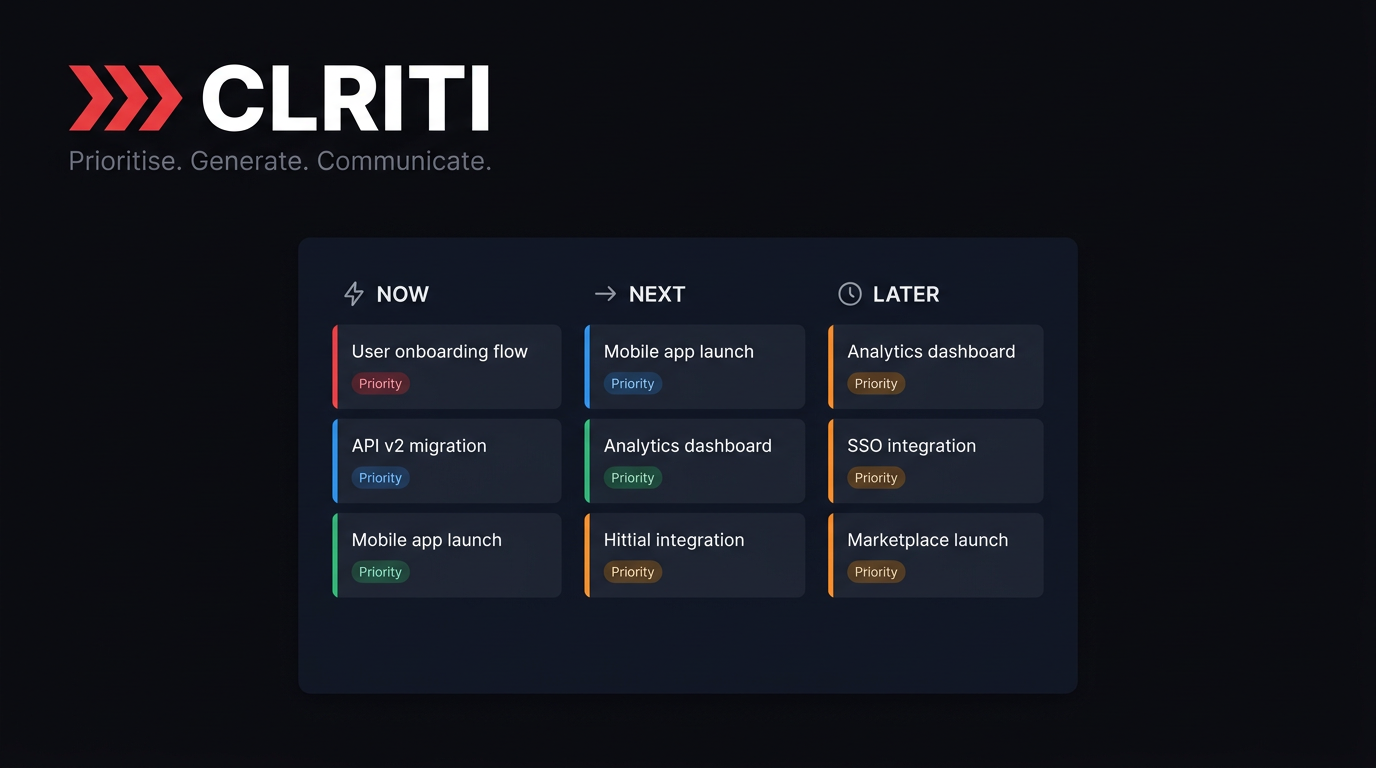
Project Planner is a browser-based project management platform built around a single premise: tracking tasks is not the hard part, producing the actual project output is. Instead of only organising to-dos and sending notifications, the platform generates the documents a project needs, including requirements documents, technical specifications, scope-of-work files, cost breakdowns and client-ready status reports. The stated goal is to remove the administrative drafting that consumes a project manager's week. The feature set splits into planning and communication work. Task decomposition takes a high-level goal and breaks it into scoped, actionable tasks so contributors know what to pick up next. Automated cost estimation builds a breakdown from project scope, task complexity and resource requirements. Bottleneck analysis monitors workflows continuously and surfaces alerts about dependencies, resource conflicts and slowing velocity before they turn into missed dates. Automated progress reports synthesise activity into summaries written for stakeholders rather than for the team. The tool is aimed at project managers, digital agencies, consultancies, software studios and independent consultants running several client projects at once. It suits lean teams that feel the drafting overhead more than the tracking overhead. Onboarding is deliberately light: sign up in the browser and start producing deliverables, with optional connections to tools such as Slack and Google Drive added later. Its position among alternatives is the interesting part. Conventional tools like Jira and Asana organise work and notify people, while Project Planner treats itself as a working team member that produces deliverables and then reports on them. Teams that already have a task tracker may find the overlap awkward, and the platform is young enough that its learning-based planning improvements depend on accumulated project history. Buyers should weigh it as a document and reporting engine first, and a task board second.
A free Starter plan is available with no credit card required, and a trial or walkthrough can be requested through the contact form on the site.
Learn moreStarter is free forever with 3 active projects, basic bottleneck alerts, cost estimation and one AI document per project. Professional costs $29 per user per month, or $290 monthly for ten people, with unlimited projects and full document generation. Enterprise is custom billed annually with SSO, custom model tuning and an SLA.
Learn moreProfessional includes priority support, while Enterprise adds a dedicated account manager plus SLA and priority support. A walkthrough can be booked through the contact form on the site.
Optional connections cover Slack, Google Drive, Notion, Jira, GitHub, Trello, Asana, Zapier, Microsoft Teams, Confluence, Linear and Figma. None are required to start producing deliverables.
Core features include AI document generation for requirements, technical specs and scope-of-work files, automated cost estimation, 24/7 bottleneck analysis, task decomposition from high-level goals, automated progress reports and pattern-based learning that refines planning accuracy over time.
 AI Angels400+ customizable AI girlfriends for NSFW chat, voice calls, and roleplay
 Candy AIExperience the future of companionship with AI friends who chat, role-play, and connect with you on a human level.
 ourdream.aiA vast AI roleplay platform with millions of characters for chat, images, video and voiceAI Angels400+ customizable AI girlfriends for NSFW chat, voice calls, and roleplayCandy AIExperience the future of companionship with AI friends who chat, role-play, and connect with you on a human level.ourdream.aiA vast AI roleplay platform with millions of characters for chat, images, video and voice