Free trial
The homepage does not state whether a free trial is offered. It says current prices, trial availability and plan details are shown in the app before you subscribe.
Learn moreA voice-first journal with AI reflections and mood tracking.

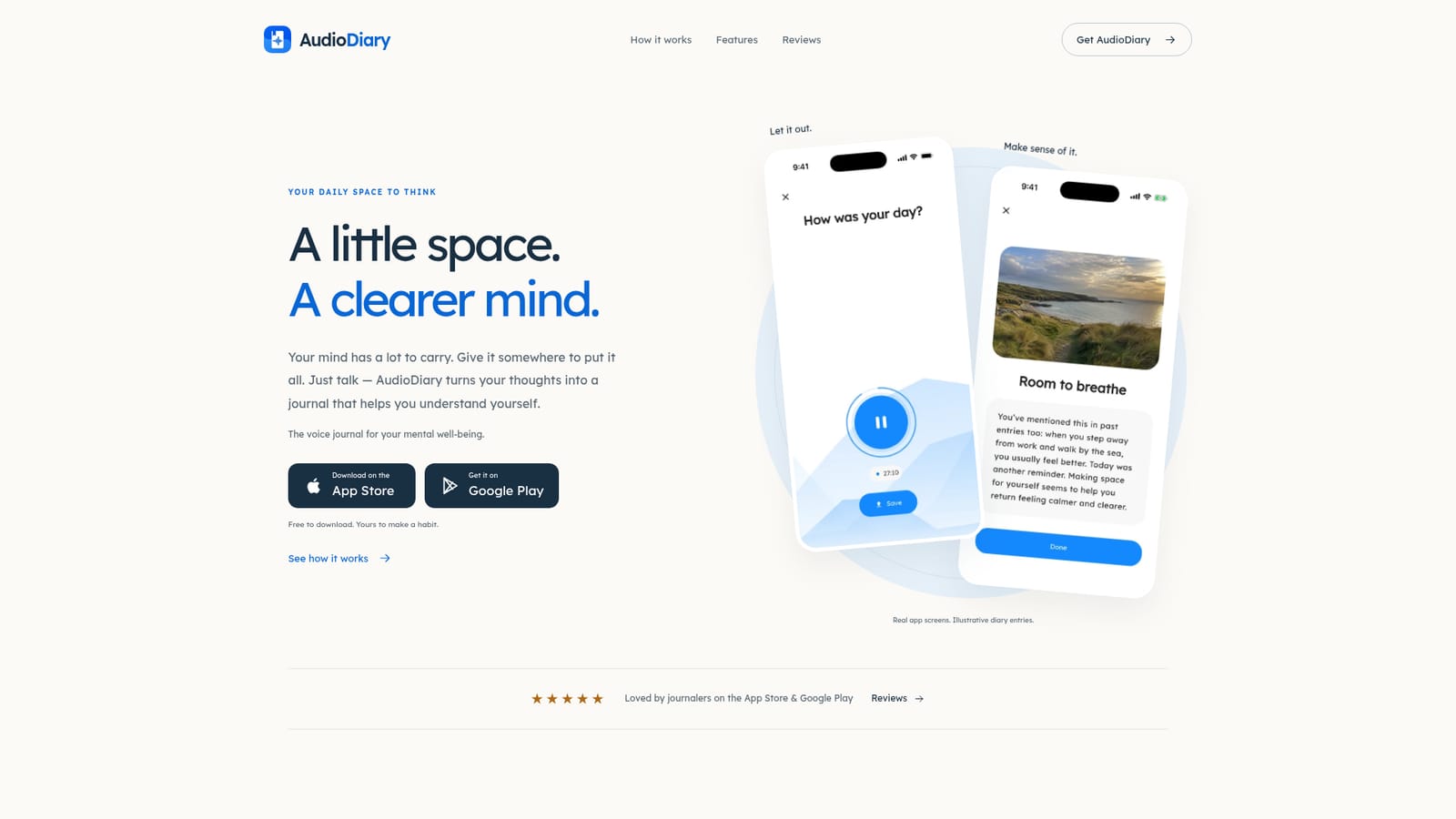
Audio Diary is a chat diary tool. AudioDiary is a voice journal app that records spoken entries, transcribes them, and adds optional AI reflections, mood tracking, goal suggestions and dream interpretation. Free to download with a free plan and a Premium tier, it is aimed at people who find written journaling hard to maintain.
AudioDiary is a voice journal built for people who find writing a diary difficult to sustain. Instead of facing a blank page, you tap record and speak naturally about your day, a difficult feeling, or a moment worth keeping. The app stores the recording, produces a readable transcript, and optionally adds AI reflections that help you revisit what you said with some distance. Entries, photos and reflections sit together in one ongoing diary, and automatic tagging groups related material so themes around family, work or anything else are easier to find. The product goes beyond capture. A conversational mode lets you talk something through with spoken AI replies and follow-up questions that draw on things you have shared before, with a choice of voice and personality. Mood tracking charts how you have felt over time and surfaces possible patterns. Goal suggestions come from your own entries, can be edited, and can be added to Google Calendar. A separate dream journal records what you remember on waking and offers AI interpretation of recurring themes. A settings area called the session designer lets you turn optional AI features off, leaving a straightforward voice diary with transcription. Privacy choices are visible rather than buried. The diary can be locked with a PIN, and free and paid users can export audio, transcripts, photos and a printable PDF, or delete individual entries and their account inside the app. Entries are not used for advertising, and the company states that its agreement with OpenAI means API content is not used for model training by default. Processing involves Amazon Web Services, DigitalOcean and speech and AI providers. The app suits journalers who think out loud, therapy-adjacent self-reflection, and anyone keeping a record of daily life in their own voice. It competes with text-first journals such as Day One and with general AI chat assistants, and its case rests on combining voice capture, transcripts and structured reflection in one place. It runs on iOS and Android, with Mac and web access available.
The homepage does not state whether a free trial is offered. It says current prices, trial availability and plan details are shown in the app before you subscribe.
Learn moreAudioDiary is free to download and includes a free plan. Premium adds more recording time and features such as deeper AI reflections, dream journaling and customization. Current prices and plan details are shown in the app before subscribing. There is no lifetime plan.
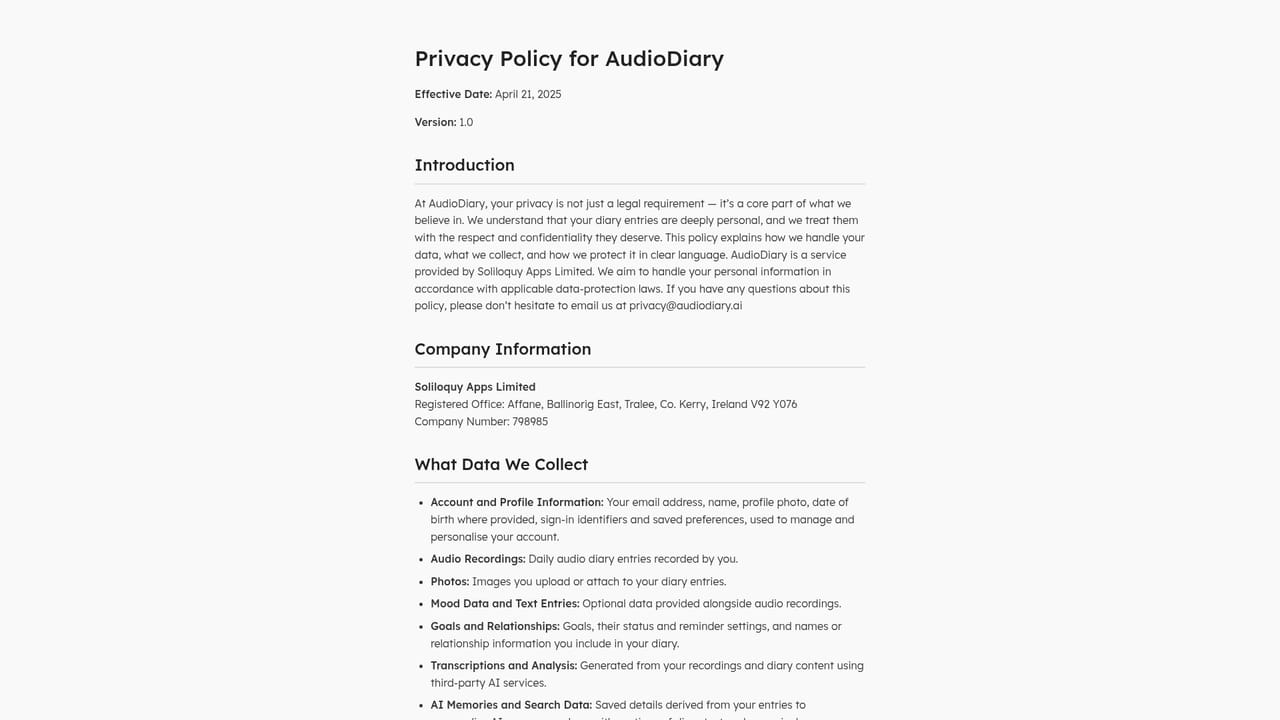
Learn moreSupport is available by email at hello@audiodiary.ai, and privacy questions can go to privacy@audiodiary.ai. The privacy policy is published on the site.
Entries can be exported as files including a printable PDF, and saved goals can be added to Google Calendar if the user chooses. No other third-party integrations are described on the homepage.
Voice recording with transcripts, optional AI reflections, spoken AI conversations with selectable voice and personality, mood tracking and insights, goal suggestions that can be saved and added to Google Calendar, a dream journal with AI interpretation, automatic and custom tags, PIN protection, and export of audio, text, photos and a printable PDF.
 AI Angels400+ customizable AI girlfriends for NSFW chat, voice calls, and roleplay
 Candy AIExperience the future of companionship with AI friends who chat, role-play, and connect with you on a human level.
 ourdream.aiA vast AI roleplay platform with millions of characters for chat, images, video and voiceAI Angels400+ customizable AI girlfriends for NSFW chat, voice calls, and roleplayCandy AIExperience the future of companionship with AI friends who chat, role-play, and connect with you on a human level.ourdream.aiA vast AI roleplay platform with millions of characters for chat, images, video and voice


