Free trial
No separate trial is described. The editor can be opened and used for free without an account, and paid AI features are positioned as optional additions.
Learn moreBrowser audio editing, mastering and stem splitting in one toolkit

Audio Muse is an audio analysis tool. AudioMuse is a browser based audio toolkit combining a free multitrack editor with AI mastering, enhancement, noise reduction and stem separation, plus converters and utilities for music, podcasts and video sound.
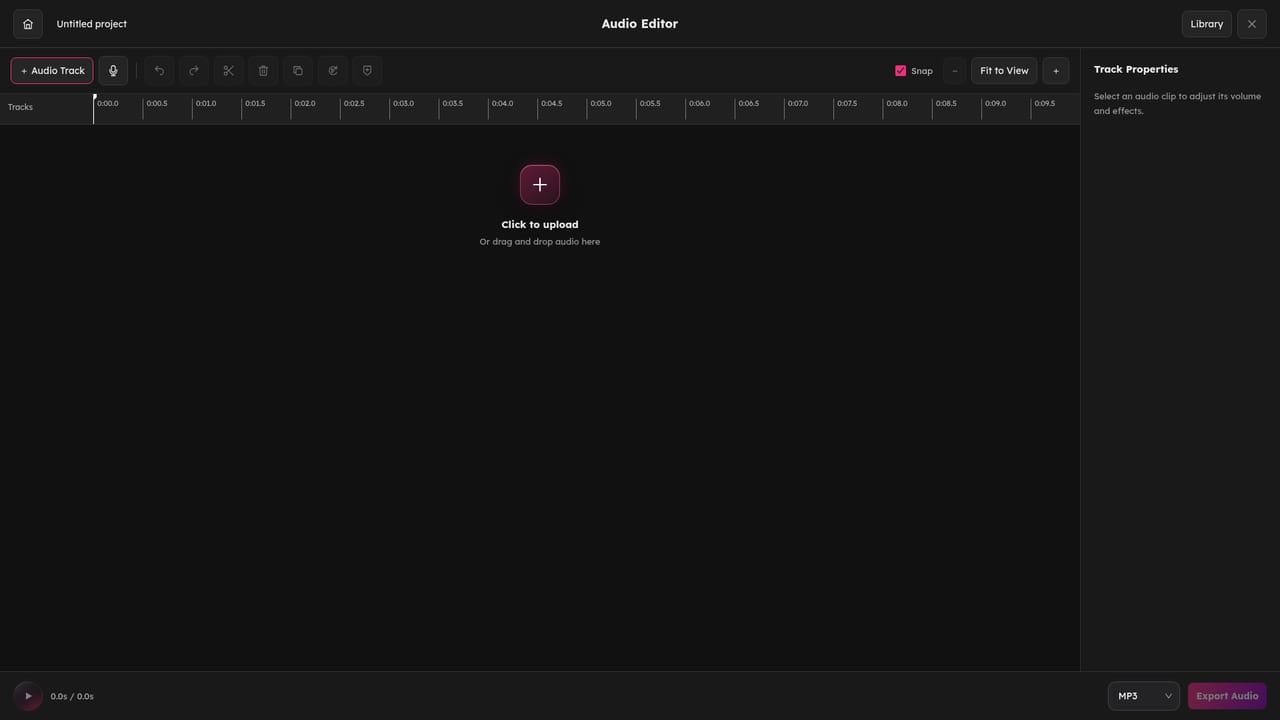
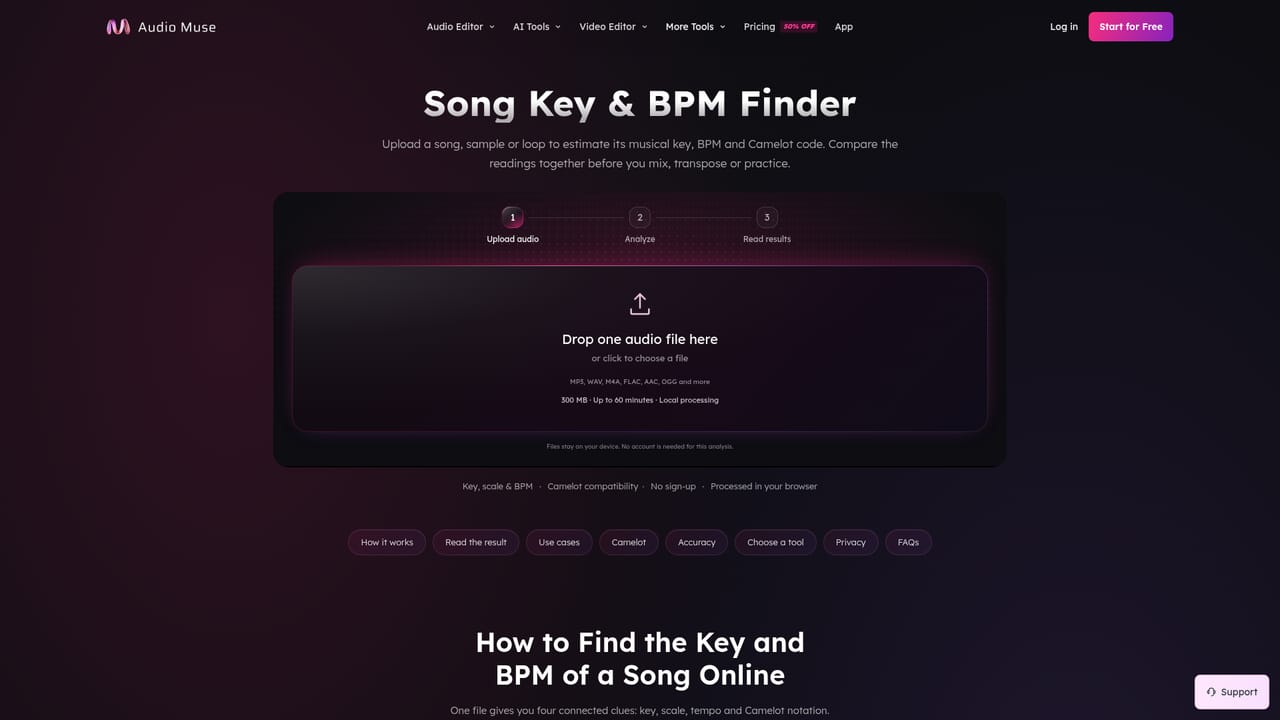
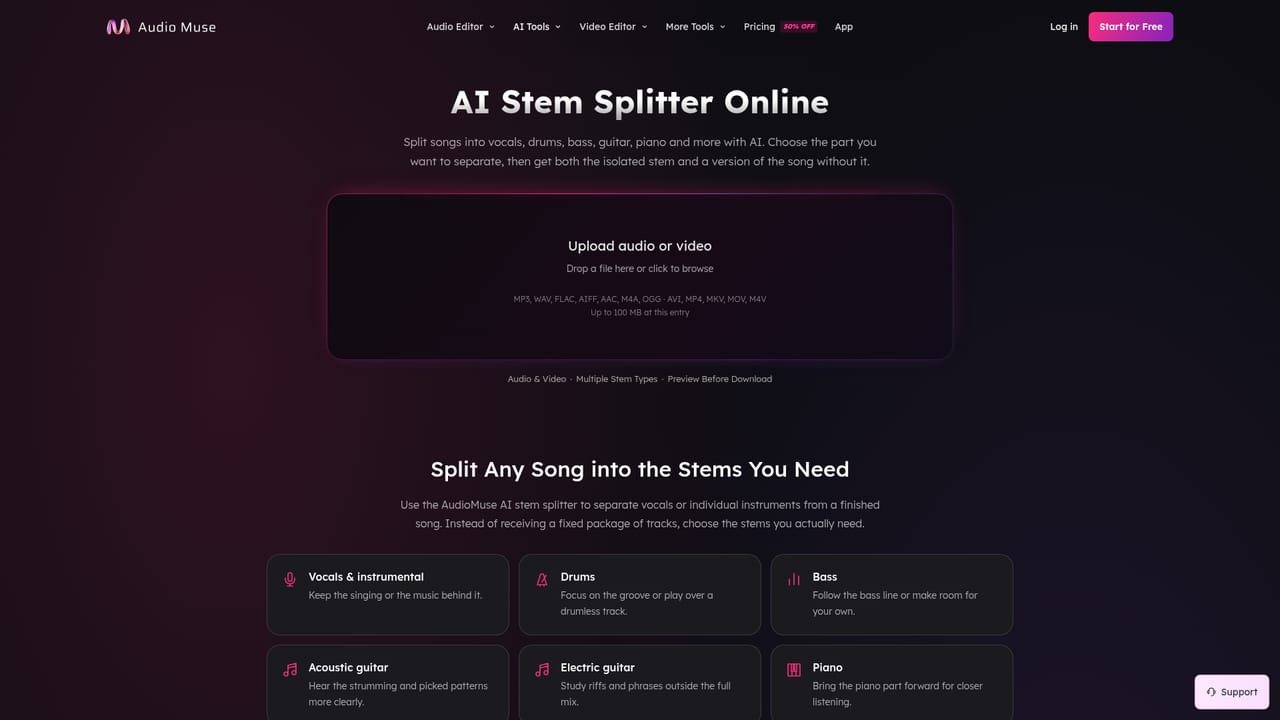
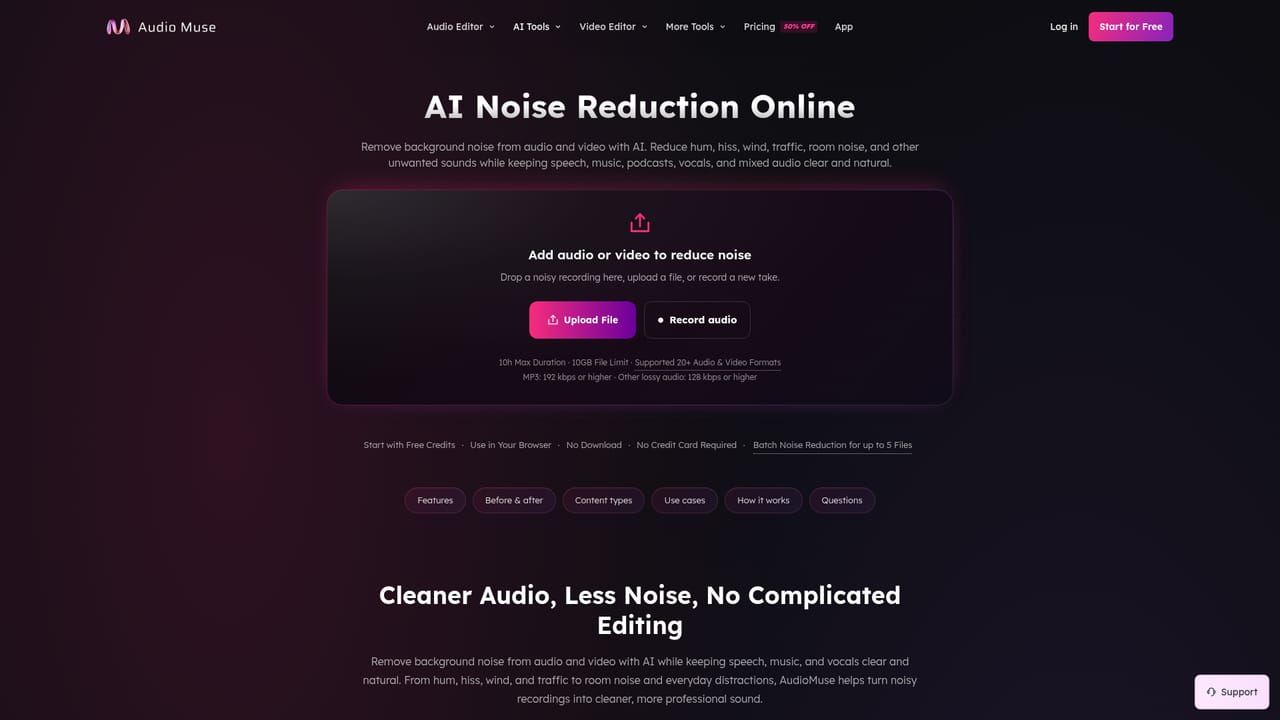
AudioMuse is a browser based audio workstation aimed at people who need finished sound rather than a full digital audio workstation. The core is a free multitrack editor that opens without a download or an account: files load straight into a waveform timeline where clips can be trimmed, split at the playhead, moved and joined, and arranged across up to six tracks. Pitch and speed are adjustable independently, with playback ranging from 0.25x to 4x, and per clip volume, fades and normalization handle level problems before export. The AI layer sits on top of that editor. AI Mastering takes a finished mix, applies a chosen style and loudness target, and returns a preview of the processed result. AI Audio Enhancer targets clarity by reducing background noise, echo and buzz in either speech or music. The Stem Splitter doubles as a vocal remover, isolating a vocal or producing an instrumental for karaoke, practice or remix work. Narrower utilities cover noise reduction, equalization, compression, looping, key and BPM detection, MP3 tagging and format conversion, and a separate editor handles audio inside MP4 video. The product is organized around three workflows rather than a single feature list: music production and practice, podcasts and voiceovers, and video and social content. A producer might detect key and BPM, split stems, slow a passage for practice, arrange the parts, then mix and master. A podcaster records or imports MP3, WAV or M4A, cleans speech, tightens takes, balances speakers, adds music and fades, then compresses and tags the episode. A video creator extracts or replaces a soundtrack and previews picture with sound. AudioMuse competes less with installed DAWs than with the scattered single purpose web tools people normally chain together. Format support covers MP3, WAV, M4A, FLAC, OGG and AAC. Files in the Audio Editor are processed on the device, with optional projects kept in the browser, while cloud dependent AI tools are labeled separately. The site reports use by more than 15,000 music producers. Limits exist. Six tracks is modest for dense arrangements, and there are no stated plugin or API options. Check current pricing on the site, since the homepage only promises a free start.
No separate trial is described. The editor can be opened and used for free without an account, and paid AI features are positioned as optional additions.
Learn moreThe homepage states that AudioMuse is free to start, with no software installation and no upfront payment required, and that the audio editor can be used and exported from for free. Specific paid tiers, prices and usage limits are not listed on the homepage.
Learn moreMultitrack browser editor with cut, trim, split, join and mix across up to six tracks, pitch and tempo changes, volume, fades and normalization, plus recording. AI tools cover mastering, audio enhancement, stem splitting and vocal removal, noise reduction, mixing, equalizer, compressor, looper, key and BPM finder, MP3 tag editor, audio converter and an editor for audio in MP4 video.
Learn more AI Angels400+ customizable AI girlfriends for NSFW chat, voice calls, and roleplay
 Candy AIExperience the future of companionship with AI friends who chat, role-play, and connect with you on a human level.
 ourdream.aiA vast AI roleplay platform with millions of characters for chat, images, video and voiceAI Angels400+ customizable AI girlfriends for NSFW chat, voice calls, and roleplayCandy AIExperience the future of companionship with AI friends who chat, role-play, and connect with you on a human level.ourdream.aiA vast AI roleplay platform with millions of characters for chat, images, video and voice