Free trial
A free allowance of 500 words is offered with no credit card required, available by signing in with a Google account.
Learn moreRewrites AI drafts so they read like a person wrote them

AuraWrite is an AI detector tool that rewrites AI drafts so they read like a person wrote them. A humanizer that rewrites ChatGPT, Claude or Gemini output into natural-sounding prose, paired with a sentence-level AI detector and a side-by-side grammar checker.
AuraWrite is a text humanization tool built for one job: taking drafts produced by ChatGPT, Claude, Gemini and similar models and rewriting them so they read like ordinary human prose. The workflow is deliberately narrow. You paste or upload up to 500 words at a time, press the humanize button, and the service returns a rewritten version it claims preserves your original meaning while removing the sentence rhythms and phrasing patterns that detectors flag. The product also ships with two supporting utilities. An AI detector scores a draft sentence by sentence and returns an AI probability alongside a confidence rating, which lets a writer humanize only the passages that actually look machine-made rather than reprocessing an entire document. A grammar checker returns a corrected version beside the original so the differences are visible before anything is accepted, and it fixes spelling, punctuation and grammar without rephrasing sentences or shifting tone. Humanization is described as working across more than 80 languages, and the vendor states its rewriting engine is retrained weekly to keep pace with detection algorithms. AuraWrite positions itself around specific audiences rather than general editing. Dedicated landing pages address students submitting essays, SEO teams worried about search penalties and E-E-A-T signals, businesses polishing proposals and internal updates, educators who want both lesson material refinement and submission checking, legal professionals working on contracts and briefs, and academics preparing manuscripts. The common thread is text a reader will judge as authentic, whether that reader is an admissions officer, a client or a grader. Among humanizer tools, AuraWrite competes on detector coverage. The site names GPTZero, Turnitin, Copyleaks, Originality.ai, ZeroGPT, Sapling, QuillBot and Grammarly as targets, and pairs that claim with the in-house detector so users can verify a result before publishing. The pitch is strongest for people already generating drafts with an LLM who need the output to survive scrutiny, and weaker for anyone seeking a full writing environment, since the tool refines existing text rather than planning, researching or structuring it.
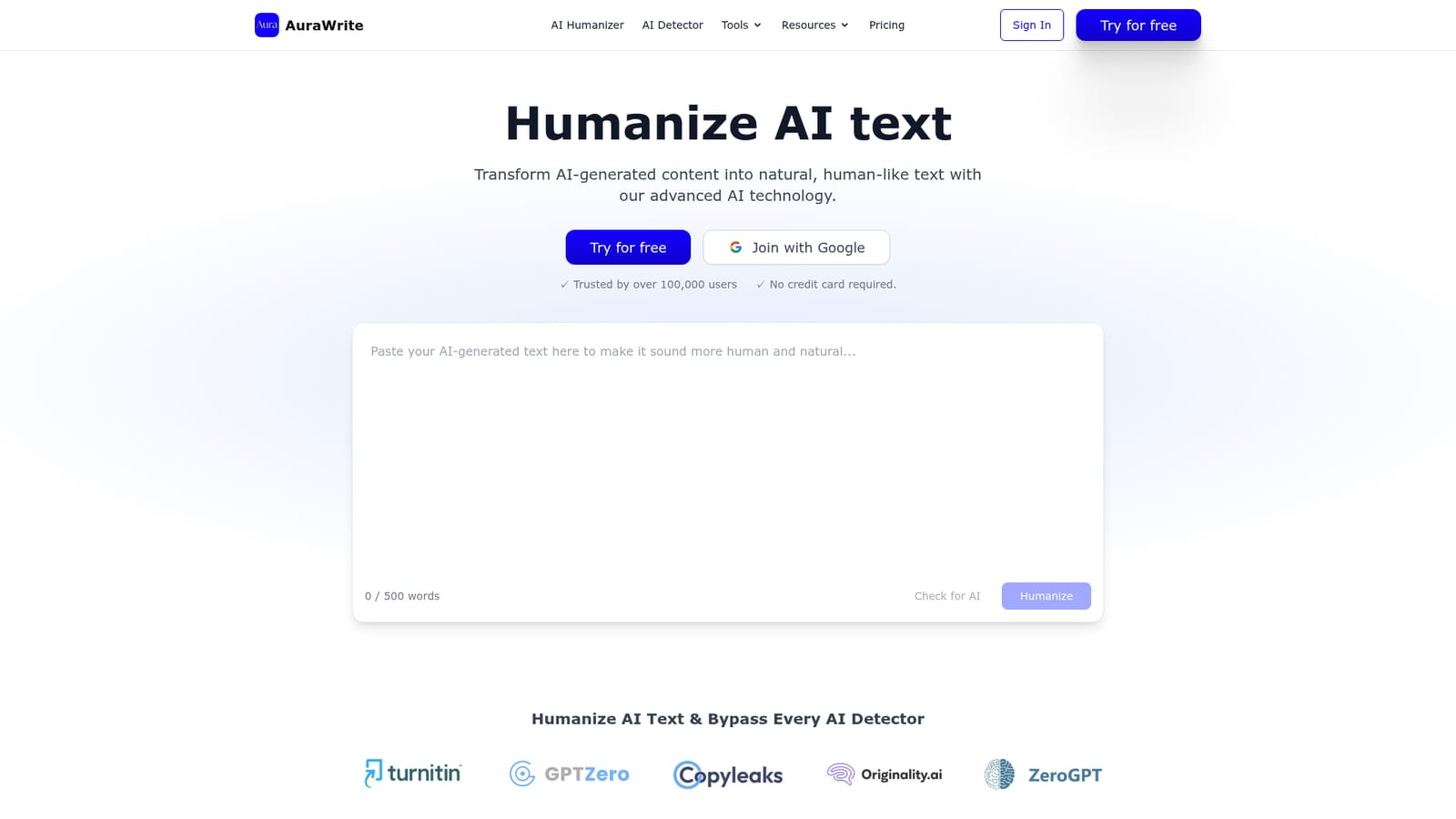
A free allowance of 500 words is offered with no credit card required, available by signing in with a Google account.
Learn moreThe homepage states that 500 words are free and that no credit card is required to start. Paid plans, per word rates and subscription terms are not described on the page.
Learn moreCore features are AI text humanization for output from ChatGPT, Claude, Gemini and other models, a sentence-level AI detector with probability and confidence scores, and a grammar checker that displays corrections beside the original. Humanization is offered in more than 80 languages, and the rewriting engine is described as updated weekly against detection tools including GPTZero, Turnitin and Copyleaks.
 AI Angels400+ customizable AI girlfriends for NSFW chat, voice calls, and roleplay
 Candy AIExperience the future of companionship with AI friends who chat, role-play, and connect with you on a human level.
 ourdream.aiA vast AI roleplay platform with millions of characters for chat, images, video and voiceAI Angels400+ customizable AI girlfriends for NSFW chat, voice calls, and roleplayCandy AIExperience the future of companionship with AI friends who chat, role-play, and connect with you on a human level.ourdream.aiA vast AI roleplay platform with millions of characters for chat, images, video and voice


