Free trial
Three free analysis credits are included on signup, with no credit card required, so the first responses can be analysed before choosing a plan.
Learn moreTurn raw customer feedback into themes, churn signals and next steps.

Backsy.ai is a pattern recognition tool that turns raw customer feedback into themes, churn signals and next steps. Backsy analyses pasted, imported or collected customer feedback and returns themes, sentiment, churn signals and recommended priorities, with every insight linked to the customer quotes behind it.
Backsy is a customer feedback analysis tool built around a simple premise: the reasons customers leave are usually sitting in feedback nobody has read closely. It accepts comments you already hold (pasted text or a CSV with a feedback column) and new responses collected through a shareable link, QR code or embedded website widget. Each analysis pass groups responses into themes, scores sentiment, flags responses that mention leaving, cancelling or switching, and proposes a practical next action with the original customer quotes attached so the pattern can be checked rather than trusted blindly. Setup is deliberately thin. A product gets a name and a short description, a feedback link is generated immediately, and there is no attribute schema or tagging taxonomy to define before the first run. Themes are discovered during analysis; optional focus areas exist for teams that want to track a specific topic. The output reads like a briefing: top friction point, count of churn signals, the strengths customers keep praising, and a suggested first move such as simplifying onboarding, each linked back to source responses. Comparing batches over time shows whether sentiment is shifting. The tool suits product managers, founders, support leads and UX researchers at small to mid-sized software companies, particularly teams without a dedicated research function who need evidence for roadmap arguments. It is a lighter alternative to enterprise experience analytics suites or manual spreadsheet tagging, and it sits upstream of tools like survey builders: Backsy does not collect structured ratings, it interprets the words customers write or speak. One credit covers one analysed response, which makes usage easy to forecast. Free accounts receive three credits, paid plans start at $19.99 per month, and pay-as-you-go credit packs are available for irregular volume. Churn signals are indicators worth investigating, not a calculated churn rate, and the homepage is explicit about that distinction.
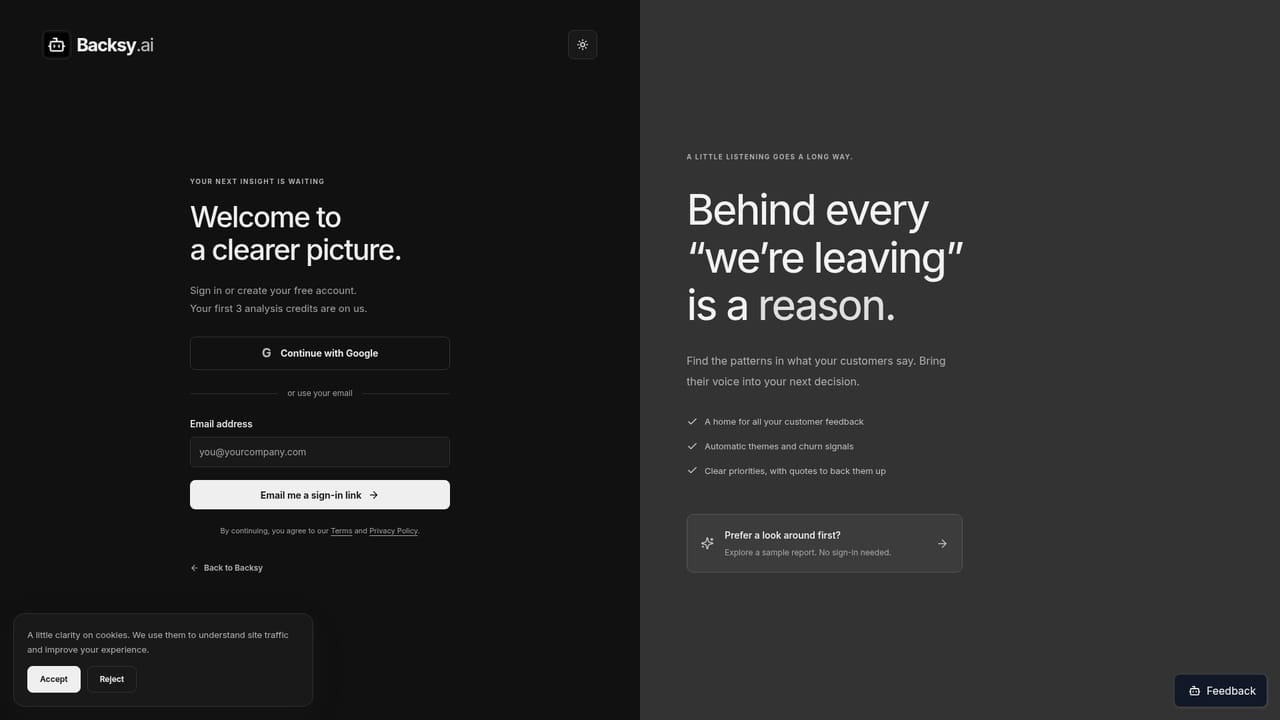
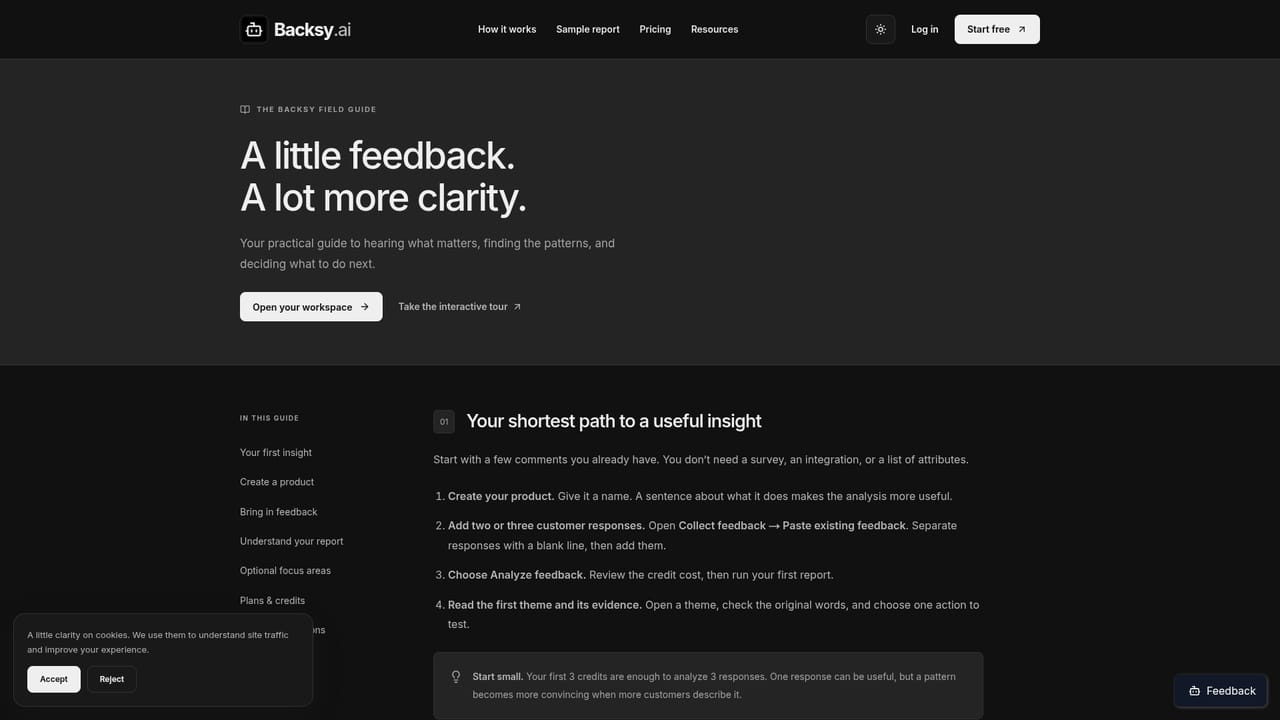
Three free analysis credits are included on signup, with no credit card required, so the first responses can be analysed before choosing a plan.
Learn moreFree plan includes 3 analysis credits with no card required. Starter is $19.99 per month for 2,000 monthly credits, Growth $49.99 for 6,000, Large $79.99 for 10,000. Credit packs start at $19.99 for 2,000 credits. One credit analyses one response, and each paid tier caps its credit balance.
Learn moreA public help centre covers getting started and common questions, including setup, importing existing feedback and how churn signals should be interpreted.
Learn moreCollection happens through a shareable feedback link, QR code and embeddable website widget, plus CSV import. No third-party app integrations are listed on the homepage.
Automatic theme discovery and sentiment scoring, churn signals drawn from mentions of leaving or switching, recommended priorities, and source quotes attached to every insight. Feedback arrives by paste, CSV import, shareable link, QR code or embedded widget. Batch comparison tracks sentiment change, and AI validation filters incoming responses on paid plans.
Learn more AI Angels400+ customizable AI girlfriends for NSFW chat, voice calls, and roleplay
 Candy AIExperience the future of companionship with AI friends who chat, role-play, and connect with you on a human level.
 ourdream.aiA vast AI roleplay platform with millions of characters for chat, images, video and voiceAI Angels400+ customizable AI girlfriends for NSFW chat, voice calls, and roleplayCandy AIExperience the future of companionship with AI friends who chat, role-play, and connect with you on a human level.ourdream.aiA vast AI roleplay platform with millions of characters for chat, images, video and voice