Bairbie.me

Turn a selfie into a plastic-wrapped doll avatar

Beginner
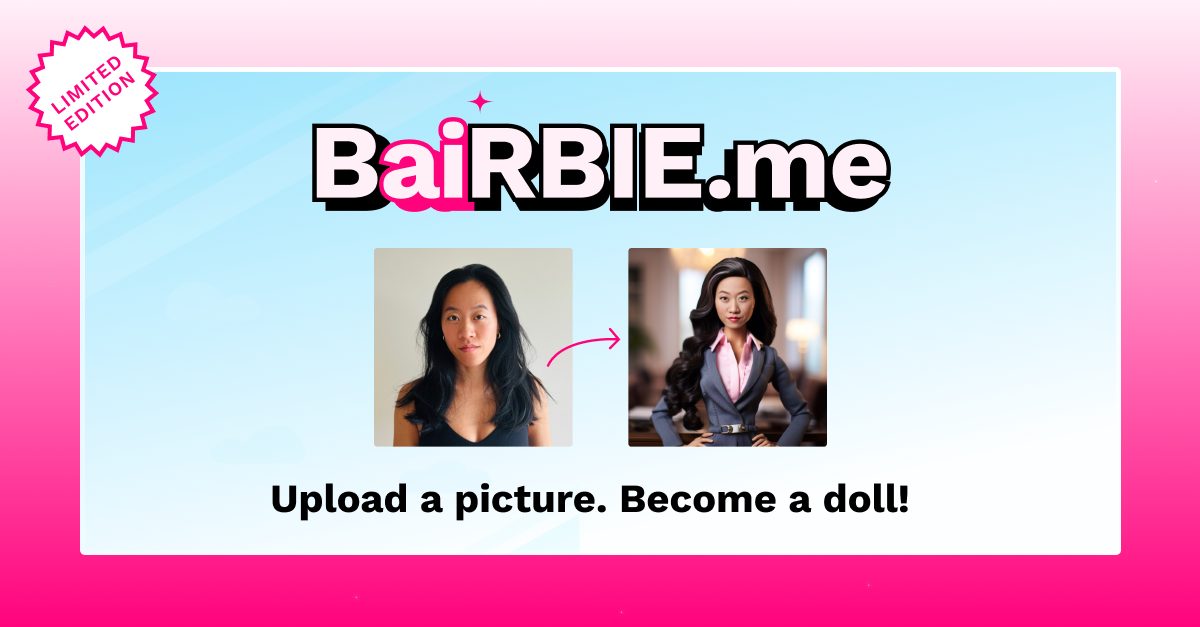
Screenshot of Bairbie.me, Turn a selfie into a plastic-wrapped doll avatar

What is Bairbie.me?

Bairbie.me is an avatar presentation tool that turns a selfie into a plastic-wrapped doll avatar. A parody avatar generator that converts one clear solo photo into a Bairbie or Ken style doll image, with hair and skin colour choices plus themed scenes such as Winter, Fancy, Space and the Lower East Side.

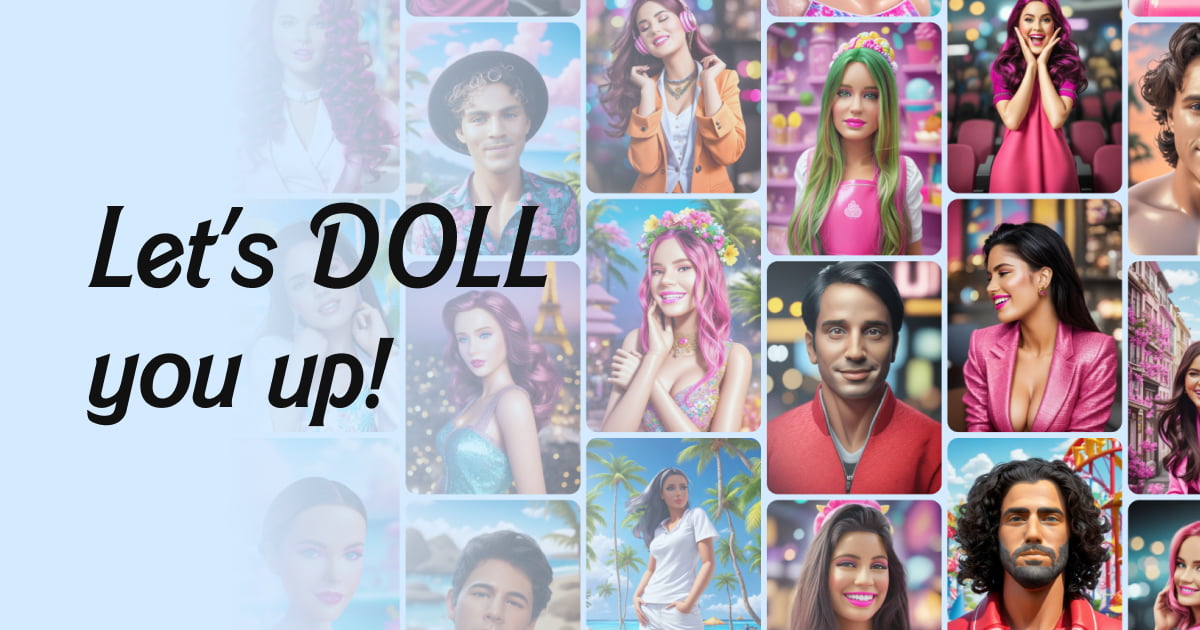
BaiRBIE.me is a parody project that turns a single photograph of your face into a doll-style avatar in the visual language of a certain famous fashion doll. The premise is playful rather than practical: it is not a serious portrait tool or a brand asset generator, but a quick novelty generator for people who want a laugh, a profile picture, or a themed image for a party, group chat or social post. The workflow is deliberately short. You upload a high-resolution solo photo where you are looking straight at the camera and not wearing glasses or eyewear, since the site states those inputs produce the best results. You then choose how you want to be represented, Bairbie or Ken, and pick a hair colour and skin colour, with an optional race field. An email address is required because the finished result is sent to your inbox rather than only displayed on screen. Submitting the form generates the avatar. Beyond the default look, the site exposes a set of themed scenes and worlds. Winter, Fancy and Space are presented as scenes you can try, while the Lower East Side entry is framed as a world to explore. These act as the creative backdrops for the same core transformation, letting you place the generated doll in a different setting without rethinking the input photo. The imagery on the site leans into a bright, plastic, self-aware aesthetic that matches the parody positioning. Compared with general-purpose AI portrait and avatar apps, BaiRBIE.me is narrower by design: one style family, a handful of scenes, and no visible editing suite, style library or subscription tiers on the homepage. That makes it easy to use but also means it is a one-off novelty rather than a tool for ongoing content production. It sits alongside other themed avatar generators as a free-to-try web experiment.

How do you use Bairbie.me?

  1. 1Prepare a suitable photo
    Choose a high-resolution solo photo where you face the camera directly and wear no glasses or eyewear. This matches the input guidance on the homepage and avoids poor results.
  2. 2Choose Bairbie or Ken
    On the homepage form, set who you want to be represented as. This selection drives the overall styling of the generated doll.
  3. 3Set hair, skin and optional race
    Use the dropdowns to pick a hair colour and skin colour, and fill in the optional race field if you want to.
  4. 4Enter your email and submit
    Add the email address where the result should be sent, then submit the form to start generation. Results arrive in your inbox rather than on the page.
  5. 5Try a scene or world
    Once you have the base avatar, browse the scene picks (Winter, Fancy, Space) or the Lower East Side world to place the doll in a different setting.

Pros and cons

Pros

  • Extremely simple input flow: one photo, a few dropdown choices and an email addressAI
  • Includes a themed scene and world selector (Winter, Fancy, Space, Lower East Side) for varied backdropsAI
  • Clear, upfront guidance on which photos work best (high-res, solo, facing the camera, no eyewear)AI
  • Parody tone is self-aware, which sets the right expectations for a novelty toolAI
  • Both Bairbie and Ken representation options are offered in the same formAI

Cons

  • Results are delivered by email, so there is a wait instead of an instant on-screen previewAI
  • Only doll-style transformation is available: no other art styles or a broader avatar libraryAI
  • No pricing, plan or credit information is shown on the homepage, so cost per image is unclearAI
  • Eyewear, group shots and angled photos are effectively unsupported, which rules out many everyday picturesAI
  • Race is collected in the form without a stated explanation of how the field affects the outputAI

How much does Bairbie.me cost?

Features

The homepage form takes one high-res solo photo and returns a doll-style avatar. Users choose Bairbie or Ken, pick hair colour and skin colour, optionally add race, and supply an email for delivery. Themed scenes (Winter, Fancy, Space) and a Lower East Side world let the same avatar sit in different settings.

Frequently asked questions about Bairbie.me

  • How do you use Bairbie.me?
    The walkthrough on this page covers 5 steps: 1. Prepare a suitable photo 2. Choose Bairbie or Ken 3. Set hair, skin and optional race 4. Enter your email and submit 5. Try a scene or world.
  • What platforms does Bairbie.me support?
    Bairbie.me is available on Web App.
  • What are the limitations of Bairbie.me?
    Results are delivered by email, so there is a wait instead of an instant on-screen preview. Only doll-style transformation is available: no other art styles or a broader avatar library. No pricing, plan or credit information is shown on the homepage, so cost per image is unclear.

Status

StatusActive
Views0
Outbound clicks0
Added10/21/2026

Platforms

Web App

Pricing

Free