Support
Support is handled by email at contact@toonme.com, and the app publishes a privacy policy through its parent site. The homepage shows no help centre, FAQ or live chat.
Turn your selfies into picture-perfect doll avatars with AI.
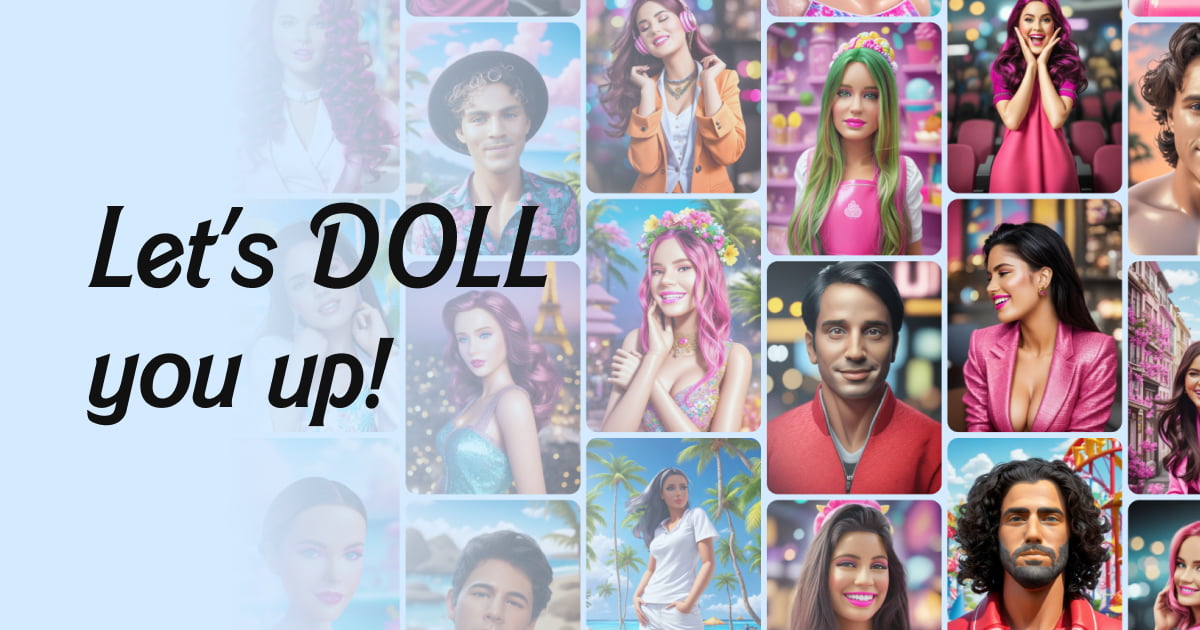
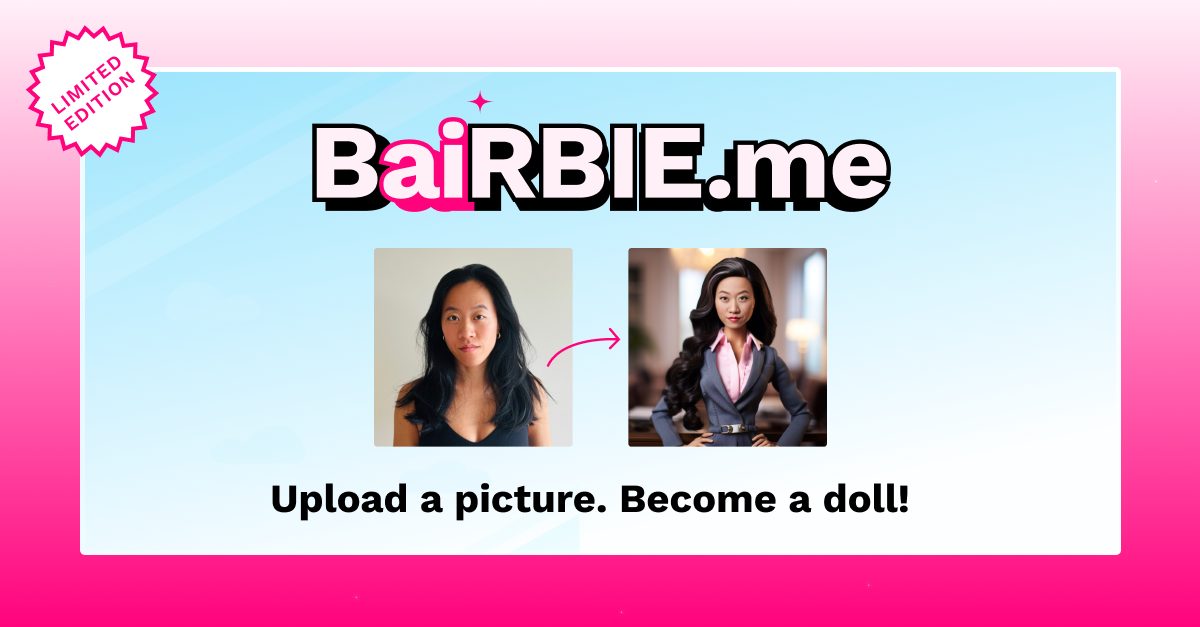
DollMe is an avatar presentation tool that turns your selfies into picture-perfect doll avatars with AI. DollMe is a mobile app that restyles selfies into doll-like AI avatars. It is a focused, one-tap tool for playful profile pictures, available on iOS and Android, with no browser editor or prompt workflow.
DollMe is a mobile avatar app that turns ordinary selfies into doll-inspired portraits. The premise is simple: upload a photo of yourself, let the AI restyle it, and receive a polished, toy-like image that keeps your recognizable features while swapping in a plastic, picture-perfect aesthetic. The app presents itself as a playful way to see a doll version of yourself, aimed at people who enjoy avatar trends on social platforms and want a shareable portrait rather than a utility-grade photo edit. The workflow is built for phones, not desktops. DollMe is distributed through the App Store and Google Play, so installation, photo selection and generation all happen inside the mobile app. There is no browser-based editor to learn and no layer stack to manage: the user picks a photo, triggers the AI styling, and the result arrives as a finished doll look ready to save or post. That narrow scope is the point. Where general image generators ask for prompts and iteration, DollMe asks only for a face. In practice the app sits in the same casual niche as other one-tap avatar makers, the kind of tool people open for a profile picture refresh or a themed post. Its focus on a single doll aesthetic is both its appeal and its boundary. Anyone wanting anime, oil painting, cartoon or realistic retouching styles will need a different app, and anyone wanting fine control over lighting, background or expression will find the options thin. The homepage is deliberately minimal and does not publish plan details, credit costs, output resolution or processing times, so those points should be checked in the store listing before committing. Support runs through an email contact and a linked privacy policy rather than an in-app help centre. For a lightweight, trend-driven avatar app with a clear visual identity, DollMe is a reasonable pick; for professional image work it is not the right instrument.
Support is handled by email at contact@toonme.com, and the app publishes a privacy policy through its parent site. The homepage shows no help centre, FAQ or live chat.
DollMe converts a selfie into a doll-style portrait using AI, keeping the user's facial features while applying a toy-like finish. The app is built around a single tap-to-generate flow with no prompt writing or manual editing, and outputs are designed for profile pictures and social sharing.
 AI Angels400+ customizable AI girlfriends for NSFW chat, voice calls, and roleplay
 Candy AIExperience the future of companionship with AI friends who chat, role-play, and connect with you on a human level.
 ourdream.aiA vast AI roleplay platform with millions of characters for chat, images, video and voiceAI Angels400+ customizable AI girlfriends for NSFW chat, voice calls, and roleplayCandy AIExperience the future of companionship with AI friends who chat, role-play, and connect with you on a human level.ourdream.aiA vast AI roleplay platform with millions of characters for chat, images, video and voice