Free trial
A free 3 hour demo is available on Steam for accounts at Level 1 or higher. Standalone buyers get a 14 day money back guarantee instead.
Learn moreTurns any webcam or phone into a head and eye tracker for PC games.
Own Beam Eye Tracker? Verify ownership to get a dofollow link
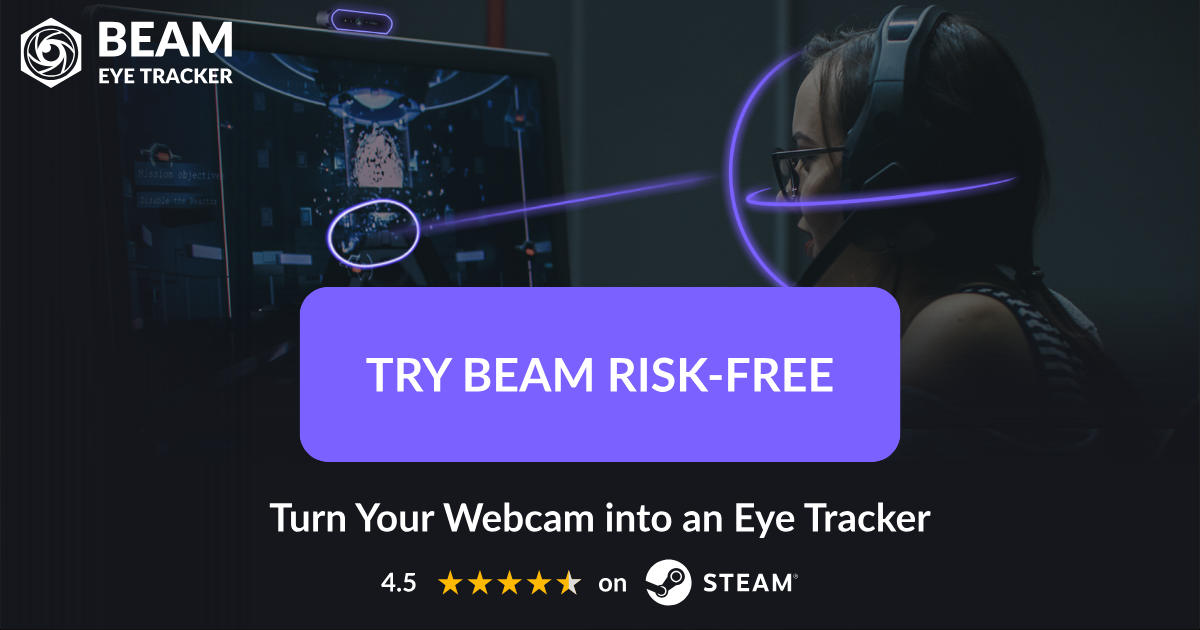
Beam Eye Tracker is a games tool that turns any webcam or phone into a head and eye tracker for PC games.
Beam Eye Tracker is a desktop application from Swiss developer Eyeware that converts an ordinary webcam, built in or external, into a real time head and eye tracker for PC gaming. The camera watches your face, estimates where your head is pointing and where your gaze lands, and feeds that movement into the in game camera. Hands stay on the wheel, stick or HOTAS while the view follows your eyes. No dedicated tracker bar, infrared emitter or head mounted hardware is required, which is the core distinction from older TrackIR style setups. The tool is aimed squarely at simulation players and the streaming crowd around them. Sim racers glance at mirrors mid corner, flight sim pilots scan instruments, truck and farm sim drivers check mirrors and dashboards, and space sim players look around cockpits. A separate Immersive Camera layer adds 6DoF head tracking (yaw, pitch, roll plus lean forward, sideways and up) that can run alone or alongside eye tracking. Streamers can broadcast an eye tracking overlay through OBS or Streamlabs, with colour, size and transparency controls and the option to hide the overlay from the player's own screen while the audience still sees the gaze dot. Setup follows a short path. Install the app, complete the guided calibration inside it, then launch or restart the game so it picks up Beam directly, without third party middleware sitting in between. Most titles work immediately; some need a settings tweak, and the site maintains per game guides plus a library of community shared profiles to use as a starting point. Hotkeys pause, resume and recenter tracking without leaving the game, and a phone can substitute for a webcam, including a dedicated iOS app with offloaded processing for Face ID devices. Beyond gaming, Beam includes productivity extras: a multi screen pointer that moves the cursor to whichever monitor you look at, a mouse jump hotkey, a privacy filter that blurs or dims everything outside your gaze, and presence detection that locks the screen when you walk away. Processing is local, no biometric data is generated or stored, and the company cites Swiss privacy law. Windows, Linux and macOS are supported.
A free 3 hour demo is available on Steam for accounts at Level 1 or higher. Standalone buyers get a 14 day money back guarantee instead.
Learn moreNo subscription. The standalone version is a one time purchase from the Beam site with a 14 day money back guarantee, and a Steam version carries a free 3 hour demo. Exact prices are shown at checkout rather than on the homepage.
Learn moreHelp is available through a support page and email at support@eyeware.tech, with a Discord community, a Reddit community and per game guides on the site.
Learn moreDirect game camera control without third party middleware, plus the Eye Tracking Overlay for OBS and Streamlabs. Phone as webcam via built in Android and iOS options or the Beam iOS app.
Learn moreWebcam and phone based eye tracking plus 6DoF head tracking, direct in game camera control, hotkeys, community profiles, an eye tracking overlay for OBS and Streamlabs, a multi screen pointer, mouse jump, a gaze based privacy filter and presence detection screen lock.
Learn more AI Angels400+ customizable AI girlfriends for NSFW chat, voice calls, and roleplay
 Candy AIExperience the future of companionship with AI friends who chat, role-play, and connect with you on a human level.
 ourdream.aiA vast AI roleplay platform with millions of characters for chat, images, video and voiceAI Angels400+ customizable AI girlfriends for NSFW chat, voice calls, and roleplayCandy AIExperience the future of companionship with AI friends who chat, role-play, and connect with you on a human level.ourdream.aiA vast AI roleplay platform with millions of characters for chat, images, video and voice