Pricing
Concrete prices are not listed on the homepage. A banner advertises 50% off to unlock premium features, and a testimonial mentions premium users skip the wait. Plan details are shown after opening the editor.
Learn moreBrowser-based face swapping for videos and photos in three steps
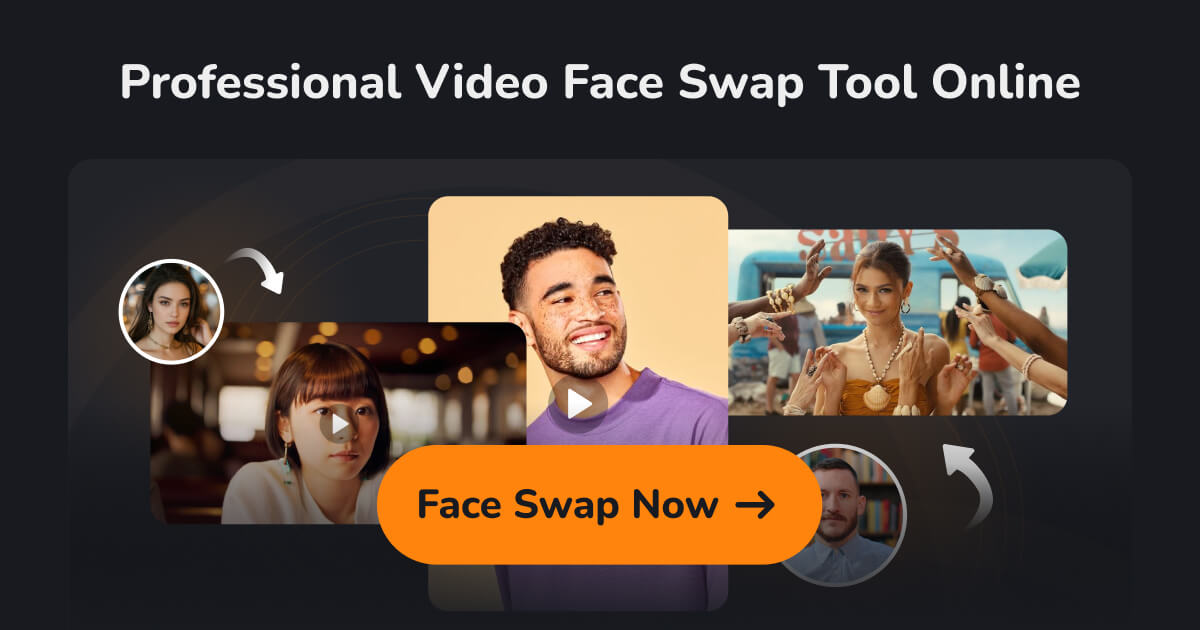
BestFaceSwap is a browser-based AI face swapper for photos and videos. Upload media and a target face, click once, and get a 1080p result with no software to install. Premium access adds priority processing and multi-face options.
BestFaceSwap is a web-based face swapping service that replaces one face with another in video clips and still photos. The workflow is built around a single editor page: a user supplies the source media, supplies the face to insert, and starts the swap. Nothing needs to be installed, and the site positions itself at people with no editing background, such as social media creators, teachers, marketers and anyone making a personalised clip for a birthday or wedding. Under the hood, the service describes its pipeline in fairly specific terms. Faces are located with a 106-point facial landmark detector, and harder cases are handled with 3D face reconstruction and depth maps. Output is offered at 1080p, with 4K listed as a future addition. The site explains the general approach as deep learning that aligns and blends the new face into the original frame, and it gives practical advice for better results: clear, well-lit, front-facing faces that are not blocked by hands or other objects. In practice, a photo swap is quoted at roughly six seconds, while video processing time scales with clip length and frame count. Photo and video swaps are the core offering. Multi-face swapping appears in the premium feature list, yet the FAQ says it is still coming soon and that, for now, every face in an uploaded file is replaced by the single target face. Buyers should treat that as a current limitation. The site also states that temporary files are deleted automatically once a swap finishes and that only the user can view their data. Among alternatives, BestFaceSwap sits with the lightweight online face swappers rather than full video editors or generative video suites. It trades depth for speed and simplicity: there are no timelines, masks or manual tracking controls described. Premium accounts are mentioned as skipping the wait, and a 50% discount banner is shown, but concrete prices are not published on the homepage. Support runs through a contact form with a reply promised within seven days.
Concrete prices are not listed on the homepage. A banner advertises 50% off to unlock premium features, and a testimonial mentions premium users skip the wait. Plan details are shown after opening the editor.
Learn moreSupport is handled through a contact page, with replies promised within seven days. The homepage also includes an FAQ covering safety, timing and tips for better results.
Learn moreVideo face swap and photo face swap, with multi-face swap for video and photo listed as a premium feature but still coming soon. 106-point landmark detection, 3D face reconstruction with depth maps, 1080p output, and a browser-only interface.
 AI Angels400+ customizable AI girlfriends for NSFW chat, voice calls, and roleplay
 Candy AIExperience the future of companionship with AI friends who chat, role-play, and connect with you on a human level.
 ourdream.aiA vast AI roleplay platform with millions of characters for chat, images, video and voiceAI Angels400+ customizable AI girlfriends for NSFW chat, voice calls, and roleplayCandy AIExperience the future of companionship with AI friends who chat, role-play, and connect with you on a human level.ourdream.aiA vast AI roleplay platform with millions of characters for chat, images, video and voice


