Free trial
There is no free finished video, but every uploaded photo passes a free AI quality check before payment is taken, avoiding charges on unusable images.
Learn moreTurns one portrait into the viral Stones to Castle 15-second AI reel, soundtrack included

Stones to Castle AI Video Generator is a face swap tool that turns one portrait into the viral Stones to Castle 15-second AI reel, soundtrack included. A single-template AI video generator that recasts one uploaded photo into the viral 15-second Stones to Castle reel using Seedance 2.5, with synced soundtrack and a free pre-payment photo check.
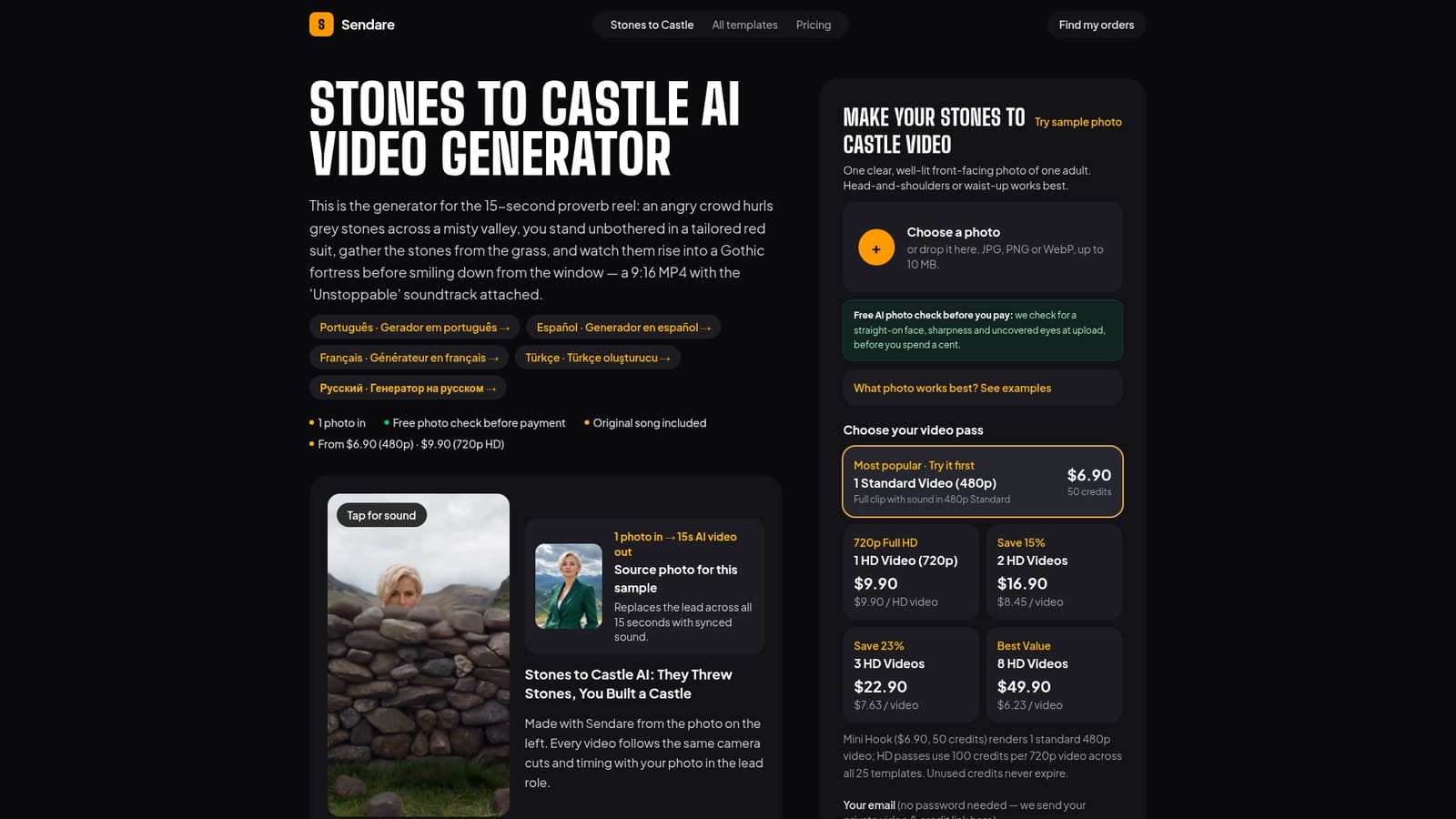
Stones to Castle AI Video Generator is a single-purpose tool built around one viral Instagram reel: a crowd throws stones at a calm figure who gathers them into a rising Gothic castle. The generator takes one uploaded photo and recasts the lead across all eight shots of that specific 15-second cut using ByteDance's Seedance 2.5 model in video-edit mode, rather than generating a video from a written prompt. The output is a vertical 720p MP4 with the trend's original soundtrack already synced to the castle rise. The tool is built for individual creators who want to post a recognizable trend format fast without learning prompt engineering or video editing software. It suits people reacting to a viral moment who need a finished, shareable clip in minutes rather than a flexible creative tool for building something original from scratch. In practice, a user uploads a front-facing, well-lit photo of one adult, which is screened by a free automated check for angle, sharpness and visible face before any payment is taken. The production prompt anchors identity on the role in the scene rather than on clothing color, replacing the original actress's face, hair and skin tone in every valley and window shot while keeping her red suit and black top as the fixed costume. Audio is rendered separately and muxed onto the silent video afterward to avoid copyright-detection failures inside the video model itself. Render times run roughly 4 to 12 minutes, and failed jobs return credits automatically. Compared with general text-to-video generators or improvised CapCut templates, this tool trades creative flexibility for precision on one specific viral format. It fits buyers who want a faithful recreation of a known reel rather than an open-ended video generation platform, and it is not aimed at users seeking custom scenes, longer formats, or multiple template styles beyond the stones-to-castle concept.


There is no free finished video, but every uploaded photo passes a free AI quality check before payment is taken, avoiding charges on unusable images.
Learn moreOne-time passes, no subscription: $6.90 for a 480p video, $9.90 for one 720p HD video, down to $6.23 per video in an 8-pack ($49.90 total). Credits never expire.
Learn moreOffers a refund policy page, automatic credit return on failed renders, and a stated 14-day refund guarantee on purchased passes.
Learn moreConverts one uploaded photo into a 15-second vertical 720p MP4 recreating a fixed 8-shot viral reel, using Seedance 2.5 video-edit mode, with the original trend soundtrack muxed in and a silent download option.
Learn more AI Angels400+ customizable AI girlfriends for NSFW chat, voice calls, and roleplay
 Candy AIExperience the future of companionship with AI friends who chat, role-play, and connect with you on a human level.
 ourdream.aiA vast AI roleplay platform with millions of characters for chat, images, video and voiceAI Angels400+ customizable AI girlfriends for NSFW chat, voice calls, and roleplayCandy AIExperience the future of companionship with AI friends who chat, role-play, and connect with you on a human level.ourdream.aiA vast AI roleplay platform with millions of characters for chat, images, video and voice


