Free trial
The generator can be tried by signing in for free before purchasing credits or a subscription, with no stated time limit mentioned on the homepage.
Learn moreAI tool that strips or swaps video backgrounds without rotoscoping or sign-up.

BGChanger AI removes or replaces video backgrounds using AI, exporting transparent or solid-color clips while preserving original audio, alongside a broader suite of generative video and image tools.
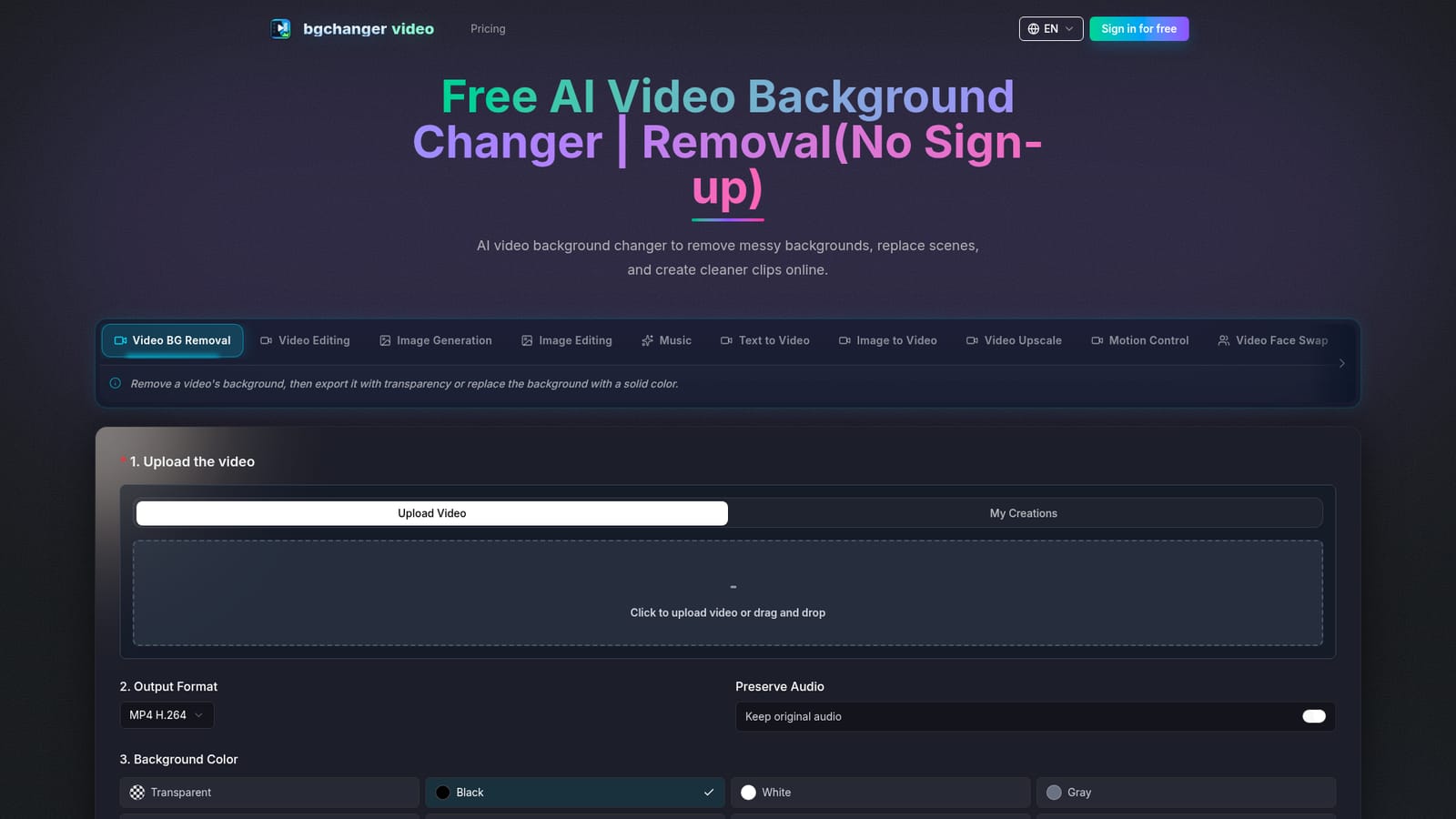
BGChanger AI is a browser-based tool built around one core job: removing or replacing the background of a video clip using AI instead of manual masking. Upload a source clip, choose a transparent output or a solid color such as white, black, green, or several other options, set an export format (MP4, WebM, MOV, MKV, or GIF), and the system generates a cleaned-up version of the clip while keeping the subject intact and preserving the original audio track if needed. The tool is aimed at people who need polished video clips fast and do not have editing or rotoscoping skills: content creators prepping talking-head videos, social media managers building ads, ecommerce sellers shooting product demos, and small teams that need a green-screen style result without a studio setup. Because the workflow can be tried without creating an account first, it also works as a quick utility for anyone who just needs one clean background swap rather than a full subscription. In practice the workflow is linear: upload the clip, pick the background treatment, confirm output settings, then generate and download the result. Beyond background removal, the same platform exposes a wider set of generative video and image tools under one interface, including text-to-video, image-to-video, image generation and editing, video upscaling, motion control, face swap, video extension, and AI music, plus a character-replacement workflow that swaps scene elements using reference images and a prompt while keeping the original motion. Within the crowded field of AI video editors, BGChanger AI positions itself less as a full editing suite and more as a fast, single-purpose background utility with an attached library of adjacent generative tools. It competes with general-purpose green-screen and compositing software but trades deep manual control for speed and a no-skill-required entry point, backed by a credit-based subscription and pay-as-you-go pricing model.

The generator can be tried by signing in for free before purchasing credits or a subscription, with no stated time limit mentioned on the homepage.
Learn moreThree annual-or-monthly subscription tiers (Lite $9.99, Basic $19.99, Plus $29.99 per month billed yearly, with higher monthly-only rates) include bundled credits plus bonus credits. One-time, non-expiring credit packs are also available from $199 to $2,999.
Learn moreSupport is handled through email and Discord, with email support specifically listed as part of the Basic and Lite subscription plans.
Core feature is AI video background removal and replacement with transparent or solid-color output and original audio preservation, alongside text-to-video, image-to-video, image generation and editing, video upscaling, motion control, face swap, video extension, and AI music tools.


