Support
Support is handled by email at support@bigmarker.com, with sales enquiries routed to sales@bigmarker.com. A knowledge base and API documentation sit alongside the main site.
Mine recorded webinars for chapters, clips and written recaps
Own BigMarker Content Studio? Verify ownership to get a dofollow link

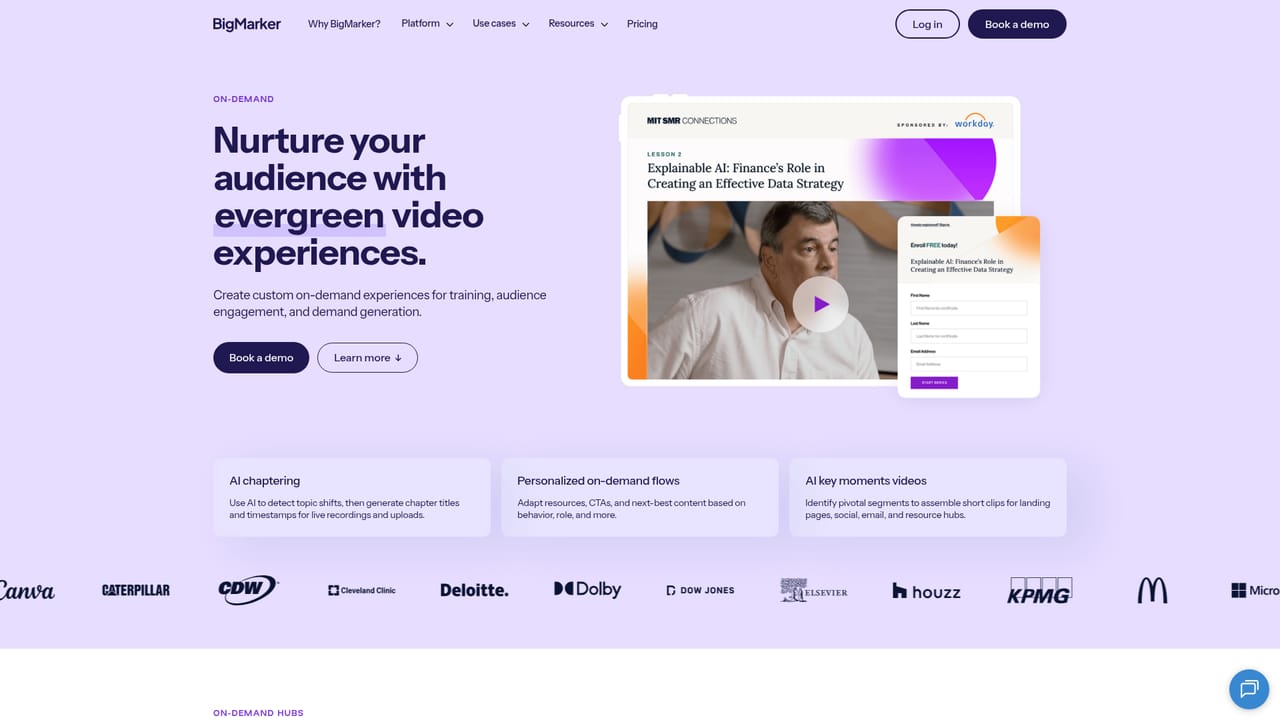
BigMarker Content Studio is a content tool. BigMarker's Content Studio turns finished webinar recordings into AI chapters, transcripts, summaries, short social video clips, blog posts and eBooks. It runs inside the BigMarker platform, and chapters are editable before publishing.
BigMarker Content Studio is a repurposing layer built on top of the BigMarker webinar platform. Once a live session ends, the studio processes the recording and produces a set of assets from it: timestamped chapters, a full transcript, a condensed summary, short vertical clips aimed at social feeds, and longer written pieces such as blog posts, eBooks and white papers. The pitch is straightforward: one hour of recorded presentation becomes a week of marketing material without a manual editing queue. The chaptering feature is the spine of the workflow. AI reads the session, splits it into titled segments, and lets an admin correct anything it got wrong, adjust timings, or remove chapters before publishing. Those chapters then serve two audiences at once. Viewers browsing the on-demand replay can jump straight to the segment they care about, and the marketing team can lift individual chapters as clip topics. Transcripts land in rich text, summaries in copy-ready text, and clips as MP4 files. BigMarker states that processing usually takes a few minutes per hour of footage, with a progress indicator during the run. The tool is aimed at teams that already run webinars as a demand generation or customer education channel and treat the recording as an afterthought. Content marketers, demand gen managers and customer education leads get the most from it, since they are the people who normally chase an editor for cutdowns or a writer for a recap post. Because everything lives inside the BigMarker platform, there is no separate upload step: the session is already there. The obvious comparison is a general purpose transcription and repurposing service paired with a separate webinar host. That route gives more freedom in editing and format, but it adds a tool, a handoff and a cost line. Content Studio trades that flexibility for proximity, and it assumes you have bought into BigMarker for hosting in the first place. Access is arranged through a demo request rather than a self-serve signup, and usage limits after the beta period depend on the subscription tier.
Support is handled by email at support@bigmarker.com, with sales enquiries routed to sales@bigmarker.com. A knowledge base and API documentation sit alongside the main site.
Automatic AI chaptering with manual overrides, full session transcripts, AI summaries, short-form social video clips generated from the summary or from individual chapters, plus derivative blog posts, eBooks and white papers built from the transcript. Exports are MP4 for video, rich text for transcripts and copy-ready text for summaries.
 AI Angels400+ customizable AI girlfriends for NSFW chat, voice calls, and roleplay
 Candy AIExperience the future of companionship with AI friends who chat, role-play, and connect with you on a human level.
 ourdream.aiA vast AI roleplay platform with millions of characters for chat, images, video and voiceAI Angels400+ customizable AI girlfriends for NSFW chat, voice calls, and roleplayCandy AIExperience the future of companionship with AI friends who chat, role-play, and connect with you on a human level.ourdream.aiA vast AI roleplay platform with millions of characters for chat, images, video and voice


