Support
Engagements begin with a 30-minute demo booked directly with the team; no self-serve help centre is described on the homepage.
Managed AI SEO and GEO service that turns your own data into thousands of ranking pages

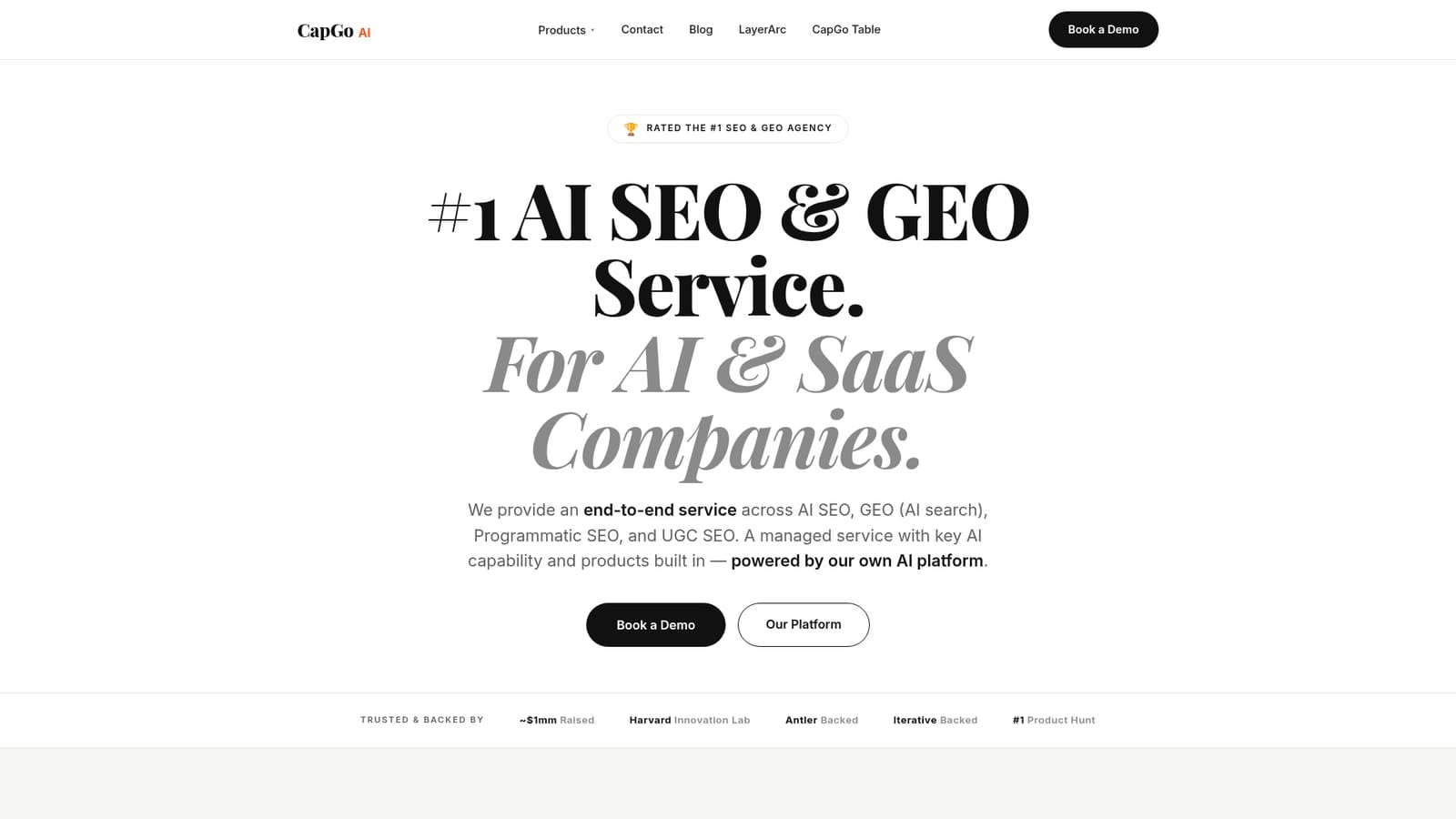
CapGo is a content tool. A managed AI SEO and GEO service for AI and SaaS companies. CapGo converts first-party data into thousands of programmatic, citable pages, pairing an AI spreadsheet (CapGo Table) with LayerArc for turning user-generated AI content into indexed pages.
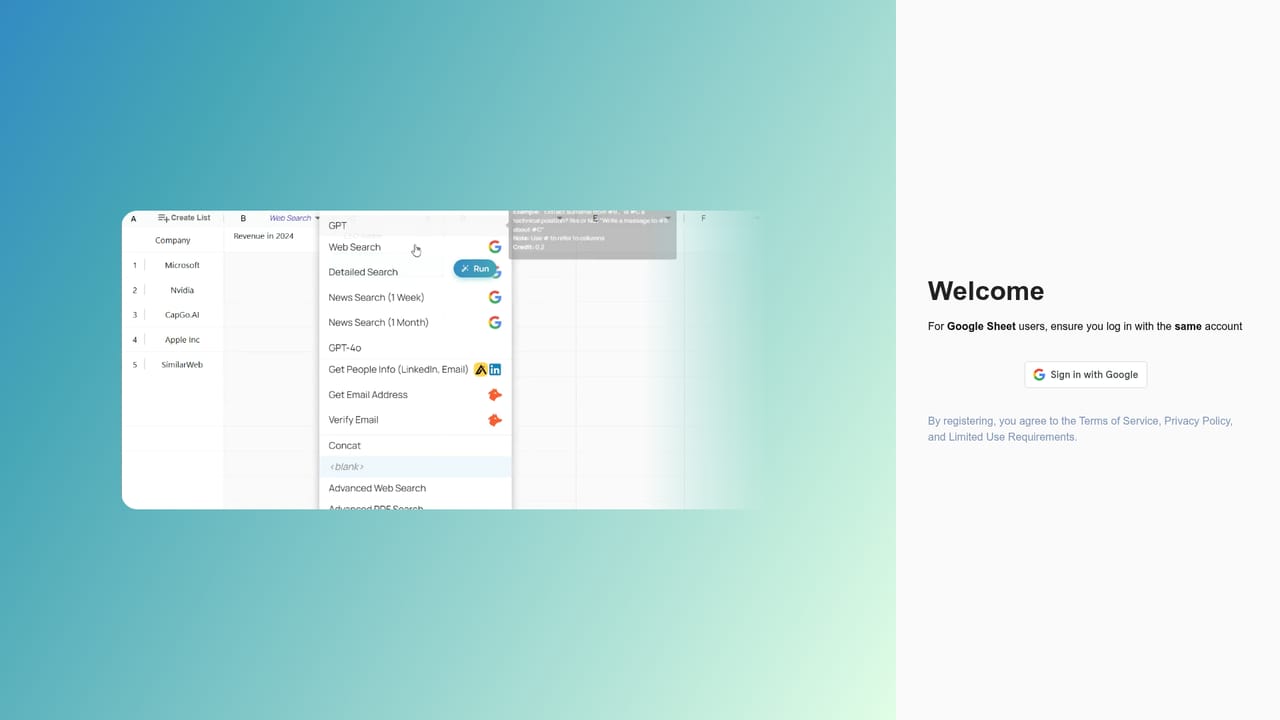
CapGo AI is a managed search growth service built for AI and SaaS companies. Rather than optimizing a handful of target keywords, it takes the data a company already holds (model outputs, feature lists, templates, reviews, community posts) and converts it into large volumes of indexable pages. The premise is that search now runs on two tracks: conventional Google rankings and answers surfaced inside assistants such as ChatGPT, Google AI and Perplexity. CapGo's methodology addresses both in a single engagement. The service is organized into four workstreams. AI SEO audits and repairs existing pages, tightening structure, search intent and on-page signals so current content climbs. GEO (Generative Engine Optimization) publishes original, citable first-party pages written to be referenced by AI assistants. Programmatic SEO takes a single template and replicates it across collection, comparison and landing pages to cover a wide range of buyer queries. UGC SEO turns user creations, including AI images and videos, into indexed pages that attract traffic. Delivery runs through two products. CapGo Table is a spreadsheet-style workspace where each column acts as an action and each row scales, letting teams research, generate, optimize and publish pages without code or an in-house SEO team. It can pull live data from the web and from more than 10 databases, and publish into Webflow, Framer, Shopify and WordPress. LayerArc handles the UGC side, structuring AI-generated content into pages tuned for both Google indexing and AI citation. It suits AI startups, SaaS platforms and products with heavy user-generated content, especially teams whose valuable data sits unused in a database. CapGo reports client outcomes such as 10x organic traffic in months, 70 percent or more pages indexed, and 30 percent or more pages cited by AI, alongside named cases like SiliconFlow and Energent. Buyers comparing against traditional SEO agencies or standalone programmatic SEO tools should note that CapGo is a service engagement rather than self-serve software alone, so scope, pricing and timelines are set through a demo conversation.
Engagements begin with a 30-minute demo booked directly with the team; no self-serve help centre is described on the homepage.
CapGo Table publishes to Webflow, Framer, Shopify and WordPress, and pulls live data from the web plus more than 10 databases.
Learn moreFour service lines: AI SEO audits and on-page fixes for existing pages, GEO publishing for AI citation, programmatic generation of collection, comparison and landing pages from one template, and UGC SEO through LayerArc. CapGo Table handles bulk research, generation and publishing from a spreadsheet, pulling live data from the web and 10+ databases.
Learn more AI Angels400+ customizable AI girlfriends for NSFW chat, voice calls, and roleplay
 Candy AIExperience the future of companionship with AI friends who chat, role-play, and connect with you on a human level.
 ourdream.aiA vast AI roleplay platform with millions of characters for chat, images, video and voiceAI Angels400+ customizable AI girlfriends for NSFW chat, voice calls, and roleplayCandy AIExperience the future of companionship with AI friends who chat, role-play, and connect with you on a human level.ourdream.aiA vast AI roleplay platform with millions of characters for chat, images, video and voice


