Free trial
The site invites users to start pinning for free and provides a sign-in page, though the homepage does not spell out a trial length or free plan limits.
Learn moreTurn blog posts into scheduled Pinterest pins automatically

BlogToPin is a content tool that turns blog posts into scheduled Pinterest pins automatically. An automation-first Pinterest scheduler that scans a website, writes unique pin titles and descriptions, picks boards, and queues a month of pins in a few clicks.
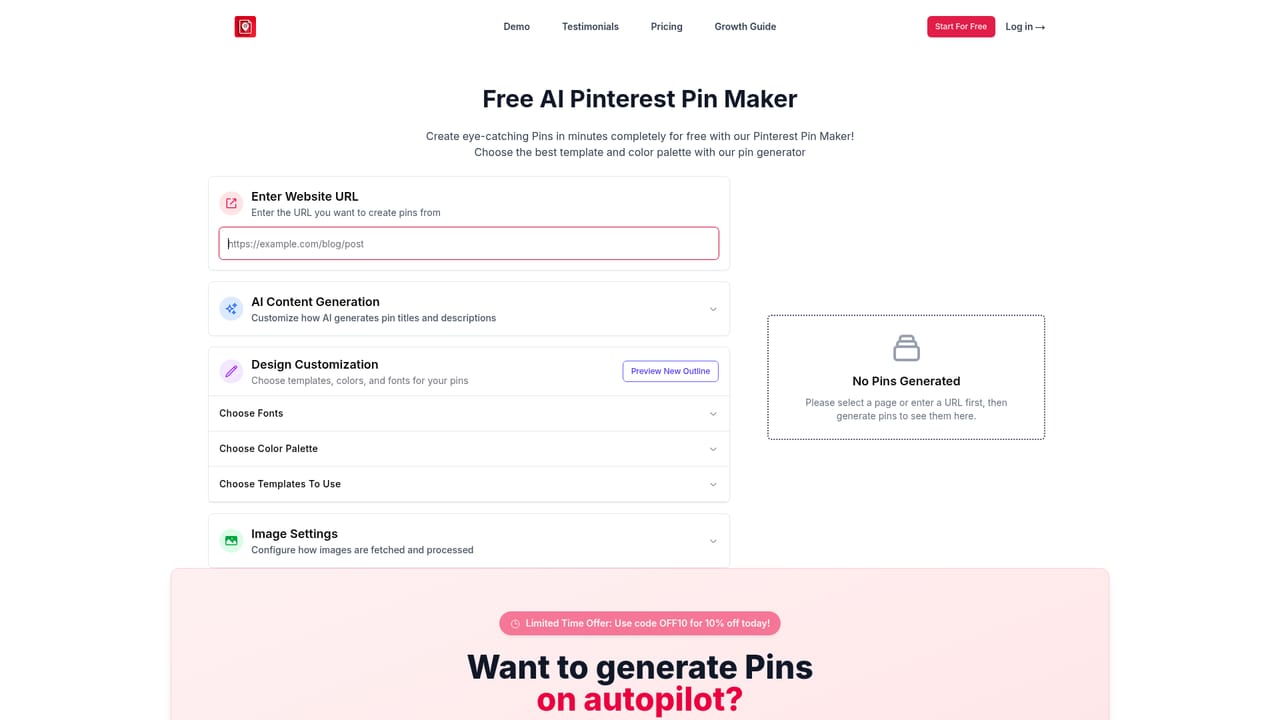
BlogToPin is a Pinterest automation tool that takes a website's existing pages and turns them into a steady stream of scheduled pins. Rather than building each graphic by hand, users connect their site and the tool scans it for pages and images, then generates pin concepts with titles, descriptions and keywords attached. The stated focus is organic reach: getting more outbound clicks from Pinterest back to a blog or online store without spending hours inside a design editor. In practice the workflow is short. You supply the site, the tool processes its pages and imagery, and you customize how the pins should look using the built-in templates, color palettes and fonts, or bring in a Canva template to keep things on brand. Artificial intelligence picks a board for each pin, writes unique text so pins do not repeat themselves, and spreads scheduling across pages so the account does not look spammy. Pins can be queued roughly 30 days ahead, and the full set can be exported as CSV for manual upload to Pinterest instead. Collages assembled from the best images on a page are offered as a click-through-rate booster, and there is an AI image generation option for sites that lack usable photography, including text-only templates for image-free blogs. The tool suits bloggers, niche site owners, food and home decor publishers, and small agencies managing several client websites. Analytics cover which templates, colors and boards perform, and there is a facility for deleting underperforming pins to lift overall engagement. Compared with general schedulers such as Tailwind, the differentiator is heavy automation of pin creation itself rather than manual design. Against standalone AI image generators, the advantage is that pins arrive already linked, described and scheduled. BlogToPin states that it is approved by Pinterest and operates within the platform's API policies. The homepage lists more than 6 million pins uploaded to date.
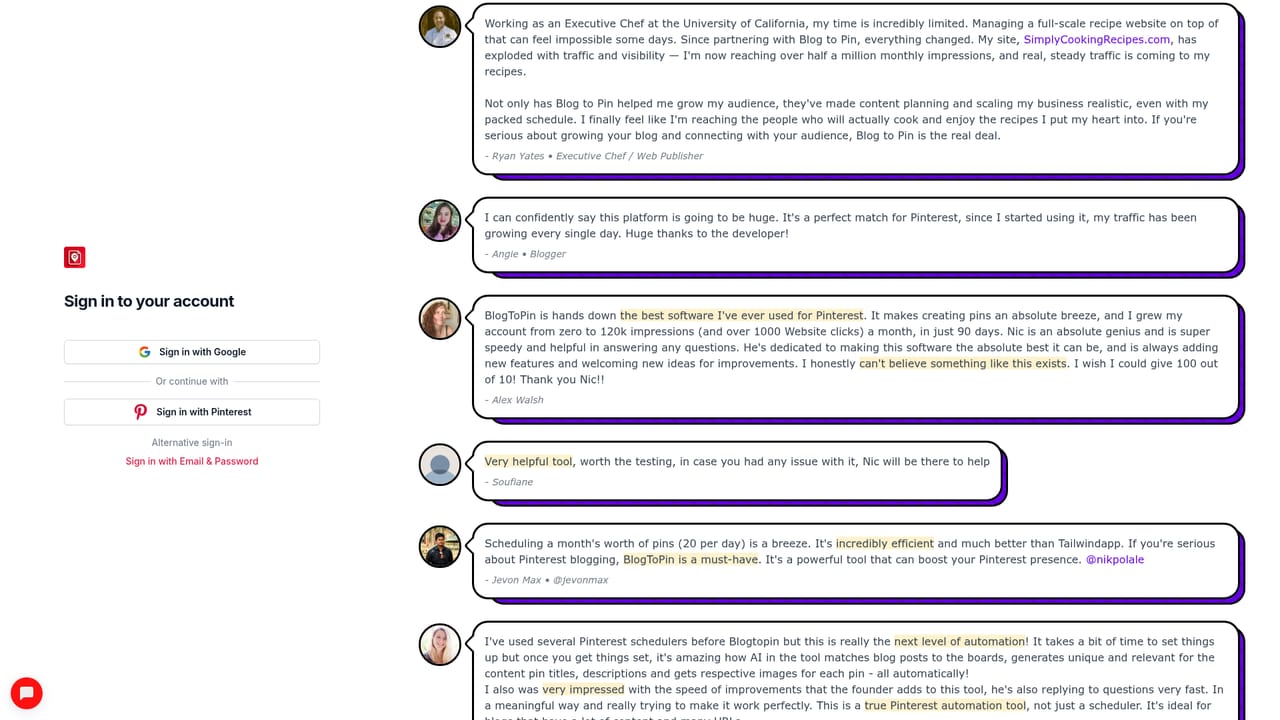
The site invites users to start pinning for free and provides a sign-in page, though the homepage does not spell out a trial length or free plan limits.
Learn moreThree tiers billed monthly or annually: Starter at $25 monthly (billed annually $299), Agency at $50 monthly (billed annually $599) and Enterprise at $125 monthly (billed annually $1499). Each tier bundles AI credits and a daily pin cap, from 200 credits and 35 pins per day up to 500 credits and 1000 pins per day.
Learn moreSupport is tiered by plan: standard support on Starter, priority support on Agency and urgent support plus a 30 minute Pinterest strategy call on Enterprise.
Learn moreCanva template import and CSV export to Pinterest are described on the homepage. No other third-party integrations are listed.
Automatic site scanning, AI-written pin titles and descriptions, AI board selection, smart scheduling across pages, collage generation, AI image creation, text-only templates, Canva template import, CSV export, pin regeneration, and an analytics dashboard covering templates, colors and underperforming pins.
 AI Angels400+ customizable AI girlfriends for NSFW chat, voice calls, and roleplay
 Candy AIExperience the future of companionship with AI friends who chat, role-play, and connect with you on a human level.
 ourdream.aiA vast AI roleplay platform with millions of characters for chat, images, video and voiceAI Angels400+ customizable AI girlfriends for NSFW chat, voice calls, and roleplayCandy AIExperience the future of companionship with AI friends who chat, role-play, and connect with you on a human level.ourdream.aiA vast AI roleplay platform with millions of characters for chat, images, video and voice


