Free trial
A 7-day free trial is offered and the site states no credit card is required to start. Sign-up happens in the Bluecast app.
Learn moreAI content studio built specifically for LinkedIn growth

Bluecast is an AI content tool for LinkedIn: it generates posts with Claude 3.5 Sonnet, suggests and stores ideas, repurposes existing material, surfaces top influencer content through custom lists, and schedules posts and comments from one calendar.
Bluecast is a LinkedIn-focused content workspace that combines AI post generation, idea discovery, repurposing and scheduling in one place. It is built for founders, marketers, social media strategists and B2B operators who publish regularly on LinkedIn and want to move from a blank page to a publishable post quickly. The generation layer runs on Claude 3.5 Sonnet and produces draft posts using industry-specific templates and several output formats, so the message can be shaped for a short text post, a longer story or a carousel. In practice the workflow starts with an idea. Bluecast can suggest relevant topics on demand, save concepts for later, and turn a chosen idea directly into a draft. A separate repurposing path takes material you already have (past posts, video scripts, other content) and rewrites it as new LinkedIn posts, which is useful for creators with a body of work elsewhere. An inspiration feed curates content from LinkedIn's top influencers, and custom lists let you track only the voices that matter to your niche, with the option to edit and repurpose what you find. Publishing is handled inside the tool through a content calendar where posts and comments can be scheduled together and the posting strategy can be reviewed visually. That combination of research, drafting and scheduling is the main differentiator: most LinkedIn schedulers stop at the calendar, and most AI writers stop at the draft. The trade-offs are worth knowing. Bluecast is narrow by design, so teams that publish across several networks will still need another tool. The inspiration feed and influencer lists sit close to the line between reference and imitation, and AI drafts still need a human pass to sound like a specific person rather than a template. Pricing is not published on the homepage, which shows only a Black Friday discount on annual plans, so plan details have to be checked inside the product.
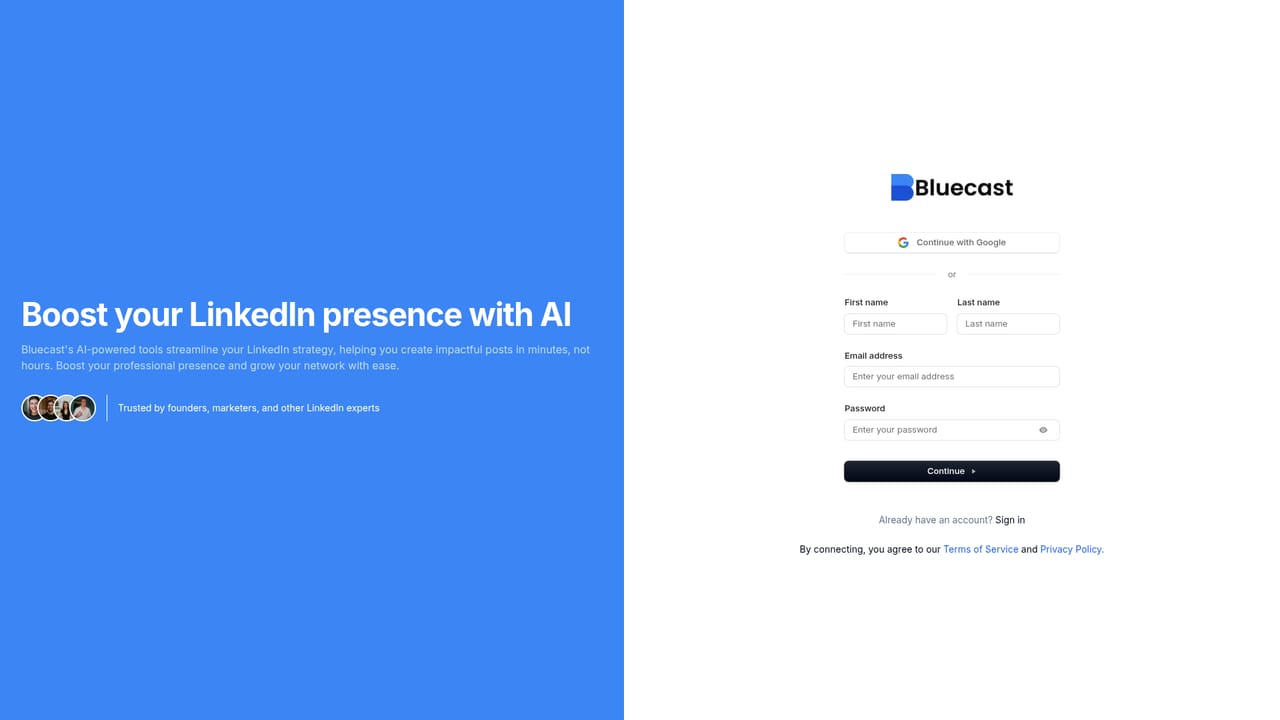
A 7-day free trial is offered and the site states no credit card is required to start. Sign-up happens in the Bluecast app.
Learn moreThe homepage does not list plans or prices. It advertises a Black Friday sale of 50 percent off annual plans with code BLUE50, which suggests a subscription model with annual billing, but actual tiers and rates are not shown.
Learn moreAI post generation on Claude 3.5 Sonnet, industry-specific templates, multiple post formats, on-demand topic ideas with a saved idea bank, repurposing of existing content into new posts, a curated influencer inspiration feed with custom lists, carousel support, and a content calendar for scheduling posts and comments together.
 AI Angels400+ customizable AI girlfriends for NSFW chat, voice calls, and roleplay
 Candy AIExperience the future of companionship with AI friends who chat, role-play, and connect with you on a human level.
 ourdream.aiA vast AI roleplay platform with millions of characters for chat, images, video and voiceAI Angels400+ customizable AI girlfriends for NSFW chat, voice calls, and roleplayCandy AIExperience the future of companionship with AI friends who chat, role-play, and connect with you on a human level.ourdream.aiA vast AI roleplay platform with millions of characters for chat, images, video and voice


