Free trial
Paid plans start with a 7-day trial, and a free plan with no credit card is also offered so you can see agent output before paying.
Learn moreAI agents that draft, schedule and publish your social posts for approval

Bolta AI is a content tool. Bolta AI runs social distribution with a team of agents that research, draft, schedule and publish content, routing every post through your approval. Plans start at $19 per month and cover multi-brand workspaces, per-platform publishing, a REST API and MCP access.
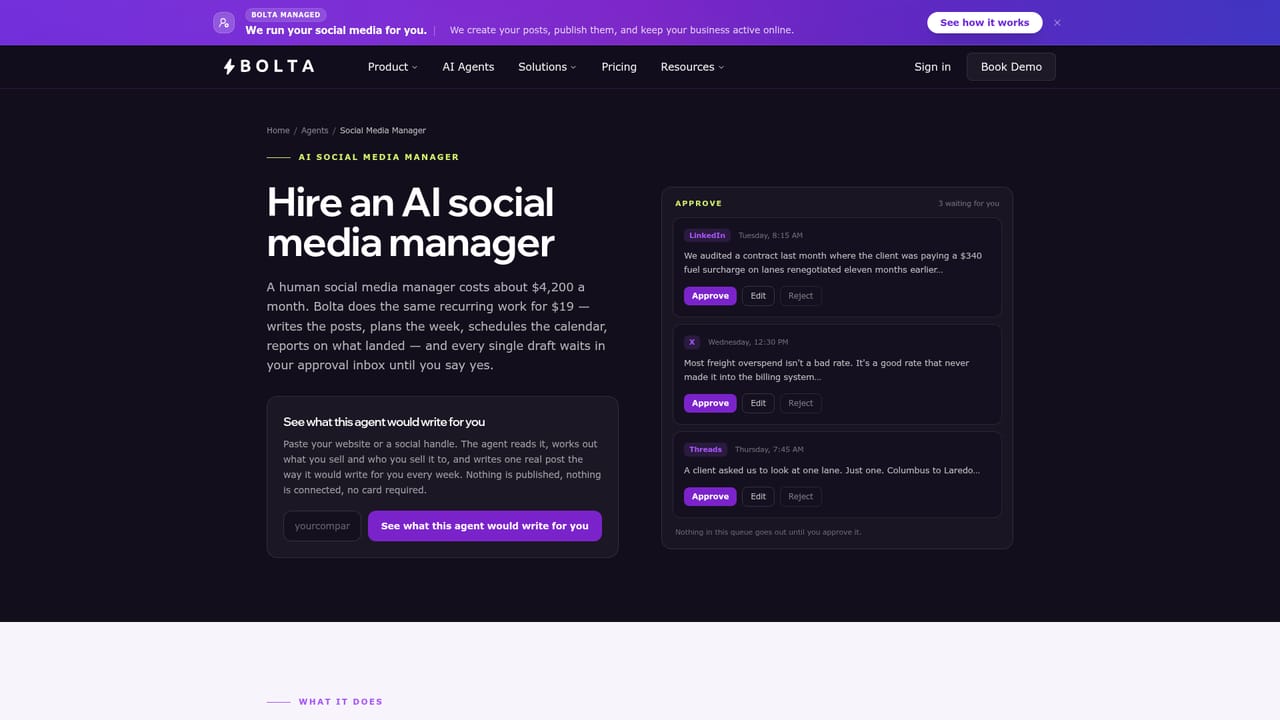
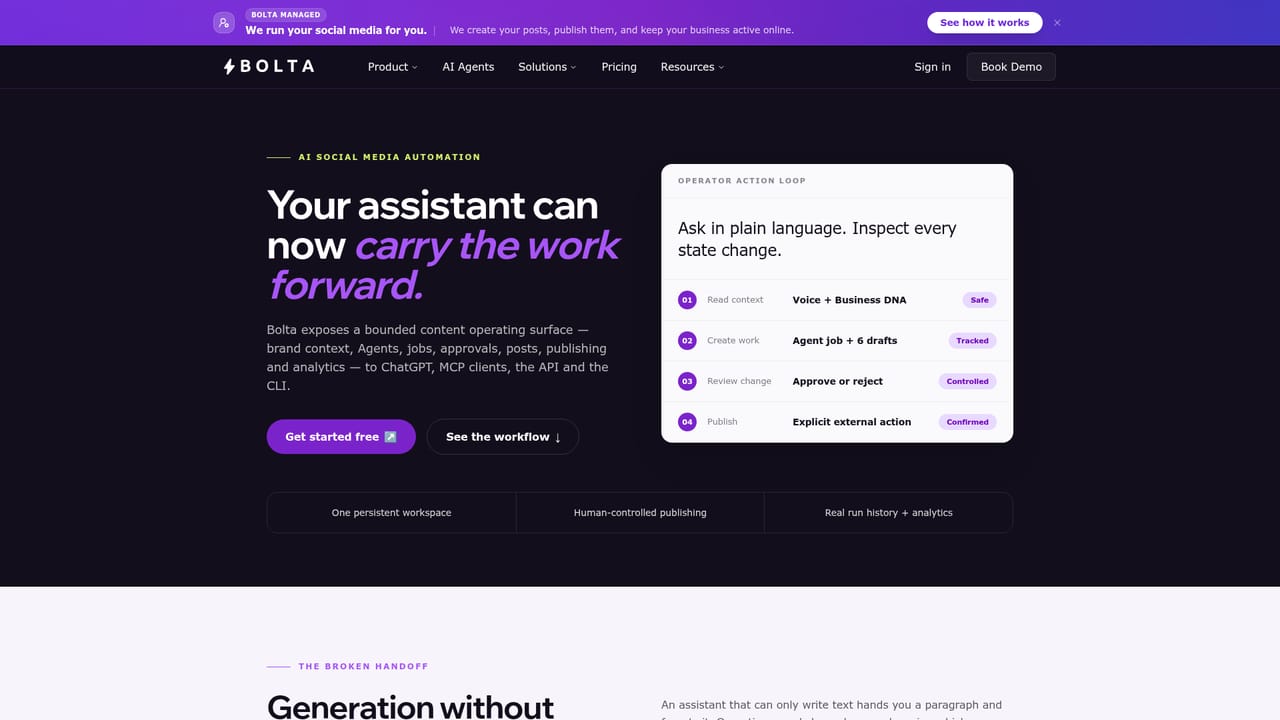
Bolta AI is an AI social media manager built around a small team of agents rather than a single composer. Instead of giving you a blank editor and a queue, it starts from your brand context: you supply your website, voice and goals once, and agents produce drafts that go into a review queue. Every post is routed through approval by default, so the human role shifts from writing to steering. The agent roster is split by job. A Content Agent creates recurring social posts on a schedule you define. An SEO-focused writer handles long-form articles, blogs and newsletters. A Reply Agent drafts responses to comments, a Prospecting Agent surfaces people and conversations worth joining, and a Performance Agent turns results into recommendations for what to publish next. Each agent runs on its own cadence and produces reviewable output, so you can pause one, rewrite its instructions or trigger a run on demand. Publishing covers LinkedIn, X, Threads, Instagram, Facebook, Reddit, Bluesky, Mastodon, Pinterest, Discord, Slack, WordPress and Skool, with copy adapted per network instead of duplicated everywhere. Autonomy is configured per workflow: keep everything approval-first, or let specific recurring loops publish unattended once you trust their output. Edits and rejections feed back into the voice profile, and a workspace can hold multiple voices for company and founder accounts. The product is aimed at founders who need consistent distribution without a writer, small teams and agencies juggling several brands and approvers, and technical operators who prefer to drive it through ChatGPT, MCP, the REST API or the CLI. Against conventional schedulers, the difference is where the queue comes from: Bolta fills it, you decide. A managed tier adds a human team that plans and publishes for you.

Paid plans start with a 7-day trial, and a free plan with no credit card is also offered so you can see agent output before paying.
Learn moreExplorer costs $19 per month with 250 AI credits and 5 social accounts. Premium is $49 per month with 650 credits, 20 accounts, two brands and three teammates. Team is $119 per month with 1,500 credits, 5 brands and 10 people. Managed is custom-priced. Annual billing saves 30 percent.
Learn moreBolta connects to social and publishing networks plus ChatGPT. A documented REST API with an OpenAPI 3.1 spec, an MCP server, OAuth 2.0, a CLI and a browser extension cover programmatic and in-browser use.
Learn moreAgents cover recurring content creation, long-form SEO writing, comment replies, prospecting and performance analysis. The workspace handles brand context, voice profiles, repurposing, approvals, scheduling, publishing and per-channel insights, with autonomy set per workflow and decisions attributed to team members.
Learn more AI Angels400+ customizable AI girlfriends for NSFW chat, voice calls, and roleplay
 Candy AIExperience the future of companionship with AI friends who chat, role-play, and connect with you on a human level.
 ourdream.aiA vast AI roleplay platform with millions of characters for chat, images, video and voiceAI Angels400+ customizable AI girlfriends for NSFW chat, voice calls, and roleplayCandy AIExperience the future of companionship with AI friends who chat, role-play, and connect with you on a human level.ourdream.aiA vast AI roleplay platform with millions of characters for chat, images, video and voice


