Free trial
Bolts Lite, Bolts and Bolts Pro start with a 30 minute free trial of real work. A card is required to start, and canceling before the trial ends means nothing is charged.
Learn moreAI employees that work on their own cloud computers and ask before acting

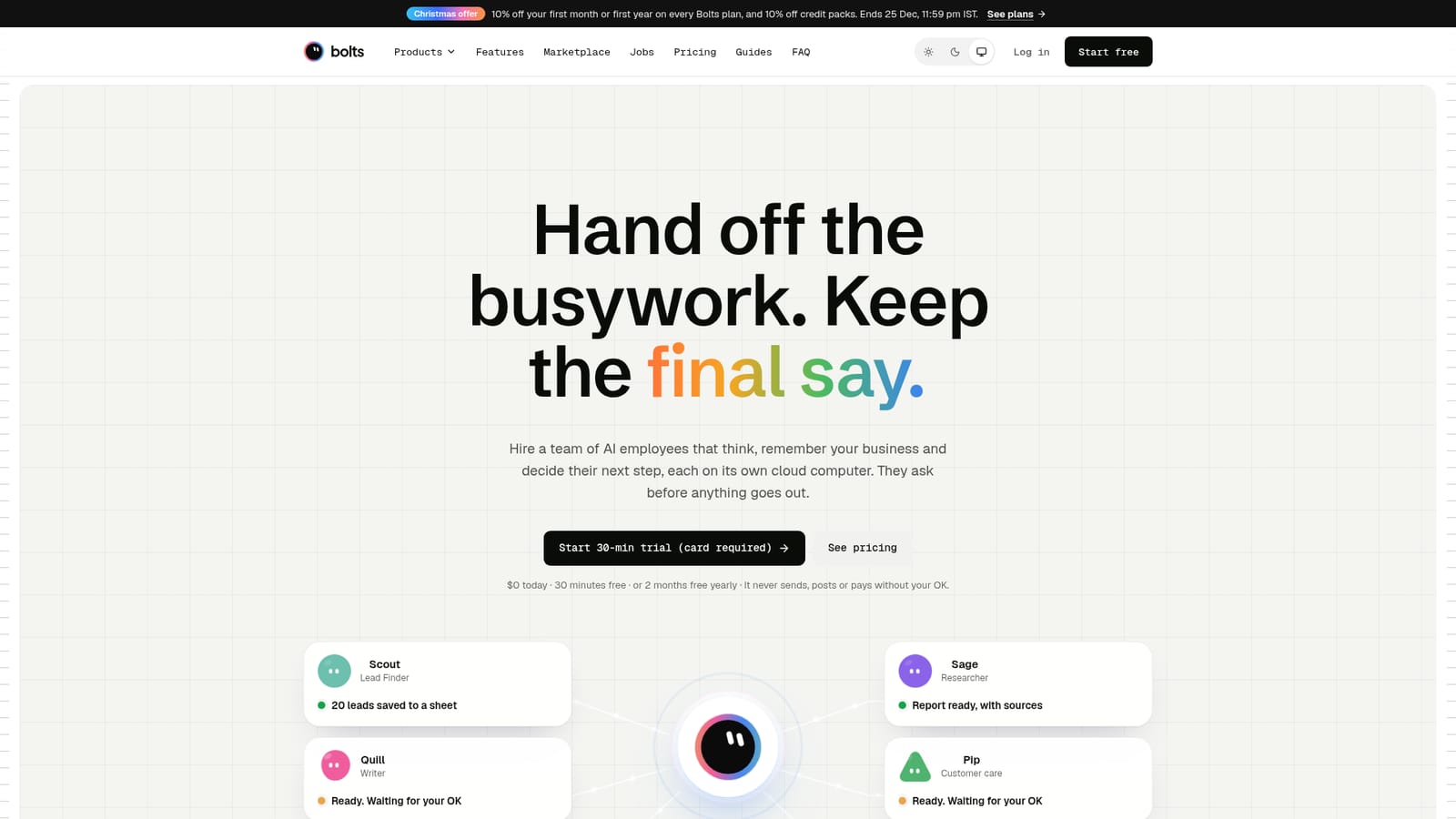
Bolts is a lead generation tool. Bolts provides AI employees that run on their own cloud computers, remember a business through a shared Business Brain, and always ask for approval before sending, posting, paying or deleting anything.
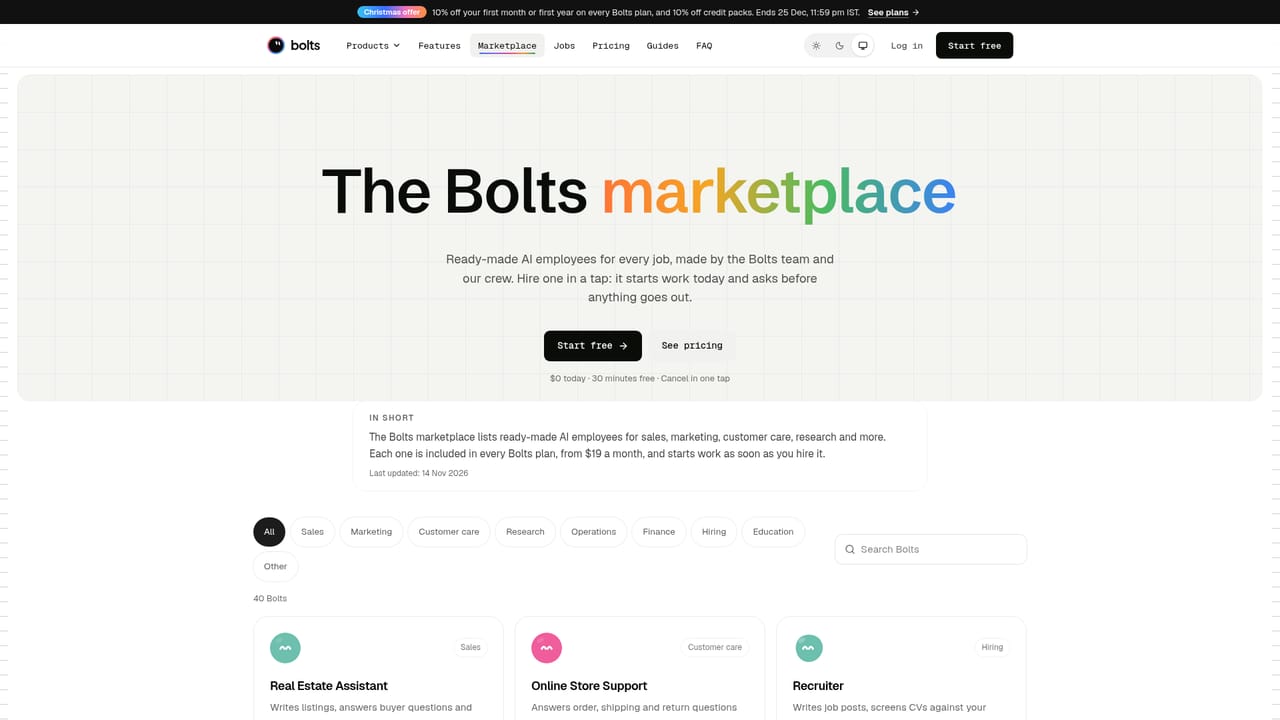
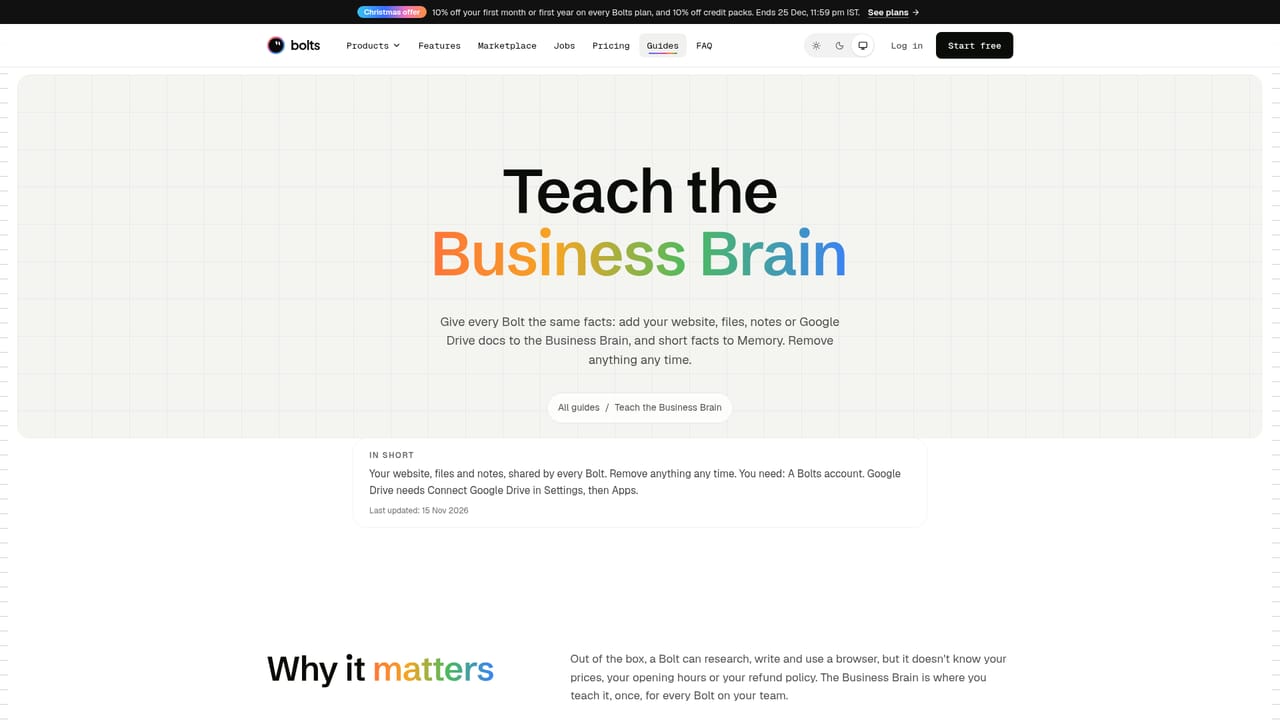
Bolts is an AI employee platform built by BuildItOmi. Each Bolt is assigned a single job, such as finding leads, tracking competitors, drafting outreach or writing weekly reports, and runs continuously on its own cloud computer rather than waiting for a prompt. Every Bolt draws on a shared Business Brain that stores prices, tone, refund rules and past corrections, so the whole team acts on the same facts without being retrained individually. The tool targets solo founders, small shop owners and agencies that want research, outreach and routine business admin handled without adding headcount. The marketplace lists 40 ready made Bolts covering roles like Lead Finder, Customer Reply Writer, Research Assistant and Weekly Report, and a custom Bolt can be described in a single sentence when none of the presets fit. In practice, a user states the job, the Bolt plans its approach, opens the sites and apps it needs, fills in forms, and produces files, posts or drafts. Logins are handled by the user taking over the Bolt's screen, so the Bolt never sees a password but remembers the sign in for later sessions. Nothing is sent, posted, paid or deleted until the user taps approve, and corrections are saved as lessons for future runs. Paid plans add live voice calls, multi day goals, a website chat widget that can answer visitors and book meetings from a calendar, and a Lead role that splits a larger goal across several Bolts. Bolts positions itself against general purpose AI agent and automation platforms, emphasizing persistent memory, scheduled routines and a mandatory approval step rather than one off chatbot replies. It suits businesses that need ongoing, semi autonomous execution of repetitive tasks but still want a human checkpoint before anything reaches customers or payment systems.
Bolts Lite, Bolts and Bolts Pro start with a 30 minute free trial of real work. A card is required to start, and canceling before the trial ends means nothing is charged.
Learn moreFour monthly plans billed in US dollars worldwide: Bolts Lite $19, Bolts $49, Bolts Pro $149 and Bolts Max $299, each with a credit allowance and a Bolt limit from 3 up to 200. Yearly billing gives two months free and includes a free setup.
Learn moreSupport is covered through an FAQ page answering common questions on pricing, trials, approvals and integrations, plus a general contact option for anything not addressed there.
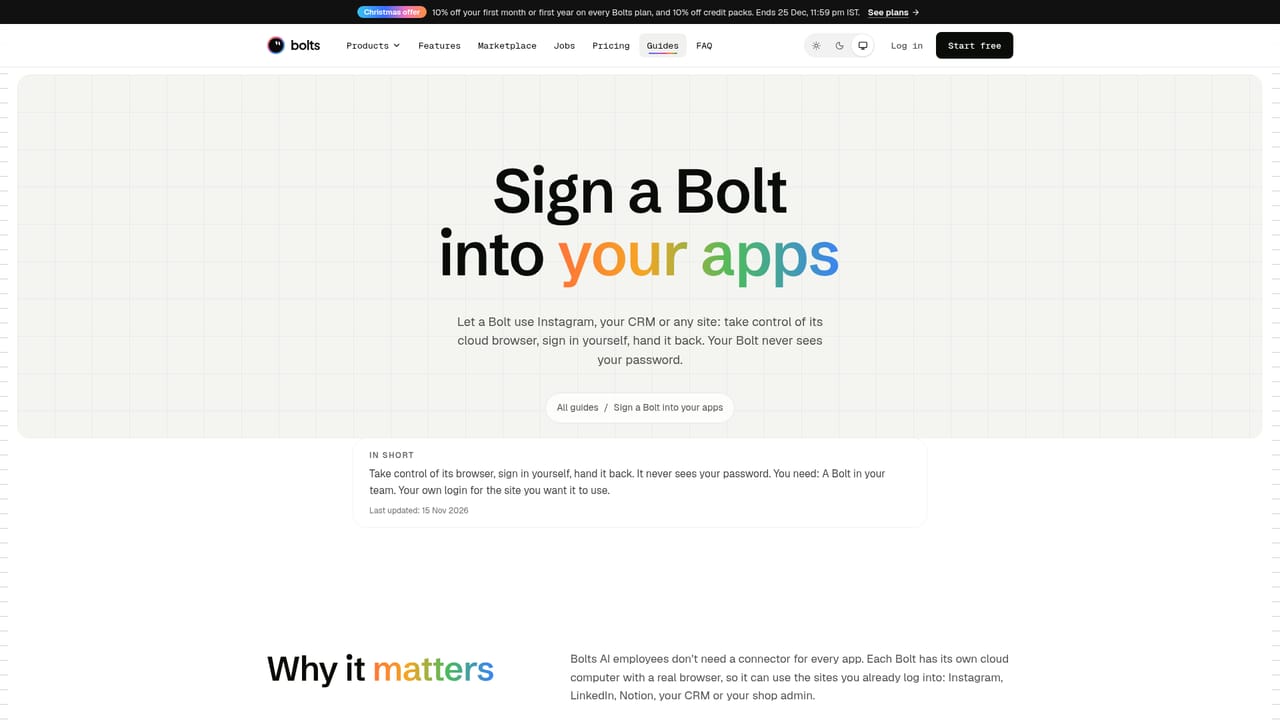
Learn moreBolts can use most sites and apps you can log into, including things like Instagram, Notion or a CRM. You manually sign the Bolt in by taking over its screen; the sign in is then stored encrypted and reused without exposing your password.
Each Bolt plans a task, works on its own cloud computer, and asks for approval before sending, posting, paying or deleting. Features include a shared Business Brain, routines, multi day goals, live voice calls, a Lead role that splits work across Bolts, a website chat widget, and content creation for posts, pictures, files and short videos.
Learn more AI Angels400+ customizable AI girlfriends for NSFW chat, voice calls, and roleplay
 Candy AIExperience the future of companionship with AI friends who chat, role-play, and connect with you on a human level.
 ourdream.aiA vast AI roleplay platform with millions of characters for chat, images, video and voiceAI Angels400+ customizable AI girlfriends for NSFW chat, voice calls, and roleplayCandy AIExperience the future of companionship with AI friends who chat, role-play, and connect with you on a human level.ourdream.aiA vast AI roleplay platform with millions of characters for chat, images, video and voice


