Free trial
Starting is free with no credit card and a magic-link login, but AI features are marked as requiring a subscription to use without limits.
Learn moreAn AI writing studio for novelists that remembers your whole story.

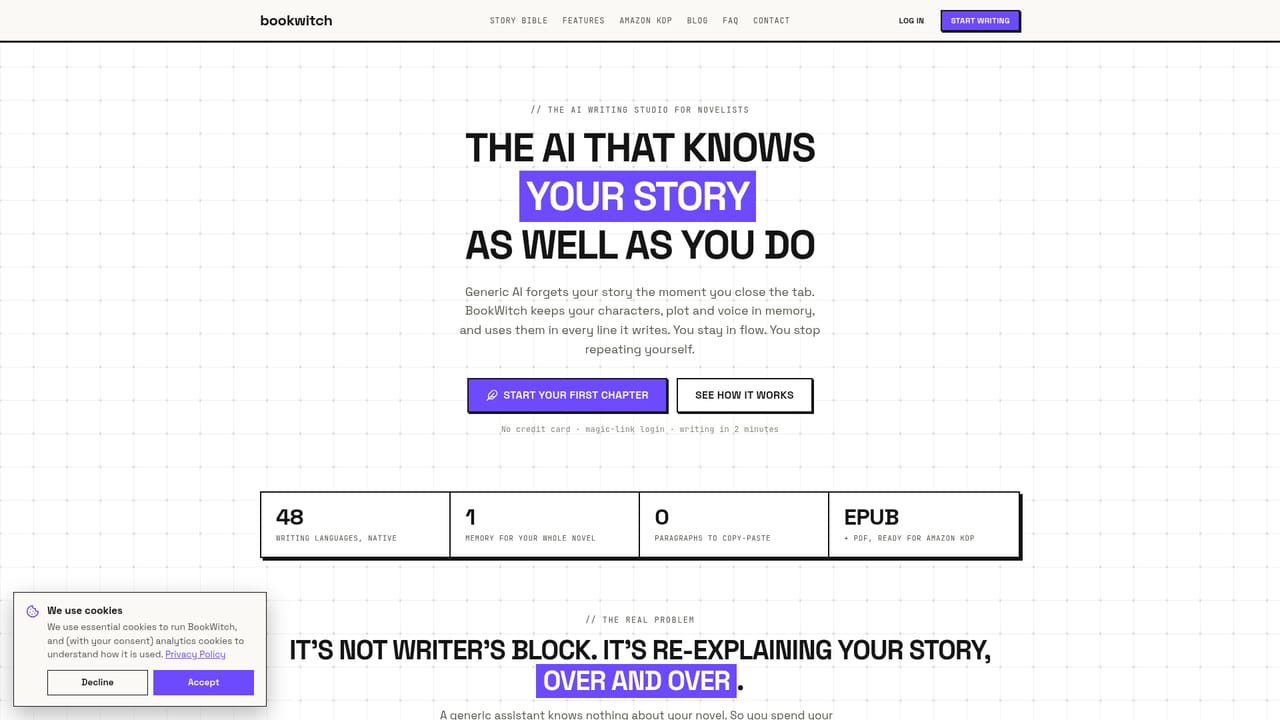
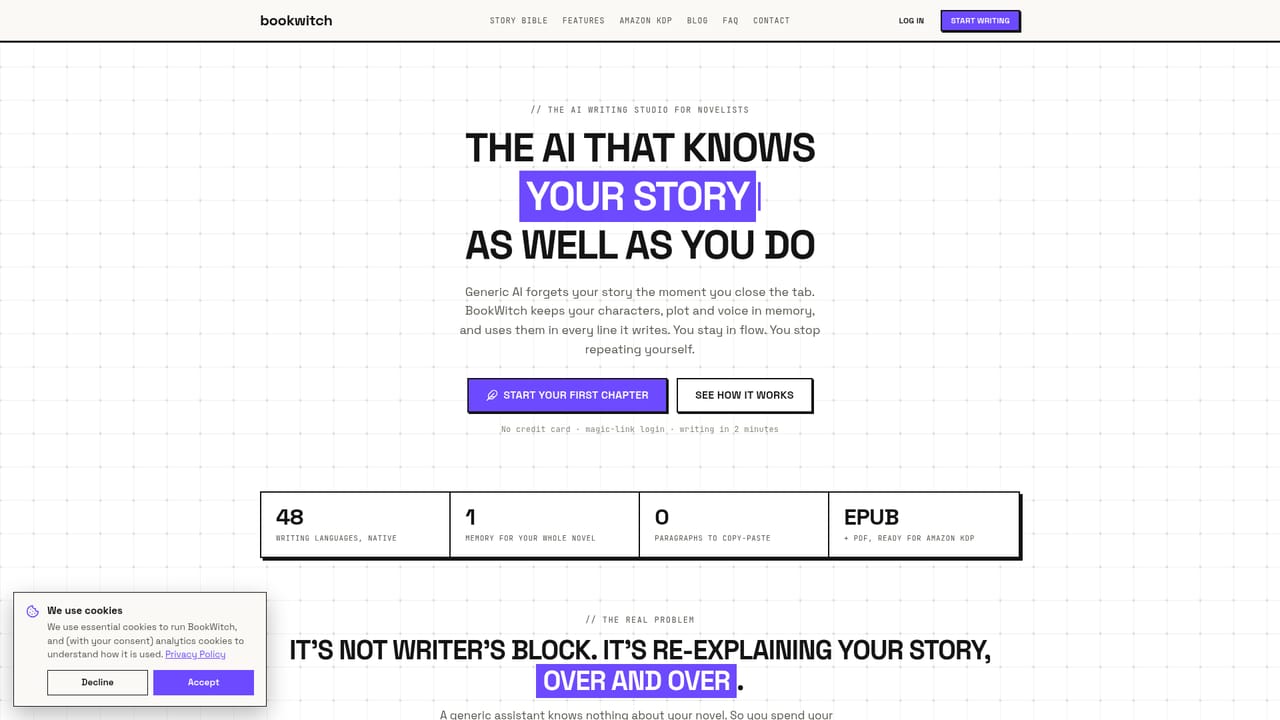
Book Witch is an AI book generator tool. BookWitch is a browser-based AI writing studio for novelists. A Story Bible of characters, places and plot is fed into every generation, suggestions land as accept-or-reject diffs, and finished manuscripts export as Kindle EPUB and print-ready KDP paperback PDFs with metadata and a pre-flight check.
BookWitch is a browser-based writing studio built around a simple premise: an AI assistant is only useful to a novelist if it remembers the novel. The product centers on a Story Bible, a set of sheets covering characters, locations, factions and objects. Authors describe each entry once, and the assistant draws on those sheets for every line it generates. Names link themselves as the manuscript is typed, and hovering an entry surfaces its sheet without leaving the page. The result is that continuity problems, the classic case of a character whose eye color quietly changes, are handled by the system rather than by re-pasting context into a prompt. The editor is where most of the work happens. Highlighting a sentence and invoking the assistant produces tightening, expansion or a tone shift; a keyboard shortcut drafts the next scene or continues a stalled one. Every suggestion arrives as a diff showing what was removed and what was added, so the author accepts or rejects line by line rather than pasting generated prose wholesale. Around the editor sit tools for the rest of the process: brainstorming from the existing world, outlining against established story structures, a scene board that tracks scenes from to-write to done, and an analysis pass that flags pacing issues, repetition and plot holes. A project copilot answers questions about the manuscript because it has read both the Story Bible and the chapters. The audience is novelists with long-form projects and a world to keep straight, particularly self-publishing authors working in romance, fantasy, thriller and dark fiction. BookWitch explicitly supports explicit and mature content and does not refuse or sanitize scenes in those genres. Writing is supported in 48 languages, with the AI planning, writing and editing in the project language, while the interface itself is available in English, French, Spanish, Portuguese and German. Existing manuscripts can be imported from .docx or .epub and are split into chapters and scenes. The publishing layer is what separates it from general chat assistants and from drafting-only tools. BookWitch exports a Kindle EPUB with a table of contents and a print-ready paperback PDF at the 16 KDP trim sizes, with margins computed from the actual page count. It drafts KDP metadata including title, seven keywords, categories and a book description, and runs a pre-flight check against Amazon's rules before upload. Authors still upload and publish through their own KDP account. Against Vellum, Atticus or Kindle Create, the pitch is consolidation: drafting, critique, formatting and metadata in one place, with exported manuscripts remaining the author's own property.
Starting is free with no credit card and a magic-link login, but AI features are marked as requiring a subscription to use without limits.
Learn moreSubscription plans gate unlimited AI use; the homepage points to a billing page and notes that starting is free with no credit card required. Specific tier prices and limits are not stated on the homepage.
Learn moreNo third-party integrations are described. Import is handled through .docx and .epub files, and export produces EPUB, PDF and document files.
Story Bible memory for characters, locations, factions and objects; a diff-based editor for continuing, tightening, expanding and tone-shifting scenes; brainstorming, outline beats, a scene board and manuscript analysis; a project copilot that has read the book; mature content support; 48 writing languages; EPUB and KDP paperback PDF export with metadata and a pre-flight check.
 AI Angels400+ customizable AI girlfriends for NSFW chat, voice calls, and roleplay
 Candy AIExperience the future of companionship with AI friends who chat, role-play, and connect with you on a human level.
 ourdream.aiA vast AI roleplay platform with millions of characters for chat, images, video and voiceAI Angels400+ customizable AI girlfriends for NSFW chat, voice calls, and roleplayCandy AIExperience the future of companionship with AI friends who chat, role-play, and connect with you on a human level.ourdream.aiA vast AI roleplay platform with millions of characters for chat, images, video and voice