Features
Library of AI characters to chat with, including anime characters, celebrities, heroes from books and movies, and historical figures. Account-based access with Google sign-in or email login.
Chat with anime, celebrity, book and historical AI characters
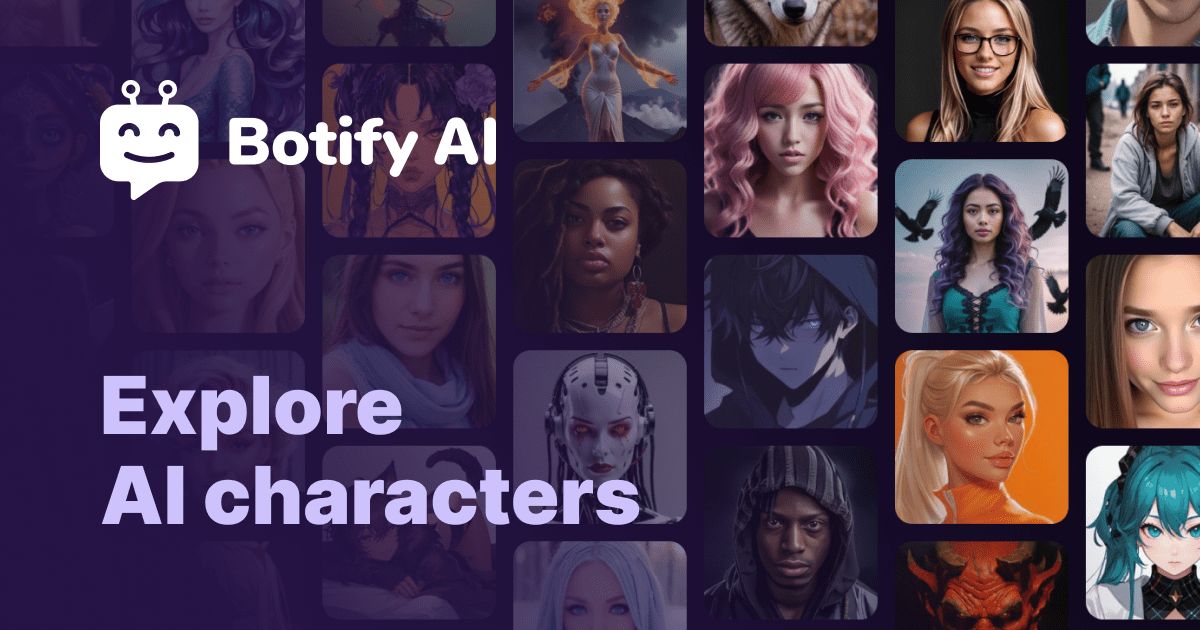
Botify is an AI character chat tool that chats with anime, celebrity, book and historical AI characters. Botify AI is a character chat service with a wide cast of AI personas, including anime characters, celebrities, book and movie heroes and historical figures.
Botify AI is a character chat platform built around a large library of AI personas. According to its own description, visitors can talk with anime characters, celebrities, heroes from books and movies, and historical figures. The directory files it under the AI girlfriend task, which points to the companion and roleplay side of the product, though the homepage itself only shows a login screen and a short meta description. Access works through an account. The page presented to visitors is a sign-in and sign-up form with a Continue with Google option, a standard email and password route with a forgot-password link, and links to the Terms of Service and Privacy Policy. In practice, a user signs in, browses or picks a character, and starts a text conversation with that persona. Details such as how characters are discovered, whether users can create their own, or how memory and voice behave are not stated on the homepage, so they cannot be confirmed here. The audience is mostly people who want entertainment or companionship from conversation: fans who want to talk with a favorite fictional figure, users curious about chatting with a celebrity-style or historical persona, and those looking for a relationship-style companion. Because the entry point is a plain login wall, there is no public demo on the homepage, and prospective users have to create an account to judge the quality of the characters. Among alternatives, Botify AI sits in the same space as other persona chat services, where the main differentiator is the size and variety of the character catalog rather than a specific productivity feature. It suits casual, character-driven conversation more than task work. Anyone weighing it should check the terms and privacy policy linked from the sign-in page, since conversations with companion characters can be personal, and the homepage gives no pricing or platform information to compare against rivals.
Library of AI characters to chat with, including anime characters, celebrities, heroes from books and movies, and historical figures. Account-based access with Google sign-in or email login.
 AI Angels400+ customizable AI girlfriends for NSFW chat, voice calls, and roleplay
 Candy AIExperience the future of companionship with AI friends who chat, role-play, and connect with you on a human level.
 ourdream.aiA vast AI roleplay platform with millions of characters for chat, images, video and voiceAI Angels400+ customizable AI girlfriends for NSFW chat, voice calls, and roleplayCandy AIExperience the future of companionship with AI friends who chat, role-play, and connect with you on a human level.ourdream.aiA vast AI roleplay platform with millions of characters for chat, images, video and voice