Support
Support runs through a contact page for booking a call or demo, plus a managed account option where Botika's AI creative team produces a launch set with the brand. A creative partner program is open for applications.
Learn moreTurn flat lays and ghost mannequin shots into on-model fashion photos

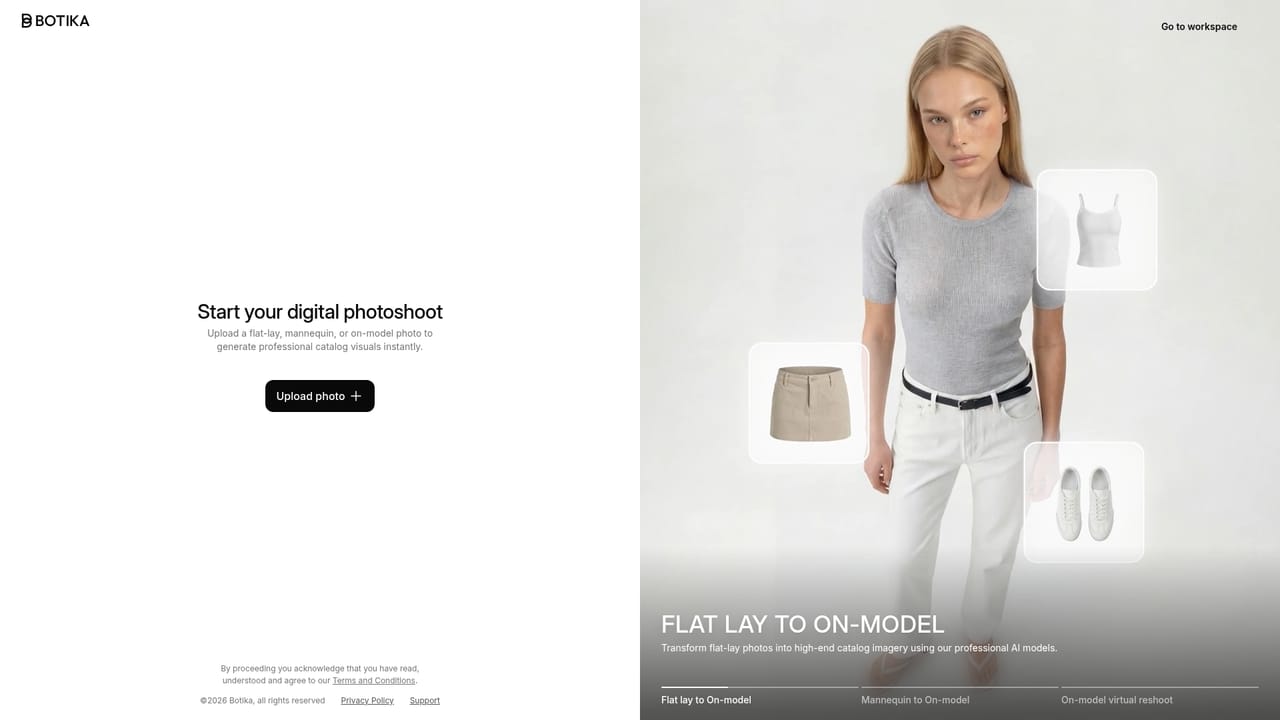
Botika is an AI lookbook tool that turns flat lays and ghost mannequin shots into on-model fashion photos. Botika converts flat lays and ghost mannequin photos into on-model fashion imagery using a library of 150+ AI models. Built for apparel brands that want catalogue consistency and campaign scenes without studio production, with bulk generation and 4K output.
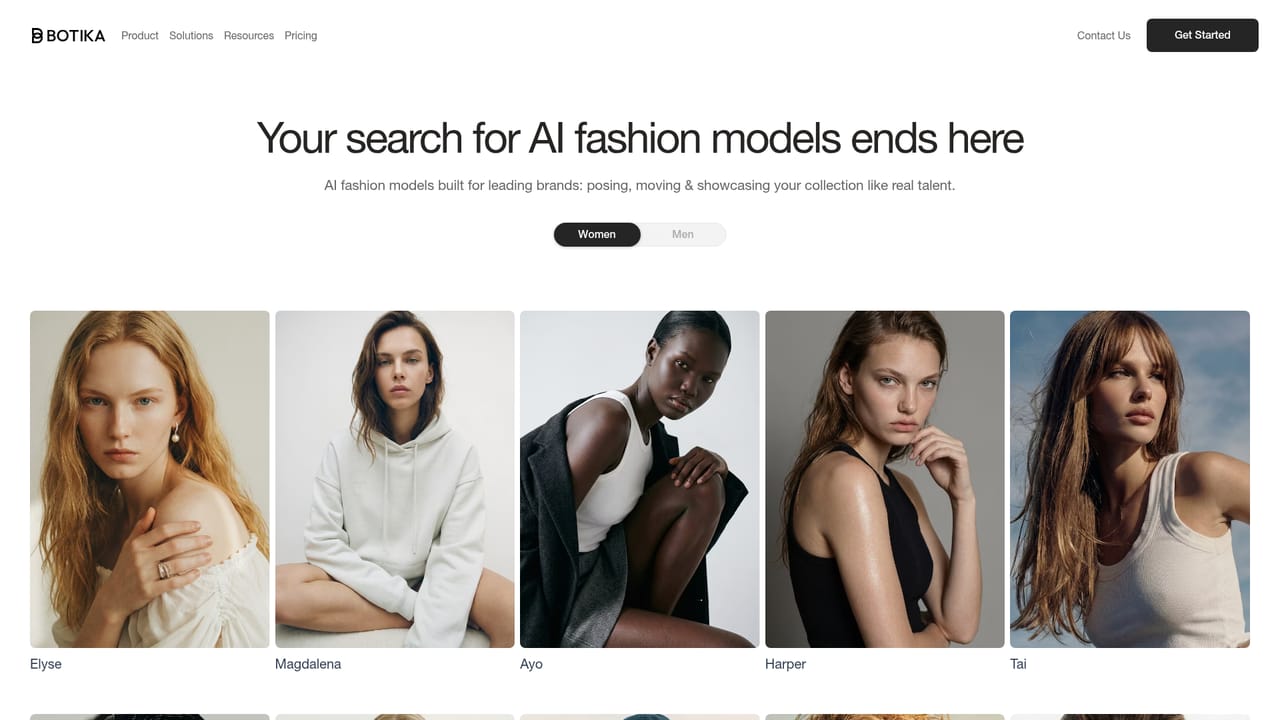
Botika is an AI fashion model generator built for apparel brands that need on-model product photography without booking a studio, a photographer or a model. The input is imagery most brands already have: flat lays, hanger shots, ghost mannequin photos or existing product images. Botika returns the same garment worn by a generated model, with the pose, framing and background chosen by the team. The library holds more than 150 AI models spanning body types, skin tones and markets, which lets a brand pick a consistent face and reuse it across an entire collection. Consistency is the core selling point: thousands of products can share the same model, lighting and framing so a category page reads as one coherent shoot. A separate editorial mode moves a single garment into campaign scenes with different locations, light and moods, covering product pages, paid ads and social from one source image. Bulk upload and bulk generation are supported, and images and background swaps are delivered at 4K. In practice the tool sits between a spreadsheet of product shots and a finished web catalogue. A merchandiser uploads the season's garments, assigns a model and scene, and generates imagery on a timeline measured in hours rather than the six weeks cited in one customer story. Botika reports 3,000 fashion brands publishing on the platform and over 500,000 images and videos produced monthly. For teams without in-house production capacity, a managed account pairs the brand with Botika's own creative team to deliver a launch set before launch day. The closest alternatives are general AI image generators, which can render a model but struggle to keep prints aligned and logos correctly placed, and traditional ecommerce photo studios, which cost more and move slower. Botika trades breadth for depth: it is a specialist clothing tool, and brands outside apparel will find little use for it. Forever 21, Jordache, La Redoute, Perry Ellis and Nil+Mon appear among its published clients.
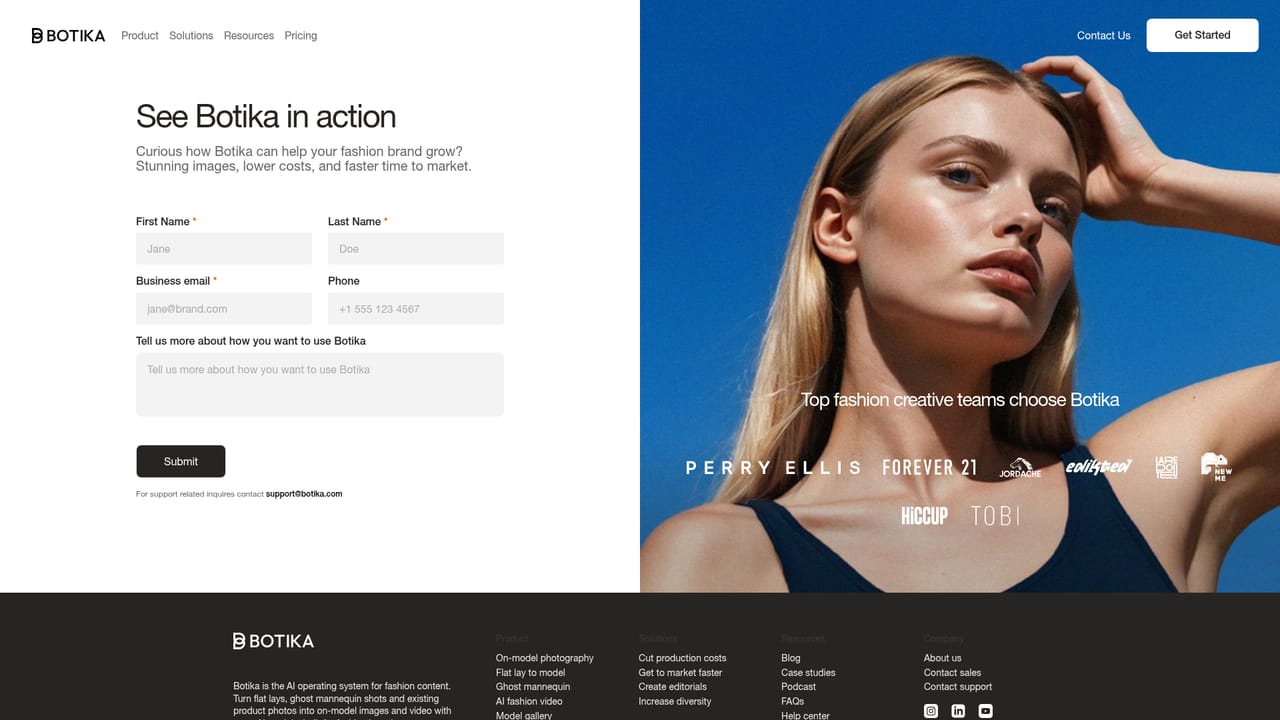
Support runs through a contact page for booking a call or demo, plus a managed account option where Botika's AI creative team produces a launch set with the brand. A creative partner program is open for applications.
Learn moreFlat lay, hanger and ghost mannequin images converted into on-model photography. A library of 150+ AI models with varied body types, skin tones and markets. Bulk upload and bulk generation for full collections. Editorial mode for campaign scenes from the same garment. Consistency of model, light and framing across large catalogues. 4K delivery resolution on images and background swaps.
 AI Angels400+ customizable AI girlfriends for NSFW chat, voice calls, and roleplay
 Candy AIExperience the future of companionship with AI friends who chat, role-play, and connect with you on a human level.
 ourdream.aiA vast AI roleplay platform with millions of characters for chat, images, video and voiceAI Angels400+ customizable AI girlfriends for NSFW chat, voice calls, and roleplayCandy AIExperience the future of companionship with AI friends who chat, role-play, and connect with you on a human level.ourdream.aiA vast AI roleplay platform with millions of characters for chat, images, video and voice